The 10 Best AI Tools for Architecture Design in 2027
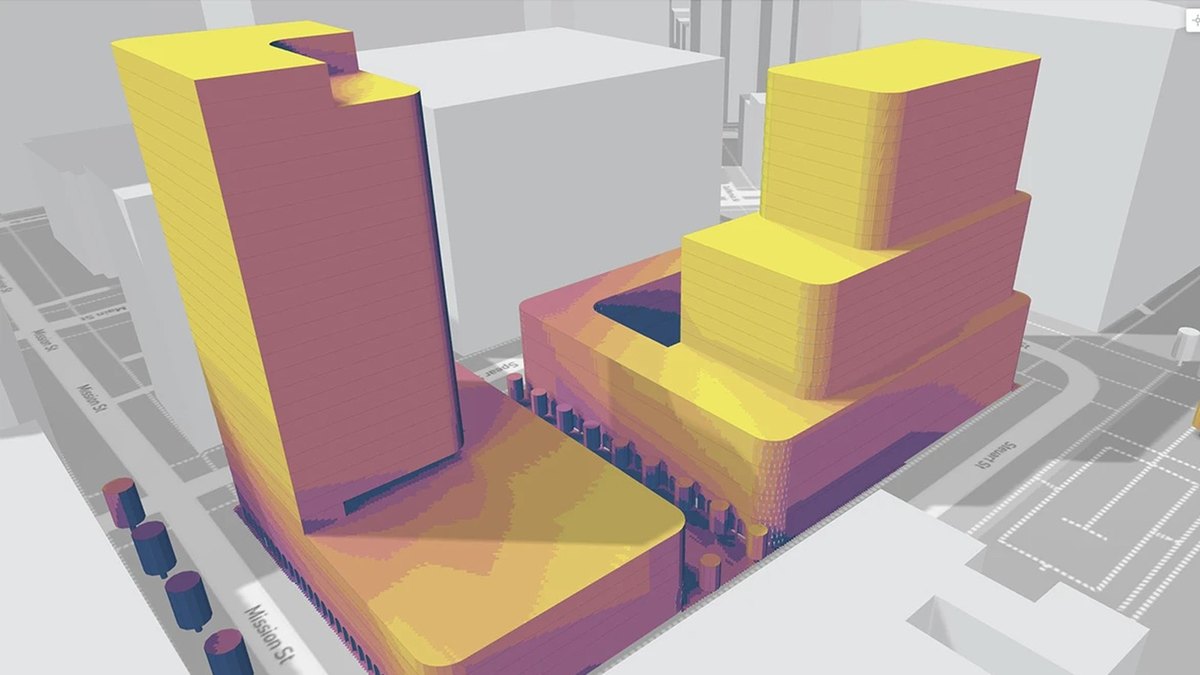
Autodesk Forma is the best AI tool for architecture design: AI-powered site planning, massing and environmental analysis from $59 a month paid annually, with a 30-day free trial. Veras is #2 for turning your 3D model into photoreal images from $16.90 a month, and TestFit is #3 for site feasibility.
At a glance
| # | Pick | Price | Best for |
|---|---|---|---|
| 1 | Autodesk Forma | Forma Site Design $59 a month paid annually, or $85 paid monthly | Early site planning, massing and environmental analysis |
| 2 | Veras | Starter $16.90 a month and Pro $29 a month, billed annually ($202.80 and $348 a year) | Turning a 3D model or sketch into a photoreal concept image or video |
| 3 | TestFit | Parking Solver $195 a month; Site Solver from $15,000 a year | Testing how many units or stalls fit on a site before a deal |
| 4 | Snaptrude | Free $0 for one project; Individual $60 a month; Organization $100 a month billed annually | Going from an RFP to a BIM model in one app |
| 5 | Finch | Free €0; Basic €79 a month billed monthly; Enterprise €14,500 a year with 3 seats minimum | Generating and comparing floor plan options on residential and high-rise projects |
| 6 | Hypar | Personal free; Professional $100 per user per month | Test-fitting a program on floor plans live with a client |
| 7 | D5 Render | Community free for non-commercial use; Pro $30 a month ($360 a year); Teams $59 a month | Real-time rendering and presentations of a finished design |
| 8 | Maket | Free $0 with 30 one-time credits; Homeowner $20 a month; Pro $100 a month | Generating house floor plans and style renders for homeowners and small builders |
| 9 | LookX AI | Not published | Sketch-to-render concept images with your own trained style |
| 10 | ARCHITEChTURES | Pro $49 a month or $588 a year billed annually; Business $294 a month | Optimizing residential developments with area and cost data |
Pick by what you want
The ranking
Autodesk Forma
Autodesk Forma is AI-powered cloud software for site planning and analysis. You create your site and massing in minutes with design automations, run environmental analyses inside the massing model, and turn your proposal into a geolocated Revit project. Forma Site Design is $59 a month paid annually or $85 paid monthly, with a 30-day free trial.
Veras
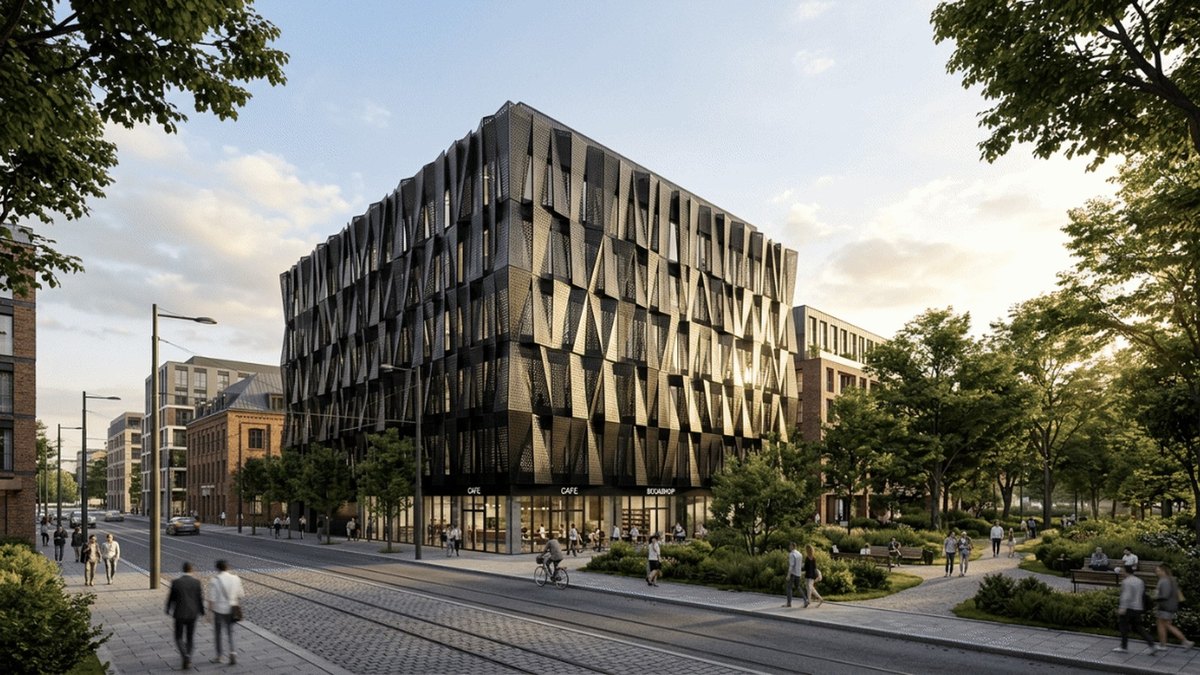
Veras turns a sketch, image or prompt into a fully editable 3D scene, and a 3D model into a photoreal image or animation. It works with Revit, SketchUp, Rhino, Archicad, Vectorworks, Forma and Allplan. Starter is $16.90 a month and Pro $29 a month, billed annually, with 500 and 2000 AI credits a month and a 14-day free trial.
TestFit
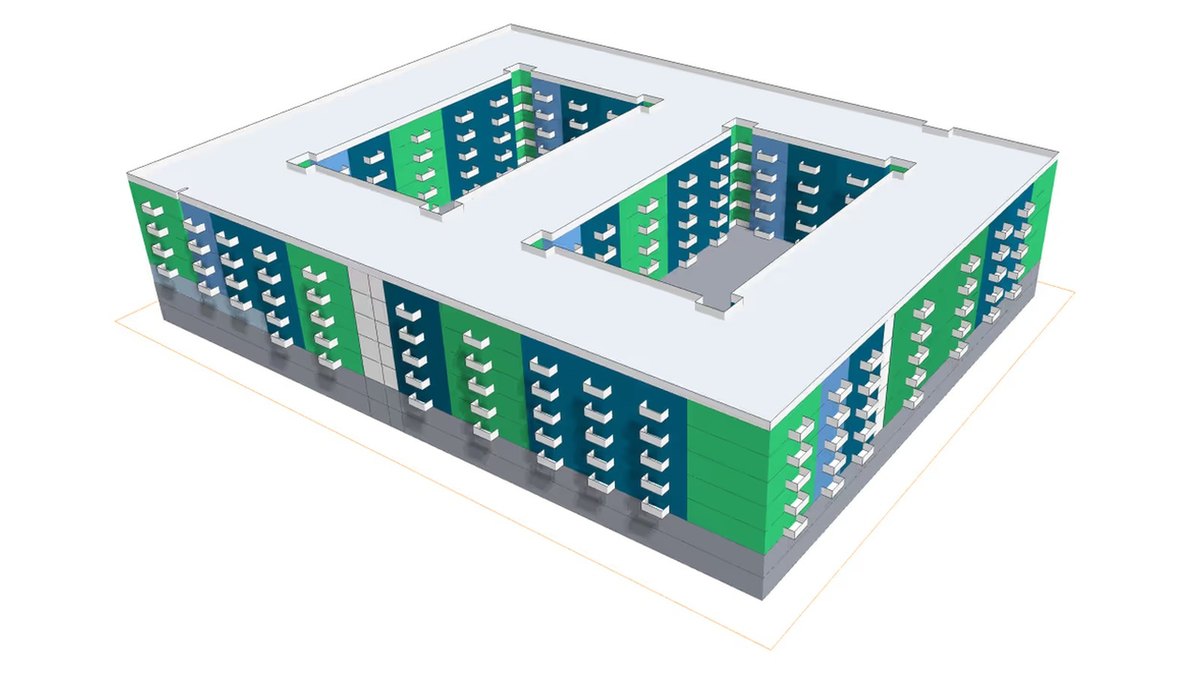
TestFit is a real estate feasibility platform for site planning, massing and parking layouts. Parking Solver is $195 a month and Site Solver starts at $15,000 a year; the Site Intelligence add-on is +$150 a month for zoning, environmental data and 3D terrain. Revit and SketchUp integrations are in all plans, and it has 6,200+ users.
Snaptrude
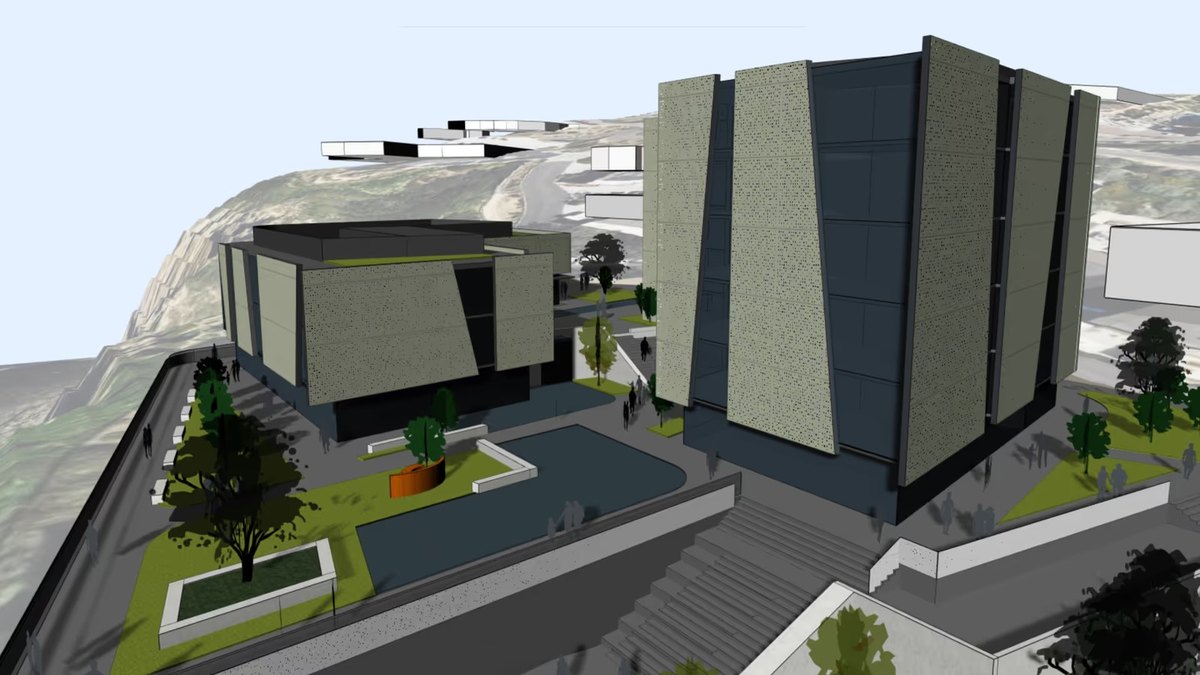
Snaptrude puts Site Analysis, Programming, Massing, BIM and Presentation in one model, and can generate a detailed program from prompts or an uploaded RFP and site. Free is $0 for one project, Individual is $60 a month and Organization $100 a month billed annually. You can present in Snaptrude or export to Rhino and Revit.
Finch
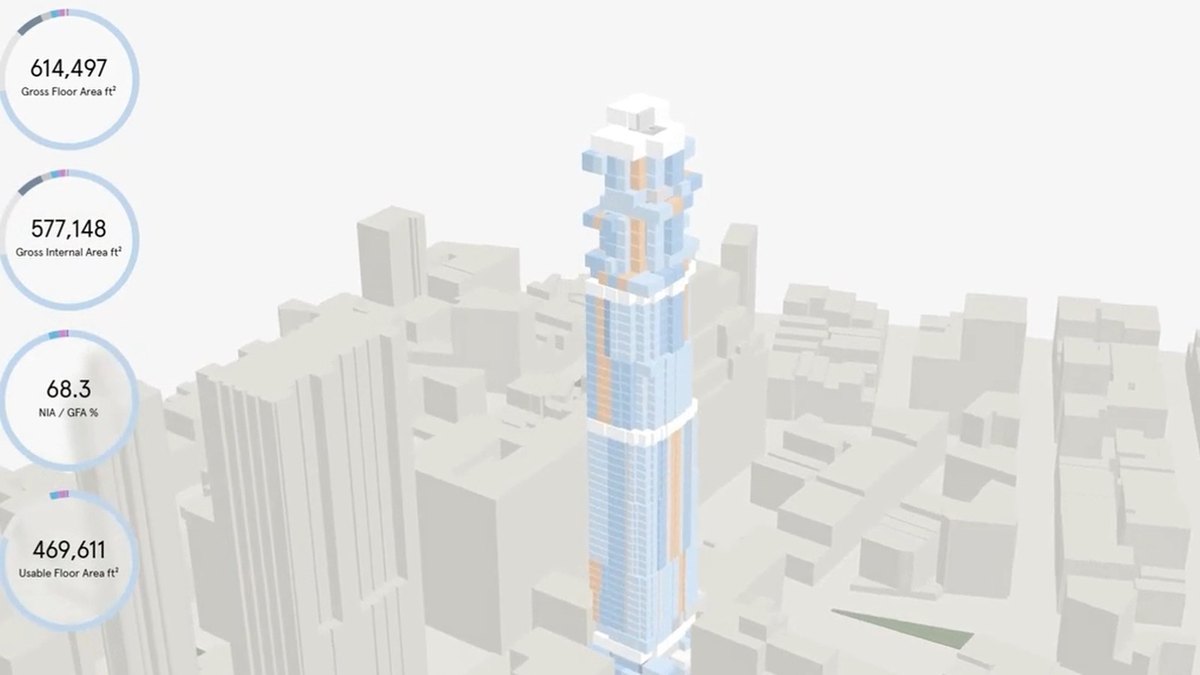
Finch generates buildable floor plans grounded in your firm’s standards and local codes, and lets you test thousands of design options. Free is €0, Basic is €79 a month billed monthly with a 14-day free trial, and Enterprise is €14,500 a year with 3 seats minimum, adding AI floor plan generation, code and compliance checks and an AI agent.
Hypar
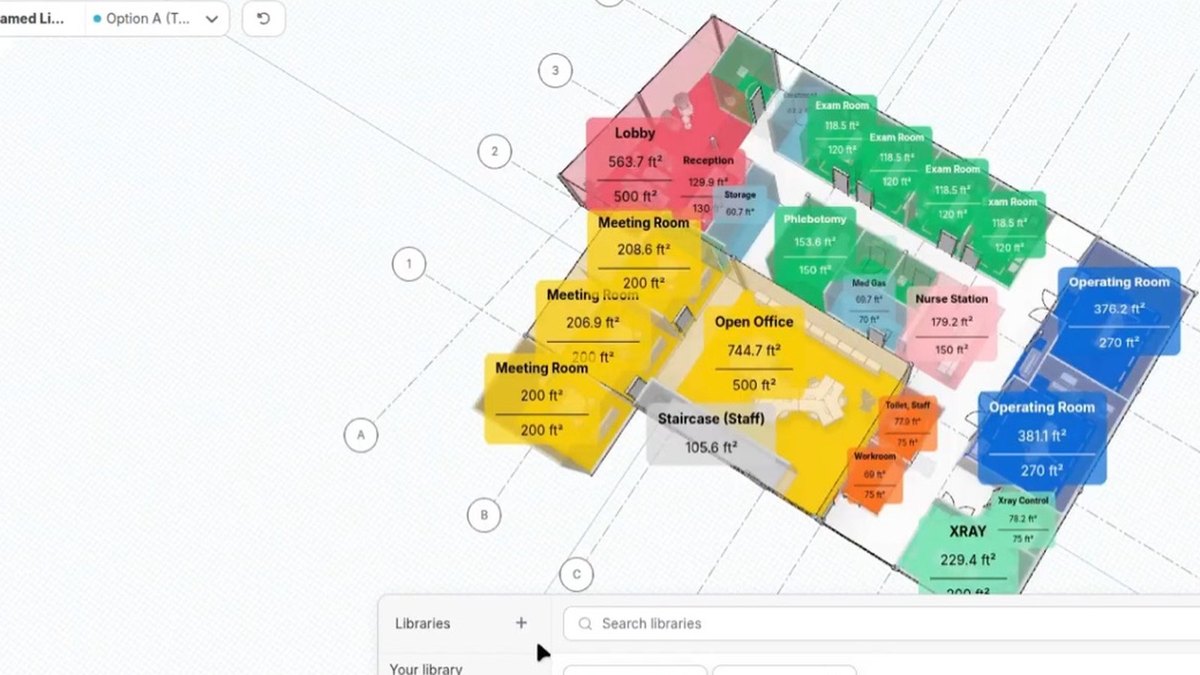
Hypar is space-planning software for testing program layouts on floor plans live with a client. Personal is free for 3 projects and 1 option; Professional is $100 per user per month with unlimited projects and options, a live client link and clearance conflicts flagged as you draw. It exports to Revit, plus DWG and DXF on Professional.
D5 Render
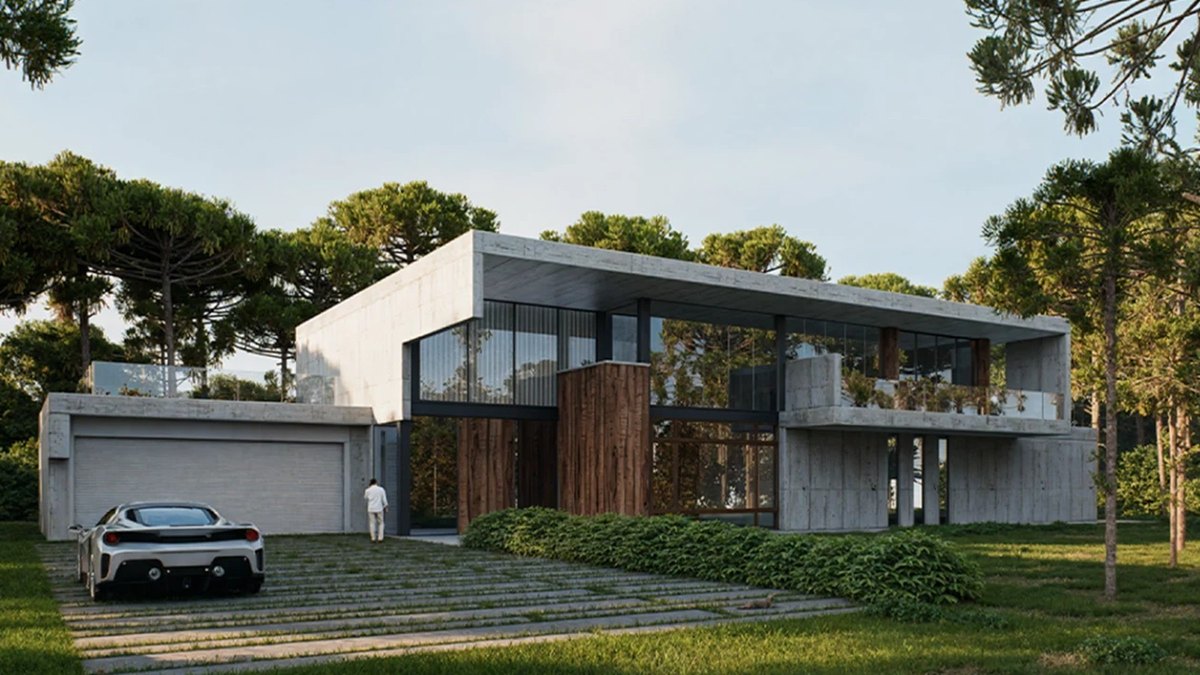
D5 Render is real-time rendering software with AI features. Community is free for non-commercial use, Pro is $30 a month ($360 a year) with unlimited AI features and 16,000+ official assets, and Teams is $59 a month. Even the free plan renders images and panoramas up to 16K and video up to 4K.
Maket
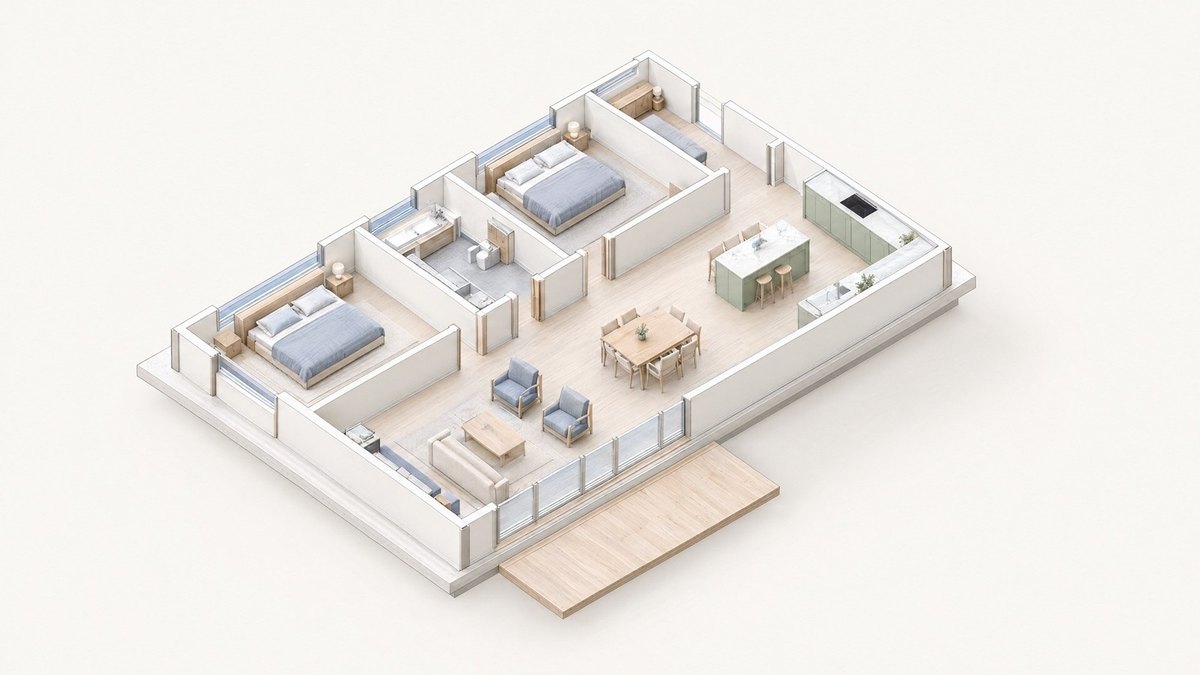
Maket generates house floor plans from a prompt and renders them in different styles, with 8M+ floor plans created. Free is $0 with 30 one-time credits, Homeowner is $20 a month with 300 credits and Pro is $100 a month. A floor plan costs 20 credits and a render 10.
LookX AI

LookX AI transforms text and sketches into rendering images instantly, lets you train custom AI models on images in a similar style, and integrates with SketchUp and Rhino. Its pricing page lists no prices, so cost is not published.
ARCHITEChTURES
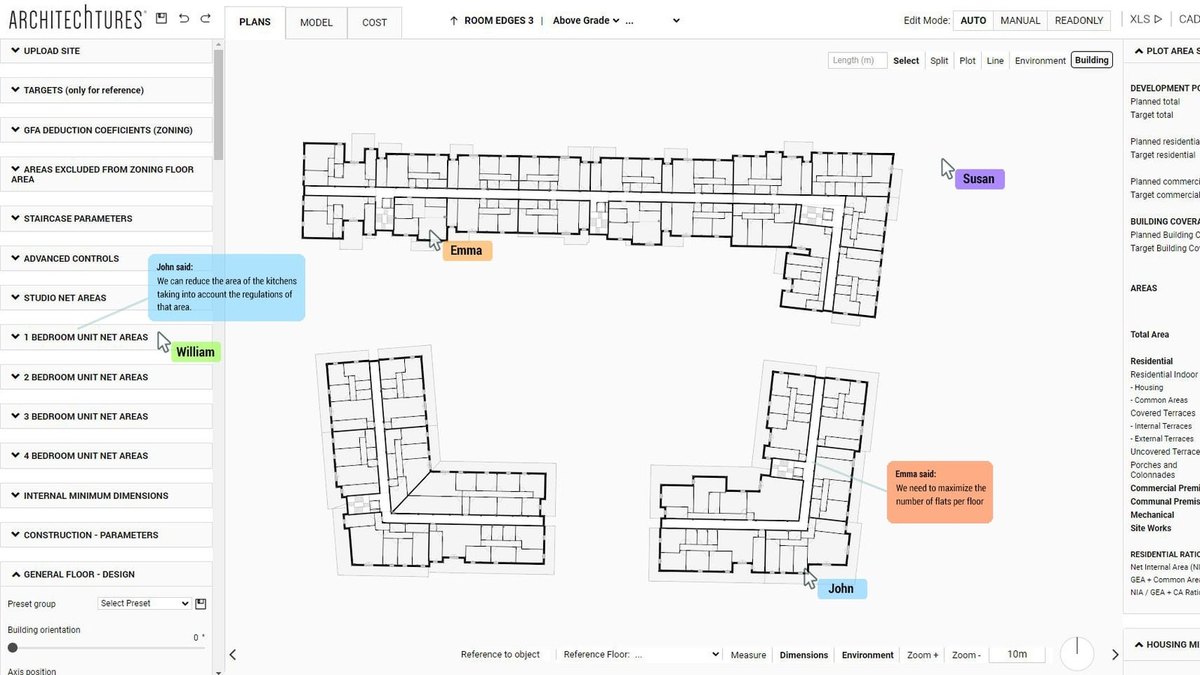
ARCHITEChTURES is a generative AI platform for residential building design. Pro is $49 a month or $588 a year billed annually with a 7-day free trial and unlimited generations (for now); Business is $294 a month. It offers unlimited downloads in XLSX, DXF and IFC.
How we ranked these
Questions people ask
What is the best AI tool for architecture design?
Autodesk Forma: AI-powered site planning and analysis with massing in minutes, from $59 a month paid annually and a 30-day free trial.
Which AI tool turns a 3D model into a realistic image?
Veras works inside Revit, SketchUp, Rhino, Archicad, Vectorworks, Forma and Allplan, with plans from $16.90 a month billed annually and a 14-day free trial.
Is there a free AI tool for architects?
Yes. Snaptrude has a free plan for one project, Hypar has a free Personal plan, Maket has a free plan with 30 one-time credits and D5 Render has a free Community plan for non-commercial use.
Which tool generates floor plans?
Maket generates house floor plans (a floor plan costs 20 credits), while Finch generates buildable floor plans grounded in your firm’s standards and local codes.
Monthly price of the cheapest paid plan in USD, as listed on each maker’s pricing page (most are billed annually) at a glance
Official sites
- Autodesk Forma · autodesk.com
- Veras · chaos.com
- TestFit · testfit.io
- Snaptrude · snaptrude.com
- Finch · finch3d.com
- Hypar · hypar.io
- D5 Render · d5render.com
- Maket · maket.ai
- LookX AI · lookx.ai
- ARCHITEChTURES · architechtures.com
Sources
- autodesk.com
- testfit.io
- snaptrude.com
- finch3d.com
- hypar.io
- d5render.com
- maket.ai
- lookx.ai
- architechtures.com
Prices, specs and availability change; confirm on the official site before you buy.