The 10 Best AI Tools for Brainstorming Ideas in 2027
By Kory White · Updated Oct 2026 · 6 min read
Direct answer
Miro AI is the best AI tool for brainstorming ideas: an AI-powered canvas where teams brainstorm in real time and the AI can cluster sticky notes and summarize themes, with a free plan. ChatGPT is #2 for solo brainstorming, including by voice, and Claude is #3 for turning a half-formed idea into a draft.
Figma’s AI features are free while in beta with usage limits and will become paid when generally available; Figma lists Starter as free and a Professional Full seat at $16 per month
Product and design teams already working in FigJam who want AI to sort stickies
No free plan: new accounts start a 14-day trial; Starter is listed at €12 and Expert at €29 per month before a launch discount
Facilitators running live ideation workshops with groups
Pick by what you want
Best for teams
Miro AI
Best solo chat partner
ChatGPT
Best idea-to-draft
Anthropic Claude
Best for mind maps
Whimsical AI
Best for live workshops
Stormz
The ranking
1
Miro AI
Answrs VerdictThe best all-round AI brainstorming canvas for teams.
Price: Free plan $0 with 3 editable boards and the ability to try AI features; Starter $8 and Business $20 per member per month, billed yearlyBrainstorm canvas: Puts your team on one AI-powered canvas to collaborate in real time on a brainstormClustering: Miro AI can cluster sticky notes or summarize themes during a sessionFacilitation: Built-in timers, voting and breakout frames for running a session, including remotelyAI credits: Starter includes 25 AI credits per member per month and Business 50; the Free plan lists a limited trial
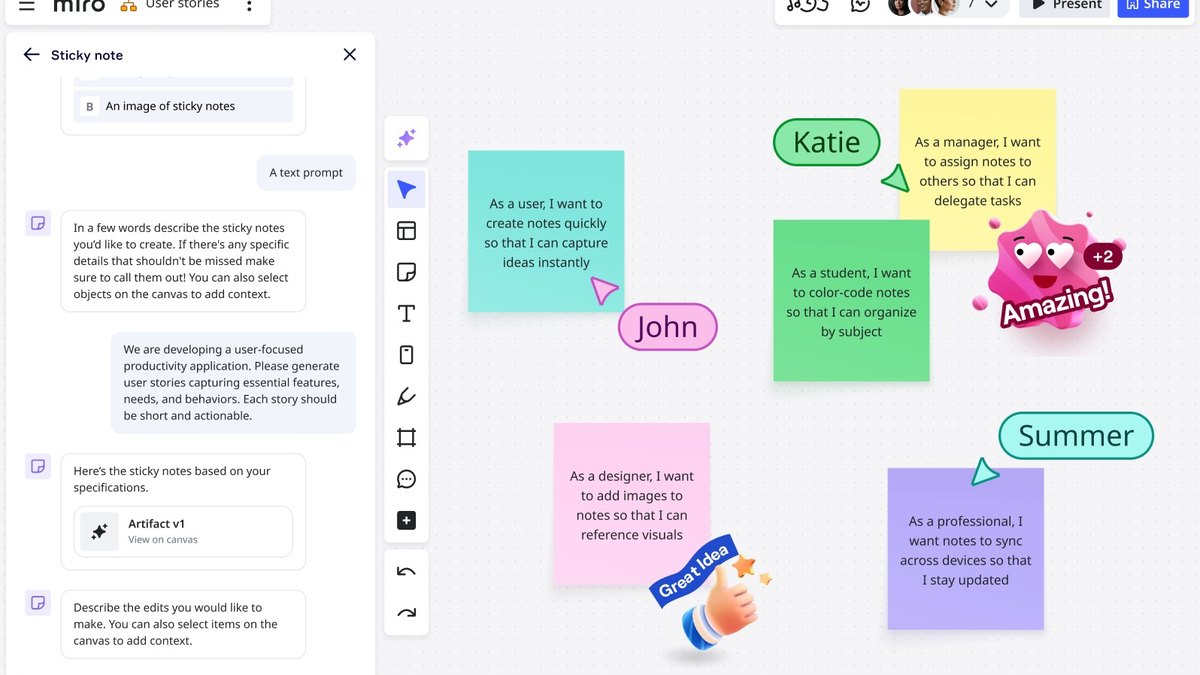
Miro puts your team on one AI-powered canvas to brainstorm in real time. Miro AI can cluster sticky notes or summarize themes, and built-in timers, voting and breakout frames help facilitate a session, including remotely. The Free plan is $0 with 3 editable boards and a chance to try AI features; Starter is $8 and Business $20 per member per month, billed yearly.
Go ifTeams that brainstorm together on a shared canvas and want AI to group the sticky notes
Skip ifYou only need a solo chat assistant to throw out ideas
Why #1 over #2: It combines a shared canvas, facilitation tools and AI grouping, which a solo chat like ChatGPT does not.
2
ChatGPT
Answrs VerdictThe most flexible solo brainstorming partner.
Price: Free is $0 per month; Go is $8, Plus is $20 and Pro is from $100Brainstorming: OpenAI’s overview says to use voice to brainstorm, practice, learn, or keep moving while you are away from your keyboardBrainstorm prompts: Its travel page includes a “Brainstorm where to go based on your interests” promptEveryday chat: Everyday text chats are listed as unlimited on every plan, with limits applying
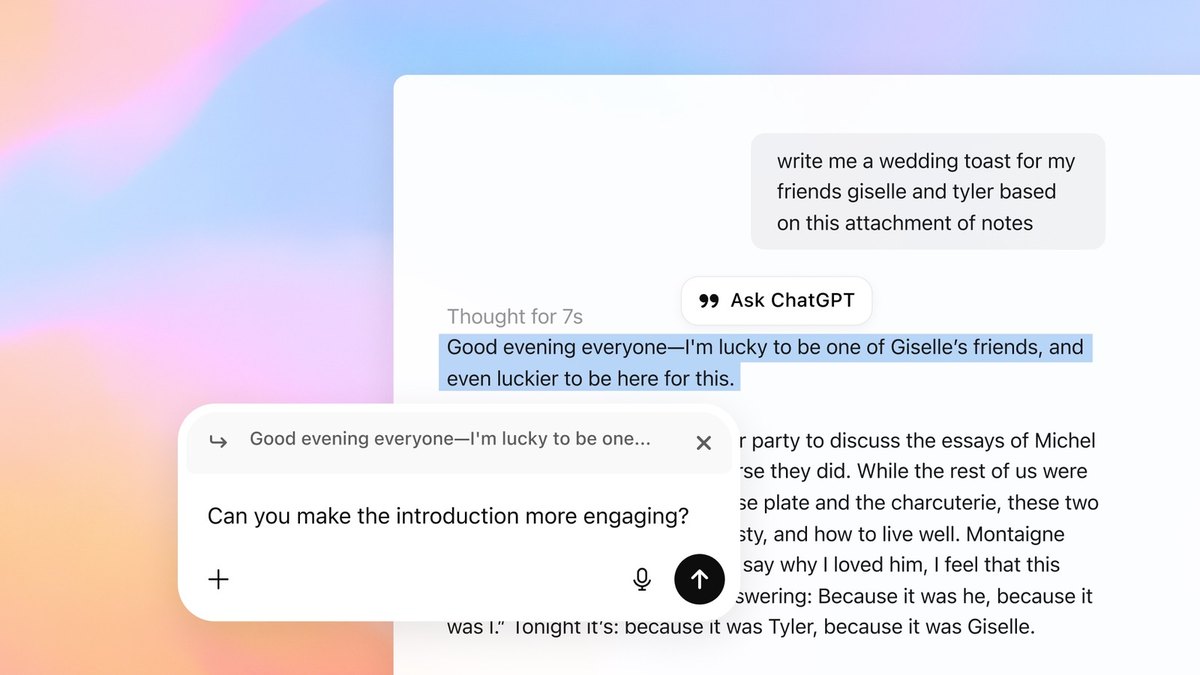
OpenAI’s overview says to use voice to brainstorm, practice, learn, or keep moving while away from your keyboard, and its pages include brainstorm-style prompts. Free is $0 per month; Go is $8, Plus is $20 and Pro is from $100.
Go ifAnyone who wants a flexible chat partner for solo idea generation, including by voice
Skip ifYou need a shared visual canvas with your team
Why #2 over #3: It is a flexible solo partner for open-ended ideas, where Claude’s page leans on turning ideas into finished work.
3
Anthropic Claude
Answrs VerdictThe best at turning a rough idea into a first draft.
Price: Free is $0; Pro is $17 per month on an annual subscription ($200 billed up front) or $20 billed monthly; Max is $100 per monthFrom idea to draft: Bring in a half-formed idea and get back a polished deck, working prototype, financial model or draft you can editBuild on ideas: Claude’s overview says it can help you build on your ideas, clarify problems and expand logicFree usage: Free usage is limited every 5 hours and every week
Claude’s overview says to bring in a half-formed idea and get back a polished deck, working prototype, financial model or draft you can edit. It can also help build on your ideas, clarify problems and expand logic. Free is $0, Pro is $17 per month on an annual subscription or $20 monthly, and Max is $100.
Go ifWriters and founders who want to turn a rough idea into a finished draft or prototype
Skip ifYou want sticky-note clustering on a shared board
Why #3 over #4: It is aimed at finishing an idea as a draft, where Gemini’s page stresses idea lists and content ideas.
4
Google Gemini
Answrs VerdictThe best free option with a clear upgrade path.
Price: Free is $0 per month with a Google Account; Google AI Plus is $4.99, AI Pro is $19.99 and AI Ultra starts at $99.99Content ideas: Gemini can use your existing assets and research to generate new content ideas for any platform, such as blog posts and social captionsBrainstorm solutions: Brainstorm solutions, discuss design ideas and get real-time feedback on your codeFree tools: The free plan lists Canvas and Gems
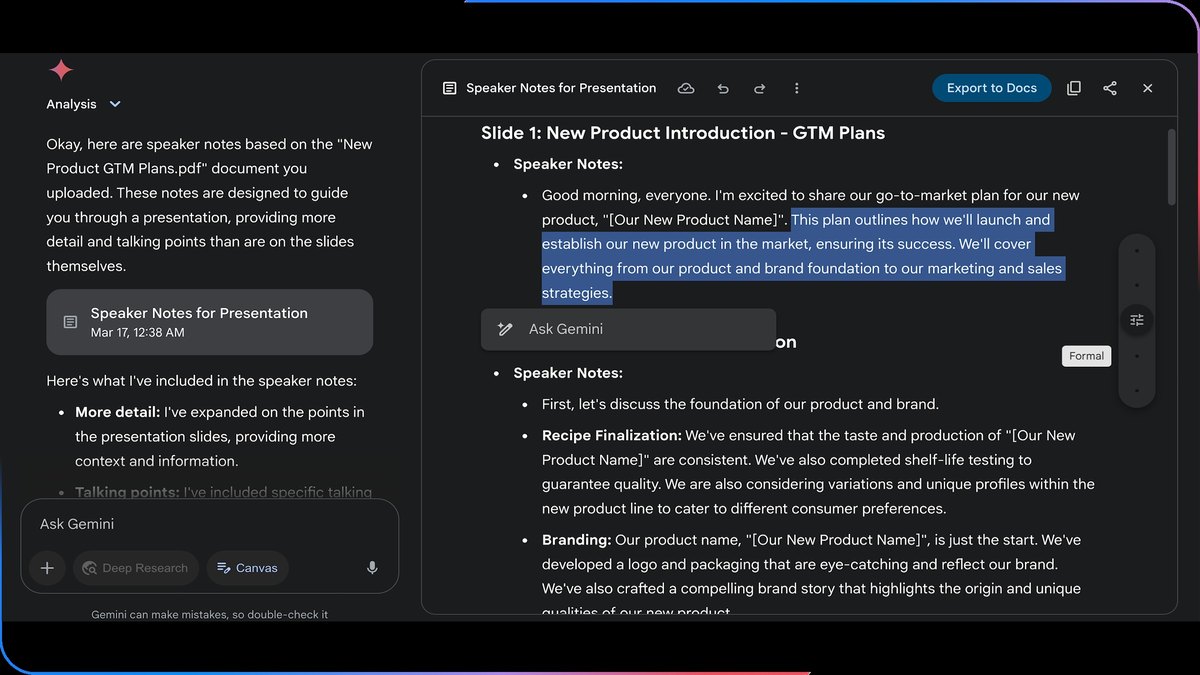
Gemini can use your existing assets and research to generate new content ideas for any platform, and its subscription page lists brainstorming solutions and discussing design ideas. Free is $0 per month with a Google Account, Google AI Plus is $4.99, AI Pro is $19.99 and AI Ultra starts at $99.99.
Go ifGoogle Workspace users who want free brainstorming for content and project ideas
Skip ifYou want a real-time team whiteboard
Why #4 over #5: It has a free plan with Canvas and Gems, which Mural’s paid-only AI does not.
5
Mural AI
Answrs VerdictA strong workshop board with AI idea generation.
Price: Mural AI is included with Team+, Business and Enterprise; Free is $0 and Team+ is $9.99 per month billed annually or $12 billed monthlyIdea generation: Use Mural AI to generate ideas, questions, hypotheses and opportunity statementsMind maps: Generate and expand mind maps directly on the canvas to explore ideas and uncover connectionsGrouping: Group ideas and find patterns faster
Mural AI generates ideas, questions, hypotheses and opportunity statements, expands mind maps on the canvas and groups ideas to find patterns. It is included with Team+, Business and Enterprise, with Team+ at $9.99 per month billed annually or $12 billed monthly; Free is $0.
Go ifWorkshop and design-thinking teams that want AI inside a visual collaboration board
Skip ifYou want AI brainstorming on a free plan
Why #5 over #6: It is built for facilitated workshops on a shared board, where FigJam AI’s terms are still beta.
6
FigJam AI
Answrs VerdictA natural fit for teams that already use FigJam.
Price: Figma’s AI features are free while in beta with usage limits and will become paid when generally available; Figma lists Starter as free and a Professional Full seat at $16 per monthTemplates: Generate templates for weekly team syncs, brainstorms and retros from a simple promptSorting: Sort stickies into groupings and summarize them with a clickJambot: Use Jambot, the ChatGPT-powered widget, to brainstorm ideas and come up with icebreakers
FigJam AI generates templates for team syncs, brainstorms and retros from a prompt, sorts and summarizes stickies, and links to the ChatGPT-powered Jambot widget to brainstorm ideas and icebreakers. Figma says its AI features are free while in beta with usage limits and will become paid when generally available; a Professional Full seat is $16 per month.
Go ifProduct and design teams already working in FigJam who want AI to sort stickies
Skip ifYou want a fixed published AI price, since the beta terms may change
Why #6 over #7: It fits teams already in FigJam, where Whimsical AI is a separate tool.
7
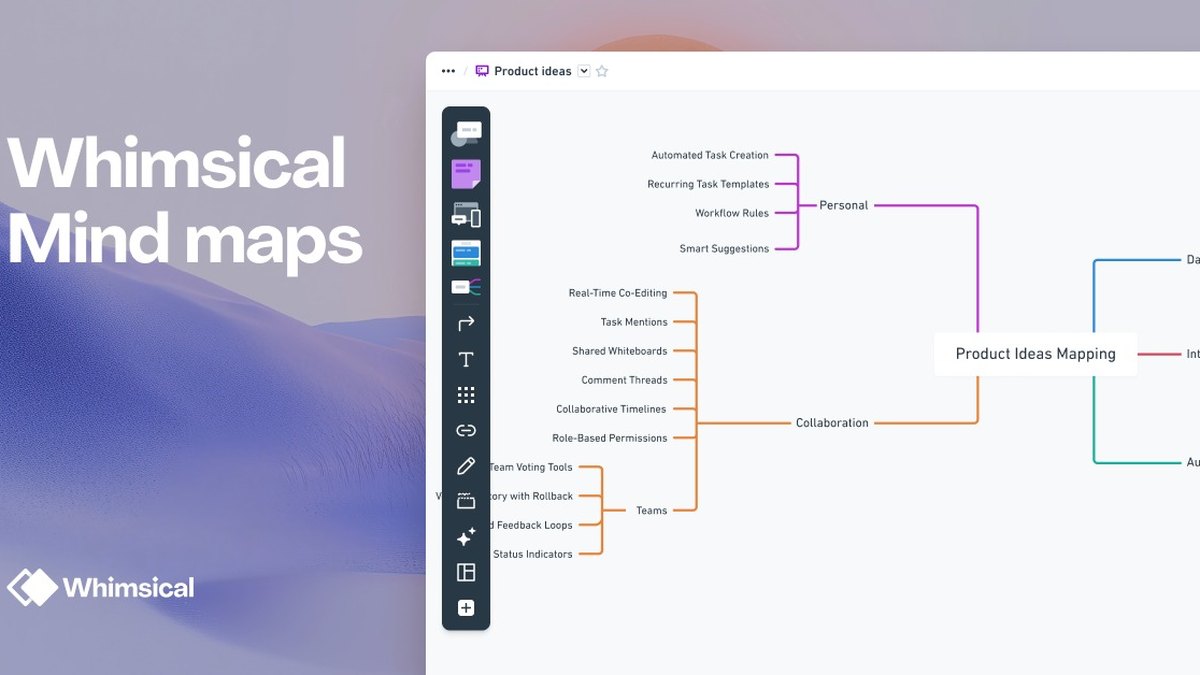
Whimsical AI
Answrs VerdictThe quickest way to turn one idea into a mind map.
Price: Free is $0 per editor per month; Pro is $10 and Business is $20 per editor per month on annual billingMind maps: AI Mind Maps start with an idea and automatically expand it into a fully branched mind mapAI help: Generate diagrams, brainstorm, answer questions and build alongside AI inside WhimsicalAI credits: The Free plan includes 10 AI credits per member, and more can be bought separately
Whimsical AI starts with an idea and automatically expands it into a fully branched mind map, and can also generate diagrams and brainstorm alongside you. Free is $0 per editor per month with 10 AI credits per member, Pro is $10 and Business is $20 on annual billing.
Go ifSolo thinkers and small teams who want a one-idea-to-mind-map flow
Skip ifYou need the AI allowance of paid plans spelled out, which the pricing page does not give
Why #7 over #8: It goes from one idea to a mind map quickly, where Xmind offers more idea modes.
8
Xmind AI
Answrs VerdictThe best mind-mapping app with a dedicated brainstorming mode.
Price: Free is US $0 with 50 free AI credits at sign-up; Pro is US $4.92 and Premium US $8.25 per month as listed, with 500 AI credits per month on PremiumBrainstorming Hub: Pick from multiple idea modes or go hands-on, with you in control either wayMind map from anything: Start with an idea, file, image or link and Xmind Agent organizes it into a mind mapTemplates: Choose a template, add your ideas and let AI shape them into a mind map
Xmind’s Brainstorming Hub lets you pick from multiple idea modes or go hands-on, and Xmind Agent organizes an idea, file, image or link into a mind map. Free is US $0 with 50 free AI credits at sign-up; Pro is US $4.92 and Premium US $8.25 per month as listed, with 500 AI credits per month on Premium.
Go ifMind-mapping fans who want a dedicated brainstorming mode and cheap paid plans
Skip ifYou need to know which billing period the listed prices cover, which the page does not state
Why #8 over #9: It has a dedicated brainstorming mode with the lowest listed paid price in this list, ahead of Copilot’s general chat.
9
Microsoft Copilot
Answrs VerdictA free chat assistant that fits Microsoft 365 users.
Price: A free tier is available with a Microsoft account, with some capabilities subject to usage limits and more through paid plansBrainstorming: Get answers, brainstorm ideas and stay on top of the things that matter to youCreate: Draft content, generate images and turn ideas into polished work fasterPaid plans: Microsoft 365 Personal is listed at $9.99 per month and Premium at $19.99
Microsoft Copilot says to get answers, brainstorm ideas and stay on top of what matters, and to draft content and turn ideas into polished work. A free tier is available with a Microsoft account, with some capabilities subject to usage limits. Microsoft 365 Personal is listed at $9.99 per month and Premium at $19.99.
Go ifMicrosoft 365 users who want free brainstorming next to Word and PowerPoint
Skip ifYou want a dedicated brainstorming board
Why #9 over #10: It is free with a Microsoft account, where Stormz has no free plan.
10
Stormz
Answrs VerdictA facilitator-focused tool whose AI summarizes group responses.
Price: No free plan: new accounts start a 14-day trial; Starter is listed at €12 and Expert at €29 per month before a launch discountFacilitation: A collaborative workshop platform where facilitators use polls and shared boards to help groups explore ideas and decide next stepsAI themes: An AI tag cloud shows the main themes across responses, and selecting a word reveals the answers behind itGuests: Participants can join as guests with just a name
Stormz is a facilitation platform where facilitators use polls and shared boards to help groups explore ideas and decide next steps. An AI tag cloud shows the main themes across responses, and participants can join as guests. There is no free plan: new accounts get a 14-day trial, and Starter is listed at €12 and Expert at €29 per month before a launch discount.
Go ifFacilitators running live ideation workshops with groups
Skip ifYou want a free or solo brainstorming tool
How we ranked these
We ranked tools by how directly their own pages show AI helping people brainstorm, then by team features, cost to start and free access, using official feature and pricing pages. Miro is listed as Miro AI, the name its pages use. Notion AI and Perplexity were left out: Notion’s AI page only links to a brainstorm-to-roadmap use case, and no Perplexity page we could read describes brainstorming. Stormz’s older site says a new version is replacing it at stormz.ai, so its facts come from stormz.ai. Gemini, ChatGPT and Copilot pricing was read from each vendor’s own page; ChatGPT’s plan list comes from its pricing page. Facts are taken from each maker's own published information; check the official site before you buy.
Questions people ask
What is the best AI tool for brainstorming ideas?
For teams, Miro AI: an AI-powered canvas that can cluster sticky notes and summarize themes, with a free plan. For solo brainstorming, ChatGPT, Claude and Gemini all have free tiers.
Are there free AI brainstorming tools?
Yes. ChatGPT Free and Google Gemini Free are $0, Claude has a free plan, Miro and Whimsical have free plans, Xmind’s Free plan gives 50 AI credits at sign-up, and Microsoft Copilot has a free tier with a Microsoft account.
How much do the paid plans cost?
Entry paid plans range from Xmind Pro at US $4.92 and Google AI Plus at $4.99 up to Claude Pro at $17 per month on an annual subscription.
Which AI brainstorming tool is best for teams?
Miro AI, Mural AI and FigJam AI are built around shared canvases. Mural AI is included on Team+ and above, and Figma’s AI features are free while in beta.
Listed price per month of the lowest paid plan in this list (billing terms vary, see picks) at a glance
Xmind Pro4.92 USD
Google AI Plus4.99 USD
Miro Starter8 USD
ChatGPT Go8 USD
Mural Team+9.99 USD
Whimsical Pro10 USD
Claude Pro17 USD
Listed price per month of the lowest paid plan in this list (billing terms vary, see picks), as published by each maker. Picks without a published figure are left off.