The 10 Best AI Tools for Citations and References in 2027
By Kory White · Updated Nov 2026 · 6 min read
Direct answer
ReadCube Papers is the best AI tool for citations and references on our checks: SmartCite cites in Word and Google Docs from over 10,000+ styles, Chat with PDF is in its $10 a month Essentials plan, and every price is published. EndNote is #2 with Cite While You Write, an AI Research Assistant and a $275 one-time license. Citavi is #3 with over 11,000+ styles and AI summaries but no published price.
Essentials is $10 per month or $95 per user a year; Plus is $20 per user a month or $185 per user a year; Enterprise is quote-based; academics take 40% off
Students and researchers who want citation insertion, PDF chat and a published price in one plan
Regular is listed at $4.15 a month and Expert at $5.75 a month, with $8.30 and $11.50 shown beside them and an Academic discount of 50% off; all plans are billed annually and Enterprise is custom
Google Docs users who want a low-cost reference manager
Basic is free; one listing on the pricing page shows Plus at $11 per user a month billed as $132 annually and Pro at $39, while another shows Pro at $49; Scale and Enterprise are listed too
Researchers who want AI search and summaries that can export references to a manager
Sign up is free; no paid plan prices appear on the page we read
Researchers building a literature review who want AI recommendations to feed a reference manager
Pick by what you want
Best overall
ReadCube Papers
Best one-time license
EndNote
Most citation styles listed
Citavi
Best free option
Zotero
Best free quick generator
MyBib
Best for AI paper search
Elicit
The ranking
1
ReadCube Papers
Answrs VerdictCitations, AI chat and published prices all on one page.
Price: Essentials is $10 per month or $95 per user a year; Plus is $20 per user a month or $185 per user a year; Enterprise is quote-based; academics take 40% offCitations: SmartCite cites in Word and Google Docs from over 10,000+ citation stylesAI Assistant: Essentials includes Chat with PDF to generate summaries and ask questions of full-text articles, with daily limits; Plus adds chat with a library of up to 20 articles at a timeFree trial: Plus can be tried for 30 days with no credit card required
ReadCube Papers lists Essentials at $10 per month or $95 per user a year and Plus at $20 per user a month or $185 a year, with academics taking 40% off. SmartCite cites in Word and Google Docs from over 10,000+ citation styles, and Essentials includes Chat with PDF to summarize and question full-text articles, with daily limits. Plus adds chat with a library of up to 20 articles, and a 30 day trial needs no credit card.
Go ifStudents and researchers who want citation insertion, PDF chat and a published price in one plan
Skip ifYou want unlimited AI chat, since its pricing page says daily limits apply
Why #1 over #2: It documents citations, AI chat and prices together, while EndNote has no monthly plan.
2
EndNote
Answrs VerdictOne-time price, AI document chat and retraction flags.
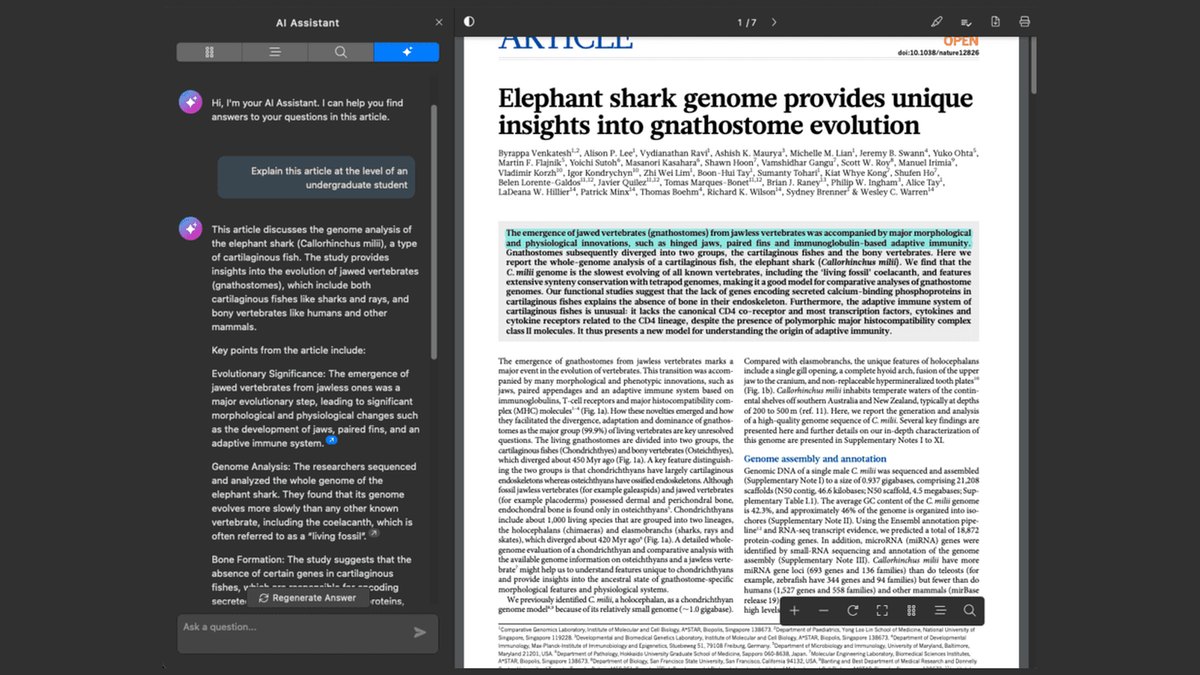
Price: EndNote 2025 Full License is $275 one-time; Upgrade License is $125 one-time for EndNote 21 or earlier; Student License is $150 one-timeCitations: Cite While You Write plugin; Cite from PDF inserts a highlighted quote and its citation into your document with a clickAI Research Assistant: Chat with your document, summarize research with Key Takeaways, and translate a full PDF or selected text; listed as exclusive to EndNote 2025Retractions: Retraction tools flag retracted articles in your library and when using Cite While You Write
EndNote 2025 costs $275 as a one-time Full License, $125 to upgrade from EndNote 21 or earlier, and $150 for students. Cite While You Write and Cite from PDF insert citations and highlighted quotes, and its AI Research Assistant chats with a document, summarizes with Key Takeaways and translates. Retraction tools flag retracted articles in your library.
Go ifResearchers who prefer a one-time license over a subscription and want AI document chat
Skip ifYou want a free or monthly plan, since the page lists one-time purchases only
Why #2 over #3: It has a published price and AI chat, while Citavi shows no price on the page we read.
3
Citavi
Answrs VerdictLarge style library and AI summaries, but no price on the page.
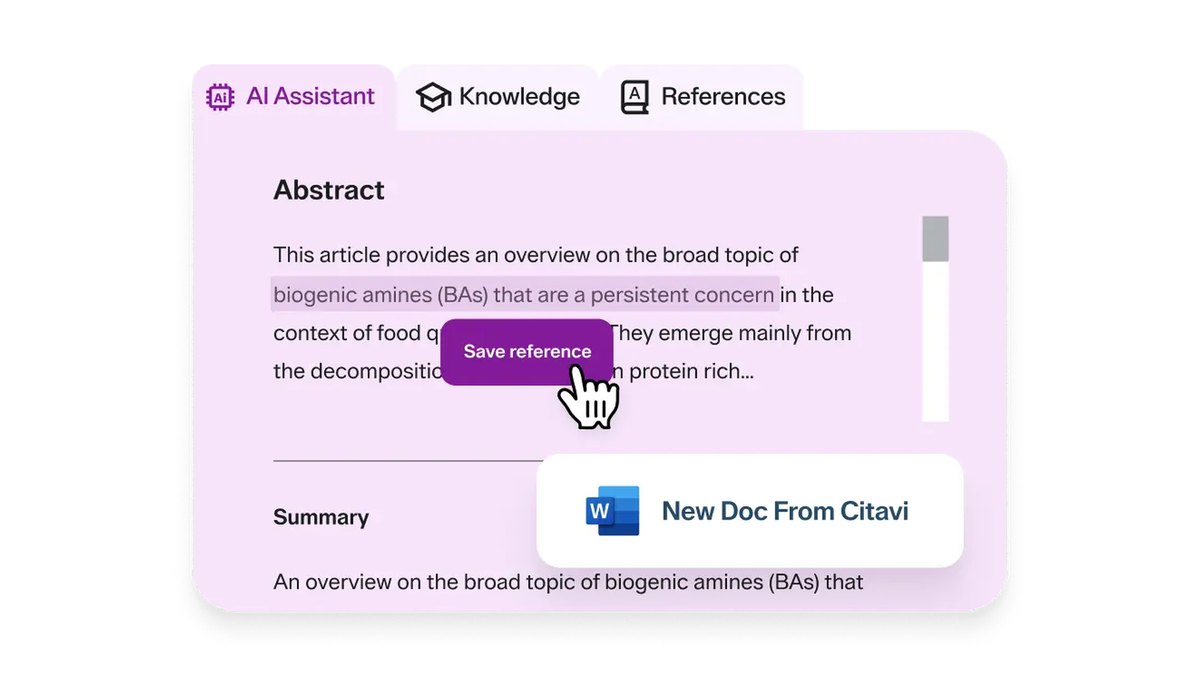
Price: Not published on the Citavi page we read, which offers Buy now and Request demoCitations: Over 11,000+ citation styles, and it can export to Microsoft Word with citations automatically formattedAI: Accelerate your writing with AI: summarize text and find relevant sources fasterAccess: Offers a free trial, and many universities provide free access through an institutional site license
Citavi lists over 11,000+ citation styles and exports to Microsoft Word with citations automatically formatted. Its AI summarizes text and finds relevant sources faster. The page we read shows no price, only Buy now and Request demo, and says a free trial exists and that many universities offer free access through a site license.
Go ifStudents whose university may already hold a site license, who want AI summaries and Word export
Skip ifYou need a stated price before you try it
Why #3 over #4: It pairs AI with the most styles listed, while Mendeley does not explain its AI.
4
Mendeley Reference Manager
Answrs VerdictFree library and a Word citation add-in, with AI named but not explained.
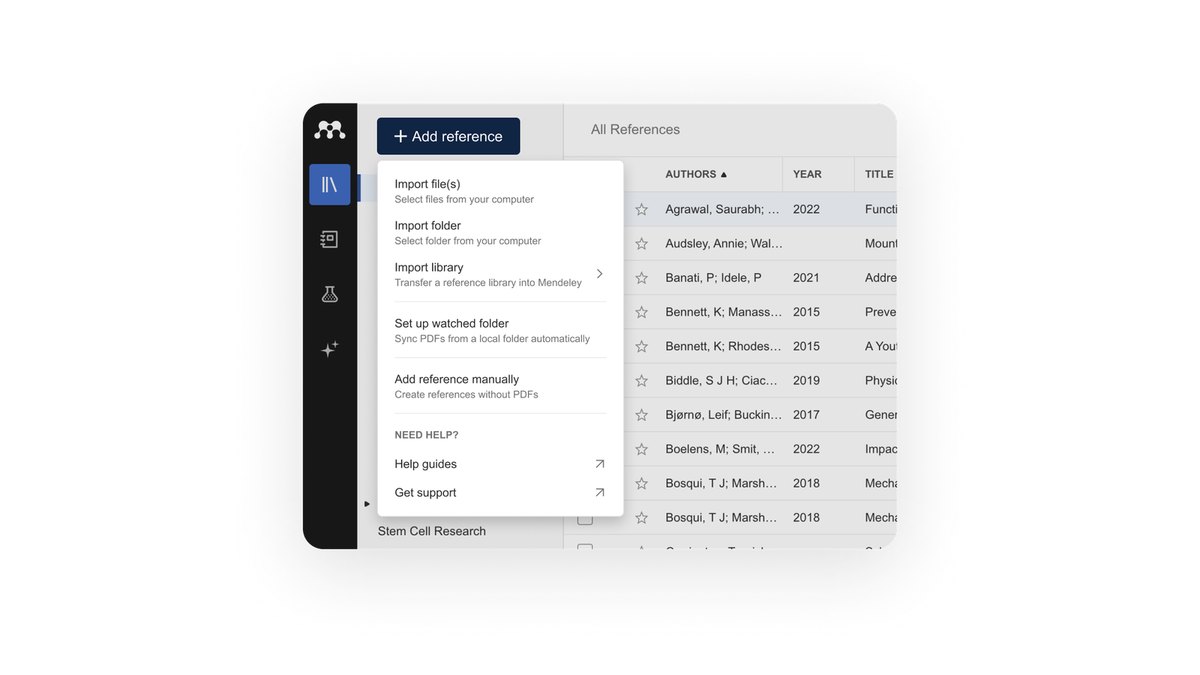
Price: Free: the features page says to claim your 2GB of storage, it is free; paid storage prices are not on that pageCitations: Mendeley Cite inserts references and bibliographies in Microsoft Word, works with Word versions 2016 and above and the Word app for iPadAI: The features page lists Ask AI among its sectionsCollecting: Mendeley Web Importer saves references from the web, and Groups give shared libraries for annotating PDFs with co-authors
Mendeley says its 2GB of storage is free, though paid storage prices are not on the features page. Mendeley Cite inserts references and bibliographies in Word 2016 and above and the Word app for iPad. The features page lists Ask AI and shows Web Importer and Groups for shared libraries.
Go ifWord users who want a free library with a citation add-in
Skip ifYou want details of what the Ask AI feature does, which the page we read does not give
Why #4 over #5: It is free with a Word citation add-in and an AI section, while Paperpile lists no AI.
5
Paperpile
Answrs VerdictLow-cost citations in Word and Google Docs, with no AI listed.
Price: Regular is listed at $4.15 a month and Expert at $5.75 a month, with $8.30 and $11.50 shown beside them and an Academic discount of 50% off; all plans are billed annually and Enterprise is customCitations: Automatically generate citations and bibliographies, with 10,000+ citation styles and Word and Google Docs pluginsFree trial: A 30 day free trialAI: The pricing page we read does not describe an AI feature
Paperpile lists Regular at $4.15 a month and Expert at $5.75 a month, with $8.30 and $11.50 shown beside them and a 50% academic discount, billed annually. It generates citations and bibliographies with 10,000+ styles and Word and Google Docs plugins, and offers a 30 day free trial. The pricing page does not describe an AI feature.
Go ifGoogle Docs users who want a low-cost reference manager
Skip ifYou want AI features, which its pricing page does not list
Why #5 over #6: It lists 10,000+ styles and a low price, while MyBib has no reference library or plugins listed.
6
MyBib
Answrs VerdictFree, ad-free citation generator with 10,000 other styles.
Price: Free to get started, with no ads or privacy trackersCitations: Creates citations for books, journals, websites and videos from a title or an identifier such as a URL or ISBN, in APA, MLA, Chicago and Harvard plus 10,000 other stylesMaker claim: MyBib says it uses the same citation formatting engine as Zotero and Mendeley and that its bibliographies are accurate; we did not test thisAI: The page we read does not describe an AI feature
MyBib is free to get started with no ads or privacy trackers. It creates citations for books, journals, websites and videos from a title, URL or ISBN in APA, MLA, Chicago and Harvard plus 10,000 other styles. MyBib says it uses the same formatting engine as Zotero and Mendeley; that is its own claim and we did not test it.
Go ifStudents who need a free quick citation generator
Skip ifYou want AI features or a full reference library
Why #6 over #7: It is free with 10,000 other styles, while Zotero offers 9,000+ styles with optional paid storage.
7
Zotero
Answrs VerdictFree and open source with 9,000+ styles, but no AI listed.
Price: Zotero is free to use; optional storage is 300 MB free, 2 GB at $20 a year ($1.67 per month), 6 GB at $60 a year and unlimited at $120 a yearCitations: Creates references and bibliographies in any text editor and directly inside Word, LibreOffice and Google Docs, with support for over 9,000 citation stylesOpen source: Developed by an independent nonprofit; shared libraries with as many people as you like cost nothingAI: The pages we read do not describe an AI feature
Zotero is free to use, with optional storage of 300 MB free, 2 GB at $20 a year, 6 GB at $60 and unlimited at $120. It creates references and bibliographies in Word, LibreOffice and Google Docs with over 9,000 citation styles, is run by an independent nonprofit, and lets you share a library with as many people as you like at no cost. The pages we read describe no AI feature.
Go ifAnyone who wants a free, open-source reference manager that works in Word and Google Docs
Skip ifYou want built-in AI features
Why #7 over #8: It is a full open-source library, while BibGuru is a generator with a paid plan for saved sources.
8
BibGuru
Answrs VerdictFast free generator; saved projects cost $4.99 a month.
Price: The generator is free with no sign-in required; BibGuru Plus is $4.99 a month with a 3 day free trialCitations: Makes citations in APA, MLA, Harvard, Chicago and thousands of other styles; a browser extension for Chrome and Edge generates citations for websites and online articlesMaker claim: BibGuru says its database covers over 100 million journal articles and 35 million books and calls its citations the most accurate computer-generated available; we did not test thisAI: The page describes computer-generated citations and does not mention AI
BibGuru is a free generator with no sign-in, and BibGuru Plus is $4.99 a month with a 3 day free trial. It makes citations in APA, MLA, Harvard, Chicago and thousands of other styles, with a Chrome and Edge extension. It says its database covers over 100 million journal articles and 35 million books and calls its output the most accurate computer-generated; we did not test that. It does not mention AI.
Go ifStudents who want a fast free generator with an optional $4.99 saved-projects plan
Skip ifYou want AI features or a full reference library
Why #8 over #9: It makes citations, while Elicit lists exports but not a citation formatter.
9
Elicit
Answrs VerdictAI paper search with reference exports, not a citation formatter.
Price: Basic is free; one listing on the pricing page shows Plus at $11 per user a month billed as $132 annually and Pro at $39, while another shows Pro at $49; Scale and Enterprise are listed tooAI research: Unlimited search across more than 138 million papers, summaries and chat with papers, and you can view sources for answersExports: Plus exports to RIS, CSV, BIB, PDF and DOCX, and Basic can import from ZoteroCitations: The pricing page lists reference exports but not a citation formatter
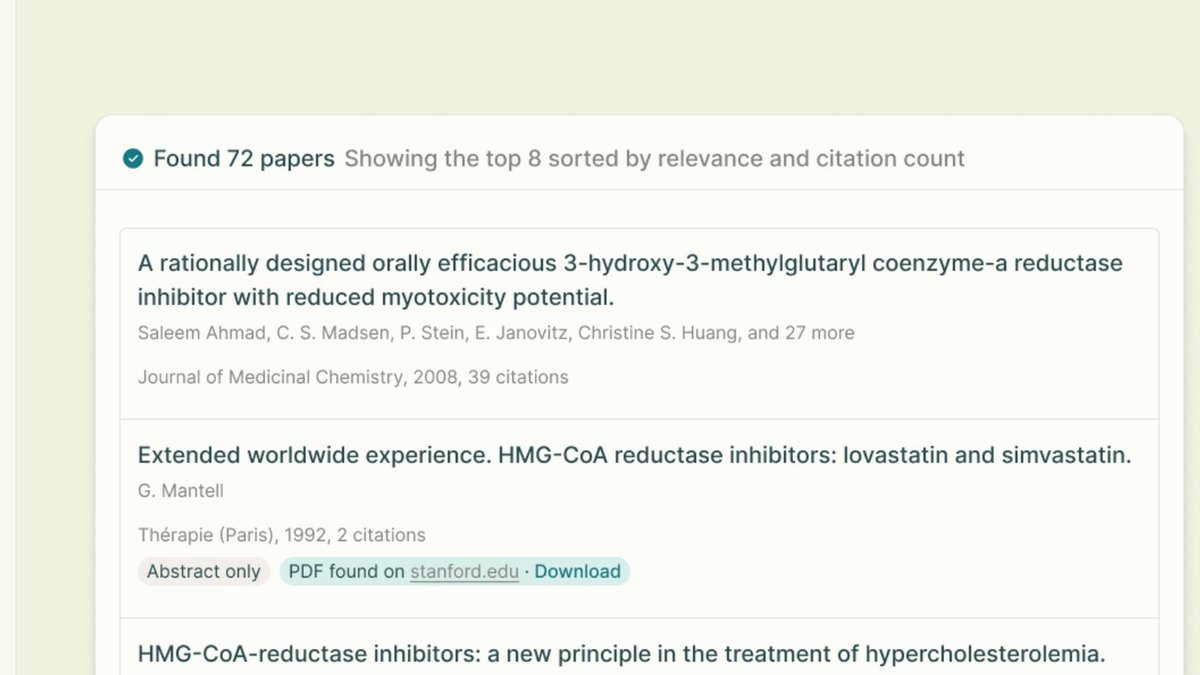
Elicit Basic is free with unlimited search across more than 138 million papers and summaries, and you can view sources for answers. One listing on its pricing page shows Plus at $11 per user a month billed as $132 annually and Pro at $39, while another shows Pro at $49. Plus exports to RIS, CSV, BIB, PDF and DOCX, but the page lists no citation formatter.
Go ifResearchers who want AI search and summaries that can export references to a manager
Skip ifYou need formatted in-text citations, since the page lists exports rather than a formatter
Why #9 over #10: It lists reference exports, while ResearchRabbit lists none.
10
ResearchRabbit
Answrs VerdictFree literature discovery, not a citation formatter.
Price: Sign up is free; no paid plan prices appear on the page we readDiscovery: Turns one paper into a map of ideas and recommends related work, with access to over 320 million academic papersLibrary link: You can bring your reference library and ResearchRabbit togetherCitations: The page we read does not describe formatting citations
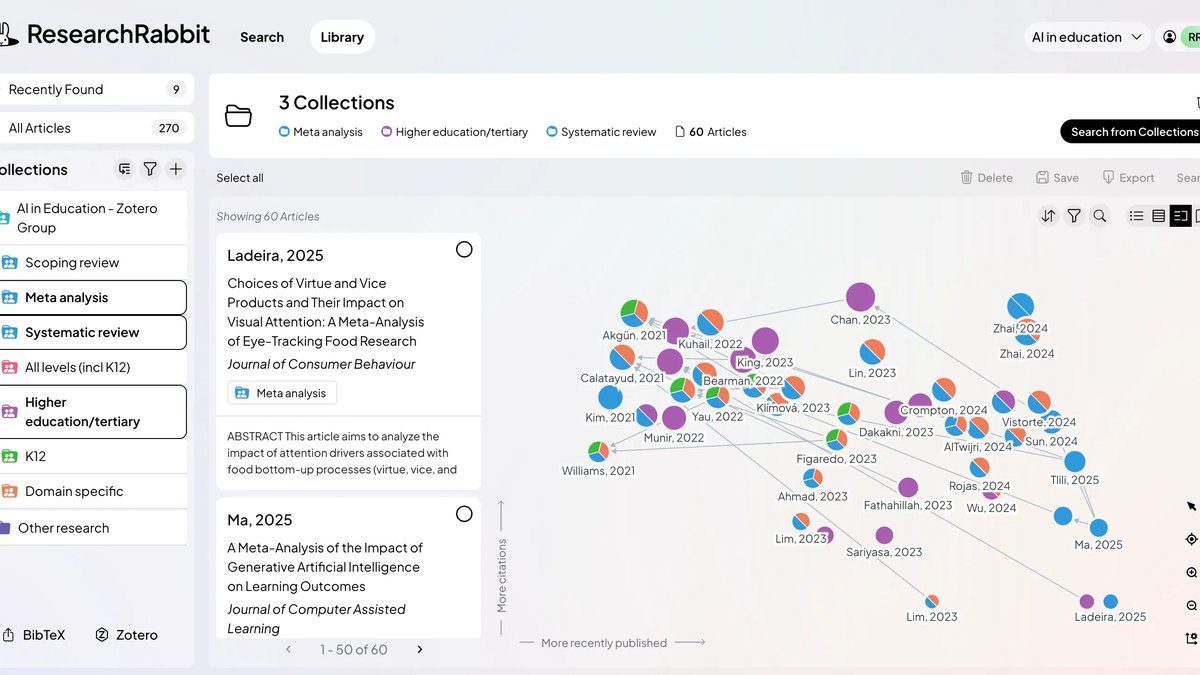
ResearchRabbit is free to sign up for and shows no paid prices on the page we read. It maps how papers connect and recommends related work, with access to over 320 million academic papers, and lets you bring your reference library and ResearchRabbit together. The page does not describe formatting citations, so it works as a discovery companion to the tools above.
Go ifResearchers building a literature review who want AI recommendations to feed a reference manager
Skip ifYou need a tool that formats citations and bibliographies
How we ranked these
We ranked these tools on three checks taken from each maker's own pages: a documented way to format or insert citations and bibliographies, a documented AI feature, and a published price. Tools that format citations rank above those that only export references or recommend papers, and ties go to the tool with more detail on its citation styles. Scite, Scribbr, QuillBot and Consensus from the old list were replaced because their official pages could not be read for prices and features, and we replaced them with ReadCube Papers, Citavi, MyBib and ResearchRabbit. Where a price or feature was not stated we say so. We did not test citation accuracy, and any accuracy statement is the maker's own claim. Facts are taken from each maker's own published information; check the official site before you buy.
Questions people ask
What is the best AI tool for citations and references?
ReadCube Papers ranks first on its published checks: SmartCite inserts citations in Word and Google Docs from over 10,000+ styles, Essentials includes Chat with PDF, and prices are published. EndNote is second with Cite While You Write and an AI Research Assistant.
Which citation tools are free?
Zotero is free to use with optional paid storage, MyBib is free to get started with no ads, BibGuru has a free generator with no sign-in, and Mendeley says its 2GB of storage is free.
Does EndNote have AI?
EndNote 2025 includes an AI Research Assistant to chat with a document, summarize with Key Takeaways and translate. The Full License is $275 one-time.
Are AI citation tools accurate?
We did not test accuracy. MyBib and BibGuru each make their own accuracy claims on their pages, and neither has been independently checked here, so verify every citation against your style guide.
Listed monthly price of the lowest paid plan we found (Zotero is optional 2 GB storage only; Paperpile shows an academic-discount toggle; Paperpile is billed annually) at a glance
Zotero1.67 USD
Paperpile4.15 USD
BibGuru4.99 USD
ReadCube Papers10 USD
Listed monthly price of the lowest paid plan we found (Zotero is optional 2 GB storage only; Paperpile shows an academic-discount toggle; Paperpile is billed annually), as published by each maker. Picks without a published figure are left off.