The 10 Best AI Tools for Code Documentation in 2027
By Kory White · Updated Nov 2026 · 6 min read
Direct answer
Mintlify is the best AI tool for code documentation: its Pro plan, $450 a month billed annually, includes an unlimited AI writing agent, Autopilot updates and a reader Assistant. DeepWiki is #2 because it generates architecture wikis for public GitHub repos for free. Dosu is #3 and the cheapest paid plan at $16 a month, with self-documenting PRs. Pick GitBook if you want a docs editor with credit-metered AI.
Not published; the page says it prices around your specific configuration and points to a quote flow
Teams building a customer-facing knowledge base who want AI writing and search built in
Pick by what you want
Best overall
Mintlify
Best free for repos
DeepWiki
Cheapest paid plan
Dosu
Best docs editor
GitBook
Best for API docs
ReadMe
Best in-editor comments
GitHub Copilot
The ranking
1
Mintlify
Answrs VerdictThe only pick here that pairs an AI writing agent, update automation and a reader assistant on one paid plan.
Price: Starter $0; Pro $450 a month billed annually or $540 billed monthly; Enterprise is contact salesAssistant: Pro and above: 25 credits per answer, free when the Assistant cannot answerWriting agent: An AI writing agent is listed as unlimited on Pro and Enterprise, not on StarterAutopilot: 250 credits per update on Pro, free when nothing needs updating; Pro includes 10,000 credits a monthMCP: Mintlify hosts an MCP server for your docs, included on the free Starter plan
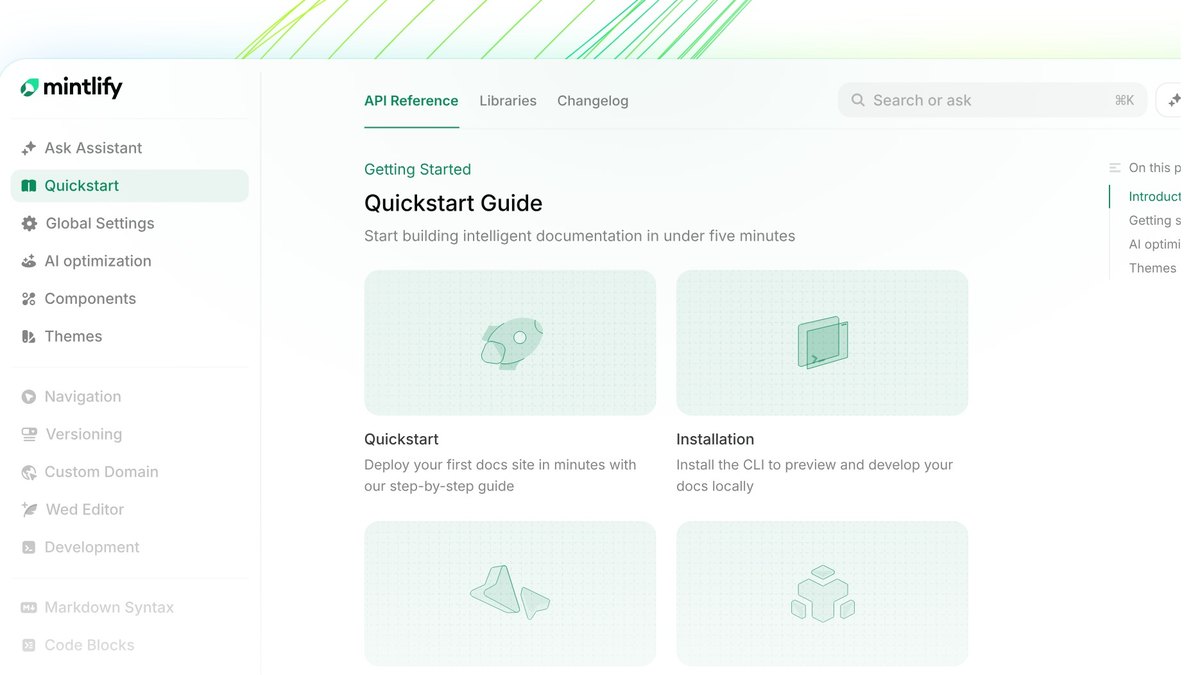
Mintlify lists Starter at $0 and Pro at $450 a month billed annually or $540 billed monthly. Pro includes 10,000 credits a month, an AI Assistant at 25 credits per answer (free when it cannot answer), an unlimited AI writing agent and Autopilot at 250 credits per update. Mintlify hosts an MCP server for your docs, included on the free Starter plan. Enterprise is contact sales.
Go ifTeams that want docs that propose their own updates and answer reader questions with cited links
Skip ifYou need the AI assistant on a free plan
Why #1 over #2: It combines a writing agent, update automation and a reader assistant, while DeepWiki only generates wikis.
2
DeepWiki
Answrs VerdictFree generated architecture wikis for public repos, with page and note limits stated.
Price: A free version of DeepWiki and Ask Devin works with public GitHub repositoriesWhat it makes: It automatically indexes repos and produces wikis with architecture diagrams, with links to sourcesEffort levels: Low is free; Medium costs about 5-10 ACUs per wiki and High about 20-40 ACUs, and both require an active subscription or a positive credit balanceLimits: Maximum 30 pages per wiki (80 for enterprise) and 100 total notesStructure: A .devin/wiki.json file limits generation to the pages you list
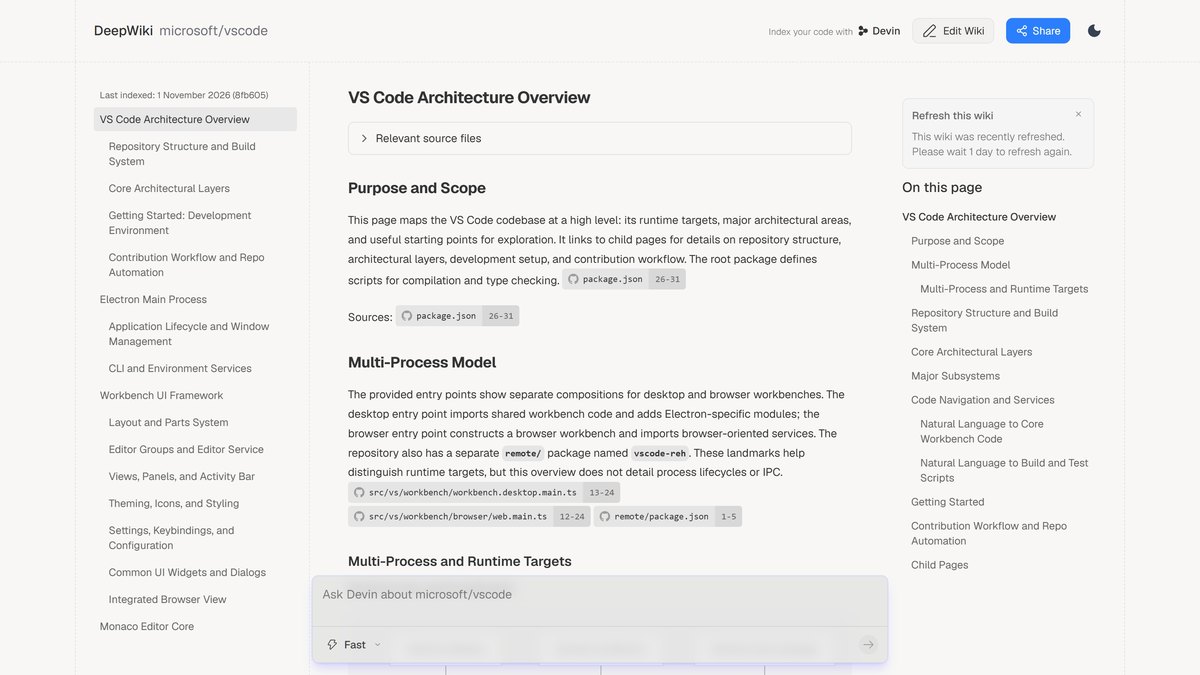
DeepWiki automatically indexes repos and produces wikis with architecture diagrams and links to sources. A free version of DeepWiki and Ask Devin works with public GitHub repositories. Low effort is free; Medium costs about 5-10 ACUs per wiki and High about 20-40 ACUs, both requiring an active subscription or positive credit balance. Wikis are capped at 30 pages (80 for enterprise) and 100 total notes, and .devin/wiki.json limits generation to pages you list.
Go ifDevelopers who need architecture docs for an unfamiliar or open-source repo with no writing
Skip ifYou need private-repo wikis without a Devin plan
Why #2 over #3: It documents a public repo at no cost, while Dosu needs a paid plan for private repos.
3
Dosu
Answrs VerdictThe lowest listed paid plan here, with docs that update when code does.
Price: Free $0; Pro $16 a month ($192 billed upfront); Enterprise is customDoc generation: Generate docs on demand, custom doc templates, and syncing existing docs that Dosu then maintains in placeSelf-documenting PRs: Listed on every plan: docs update whenever code doesCredits: 200 credits a month on Free and 4000 a month on ProRepos: Free covers public repositories only; Pro adds private repositories and up to 100 team members
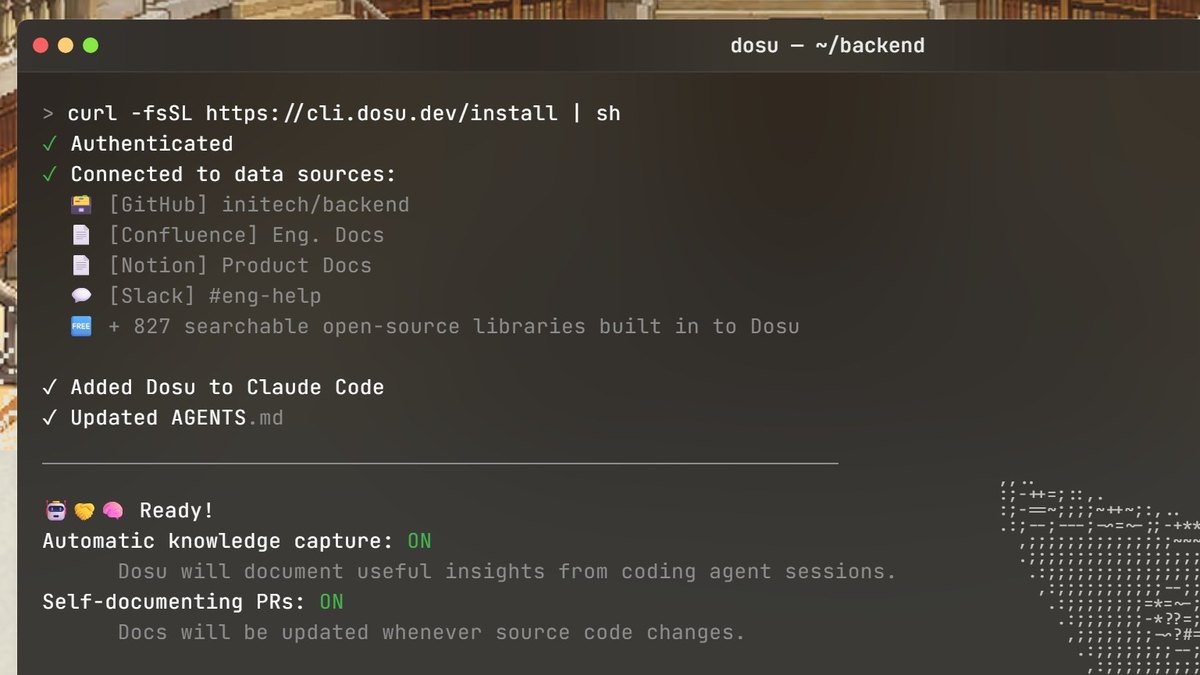
Dosu is $0 on Free, $16 a month on Pro ($192 billed upfront) and custom on Enterprise. Every plan lists docs generated on demand, custom templates, syncing of existing docs and self-documenting PRs. Free has 200 credits a month and covers public repositories only; Pro has 4000 credits, private repositories and up to 100 team members.
Go ifTeams that want docs kept in sync with their code through pull requests at a low flat price
Skip ifYou need private repositories on a free plan
Why #3 over #4: It keeps docs in sync with code at $16 a month, while GitBook charges per site and per user.
4
GitBook
Answrs VerdictCredit-metered AI on a clean docs editor, with every cost published.
Price: Free $0; Essential $65 and Ultimate $249 per site a month, plus $12 per user a month on both; amounts are monthly costs under annual billingAI credits: Essential includes $20 of AI credits (2,000 credits a month) and Ultimate includes $100 (10,000 credits a month)Assistant Ask: Costs 20 credits per relevant question on Essential; it is not included on FreeGitBook Agent: Free allows 10 messages per week; Essential and above include itMCP: MCP server and GitBook MCP are included on the Free plan
GitBook is free at $0, with Essential at $65 and Ultimate at $249 per site a month, plus $12 per user a month, all as monthly costs under annual billing. Essential includes $20 of AI credits (2,000 credits a month) and Ultimate $100 (10,000 credits a month). Assistant Ask costs 20 credits per relevant question and is not on Free; GitBook Agent allows 10 messages per week on Free. MCP is included on Free.
Go ifTeams publishing product or technical docs who want a reader-facing AI assistant
Skip ifYou want a flat price with no per-user charge
Why #4 over #5: It is a full docs editor with an AI assistant for readers, while ReadMe focuses on API docs.
5
ReadMe
Answrs VerdictAn AI Linter and AI Writer for API docs, priced clearly.
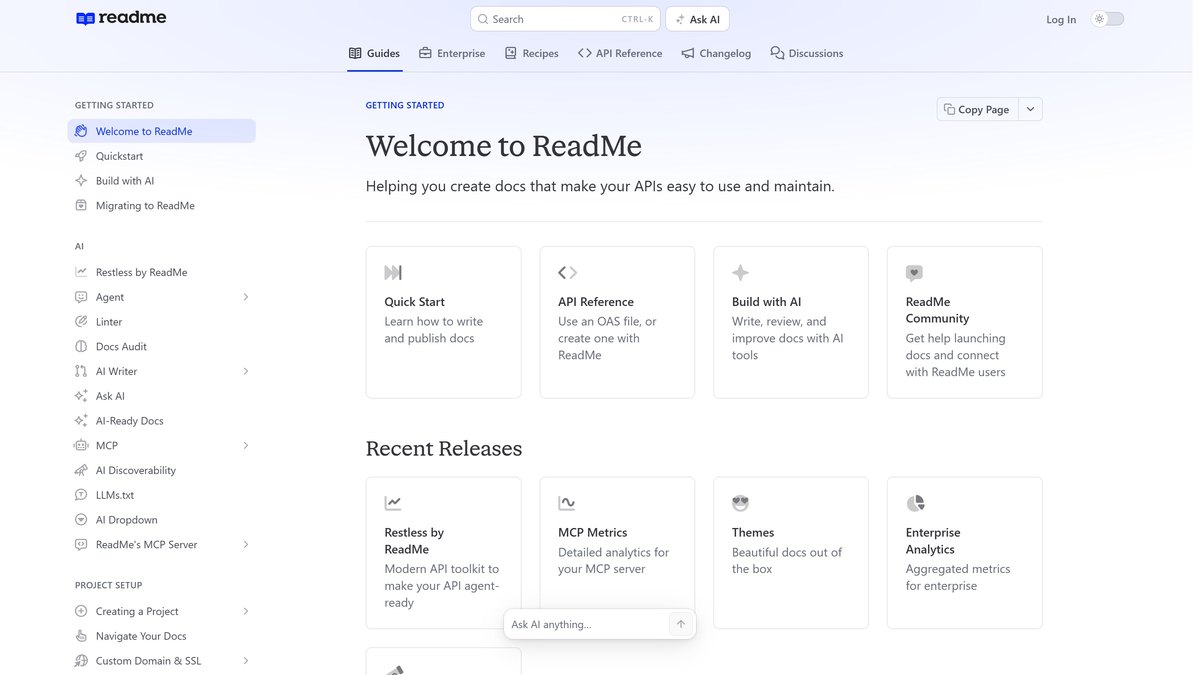
Price: Starter $0; Pro $250 a month billed annually; Enterprise is customAI writing: Pro adds ReadMe Agent, AI Linter and AI Writer on top of the Starter AI featuresAsk AI: Ask AI Lite is on Pro; full Ask AI is a $150 a month add-onFree AI: Starter lists AI Dropdown, LLMs.txt and an MCP serverLimits: Pro includes 1 project and 5 admins; extra admins cost $20 each
ReadMe is $0 on Starter and $250 a month billed annually on Pro. Starter lists AI Dropdown, LLMs.txt and an MCP server; Pro adds Ask AI Lite, ReadMe Agent, AI Linter and AI Writer. Full Ask AI is a $150 a month add-on. Pro includes 1 project and 5 admins, with extra admins at $20 each.
Go ifAPI-first companies that want an AI linter and writer that check docs quality
Skip ifYou need full Ask AI included in the plan price
Why #5 over #6: It adds an AI Linter and AI Writer, while Fern lists no linter on its free plan.
6
Fern
Answrs VerdictAsk Fern and Fern Agent on the free plan.
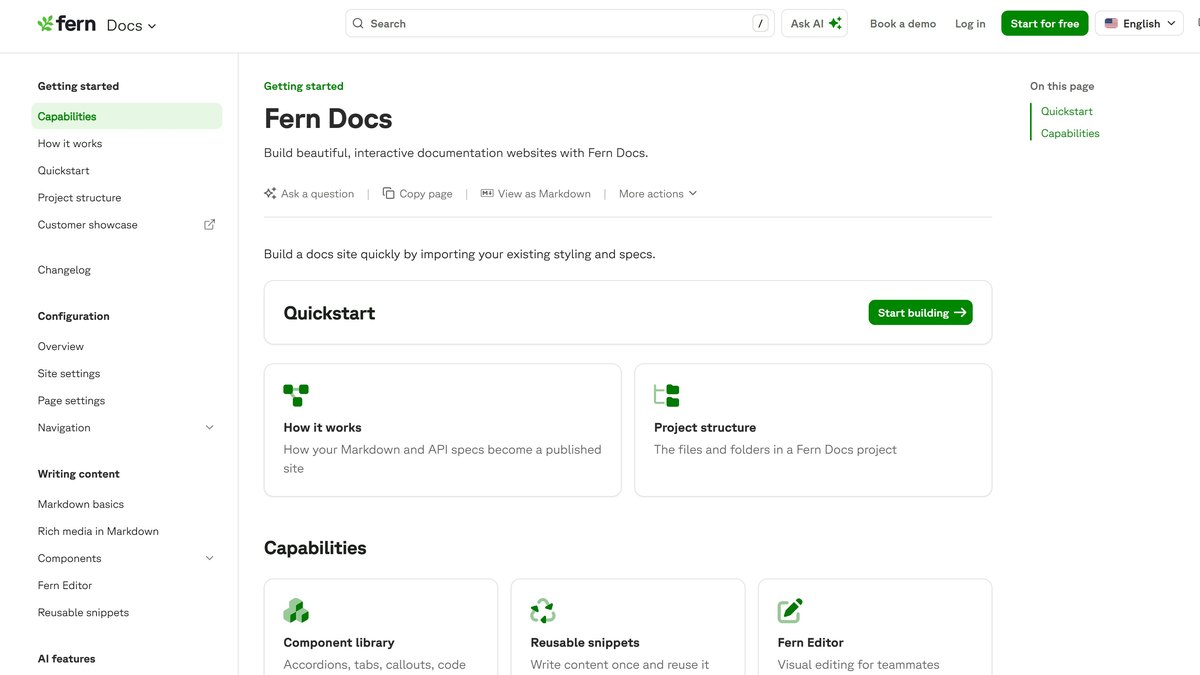
Price: Free $0 a month; Enterprise is customFree AI: 250 AI credits a month and 2,000 page generations a monthAI features: The Free plan lists Ask Fern, Fern Agent and an MCP serverLimits: 10 team members and 1,000 pages on Free
Fern is $0 a month on its Free plan, which lists 250 AI credits and 2,000 page generations a month, 10 team members and 1,000 pages. Free includes Ask Fern, Fern Agent and an MCP server; Enterprise is custom and adds SSO, SCIM and advanced RBAC.
Go ifAPI teams that want a free docs site with an AI agent and search built in
Skip ifYou want a mid-priced paid plan
Why #6 over #7: It puts an AI agent on a free plan, while Scalar meters AI in credits.
7
Scalar
Answrs VerdictOpenAPI docs with metered AI credits and hosted MCP.
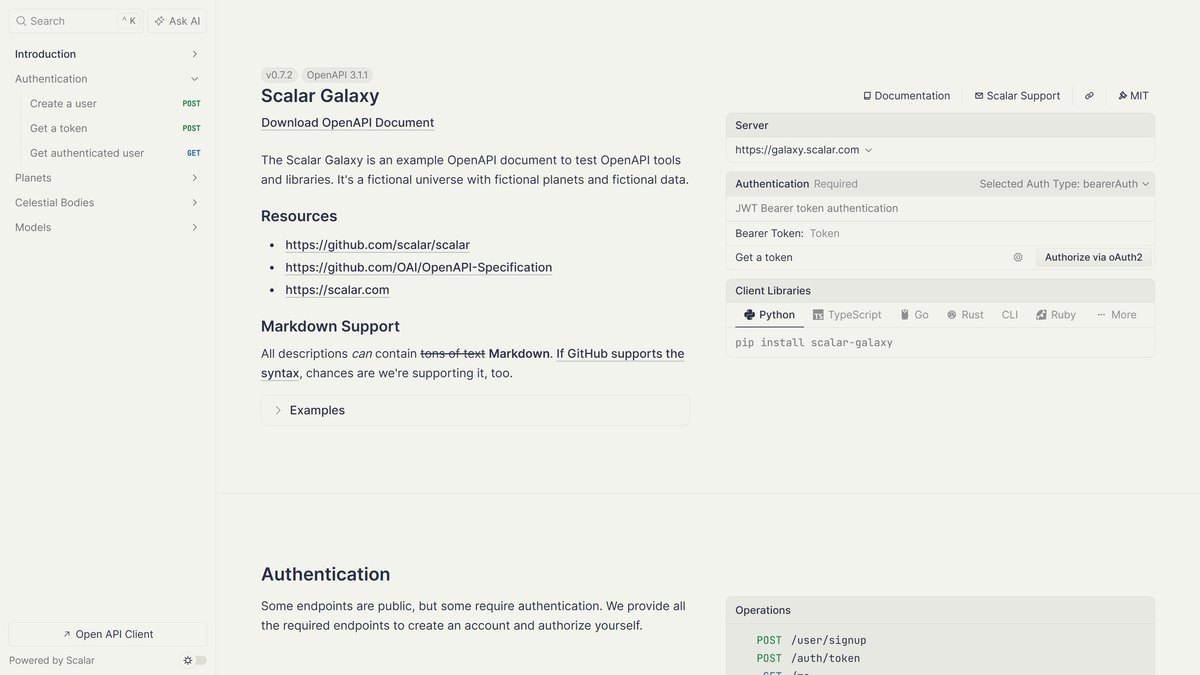
Price: Free $0; Pro $150 a month or $125 a month billed yearly; Business $600 a month or $500 billed yearlyAgent Scalar: 50 credits on Free, 500 on Pro and 2,000 on BusinessCredit use: One credit covers 200 MCP tool calls, 2 Docs chat messages or 50,000 reference-model tokensMCP: Hosted MCP servers are included from the Pro planSeats: 1 editor seat on Free, 5 on Pro and 10 on Business
Scalar lists Free at $0, Pro at $150 a month or $125 billed yearly, and Business at $600 a month or $500 billed yearly. Agent Scalar credits are 50 on Free, 500 on Pro and 2,000 on Business; one credit covers 200 MCP tool calls, 2 Docs chat messages or 50,000 reference-model tokens. Pro includes hosted MCP servers and 5 editor seats.
Go ifAPI teams that want OpenAPI-generated reference docs, MCP servers and chat in one place
Skip ifYou want AI chat on a free plan with a large credit pool
Why #7 over #8: It generates docs and MCP servers from OpenAPI, while Theneo is aimed at drafting.
8
Theneo
Answrs VerdictUnlimited AI use from $120, but the limits text is inconsistent.
Price: Starter free; Business $120 a month per workspace billed annually (the monthly toggle shows $150); Growth $400 (monthly toggle $450)Free AI: Starter includes up to 100 GPT-powered search results and up to 2000 TheneoAI API Doc Builder assistance usesBusiness AI: Unlimited searchAI and unlimited TheneoAIGrowth AI: Adds custom AI assistant promptsLimits: Business: up to 7 projects, 50 team members and 5000 API endpoints
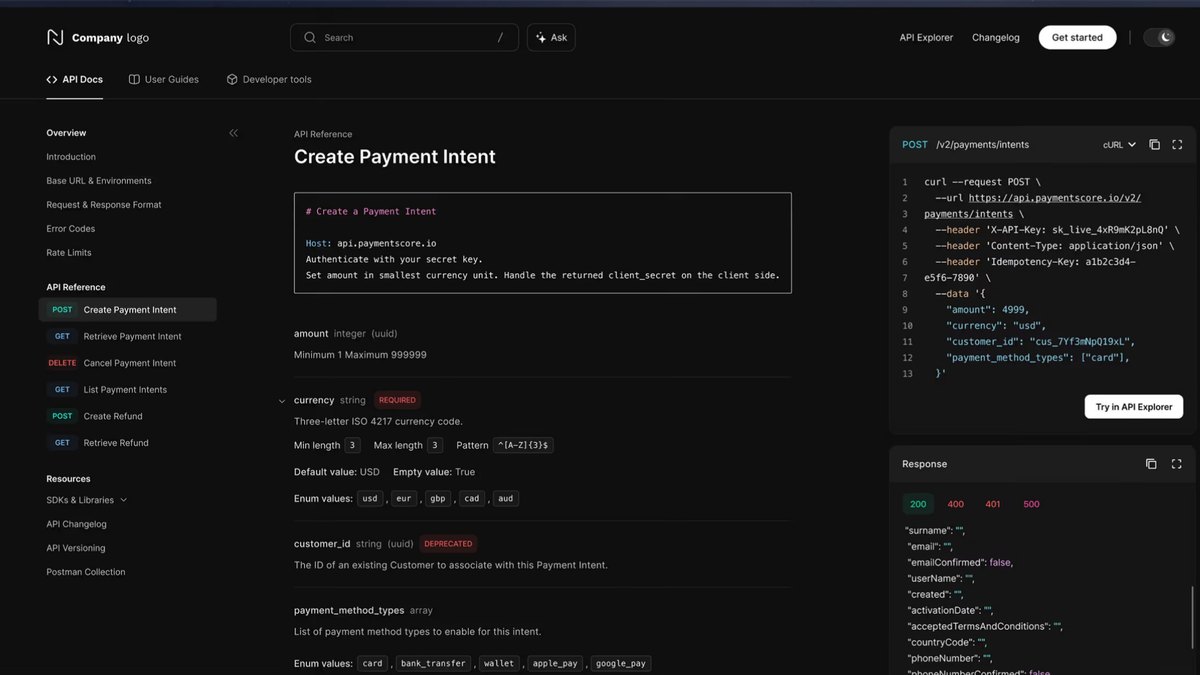
Theneo has a free Starter plan with up to 100 GPT-powered search results and up to 2000 TheneoAI API Doc Builder assistance uses. Business is $120 a month per workspace billed annually (the monthly toggle shows $150) with unlimited searchAI and TheneoAI; Growth is $400 ($450 on the monthly toggle) and adds custom AI assistant prompts. The plan text says Business has up to 7 projects, while the comparison table lists different project counts.
Go ifAPI teams that want AI help drafting reference docs and unlimited AI search on a mid-priced plan
Skip ifYou need one consistent project limit; the plan text and comparison table differ
Why #8 over #9: It offers unlimited AI use from $120, while GitHub Copilot only writes comments.
9
GitHub Copilot
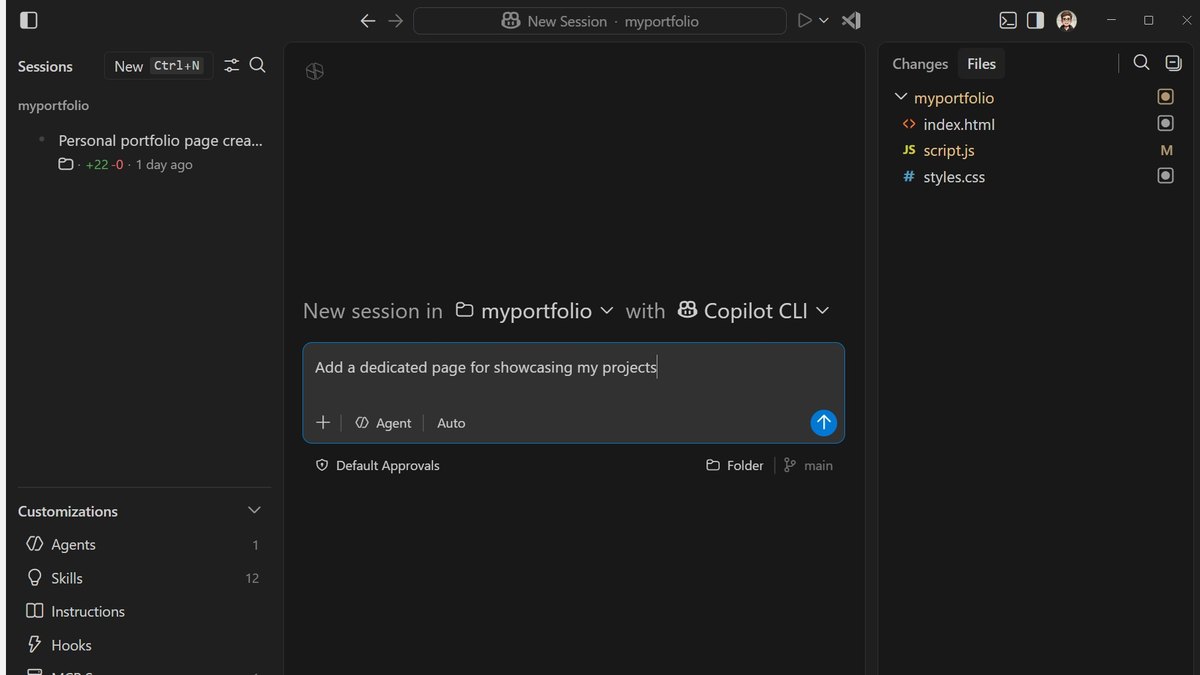
Answrs VerdictA doc-comment command inside the editor, not a docs site.
/doc command: Copilot Chat lists /doc as Add documentation comment for this symbol in Visual Studio and Generate documentation for this symbol in XcodeAvailability: The cheat sheet lists /doc for Visual Studio and Xcode, not for Visual Studio Code or JetBrainsPrice: Pro $10, Pro+ $39, Business $19 per granted seat and Enterprise $39 per granted seat per monthFree: Copilot Free gives limited access to a selection of featuresCredits: Pro totals 1,500 AI credits a month and Business 1,900 per user
Copilot Chat lists /doc: Add documentation comment for this symbol in Visual Studio and Generate documentation for this symbol in Xcode. The cheat sheet does not list it for Visual Studio Code or JetBrains. Plans run Free, Pro at $10, Pro+ at $39, Business at $19 and Enterprise at $39 per granted seat a month; Pro totals 1,500 AI credits a month.
Go ifDevelopers who want in-editor doc comments for a symbol in Visual Studio or Xcode
Skip ifYou need published docs sites or reader-facing answers
Why #9 over #10: It writes doc comments in the editor, while Document360 has no published price.
10
Document360
Answrs VerdictA broad Eddy AI feature list with a quote-only price.
Price: Not published; the page says it prices around your specific configuration and points to a quote flowEddy AI: Lists an AI Writing Agent, AI content and FAQ creation, AI search and answer, an MCP server, auto-generated glossaries and duplicate content detectionAdd-ons: AI Chatbot and the AI Premium Suite (screen capture, step-by-step guide, interactive demo, video recording) are paid add-onsPlan detail: The page does not say which plan includes which Eddy AI feature
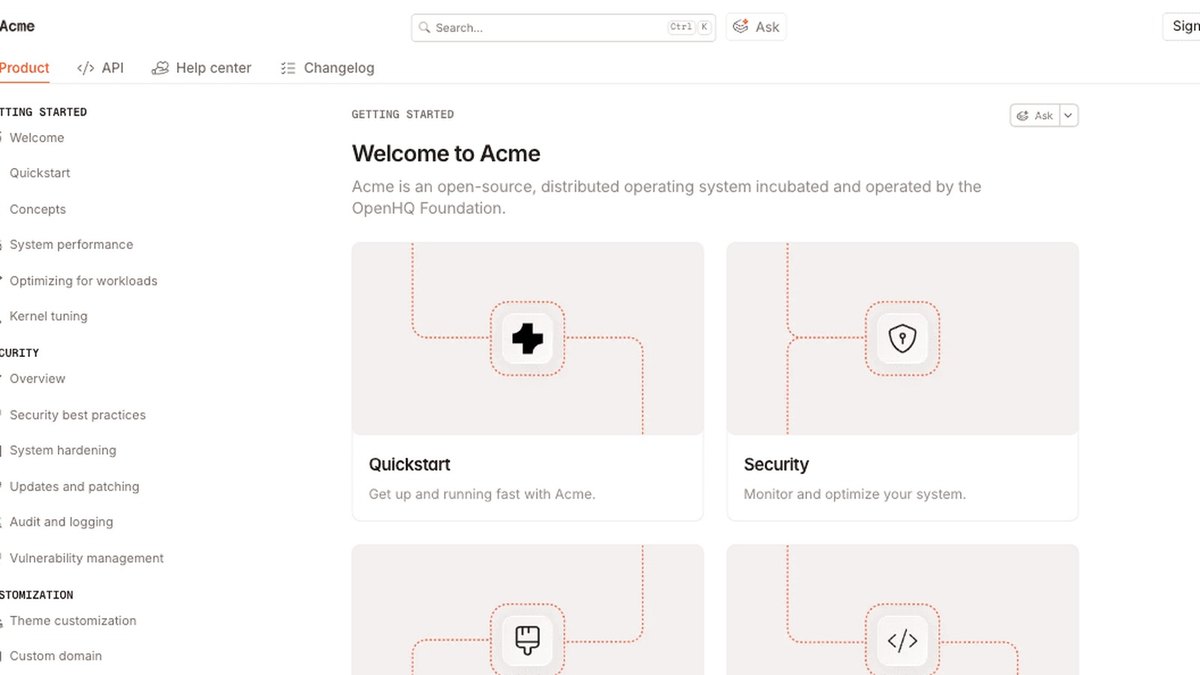
Document360 lists Eddy AI with an AI Writing Agent, AI content and FAQ creation, AI search and answer, an MCP server, auto-generated glossaries and duplicate content detection. It publishes no plan prices and says it prices around your specific configuration. AI Chatbot and the AI Premium Suite are paid add-ons, and the page does not say which plan includes which Eddy AI feature.
Go ifTeams building a customer-facing knowledge base who want AI writing and search built in
Skip ifYou need a published price before a sales call
How we ranked these
We ranked tools for code and API documentation by how directly their AI writes, updates or answers questions about documentation, then by what each maker publishes about plans, prices and limits, using only each maker’s own pages. Where a price is not published we say so, and no tool is ranked on a feature its page does not list. Facts are taken from each maker's own published information; check the official site before you buy.
Questions people ask
What is the best AI tool for code documentation?
Mintlify is our top pick: its Pro plan, listed at $450 a month billed annually, includes an unlimited AI writing agent, Autopilot updates and a reader Assistant. DeepWiki is #2 and generates architecture wikis for public repos for free.
Which AI documentation tool is cheapest?
Dosu Pro is listed at $16 a month ($192 billed upfront) and includes doc generation, doc syncing and self-documenting PRs. Fern is $0 a month and lists Ask Fern, Fern Agent and an MCP server on the free plan.
Is there a free AI tool that documents a GitHub repo?
DeepWiki offers a free version that works with public GitHub repositories. Dosu Free also covers public repositories only, with 200 credits a month.
Can GitHub Copilot generate documentation?
Copilot Chat lists a /doc command that adds a documentation comment for a symbol in Visual Studio and generates documentation for a symbol in Xcode. The cheat sheet does not list /doc for Visual Studio Code or JetBrains.
Lowest paid plan list price per month with annual billing, before per-seat charges and add-ons (Dosu is $192 billed upfront) at a glance
Dosu16 USD
GitBook65 USD
Theneo120 USD
Scalar125 USD
ReadMe250 USD
Mintlify450 USD
Lowest paid plan list price per month with annual billing, before per-seat charges and add-ons (Dosu is $192 billed upfront), as published by each maker. Picks without a published figure are left off.