The 10 Best AI Tools for Color Palette Generation in 2027
By Kory White · Updated Nov 2026 · 6 min read
Direct answer
ColorMagic is the best AI tool for color palette generation: it is free, needs no account, and builds a palette from a name, text, HEX code or brand name. Huemint is #2 and Coolors is #3. Rankings use only what each tool says on its own pages.
Palette Generator is listed as an AI tool, and the page lists generate color palettes with AI as a Pro feature
Developers who want AI palettes turned into light and dark theme tokens
Pick by what you want
Best overall
ColorMagic
Best for contrast and layout control
Huemint
Best palette library
Coolors
Best that learns your taste
Khroma
Best for code export
EnigmaEasel AI Color Palette Generator
Best inside your design file
Figma agent AI color palettes
The ranking
1
ColorMagic
Answrs VerdictThe easiest free AI palette generator: type an idea, get a palette, no account.
Generates from: A name, text, HEX code or brand name typed into the generator; a separate tool extracts a palette from an uploaded image with AIAccess: Free to use; no account is needed to generate, view or copy a paletteOutput: Copy the HEX codes, download the palette as an image, or share a link; saving favorites needs a loginExtras: Color contrast checker, color mixer, color name finder and a Colors API sit next to the generatorPrice: Free; no paid plan is listed on the page
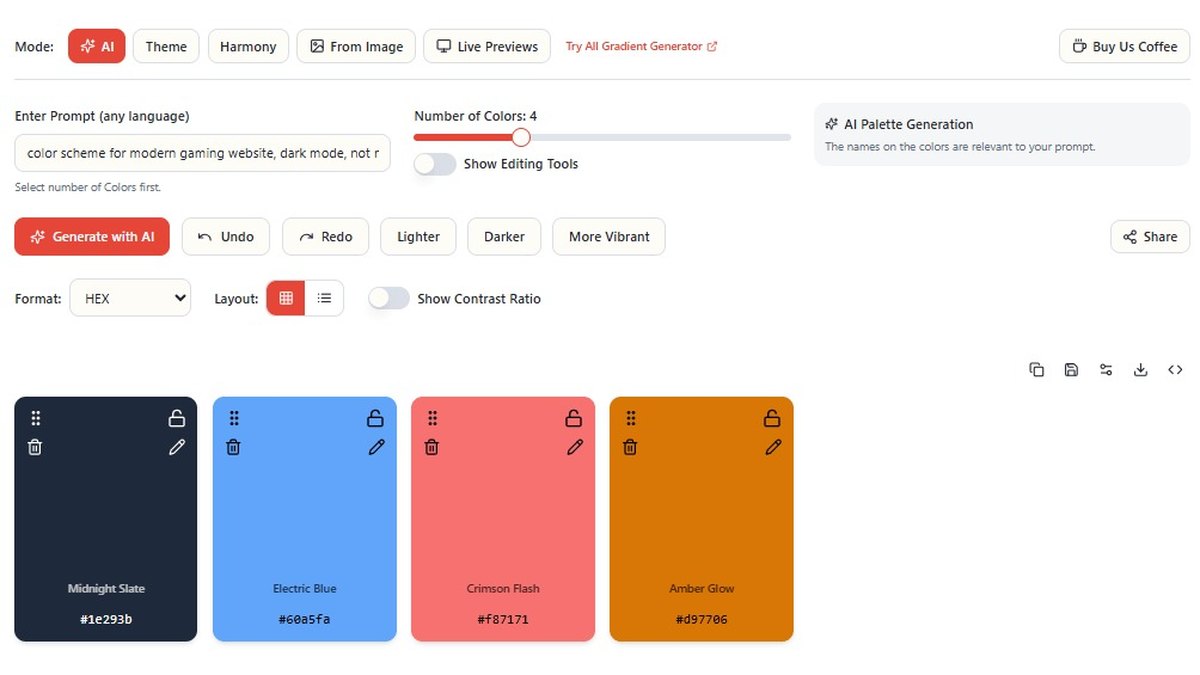
ColorMagic takes a name, text, HEX code or brand name and returns an AI-built palette. It is free, and ColorMagic says you do not need an account to generate, view or copy one. A separate tool pulls a palette out of an uploaded image with AI, and you can copy HEX codes, download an image or share a link. A contrast checker, color mixer and name finder sit beside it. No paid plan is listed.
Go ifAnyone who wants an AI palette from a plain-language idea, a brand name or a single HEX code without signing up
Skip ifYou want to lock individual swatches and fine-tune contrast on the palette itself
Why #1 over #2: It is the only top pick that is both free and account-free while accepting text, names, HEX codes and images.
2
Huemint
Answrs VerdictThe most designer-controlled AI generator, with contrast targets and layout previews.
Generates from: Huemint uses machine learning to create unique color schemes for your brand, website or graphicAI approach: Generation options list a Transformer and a Diffusion Model, plus a Random mode; a creativity setting trades typical colors for more random onesControl: A target contrast matrix takes values from 0 to 100 between each color in the palette, and presets include High Contrast, Pastel, Vibrant and DarkPreviews: Palettes are applied to brand, website, gradient, illustration and Bootstrap layouts, and you can upload an imagePrice: Not published on the Huemint pages
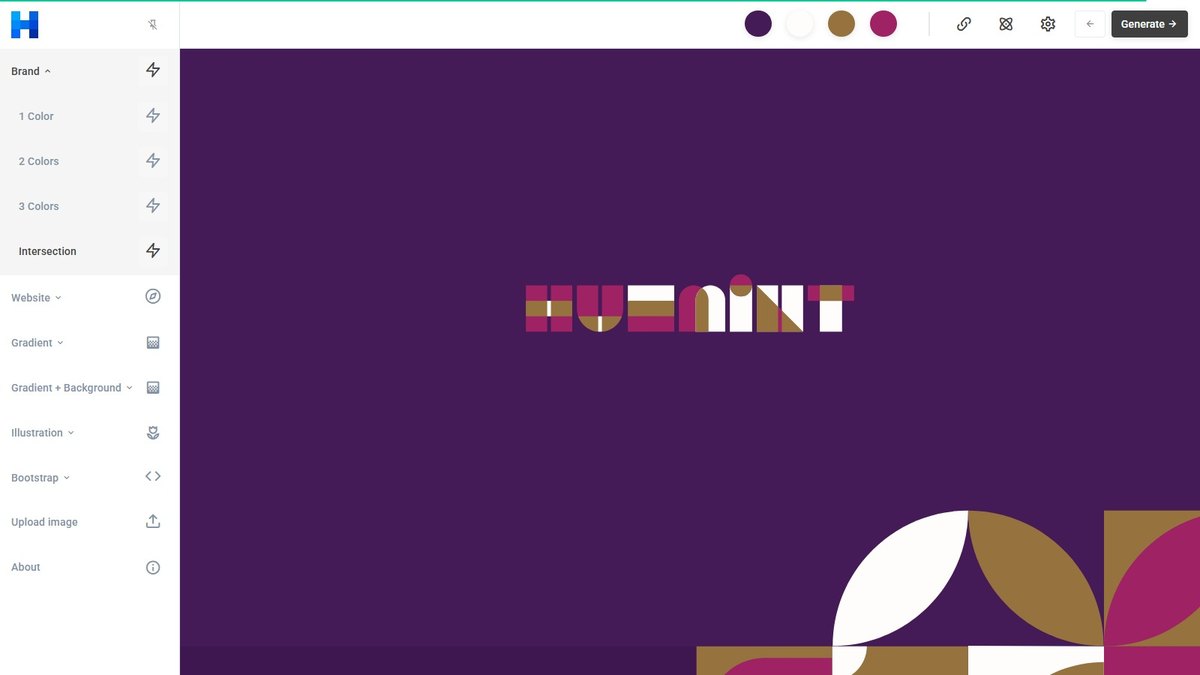
Huemint says it uses machine learning to create color schemes for a brand, website or graphic. Its generation options list a Transformer, a Diffusion Model and a Random mode, with a creativity setting and presets such as High Contrast, Pastel, Vibrant and Dark. A target contrast matrix takes values from 0 to 100, and palettes are previewed on brand, website, gradient, illustration and Bootstrap layouts. The pages show no price.
Go ifBrand and website designers who want to see a palette on a real layout and set contrast between colors
Skip ifYou need a published price or plan to budget around
Why #2 over #3: It gives you contrast targets and layout previews that ColorMagic does not list, but publishes no price.
3
Coolors
Answrs VerdictThe biggest palette library, with AI credits behind the Pro plan.
Generates from: Color Bot: chat with the AI-powered bot and get color suggestionsAI approach: Coolors AI generates palettes, variations and color ideas with advanced AI trained on thousands of professional combinationsFree plan: Generate your palettes, up to 5 colors; save up to 10 color palettesPro plan: Access to Coolors AI with 3000 credits a month, palettes of up to 10 colors, and 10M+ ready color schemesPrice: Free plan $0; Pro shown at $3 per month, $36 billed yearly
Coolors has a Color Bot that chats back color suggestions, and Coolors AI generates palettes, variations and color ideas. The free plan generates palettes up to 5 colors and saves up to 10; Pro adds Coolors AI with 3000 credits a month, palettes up to 10 colors and 10M+ ready color schemes. Pro is shown at $3 per month, $36 billed yearly.
Go ifDesigners who already live in Coolors and want AI suggestions on top of its big palette library
Skip ifYou want AI on the free plan, because Coolors AI is a Pro feature
Why #3 over #4: Its library is the largest listed, but the AI sits behind Pro, where ColorMagic’s is free.
4
Khroma
Answrs VerdictA personal AI that learns which colors you like.
Generates from: By choosing a set of colors you train a neural network powered algorithm to generate colors you like and block ones you do notTraining data: Khroma has learned from thousands of the most popular human-made palettes across the internetViews: Combos can be viewed as typography, gradient, palette or custom image, and the generator is searchable by hue, tint, value, color, hex and rgbDetails: Each saved pair gives color names, hexcodes, rgb values, CSS code and a WCAG accessibility ratingPrice: Not stated on the Khroma home page
Khroma trains a neural network powered algorithm on the colors you choose, so it generates colors you like and blocks ones you do not. It says it has learned from thousands of popular human-made palettes. Combos can be shown as typography, gradient, palette or custom image, searched by hue, tint, value, hex and rgb, and saved with names, CSS code and a WCAG rating. The home page states no price.
Go ifPeople who want a generator that learns their own taste instead of starting from a prompt
Skip ifYou want to type a text prompt or start from one brand color
Why #4 over #5: It learns your taste instead of reading a prompt, which neither Coolors nor ColorMagic does.
5
Colormind
Answrs VerdictA deep-learning classic with locks and a free personal API.
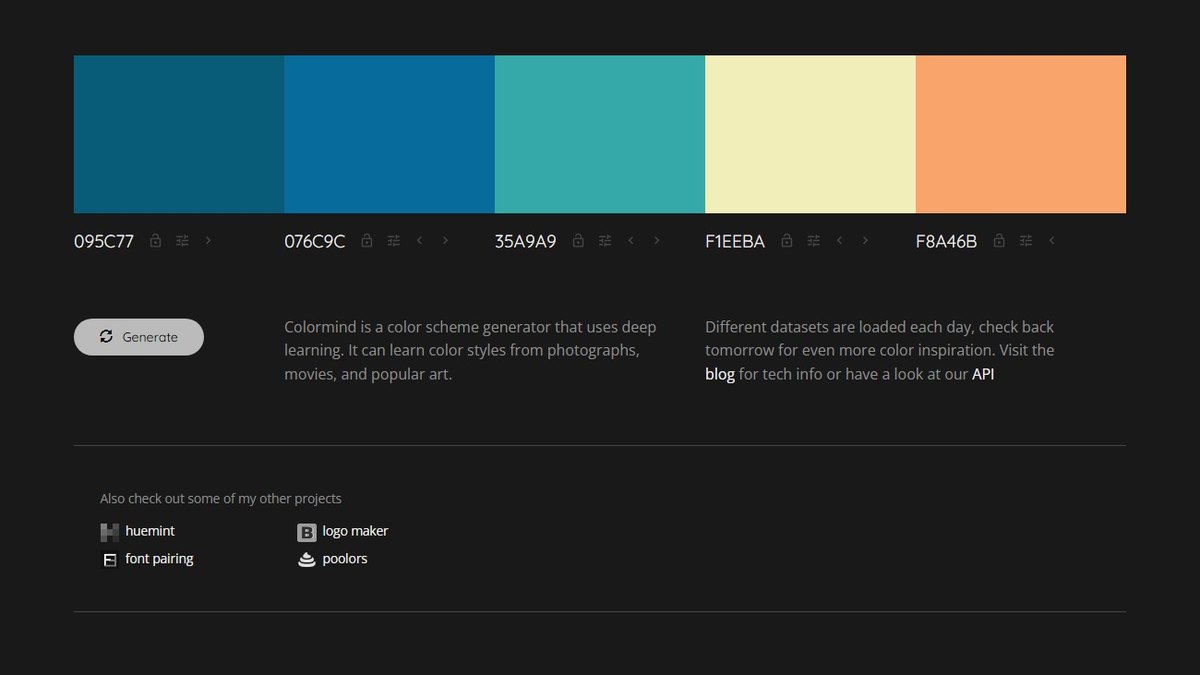
Generates from: Colormind is a color scheme generator that uses deep learning, learning color styles from photographs, movies and popular artPalette size: Each palette has 5 colors, and the REST API example returns 5 RGB valuesControl: Pick a color and lock it, and Colormind builds the rest of the palette around it; the location of the locked color mattersAPI: The Colormind REST API is free for personal and non-commercial use; commercial use means contacting the maker by emailPrice: Free for personal and non-commercial API use; commercial pricing is not published
Colormind is a deep learning color scheme generator that learns styles from photographs, movies and popular art. Each palette has 5 colors; pick a color, lock it, and Colormind fills in the rest. Its REST API is free for personal and non-commercial use and returns 5 RGB values, and commercial use means emailing the maker. Commercial pricing is not published.
Go ifDevelopers and designers who want locked-color palettes and a free API for side projects
Skip ifYou need commercial API terms or more than five colors per palette
Why #5 over #6: It offers locked-color generation and an API, but stops at 5 colors where Coolors Pro reaches 10.
6
EnigmaEasel AI Color Palette Generator
Answrs VerdictThe most export formats of any free AI palette tool here.
Generates from: Describe a mood or concept for custom color names, extract colors from photos, or use color harmony and theme presetsPalette size: Adjust the number of colors from 2 to 12 per generationAccessibility: A WCAG contrast checker and color blindness simulation are built inExport: CSS Variables, SCSS Variables, Tailwind CSS, Kotlin, Swift and JSON code, plus PNG, JPG, SVG and PDF imagesPrice: Completely free with no registration required; optional supporter memberships exist
EnigmaEasel generates palettes from a typed mood or concept, from photos, or from harmony and theme presets, with 2 to 12 colors per generation. It has a WCAG contrast checker, color blindness simulation, and exports to CSS Variables, SCSS Variables, Tailwind CSS, Kotlin, Swift, JSON, PNG, JPG, SVG and PDF. It is free with no registration, and optional supporter memberships exist.
Go ifFront-end developers who want AI palettes exported straight to CSS, Tailwind or JSON
Skip ifYou want a polished brand-preview workflow rather than a utility page
Why #6 over #7: It allows up to 12 colors and far more export formats than Colormind, though it has no learned personal model like Khroma.
7
iPalettes
Answrs VerdictA one-box generator that names every color it makes.
Generates from: Describe a mood, a place or a scene and get a palette back, generated from your description with no fixed catalogPalette size: Choose 4, 5 or 6 colors; the text box accepts up to 150 charactersOutput: Every color has a name plus HEX and RGB values with one-click copy, and the palette page can be saved as an imageAccess: Free and no sign-upPrice: Free; no paid plan is listed on the page
iPalettes turns a described mood, place or scene into a palette with no fixed catalog behind it. The text box accepts up to 150 characters, you pick 4, 5 or 6 colors, and every color comes with a name plus HEX and RGB values and one-click copy. The palette page can be saved as an image. It is free with no sign-up and lists no paid plan.
Go ifQuick named palettes from a one-line mood or scene
Skip ifYou want editing tools, locks or code export
Why #7 over #8: It names every color it makes, but offers fewer controls than EnigmaEasel.
8
PaletteMaker
Answrs VerdictLive design previews and Procreate export, all free.
Generates from: Create unique color schemes with AI and see them come to life on real design examplesPreviews: Check your colors on logo, UI design, posters, illustrations and morePalette size: PaletteMaker works with 5, 4, 3 and 2-color palettes automaticallyExport: Export a palette as Procreate, Adobe ASE, image or codePrice: Free; the page says all current features are free forever
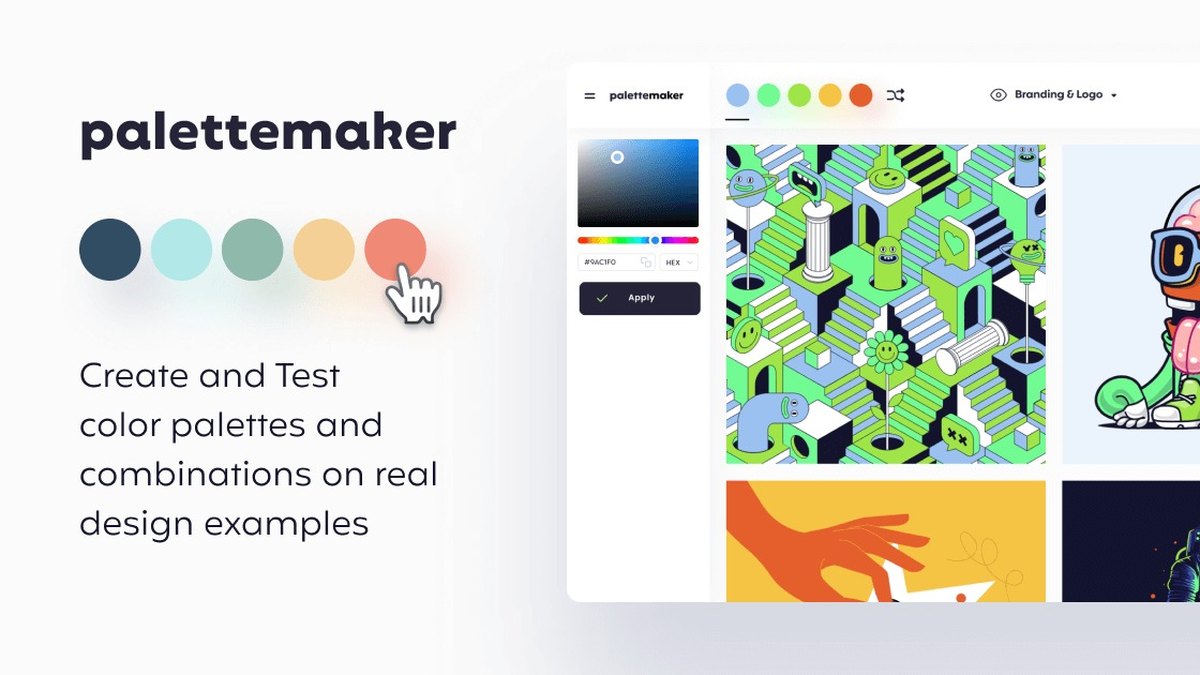
PaletteMaker says it creates color schemes with AI and shows them on real design examples such as logos, UI design, posters and illustrations. It works with 5, 4, 3 and 2-color palettes and exports to Procreate, Adobe ASE, image or code. The page says all current features are free forever.
Go ifIllustrators and graphic designers who want to see colors on posters and logos and export to Procreate or ASE
Skip ifYou want a text-prompt box to steer the AI
Why #8 over #9: Its design-example previews help more than iPalettes’ plain output, but it shows no text-prompt box.
9
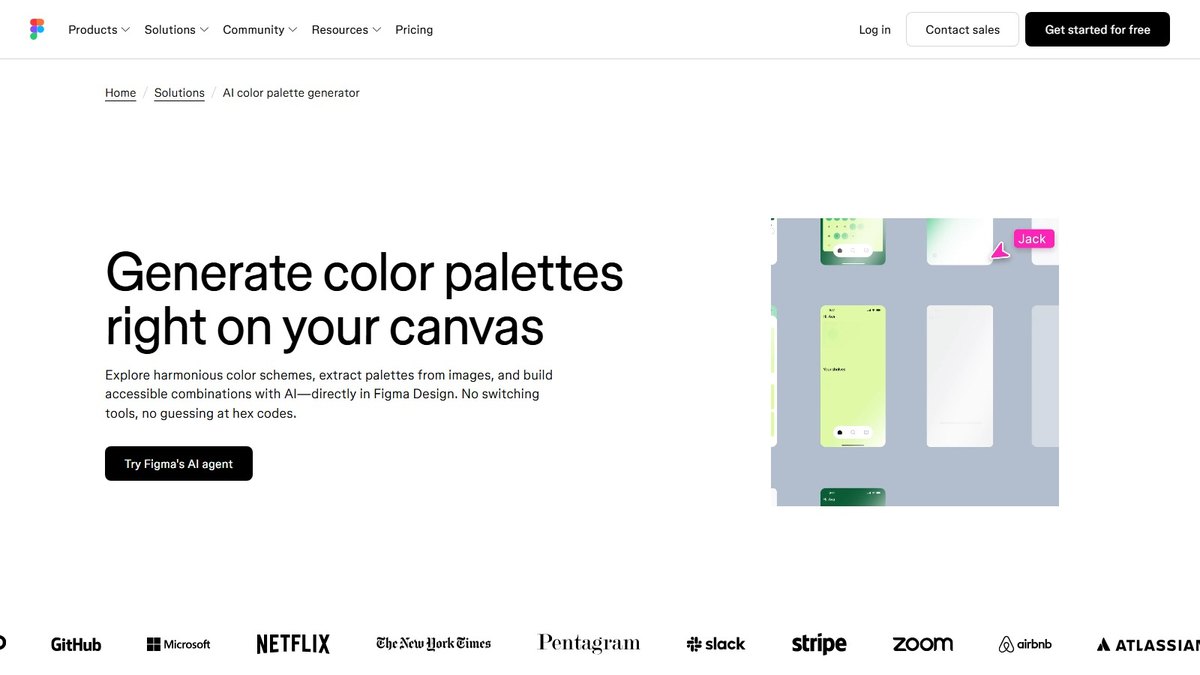
Figma agent AI color palettes
Answrs VerdictAI palettes on the canvas, with no tab switching.
Generates from: Figma’s agent generates palettes using your design context, so every scheme fits your project from the startAI approach: The agent analyzes your input and generates multiple options based on color theory principles, and can account for AA or AAA contrast when you askWhere: Right on your canvas in Figma Design; open it from Agents in the left side rail or with CMD + EnterAccess: Available on all paid Figma plans; during the current open beta it does not consume AI creditsPrice: Included with paid Figma plans; no separate price on this page
Figma’s agent generates palettes on the canvas from your design context, analyzing your input and offering several options based on color theory, with AA or AAA contrast when you ask. Open it from Agents in the left side rail or with CMD + Enter. It is available on all paid Figma plans and, during the open beta, does not consume AI credits.
Go ifProduct designers who want palettes generated inside the file they are already designing
Skip ifYou do not have a paid Figma plan
Why #9 over #10: It works in the file you are designing, but needs a paid Figma plan that the free tools above do not.
10
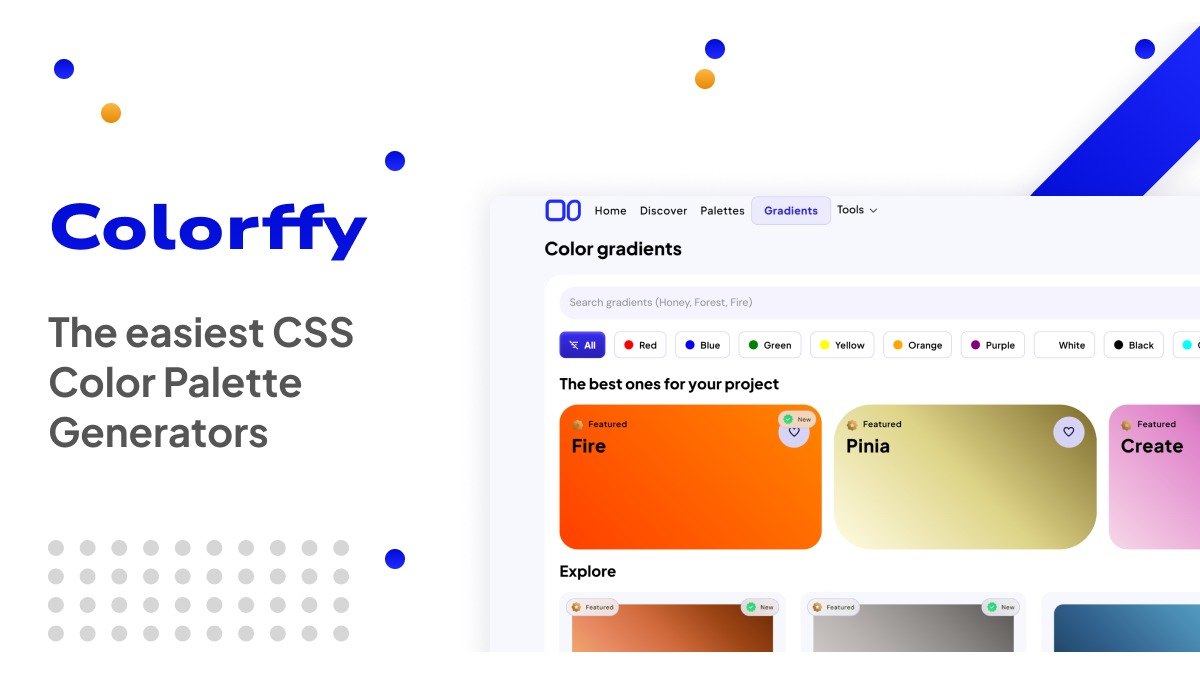
Colorffy
Answrs VerdictAI palettes for theme work, behind a $40 a year Pro plan.
Generates from: Palette Generator is listed as an AI tool, and the page lists generate color palettes with AI as a Pro featureLibrary: The site offers 2000+ curated palettes and gradientsOutput: Pro adds light and dark theme exports, platform-native app tokens, native gradient code and web code exportAudience: Colorffy says it is trusted by more than 500k designers and developersPrice: Pro is billed $40/year; the page shows no other price
Colorffy lists its Palette Generator as an AI tool, and the page names generating color palettes with AI as a Pro feature. The site offers 2000+ curated palettes and gradients and says it is trusted by more than 500k designers and developers. Pro adds light and dark theme exports, app tokens, native gradient code and web code export. Pro is billed $40/year.
Go ifDevelopers who want AI palettes turned into light and dark theme tokens
Skip ifYou want AI palette generation without paying
How we ranked these
We ranked tools on how clearly each says it uses AI to generate palettes, what you can start from, how much control and export it gives, and whether the AI is free. Everything comes from each tool’s own pages and nothing was benchmarked. We checked Adobe Express (its page says the palette generator does not use generative AI), Canva (palette from a photo, no AI stated), Visme, Venngage, Looka, Piktochart and Muzli Colors, and left them out because we could not confirm an AI palette generator on their own pages. Facts are taken from each maker's own published information; check the official site before you buy.
Questions people ask
What is the best AI tool for color palette generation?
ColorMagic is our top pick: it is free, needs no account, and builds a palette from a name, text, HEX code or brand name. Huemint is #2 and Coolors is #3.
Which AI palette generators are completely free?
ColorMagic, EnigmaEasel and iPalettes say they are free with no account or registration, and PaletteMaker says its current features are free forever. Coolors AI and Colorffy’s AI palette generation are Pro features.
Which tool lets me start from a text prompt?
ColorMagic, iPalettes and EnigmaEasel take a typed description, and iPalettes accepts up to 150 characters. Coolors offers a chat bot called Color Bot for color suggestions.
Which AI palette generator learns my taste?
Khroma. You choose a set of colors to train a neural network powered algorithm that generates colors you like and blocks ones you do not.
Most colors per palette each tool states (Coolors on its Pro plan) at a glance
Colormind5 colors
PaletteMaker5 colors
iPalettes6 colors
Coolors10 colors
EnigmaEasel AI Color Palette Generator12 colors
Most colors per palette each tool states (Coolors on its Pro plan), as published by each maker. Picks without a published figure are left off.