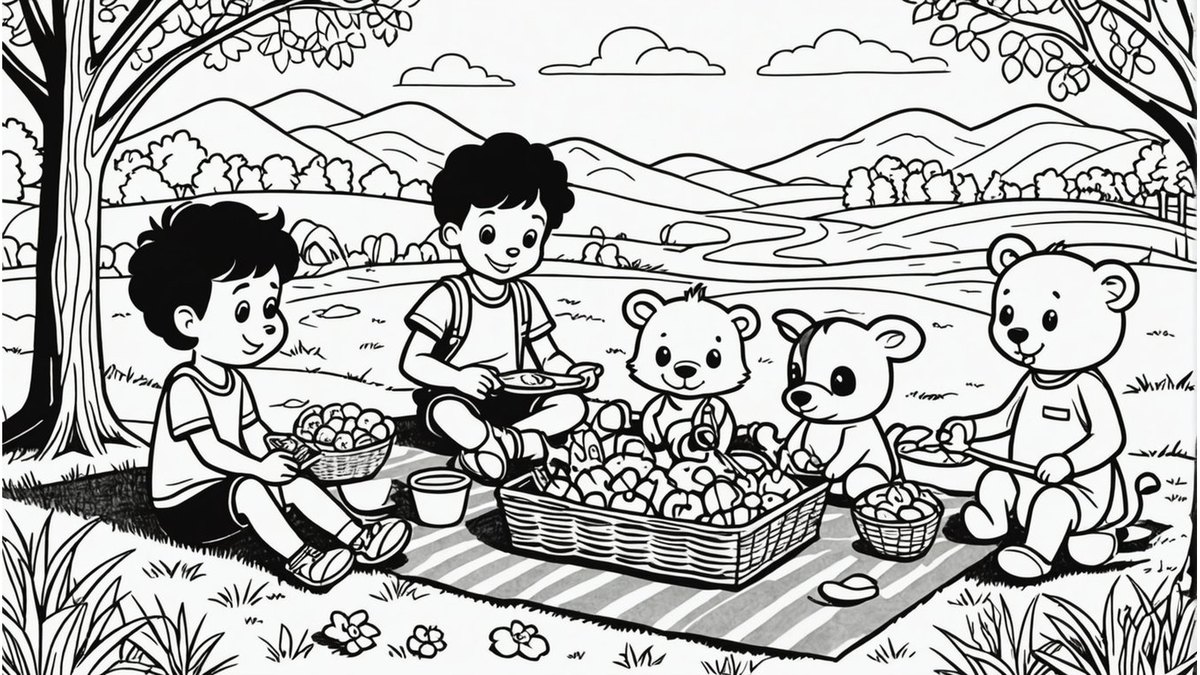
Adobe Firefly is the best AI tool for coloring pages: it is free with a free Adobe account, offers Line Drawing, Ink and Sketch effects, and exports to Adobe Express for a printable book, and Adobe requires users to be 13 or older to register. Adobe Express is #2 for generating, coloring and printing in one place, and Colorin AI is #3 for full coloring books, though its terms require users to be 18.
Basic is listed at $12 and shown at $6 per month for up to 200 images; the Free plan allows 1 image
Adults who want a colored reference image next to each black-and-white page
Pick by what you want
Best overall
Adobe Firefly Coloring Page Generator
Best generate-color-print flow
Adobe Express Coloring Page Generator
Best for coloring books
Colorin AI
Lowest monthly price
Coloringbook.ai
Best free photo converter
Bing AI Coloring Page
The ranking
1
Adobe Firefly Coloring Page Generator
Answrs VerdictThe best-documented option: free daily use, controllable line art and clear licensing and age terms.
Price: Free with a free Adobe account (free daily generations); Firefly Standard is $9.99 per month with 2,000 generative creditsHow it works: Type a description, choose a Line Drawing, Ink or Sketch effect and generate; you can regenerate and upload a reference imageOutput: High-resolution download, or open in Adobe Express to add titles, borders, a printable PDF or a multi-page coloring bookAge terms: Adobe says you must be 13 or older to register for an Adobe ID; uploaders of reference images must confirm they are 18 or olderTraining and use: Adobe says Firefly models are trained on Adobe Stock, licensed content and public domain material, and that pages can be used in published books and classroom materials under its user guidelines
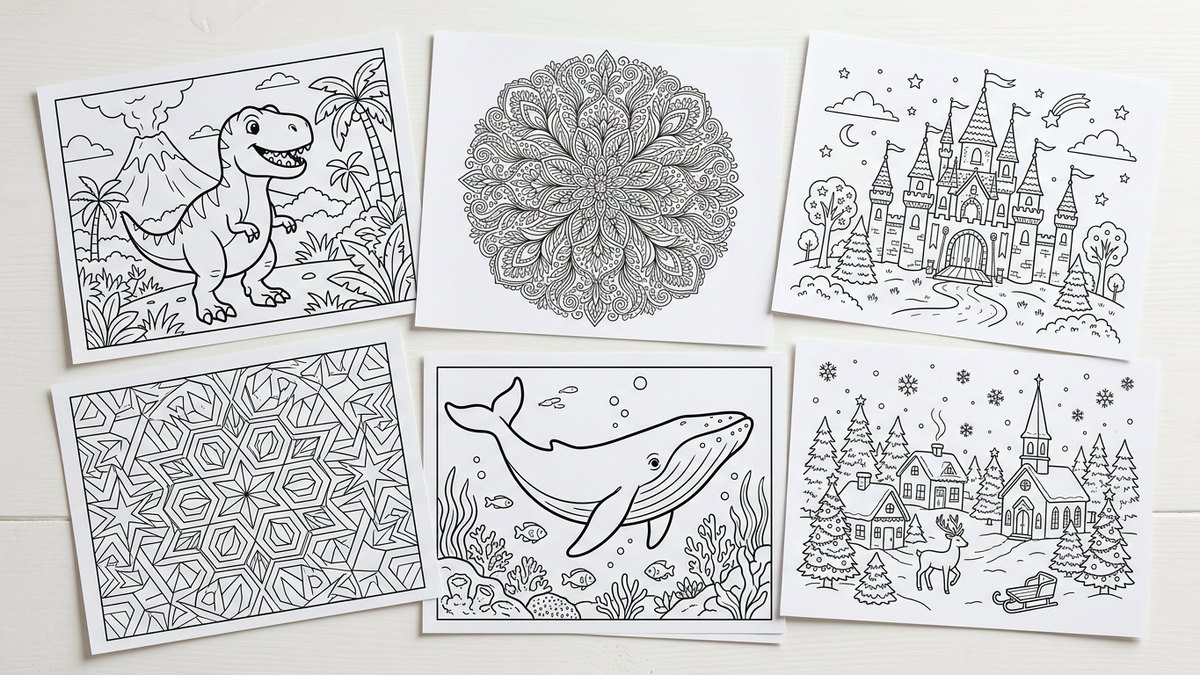
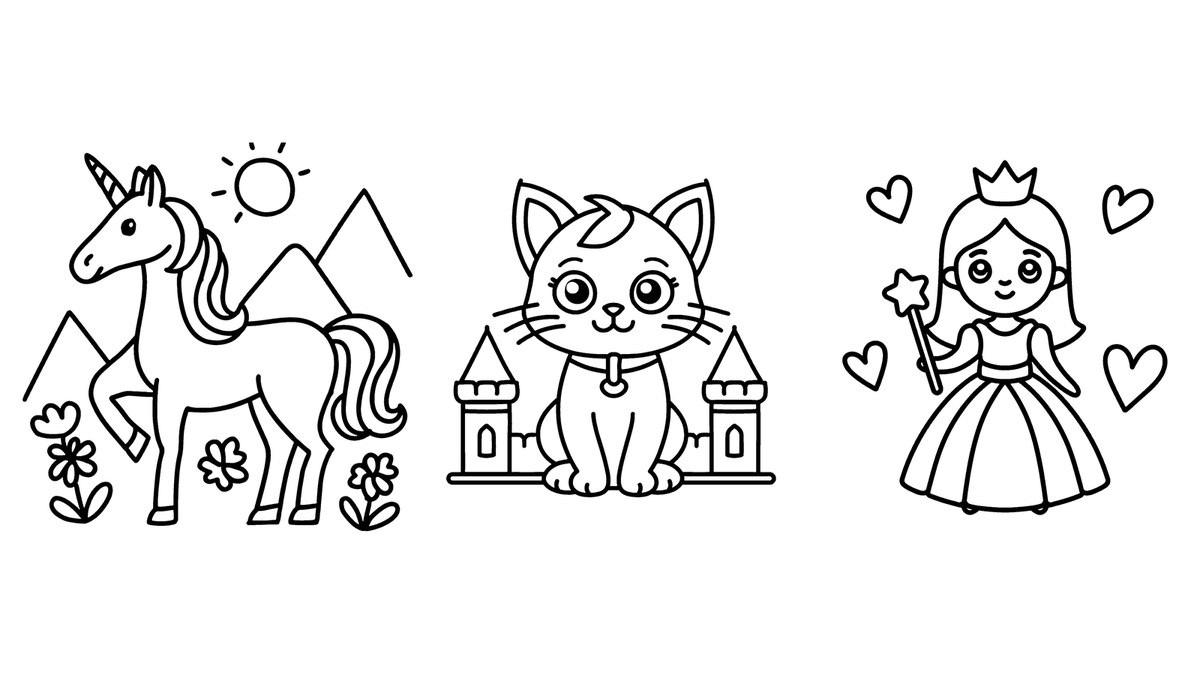
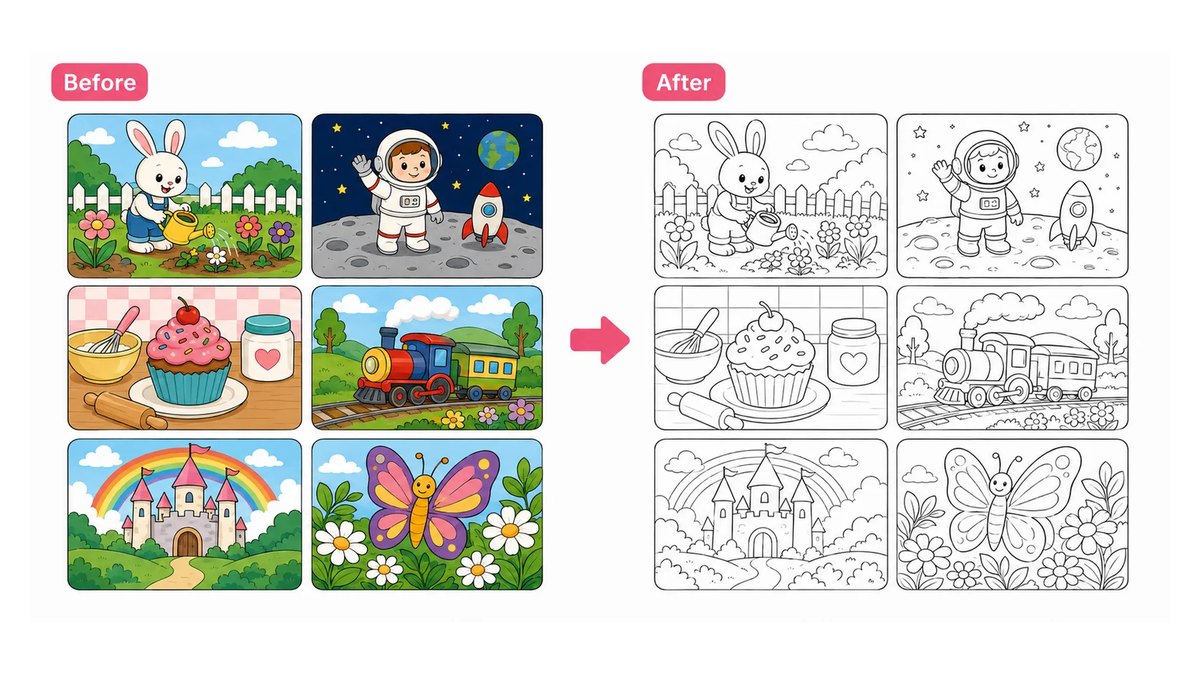
Adobe’s Firefly coloring page generator turns a plain-language description into black ink line art: choose a Line Drawing, Ink or Sketch effect, generate, and regenerate until it is right. You can upload a reference image, then download in high resolution or open the file in Adobe Express for titles, borders, a printable PDF or a multi-page book. It is free with a free Adobe account, and Firefly Standard is $9.99 per month with 2,000 generative credits. Adobe says you must be 13 or older to register for an Adobe ID.
Go ifParents, teachers and authors who want a free generator with adjustable line weight and a path to a printable book
Skip ifYou want to pay nothing and never create an account
Why #1 over #2: It pairs free daily use with documented licensing and age terms, while Adobe Express documents less about limits.
2
Adobe Express Coloring Page Generator
Answrs VerdictThe simplest generate, color and print flow from a major vendor, with a free plan.
Price: A free plan is available to anyone; paid plan prices are listed separately by AdobeHow it works: Create custom coloring pages from a simple text prompt, or start from a library of professionally illustrated drawing templatesColoring mode: Coloring mode helps users stay inside the outlines when coloring digitallyPrinting: Download the page in your preferred file type and print it; teachers can clear the canvas and print or assign the pageAccess: Adobe says to open Adobe Express on your desktop to try the generator; it describes the generator as designed to be commercially safe
Adobe Express creates custom coloring pages from a simple text prompt or from a library of professionally illustrated templates. Coloring mode helps users stay inside the outlines, and teachers can clear the canvas and print or assign the page. A free plan is available, and Adobe says the generator is designed to be commercially safe. Adobe says to use the desktop version to try it.
Go ifTeachers and families who want to generate a page, color it on screen and print it in one place
Skip ifYou want a phone-first app
Why #2 over #3: It handles coloring on screen as well as printing, which Colorin AI’s book builder does not document.
3
Colorin AI
Answrs VerdictThe most complete coloring-book builder, but an adult-only service under its terms.
Price: Hobby is $14.99 per month with 500 credits; a free plan gives 16 coloring pages with no watermark and no credit cardCreation methods: Text descriptions, photo conversion and character lock, which keeps a character consistent across pagesStyles: Cartoon, Kawaii, Storybook, Minimalist, Intricate and ZentangleExport: A single PDF with print-safe margins, with KDP trim sizes including 8.5 x 8.5 inches and 6 x 9 inchesAge terms: The Terms of Use require users to be at least 18 years old
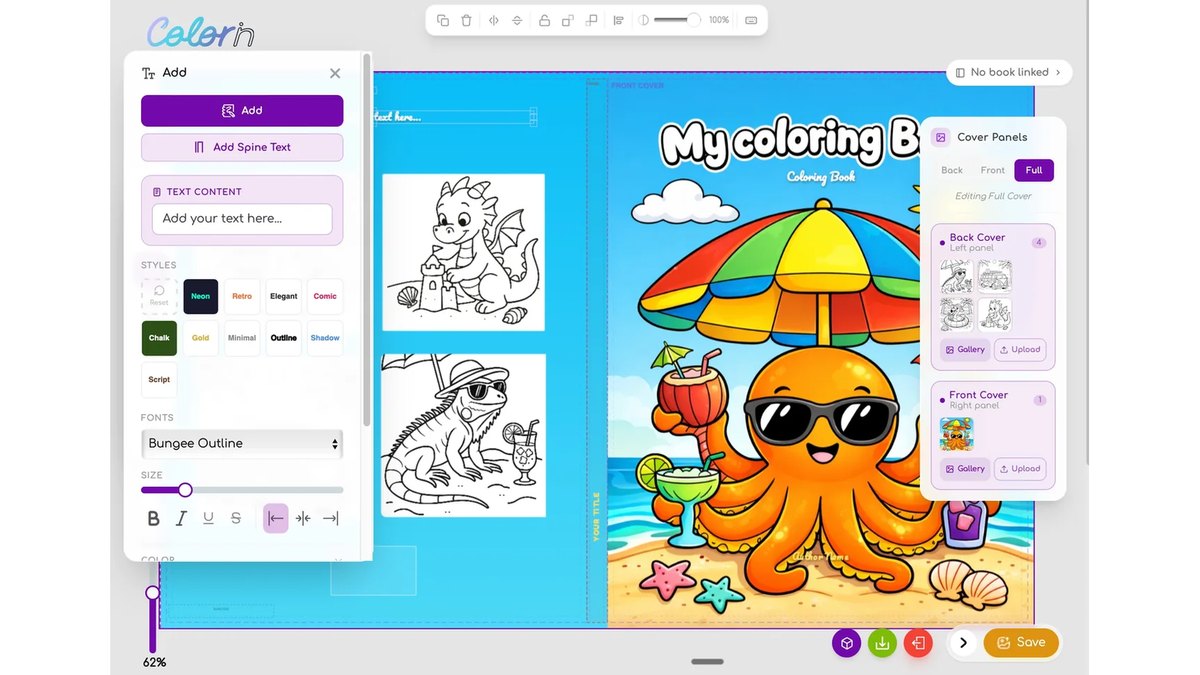
Colorin AI builds whole coloring books from text, photos or a consistent character, in styles from Kawaii to Zentangle, and exports a print-safe PDF with KDP trim sizes. Hobby is $14.99 per month with 500 credits, and a free plan gives 16 pages with no watermark. Its Terms of Use require users to be at least 18 years old, so it is a tool for adults, not children.
Go ifAdults making full coloring books to sell or gift, with matching characters across pages
Skip ifYour child will use it directly, since its terms require users to be 18
Why #3 over #4: Its character lock keeps pages consistent, while Coloringbook.ai focuses on batch and KDP tools.
4
Coloringbook.ai
Answrs VerdictThe lowest published monthly price here, with explicit parental-consent terms for teens.
Price: Starter is $6.99 per month for up to 100 coloring pages; new users get 4 free credits per monthTools: Text to coloring page, photo to coloring page, an AI coloring book generator, Colorize Drawing, Batch Mode and a KDP BuilderOutput size: Standard output is 687 x 1024 px; Upscale for Print on paid plans gives 2748 x 4096 pxAge terms: Users must be 13 or older; minors need a parent or guardian to accept the terms, and children under 13 are not permittedCommercial use: The plan table lists commercial use for Professional and Business only
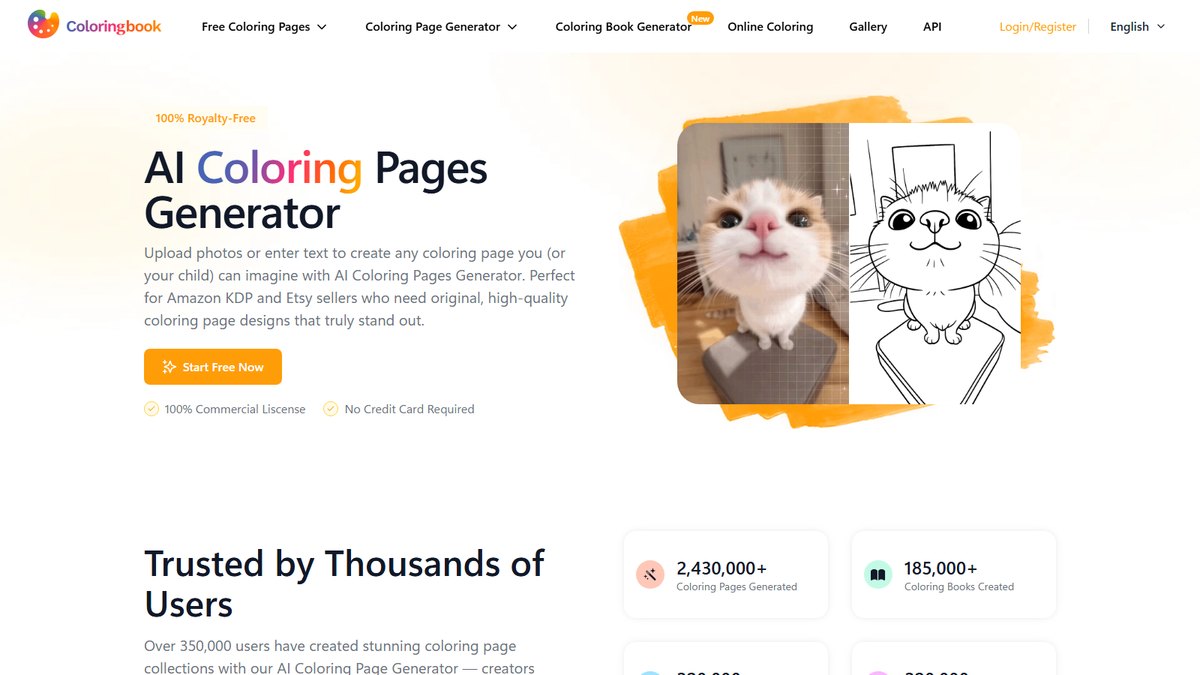
Coloringbook.ai offers text and photo conversion, a coloring book generator, Colorize Drawing, Batch Mode and a KDP Builder. Starter is $6.99 per month for up to 100 pages, and new users get 4 free credits per month. Its terms say users must be 13 or older, minors need a parent or guardian to accept the terms, and children under 13 are not permitted.
Go ifFamilies and small creators who want the lowest published monthly price and a clear parental-consent rule
Skip ifYou need commercial rights on the cheapest plan
Why #4 over #5: It has the lowest published monthly price here, while MyColoring.ai starts at $11.99.
5
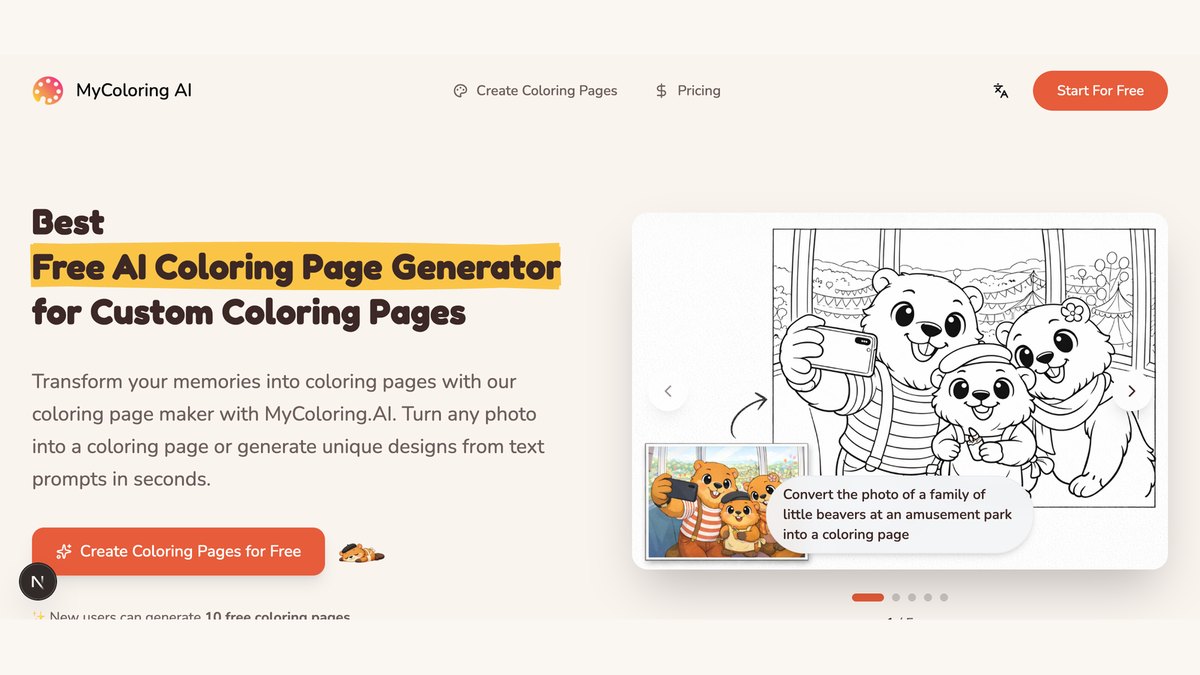
MyColoring.ai
Answrs VerdictThe friendliest kid-facing features, but no published age requirement.
Price: Starter is $11.99 per month with 200 credits; a free plan is $0 with credits to start and daily check-in creditsTools: Text, photo and name coloring pages, batch creation of up to 50 pages and an AI coloring book generatorKids features: Kids Drawing to Life, AI auto coloring for sketches and kids drawings, and Color Together for live shared coloringDifficulty and printing: Simple, Medium or Complex text levels, printable on A4 or US LetterAge terms: The Terms of Service state no minimum age
MyColoring.ai makes pages from text, photos and names, batches of up to 50, and coloring books, with Kids Drawing to Life and Color Together for live shared coloring. Starter is $11.99 per month with 200 credits, and a free plan is $0 with credits to start. Its Terms of Service state no minimum age, so parents should supervise.
Go ifFamilies who want kids drawings turned into pages and shared coloring sessions
Skip ifYou need a stated minimum age before letting a child sign up
Why #5 over #6: It has more kid-facing features than iColoring AI, which focuses on bulk generation.
6
iColoring AI
Answrs VerdictA no-signup start and a clear stance on parental consent.
Price: Starter is $9.99 per month with 300 credits, or $7.99 per month billed annuallyFree use: Free to use with no registration, with free watermark-free PNG and PDF downloadsTools: Image to Coloring Page, Text to Coloring Page, a Bulk Generator, an AI Colorizer and a library of 825 free printable pagesPrivacy: Uploaded images and information are regularly deleted and not stored long termAge terms: Users may use the Services only with the consent of a parent or legal guardian who agrees to the Terms; children under 13 are not permitted
iColoring AI is free to use with no registration and offers free watermark-free PNG and PDF downloads, image and text generators, a bulk generator, an AI colorizer and 825 free printable pages. Starter is $9.99 per month with 300 credits, or $7.99 per month billed annually. Its terms allow use only with a parent or guardian’s consent and bar children under 13.
Go ifParents who want to try a generator without signing up first
Skip ifYou want a published free-credit amount
Why #6 over #7: It lets you start with no signup, while Colorify AI limits watermark-free downloads to logged-in users.
7
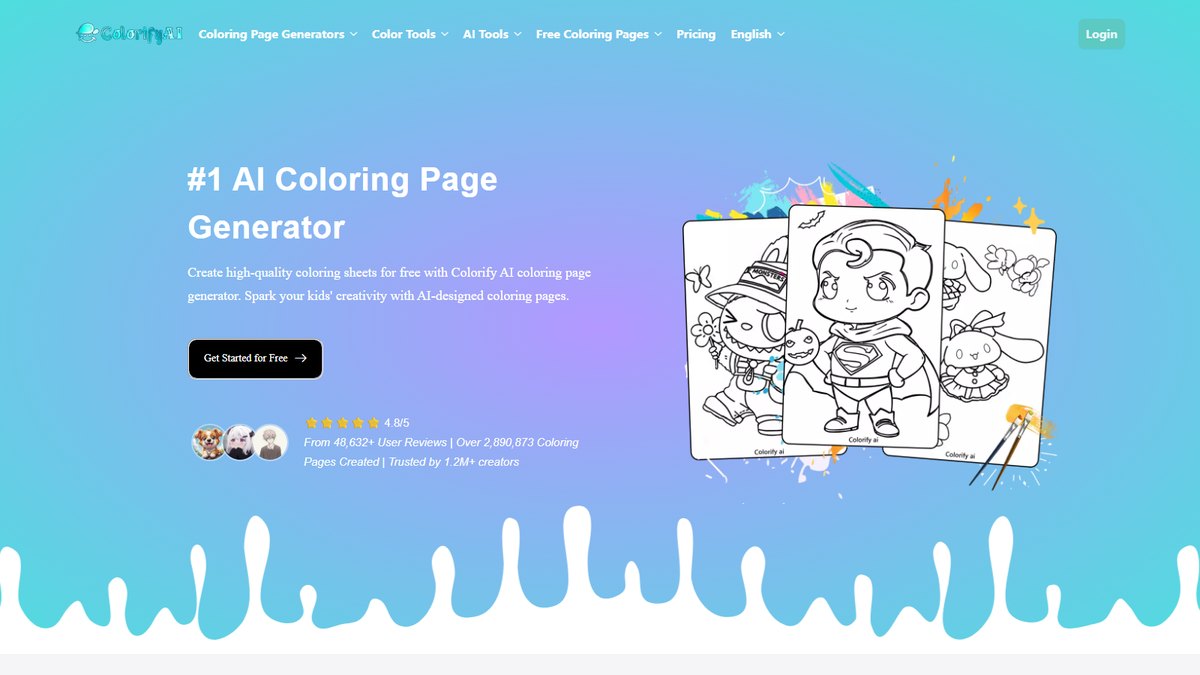
Colorify AI
Answrs VerdictA wide style range and a low entry price, with clear age terms.
Price: Basic is $9.9 per month with 250 credits; the first try is free with no loginTools: Text to coloring page with 15 art styles, photo to coloring page, sketch to image and a line art colorizerFree limits: Free users are limited to personal use; commercial use requires an active Plus or Pro subscriptionDownloads: Downloads are PNG or PDF; logging in is needed for watermark-free downloadsAge terms: You must be 13 or older; users under the age of majority need a parent or guardian’s consent, and children under 13 are not permitted
Colorify AI offers text to coloring page with 15 art styles, photo conversion, sketch to image and a line art colorizer, with PNG or PDF downloads. The first try is free with no login, and Basic is $9.9 per month with 250 credits. You must be 13 or older, and users under the age of majority need a parent or guardian’s consent.
Go ifHobbyists who want many art styles and photo conversion on a low monthly price
Skip ifYou want commercial rights without paying for Plus or Pro
Why #7 over #8: It offers a wider style menu than Bing’s tool, which is photo-only.
8
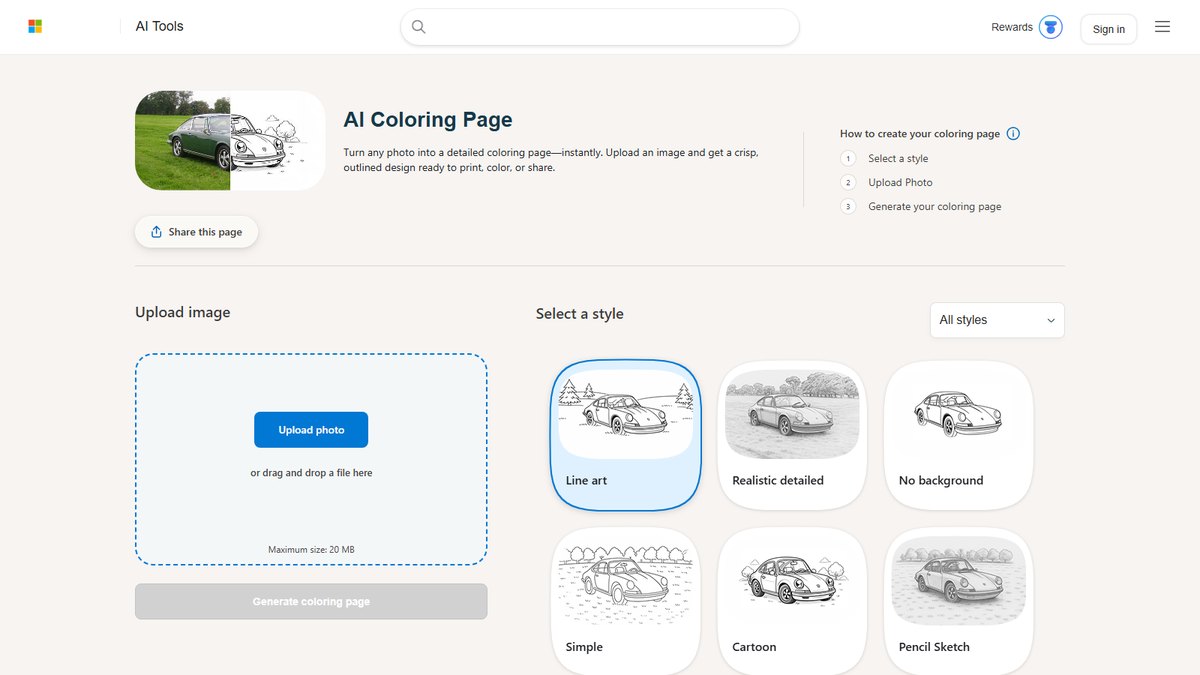
Bing AI Coloring Page
Answrs VerdictFree and simple, but photo-only and with a privacy notice parents should read.
Price: Free; Microsoft calls it a free toolHow it works: Upload a photo, pick a style such as line art, and generate an outlined, printable designLimits: Uploads are capped at 20 MB, and Microsoft says there are no watermarks or usage limits for personal projectsPrivacy notice: Images may be sent to Bing Image Creator for enhancement, faces may be used to improve services, and Microsoft warns against sharing sensitive informationAge terms: The tool page states no minimum age and links to a Privacy statement, Content Policy and Terms of Use
Microsoft’s AI Coloring Page tool turns an uploaded photo into a printable outlined design, with styles such as line art. It is free, uploads are capped at 20 MB, and Microsoft says there are no watermarks or usage limits for personal projects. The upload flow warns that images may be sent to Bing Image Creator and that faces may be used to improve services, and the page states no minimum age.
Go ifAnyone who wants a free photo-to-coloring-page converter from a large vendor
Skip ifYou want to generate pages from a text prompt, or to upload children’s faces
Why #8 over #9: It is free with no stated usage limits, while iColorPlay’s free plan has limited daily generations.
9
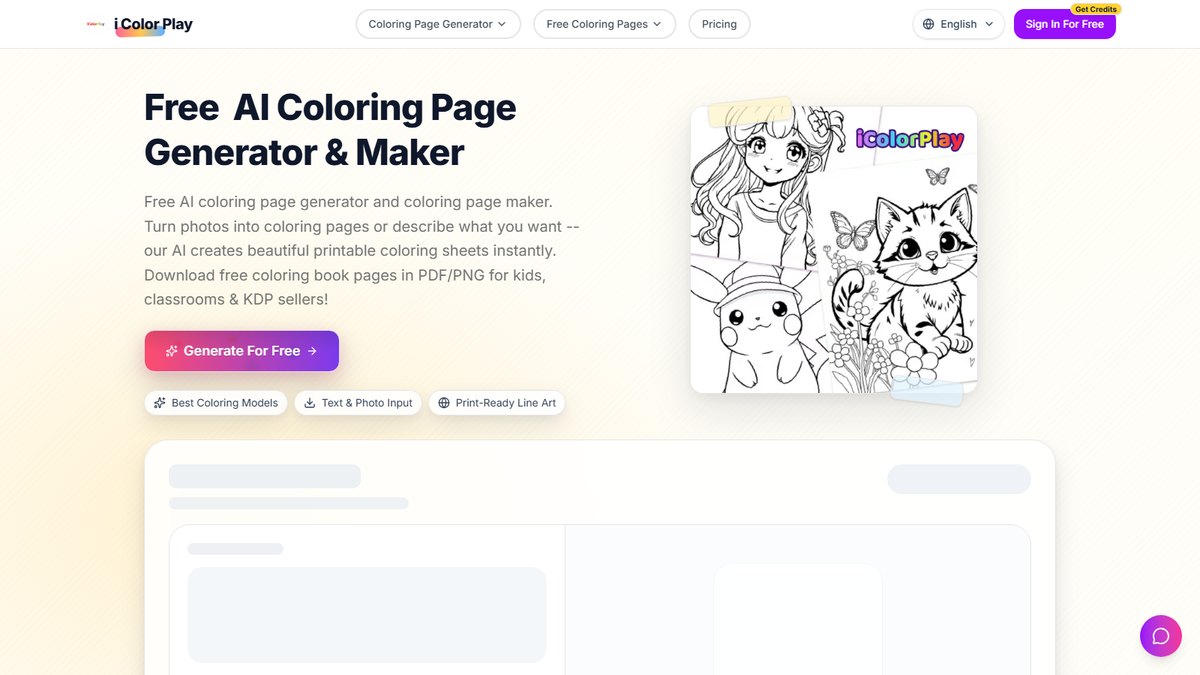
iColorPlay
Answrs VerdictAge-targeted styles and clear credit costs, but no published age rule.
Price: Basic is $9.9 per month with 200 credits; the free plan has limited daily generationsCredit cost: Text to coloring costs 1 credit and photo to coloring costs 2 creditsTools: Text to coloring, photo to coloring and coloring card tools with age-specific stylesKid safety claim: The FAQ says generated content is healthy and appropriate, especially suitable for children, and that uploaded photos are not stored or sharedAge terms: The Terms of Service state no minimum age
iColorPlay offers text to coloring, photo to coloring and coloring cards with age-specific styles. Basic is $9.9 per month with 200 credits, text to coloring costs 1 credit and photo to coloring 2 credits, and the free plan has limited daily generations. Its FAQ says content is suitable for children and photos are not stored or shared, but its Terms state no minimum age.
Go ifParents who want age-specific styles and a gallery of ready-made pages
Skip ifYou need a stated minimum age
Why #9 over #10: It spells out credit costs per page, which AIColoring.art does not.
10
AIColoring.art
Answrs VerdictA handy reference-image idea, but one free image and an adults-only rule.
Price: Basic is listed at $12 and shown at $6 per month for up to 200 images; the Free plan allows 1 imageOutput: Each generation includes a colored reference version and a black-and-white version for coloringPrinting: Pages print horizontally on a regular A4 printerCommercial use: Paid-plan images can be used commercially; free-account images are limited to personal useAge terms: The Terms of Use say the Services are available only to persons who have reached the age of majority and are not intended for use by minors
AIColoring.art gives each generation both a colored reference version and a black-and-white version for coloring, printed horizontally on A4. Basic is listed at $12 and shown at $6 per month for up to 200 images, and the Free plan allows 1 image. Its Terms of Use say the Services are not intended for use by minors.
Go ifAdults who want a colored reference image next to each black-and-white page
Skip ifA child will use it directly, since its terms exclude minors
How we ranked these
We ranked tools by how clearly each vendor’s own pages document generating printable coloring pages, then by published price and each vendor’s stated age terms. We left out tools whose features appeared only on third-party listicles and sites we could not read, such as Canva and ChatGPT, whose pages blocked automated reading. Prices come from each vendor’s pricing page; the chart uses the lowest published paid monthly plan in US dollars, billed monthly, and AIColoring.art’s promotional price is left out of it. Terms change, so a parent should read each service’s current terms before a child uses it. Facts are taken from each maker's own published information; check the official site before you buy.
Questions people ask
What is the best AI tool for making coloring pages?
Adobe Firefly is our top pick: it is free with a free Adobe account, lets you choose a Line Drawing, Ink or Sketch effect, and exports to Adobe Express for a printable PDF or multi-page book. Adobe Express is #2.
Is there a free AI coloring page generator?
Yes. Adobe Firefly gives free daily generations with a free account, Bing’s AI Coloring Page tool is free, and iColoring AI says it is free to use with no registration.
Are these tools safe for kids?
Check each tool’s terms first. Coloringbook.ai, iColoring AI and Colorify AI say users must have a parent or guardian’s involvement as minors and that children under 13 are not permitted, Adobe requires 13 for an Adobe ID, Colorin AI requires 18, and AIColoring.art says it is not intended for minors. A parent should do the generating for younger children.
Which AI coloring page tool is cheapest?
Among the lowest published monthly paid plans, Coloringbook.ai Starter is $6.99, then Colorify AI and iColorPlay at $9.9 and Adobe Firefly and iColoring AI at $9.99.
Lowest published paid monthly plan, billed monthly, in US dollars at a glance
Coloringbook.ai Starter6.99 USD per month
Colorify AI Basic9.9 USD per month
iColorPlay Basic9.9 USD per month
Adobe Firefly Standard9.99 USD per month
iColoring AI Starter9.99 USD per month
MyColoring.ai Starter11.99 USD per month
Colorin AI Hobby14.99 USD per month
Lowest published paid monthly plan, billed monthly, in US dollars, as published by each maker. Picks without a published figure are left off.