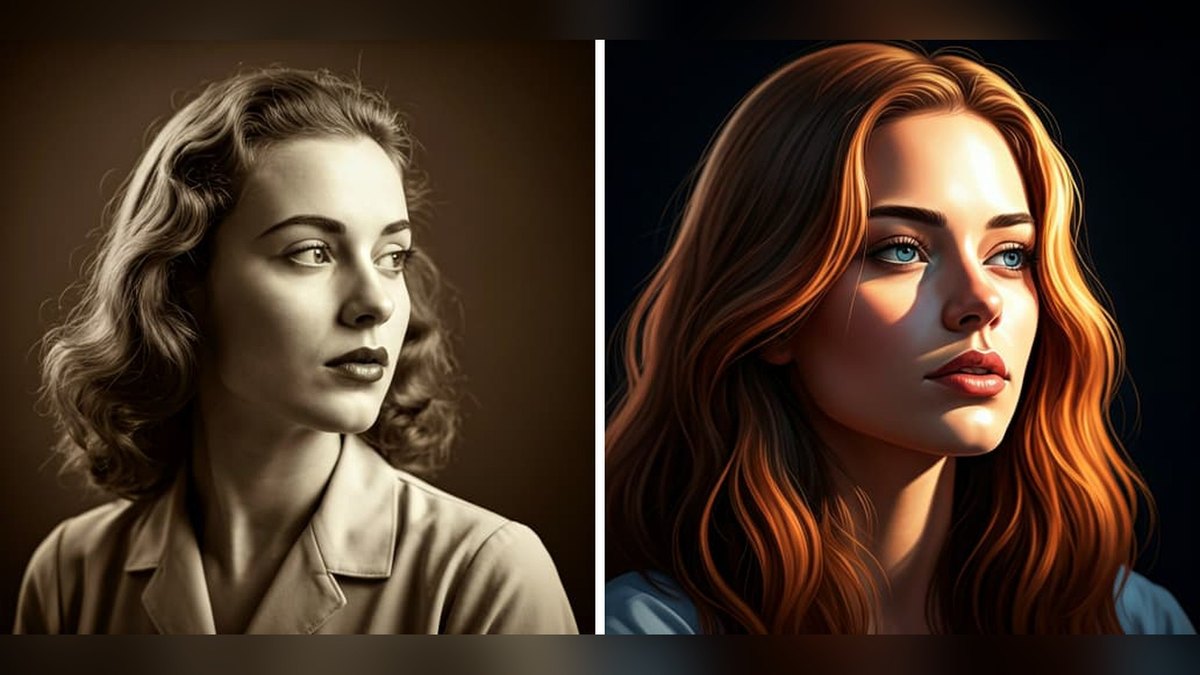
The 10 Best AI Tools for Colorizing Old Photos in 2027
By Kory White · Updated Nov 2026 · 6 min read
Direct answer
Adobe Photoshop’s Colorize Neural Filter is the best AI tool for colorizing black-and-white photos: you set colors with pins and keep the result as an editable Smart Filter, from US$19.99/mo. Palette.fm is #2 for the most natural automatic color, and MyHeritage In Color is #3 for family photos.
Photoshop plan US$22.99/mo, or the Photography plan (Lightroom, Lightroom Classic and Photoshop on desktop) US$19.99/mo, both annual billed monthly; 7-day free trial
Anyone who wants to correct the AI’s guesses area by area and keep the edit non-destructive
Not published on the plans page; 1-Month, 1-Year and Lifetime one-time plans with unlimited processing and high-resolution output
Colorizing a few images free, then a whole folder at once
Pick by what you want
Best overall
Adobe Photoshop (Colorize Neural Filter)
Best dedicated colorizer
Palette.fm
Best for family history
MyHeritage In Color
Best one-time payment
Pixbim Color Surprise AI
Best open source
DeOldify
Best free browser tool
Img2Go Colorize Photo
The ranking
1
Adobe Photoshop (Colorize Neural Filter)
Photo: SuFlyer / CC0 via Wikimedia Commons
Answrs VerdictThe most control over every color.
Price: Photoshop plan US$22.99/mo, or the Photography plan (Lightroom, Lightroom Classic and Photoshop on desktop) US$19.99/mo, both annual billed monthly; 7-day free trialColor control: Color balance sliders for overall tone and saturation, plus color pins you place, move or duplicate to set the color of specific areasOutput: Apply to Current Layer, Duplicate Layer, Duplicate Layer Masked, New Layer or Smart Filter; Smart Filter keeps the result non-destructive and editableStatus: Colorize sits under the Beta filters in Filter > Neural Filters and downloads from Adobe servers on first usePlatforms: Photoshop desktop; the Photoshop plan also covers Photoshop on web and mobile
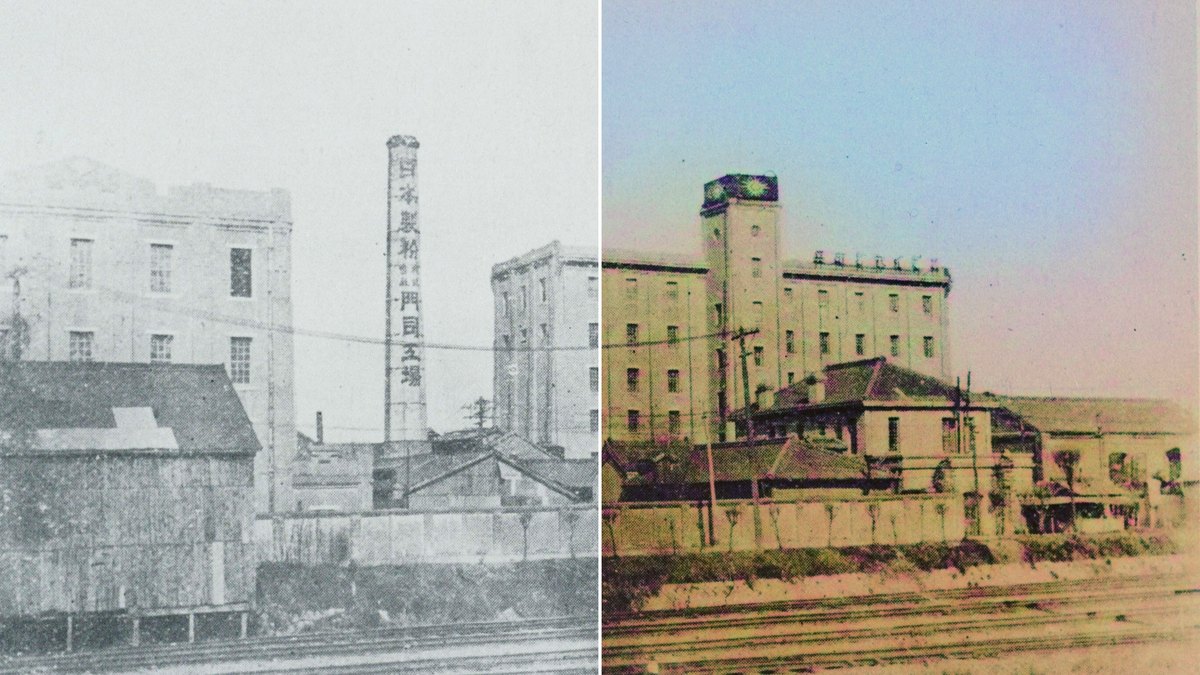
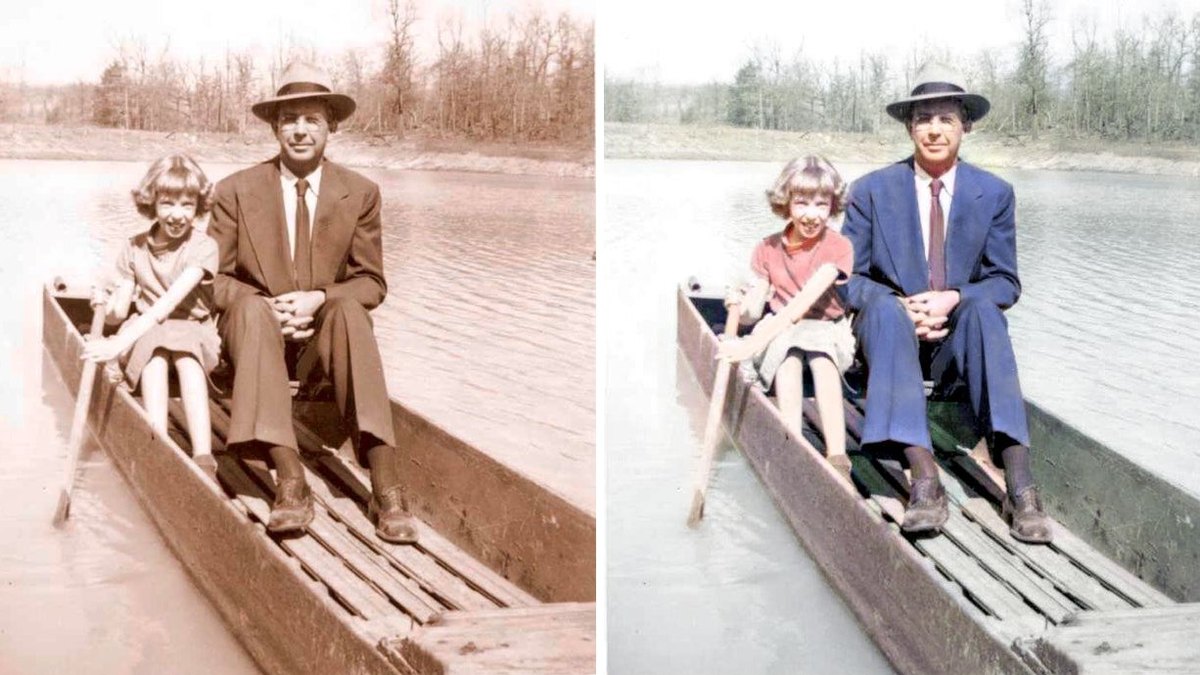
Photoshop’s Colorize Neural Filter adds color to a black-and-white photo, then lets you correct it: balance sliders change overall tone and saturation, and color pins set the color of a sleeve, a door or a sky. Output can go to a new layer or a Smart Filter that stays editable. It is still listed under Beta filters. Photoshop costs US$22.99/mo, or US$19.99/mo in the Photography plan, with a 7-day free trial.
Go ifAnyone who wants to correct the AI’s guesses area by area and keep the edit non-destructive
Skip ifYou only want a one-click result and no monthly subscription
Why #1 over #2: You can pin exact colors to exact areas, while Palette.fm steers color through filters and key words.
2
Palette.fm
Answrs VerdictThe best dedicated colorizer.
Price: $72/year subscription ($6/month, 480 credits a year), or $49 once for 75 credits; 1 credit = 1 photoFree tier: Free unlimited color previews resized to 500x500 pixels with a Palette watermark, plus 1 free trial credit for a full-resolution resultResolution: Paid credits colorize logo-free in high resolution, up to 5000x5000 pixelsColor control: 21+ color filters, and you can fine-tune colors by editing key words before you colorizeAPI: Image and video colorization APIs are offered through RapidAPI
Palette.fm is built only for colorization. It offers 21+ color filters and lets you rewrite the key words that steer the colors. Free previews are 500x500 pixels with a watermark; paid credits give logo-free output up to 5000x5000 pixels. The subscription is $72/year for 480 credits, or $49 once for 75 credits, and image and video APIs are on RapidAPI.
Go ifPeople who want the most realistic automatic result and a choice of color looks
Skip ifYou need to pin exact colors to exact spots
Why #2 over #3: It outputs up to 5000x5000 pixels without a genealogy subscription, which MyHeritage requires for unlimited use.
3
MyHeritage In Color
Photo: Автор:My Heritage; по запросу Liilia Moroz / Public domain via Wikimedia Commons
Answrs VerdictThe best colorizer for family history.
Price: Unlimited colorization on the Complete plan, $299/year (1st year: $199)Free tier: Non-subscribers can colorize several photos for free, with a MyHeritage logo watermark on the bottom rightTechnology: Colorization and color restoration licensed exclusively by MyHeritage from DeOldify, created by Jason Antic and Dana KelleyColor restoration: Also restores the colors in faded color photos, which it says suits prints from the 1950’s through the 1990’sPlatforms: Web, plus the free MyHeritage mobile app on the App Store and Google Play for scanning prints
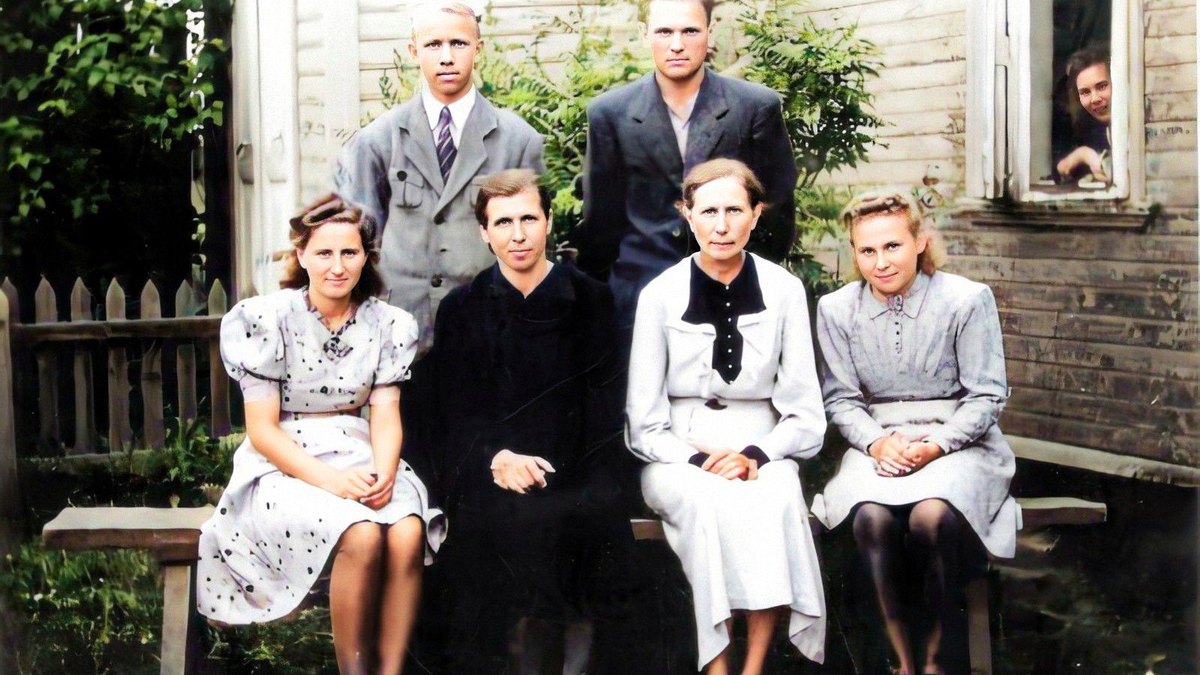
MyHeritage In Color uses colorization licensed exclusively from DeOldify, and it can also restore the colors of faded color prints. Anyone can colorize several photos for free with a logo watermark; the Complete plan, $299/year with a first year at $199, makes it unlimited and logo-free. The free MyHeritage app scans prints on iOS and Android.
Go ifFamily historians who already keep photos and a tree on MyHeritage
Skip ifYou do not want a genealogy subscription
Why #3 over #4: It works in a browser and the MyHeritage phone app, while Pixbim is desktop software for Windows and Mac.
4
Pixbim Color Surprise AI
Answrs VerdictThe best one-time-payment desktop colorizer.
Price: $39.99 one-time fee, no subscription, with free upgrades; free trialResolution: No image size restrictions; the color output is the same height and width in pixels as the black-and-white inputPrivacy: Runs on your own computer; photos are not uploaded to serversColor control: A Brush Tool replaces AI-generated colors with colors you choose, and Batch Process colorizes many photos in a rowPlatforms: Windows and Mac
Pixbim Color Surprise AI is desktop software for Windows and Mac with a $39.99 one-time fee and free upgrades. Photos stay on your computer, there are no image size restrictions, and the color output matches the input’s pixel size. A Brush Tool lets you repaint colors you do not like, and Batch Process handles many photos in a row.
Go ifBig home archives you want to colorize offline for a single payment
Skip ifYou want to work in a browser or on a phone
Why #4 over #5: It needs no Linux setup or GPU work, unlike DeOldify.
5
DeOldify
Photo: Samuel Boote / Public domain via Wikimedia Commons
Answrs VerdictThe open-source model behind several colorizers.
Price: Free; code and pretrained weights are released under the MIT licenseModels: Artistic (most colorful), Stable (best for landscapes and portraits) and Video (flicker-free)Hardware: A graphics card with about 4GB+ of memory for colorizing; Linux is the target and Windows is not supportedStatus: The GitHub repository was archived by its owner on Oct 19, 2024 and is read-onlyHosted versions: The README points to a free DeOldify colorizer on DeepAI and to MyHeritage for its most advanced version
DeOldify is the open-source project whose colorization MyHeritage licenses. Its code and weights are MIT licensed, with Artistic, Stable and Video models. You need a graphics card with about 4GB+ of memory, and Linux is the target. The GitHub repository was archived by its owner on Oct 19, 2024, so it is read-only.
Go ifDevelopers and archivists who want to run colorization on their own GPU
Skip ifYou do not want to set up Python on Linux
Why #5 over #6: It is free and runs on your own hardware, while ImageColorizer charges for credits beyond its free plan.
6
ImageColorizer
Answrs VerdictLow-cost credits on every platform.
Price: Starter $6.9/month (500 credits), Premium $9.9/month (1000 credits), Business $19.9/month (unlimited access to V2 model)Free tier: Free plan with 50 credits a month, single processing and adsResolution: Paid uploads should be under 100MB and 4000px on one side; larger photos are resized or compressedPlatforms: Web, plus apps on iOS, iPad, Mac and AndroidRefund: Money Back Guarantee: try it for 7 days and request a refund during the eligible period
ImageColorizer runs on the web and in apps for iOS, iPad, Mac and Android. The free plan gives 50 credits a month with ads; Starter is $6.9/month for 500 credits and Premium is $9.9/month for 1000. Paid uploads should stay under 100MB and 4000px on one side.
Go ifRegular users who want monthly credits on web and phone
Skip ifYou need files larger than 4000px on a side
Why #6 over #7: It has iOS and Android apps and 50 free credits a month, while Img2Go’s free tier allows 2 photos per day.
7
Img2Go Colorize Photo
Answrs VerdictThe best free browser colorizer.
Price: Free with a daily limit; Starter $8/month, Pro $29/month, Business $89/monthFree tier: Free users can colorize 2 photos per day; paid plans remove the daily limit and add batch processingColor control: Nature and People or Generic AI model, and a render factor from 7 (fastest) to 40 (highest quality), default 35Formats: JPG, PNG, WebP, BMP, TIFF, GIF and more, output in the same formatPrivacy: Encrypted uploads, no human review, and files are not used for AI training
Img2Go’s colorizer lets free users colorize 2 photos per day in the browser. You choose a Nature and People or Generic model and a render factor from 7 to 40 (default 35) to trade speed for color detail. Starter at $8/month removes the daily limit and adds batch processing. It keeps your file format and does not train AI on your files.
Go ifColorizing a couple of photos a day for free in the browser
Skip ifYou want to set specific colors yourself
Why #7 over #8: Its render factor and two models let you tune each result, while DeepAI’s strength is its API.
8
DeepAI Image Colorizer
Answrs VerdictThe simplest colorization API.
Price: DeepAI Pro $9.99/month, or $7.50/month billed annually at $89.99; credit packs from $5.00 to $1,000.00API: The colorizer can be used through the DeepAI image API, and Pro includes API accessFree tier: Free plan has limited HD images and editingModel: DeOldify’s README lists DeOldify Image Colorization on DeepAI as the easiest way to colorize images
DeOldify’s README calls DeepAI’s colorizer the easiest way to colorize images. Developers can call it through the DeepAI image API. DeepAI Pro is $9.99/month, or $7.50/month billed annually at $89.99, and includes API access; credit packs run from $5.00 to $1,000.00.
Go ifDevelopers who want a simple colorization API call
Skip ifYou want color controls or a dedicated colorizer plan
Why #8 over #9: Pro covers all of DeepAI’s tools for one monthly price, while Hotpot charges credits for every result.
9
Hotpot Photo Colorizer
Answrs VerdictStyled colorization on credits.
Price: Credit packs from $12 for 1,000 credits to $240 for 20,000 credits; credits are required for every resultStyles: Natural, cinematic, vintage or Polaroid-inspired styles, plus a custom descriptionBatch: Upload several photos with one style and download results one by one or together in a ZIPLimits: May not work well with more than two people; accepts JPG, JPEG, PNG and WebP
Hotpot’s Photo Colorizer lets you pick a natural, cinematic, vintage or Polaroid-inspired style or describe your own, and batch a set of photos with one style, downloaded as a ZIP. Credits are required for every result; packs run from $12 for 1,000 to $240 for 20,000. Hotpot warns it may not work well with more than two people.
Go ifTrying different color moods on portraits
Skip ifYou have group photos or want a free tier
Why #9 over #10: It publishes its credit prices, which Colourise.com does not show on its plans page.
Price: Not published on the plans page; 1-Month, 1-Year and Lifetime one-time plans with unlimited processing and high-resolution outputFree tier: No credit card required for your first 5 imagesBatch: Batch processing applies colour or background removal to entire folders of imagesPrivacy: Uploads are deleted from its servers within 24 hours and are not used to train its AIRefund: 14-day money-back guarantee on the Lifetime plan, which includes a commercial-use license
Colourise.com, from Fabsoft Software UK Limited, colorizes and removes backgrounds, with batch processing for whole folders. Your first 5 images need no credit card. It sells 1-Month, 1-Year and Lifetime plans with unlimited processing, but prices were not shown on its plans page. Uploads are deleted within 24 hours.
Go ifColorizing a few images free, then a whole folder at once
Skip ifYou need to see a price before you sign up
How we ranked these
We ranked tools that turn black-and-white photos into color on how much control they give over the colors, output resolution, free tier, published price, and whether they are open source or have an API, using only each maker’s own pages and DeOldify’s GitHub README. All-round restoration apps are covered on our separate old-photo restoration list, so this list favors colorization specialists. Facts are taken from each maker's own published information; check the official site before you buy.
Questions people ask
What is the best AI tool to colorize old photos in 2027?
Adobe Photoshop’s Colorize Neural Filter is our top pick because you can place color pins and keep the result as an editable Smart Filter. Palette.fm is #2 as the best dedicated colorizer, with output up to 5000x5000 pixels, and MyHeritage In Color is #3 for family history.
Can I colorize a black-and-white photo for free?
Yes, with limits. Img2Go colorizes 2 photos per day free, ImageColorizer gives 50 free credits a month, Palette.fm gives free previews at 500x500 pixels with a watermark, and DeOldify is free, MIT-licensed code you run yourself.
Are AI-colorized photos historically accurate?
No. Hotpot says AI predicts plausible colors and cannot know the original colors from a black-and-white photo alone, so treat the result as an interpretation. MyHeritage likewise calls colorization the AI’s best guess, unlike restoring the colors of a faded color photo.
Is there an open-source photo colorizer?
DeOldify is open source under the MIT license, with Artistic, Stable and Video models. It needs a graphics card with about 4GB+ of memory, targets Linux, and its GitHub repository was archived on Oct 19, 2024.
Lowest published monthly price for a paid plan (Pixbim is a $39.99 one-time fee and DeOldify is free, so they are not shown) at a glance
Palette.fm6 US$ per month
ImageColorizer6.9 US$ per month
Img2Go Colorize Photo8 US$ per month
DeepAI Image Colorizer9.99 US$ per month
Adobe Photoshop (Colorize Neural Filter)19.99 US$ per month
Lowest published monthly price for a paid plan (Pixbim is a $39.99 one-time fee and DeOldify is free, so they are not shown), as published by each maker. Picks without a published figure are left off.