DbSchema is the best AI tool for database design: its AI Assistant works from your own schema model and it connects to 100+ databases, with a free Community Edition. ChartDB is #2 for AI-drafted ER diagrams and DrawSQL is #3 for AI that reviews and diffs a diagram. drawDB is free with no account.
Community Edition free with no time limit; Pro $29.40 a month or $294 one-time; Architect $47.04 a month or $470.40 one-time; AI Assistant add-on $9 a month for any edition
Designing a schema offline and syncing it to many database types
Community free forever for up to 20 users and 10 database instances; Pro $20 per user per month; Enterprise by contacting sales
Teams that need review and approval around every schema change
Pick by what you want
Best overall
DbSchema
Best AI ER diagrams
ChartDB
Best AI review and diff
DrawSQL
Best free sketchpad
drawDB
Best for Postgres backends
Supabase
Best for schema change control
Bytebase
The ranking
1
DbSchema
Answrs VerdictThe design-first desktop modeler with an AI assistant.
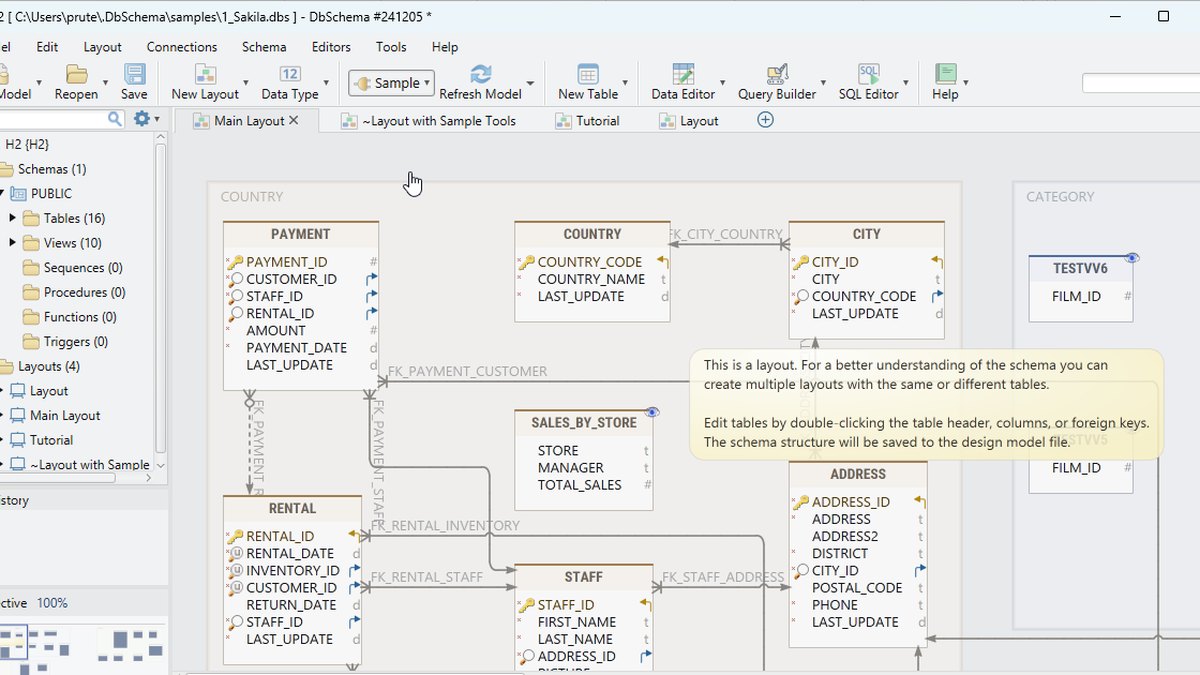
Price: Community Edition free with no time limit; Pro $29.40 a month or $294 one-time; Architect $47.04 a month or $470.40 one-time; AI Assistant add-on $9 a month for any editionAI Assistant: Ask for a query in plain English and run it in one click; it can also explain SQL, suggest indexes and work from your own schema modelDatabases: Connect to 100+ databases, including MySQL, PostgreSQL, Oracle, SQL Server, MongoDB, Snowflake and BigQueryDesign tools: Pro adds saving designs to files, offline work, schema sync and migration, and a data generatorArchitect edition: Includes logical and conceptual design plus an AI Assistant that uses your own key
DbSchema is a design-first desktop modeler whose AI Assistant lets you ask for a query in plain English, run it in one click, explain SQL, suggest indexes and work from your own schema model. It connects to 100+ databases, and the Community Edition is free with no time limit. Pro is $29.40 a month or $294 one-time and adds offline work, schema sync and migration, and a data generator; the AI Assistant add-on is $9 a month.
Go ifDesigning a schema offline and syncing it to many database types
Skip ifYou want everything in a browser tab with no install
Why #1 over #2: It pairs AI with offline design and 100+ databases, while ChartDB is a browser diagramming tool.
2
ChartDB
Answrs VerdictThe fastest route from schema to AI-drafted diagram.
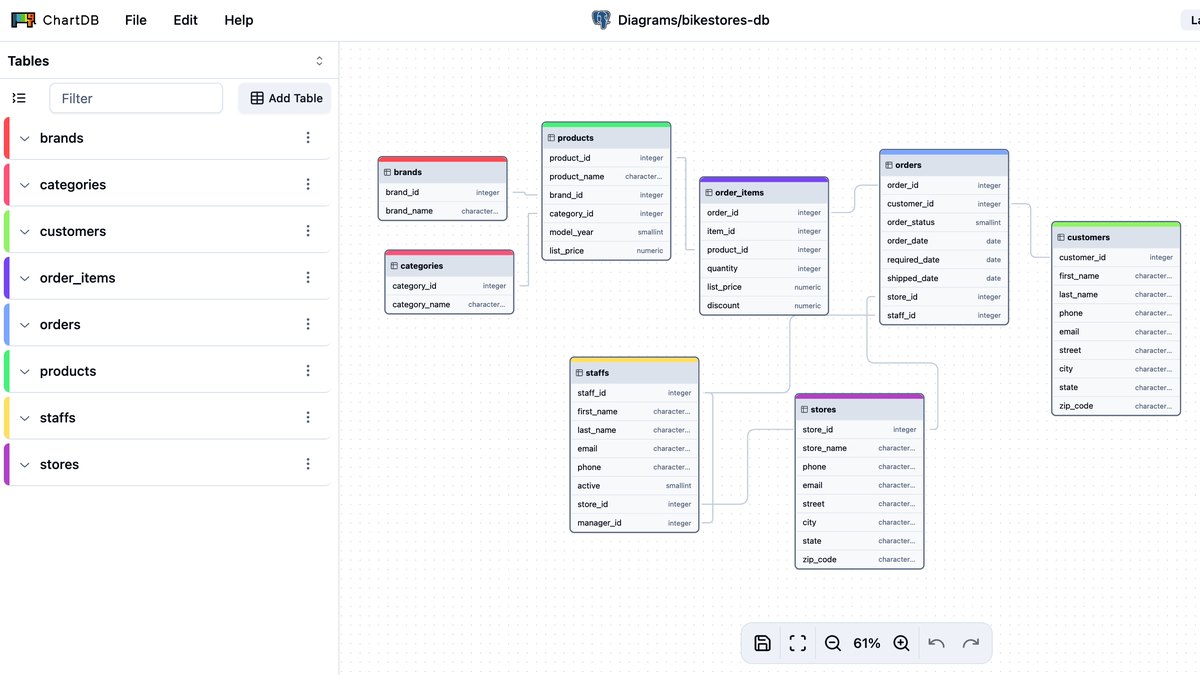
Price: Free $0 (2 diagrams, 10 tables per diagram); Pro US$25 a month; Teams US$59 a month; yearly billing saves up to 40%AI generator: The AI diagram generator turns your database ideas into fully editable ER diagrams in secondsAI Assistant: ChartDB Teams includes an AI Assistant (Basic), real-time collaboration and database migrationDatabases: PostgreSQL, MySQL, SQL Server, SQLite, MariaDB, ClickHouse, CockroachDB, Oracle, Snowflake and BigQuery are marked ReadyImport: A single query per database fetches your entire schema, and the page says all of it happens without database access
ChartDB’s AI diagram generator turns your database ideas into fully editable ER diagrams in seconds, and a single query per database fetches your entire schema for import. PostgreSQL, MySQL, SQL Server, SQLite, MariaDB, ClickHouse, CockroachDB, Oracle, Snowflake and BigQuery are marked Ready. Free is $0 with 2 diagrams, Pro is US$25 a month and Teams, at US$59 a month, adds the AI Assistant (Basic).
Go ifTurning an existing schema or a plain-language idea into a shareable ER diagram
Skip ifYou need unlimited private diagrams on a free plan
Why #2 over #3: Its AI generator drafts whole ER diagrams, which goes beyond DrawSQL’s review-and-extend approach.
3
DrawSQL
Answrs VerdictThe AI that reviews, generates and diffs right on the diagram.
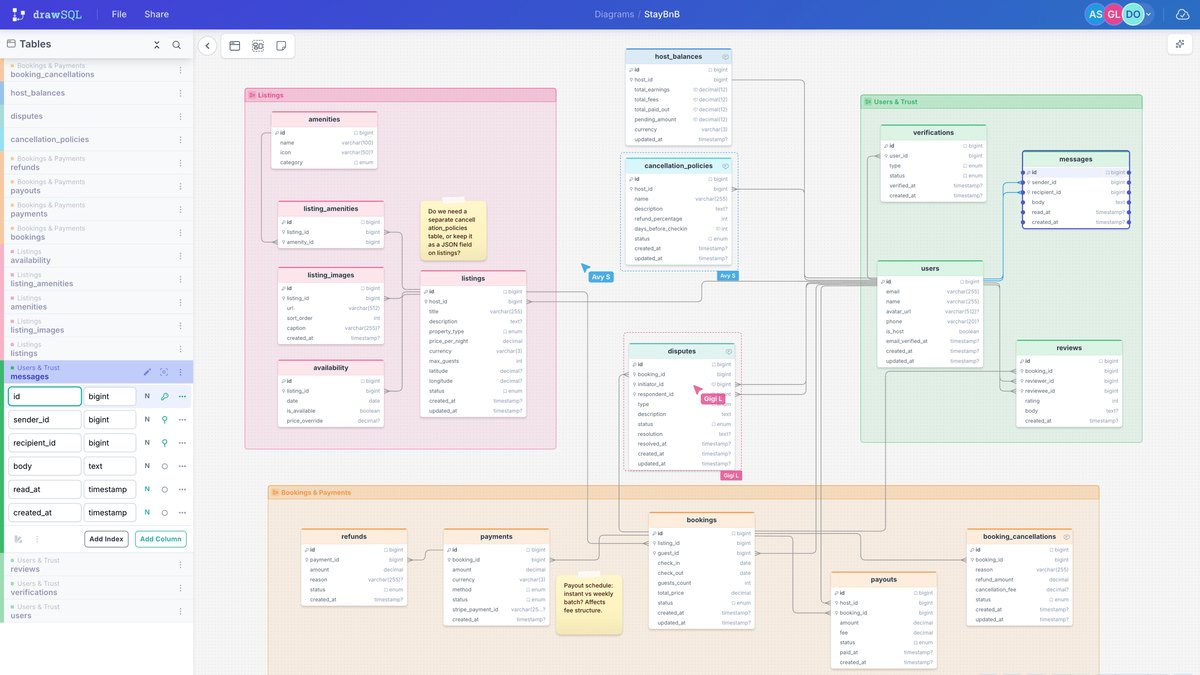
Price: Free $0 (15 tables per diagram, no AI); Starter $19 a month; Growth $59 a month; Large $179 a monthDrawSQL AI: Review flags missing indexes and inconsistent naming, Generate creates tables and relationships from a description, and Diff shows what will change before you apply itCredits: Starter, Growth and Large each include 500 AI credits a monthImport and export: Paste CREATE TABLE statements to generate a diagram; export SQL DDL, Laravel migrations and JSONScale: 200+ real-world schema templates, and diagrams stay navigable at 80 tables
DrawSQL builds its AI into the diagram itself: Review flags missing indexes and inconsistent naming, Generate creates tables and relationships from a description, and Diff shows what will change before you apply it. You can paste CREATE TABLE statements to import, and export SQL DDL, Laravel migrations and JSON. Free is $0 without AI; Starter is $19 a month with 500 AI credits.
Go ifReviewing and extending a diagram with AI that works on the canvas itself
Skip ifYou need AI on the free plan
Why #3 over #4: Its Diff step shows changes before you apply them, while dbdiagram.io’s AI Assistant is still in Beta.
4
dbdiagram.io
Answrs VerdictThe code-first diagrammer with a prompt-driven AI assistant.
Price: Free; Personal Pro $8 a month; Team $75 a month with a 7-day free trialAI Assistant: AI Assistant (Beta) generates and edits diagrams from prompts and gives design recommendations; not included on FreeDBML: DBML is an open-source language for defining and documenting database schemas, born out of dbdiagramImport and export: Generate diagrams from live databases or SQL dump files, generate SQL to create your tables, and export images and PDFsScale: Over 3M diagrams created worldwide
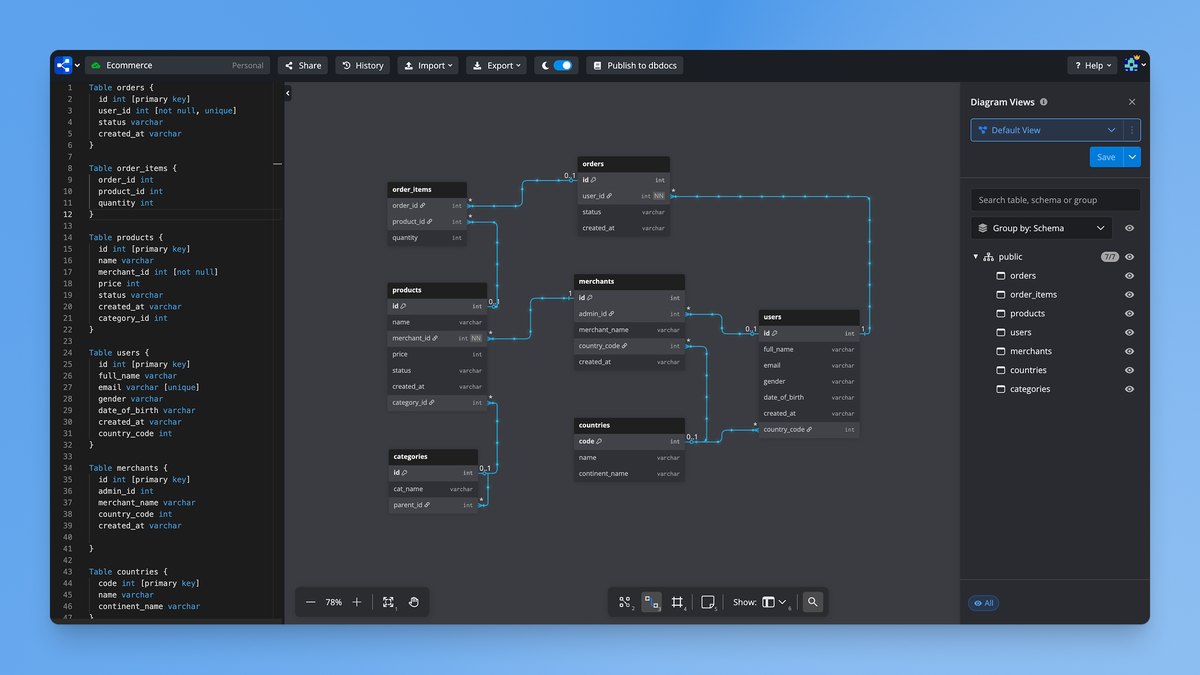
dbdiagram.io draws a diagram from DBML, the open-source schema language born out of the tool, and its AI Assistant (Beta) generates and edits diagrams from prompts and gives design recommendations. You can generate diagrams from live databases or SQL dump files and export images and PDFs. Free costs nothing but excludes AI; Personal Pro is $8 a month and Team is $75 a month.
Go ifDevelopers who like writing a schema as DBML and getting an instant diagram
Skip ifYou want AI on the free plan
Why #4 over #5: It starts at $8 a month for AI, a lower entry than DrawSQL’s $19 Starter plan.
5
drawDB
Answrs VerdictThe no-account, open-source schema sketchpad with AI drafting.
Price: Free editor with no account needed; Pro price not publishedAI assistant: Describe what you need and let AI draft tables, relationships and typesExport: Export DDL for MySQL, PostgreSQL, SQLite, MariaDB, SQL Server and Oracle, or save the diagram as JSON, an image or DBMLOpen source: Free and open source, with the code on GitHub and self-hosting with DockerLanguages: Available in 51 languages
drawDB is a free, open-source editor that needs no account, and its AI assistant drafts tables, relationships and types from a description. It exports DDL for MySQL, PostgreSQL, SQLite, MariaDB, SQL Server and Oracle, or JSON, an image or DBML, and it is available in 51 languages. The Pro price is not published.
Go ifSketching and teaching schemas in the browser without signing up
Skip ifYou need a published price for paid features
Why #5 over #6: It needs no account at all, unlike Supabase, which designs tables inside a project.
6
Supabase
Answrs VerdictThe AI schema helper built into a Postgres backend.
Price: Free $0 (2 active projects, 500 MB database); Pro from $25 a month; Team from $599 a monthAI Assistant: Schema design assistance, query writing based on your schema, SQL error debugging and natural-language queriesPolicies and functions: Creates and modifies Row Level Security policies and suggests, creates or updates Postgres Functions and TriggersFree plan: 50,000 MAUs, 500 MB database, 5 GB egress and 1 GB file storageSelf-hosted: The feature page notes that self-hosted use needs an OpenAI API key
Supabase’s AI Assistant offers schema design assistance, writes queries based on your schema, debugs SQL errors and answers natural-language queries. It also creates and modifies Row Level Security policies and suggests, creates or updates Postgres Functions and Triggers. Free is $0 with 2 active projects and a 500 MB database, Pro is from $25 a month and Team is from $599 a month.
Go ifDesigning tables, RLS policies and functions in the project dashboard
Skip ifYou need a standalone diagram tool
Why #6 over #7: It designs tables, policies and functions inside your Supabase project, while SqlDBM is focused on data-platform modeling.
7
SqlDBM
Answrs VerdictThe warehouse-focused modeler with an AI Copilot.
Price: Not published; pricing is per user, with Copilot and AI credits priced separatelyAI Copilot: Design, Document and Analyze pre-prompts can generate schemas, modify relationships and suggest indexesBring your own model: AI Copilot works with your own model, and MCP access is offered for AI agentsPlatforms: Snowflake, Databricks, SQL Server, Azure Synapse, BigQuery, Oracle, Redshift, MySQL, PostgreSQL, Microsoft Fabric and TeradataScale: Over 300 Snowflake clients use SqlDBM
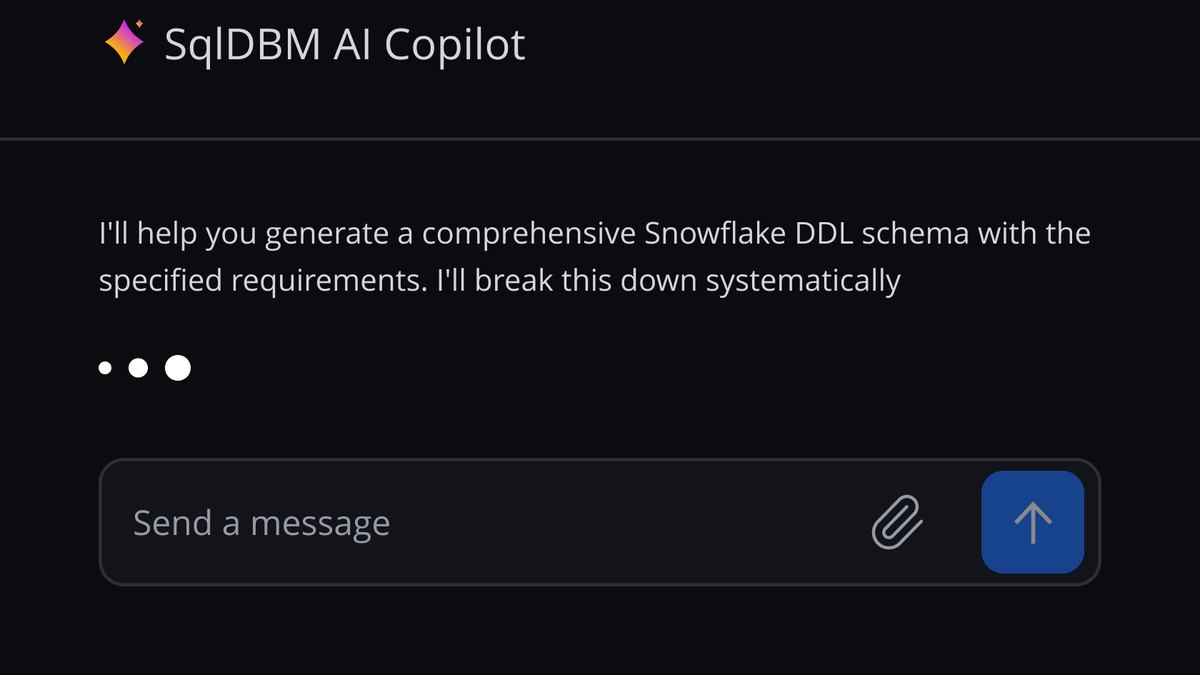
SqlDBM’s AI Copilot has Design, Document and Analyze pre-prompts that generate schemas, modify relationships and suggest indexes, and it works with your own model plus MCP access for AI agents. It models Snowflake, Databricks, SQL Server, Azure Synapse, BigQuery, Oracle, Redshift, MySQL, PostgreSQL, Microsoft Fabric and Teradata, and over 300 Snowflake clients use it. Pricing is per user and not published.
Go ifData teams modeling warehouses such as Snowflake or BigQuery
Skip ifYou want a published price before a sales call
Why #7 over #8: It is built for warehouse modeling, where DataGrip is a general database IDE.
8
JetBrains DataGrip
Answrs VerdictThe database IDE with schema-aware AI.
Price: Free for non-commercial use; free 30-day trial; individuals $10.90 a month or $109 a year, organizations $25.90 a month or $259 a yearAI assistance: Schema- and context-aware AI assistance to write queries, fix errors, optimize queries and convert queries between SQL dialectsModels: Latest models from Claude, GPT, Gemini and Grok, or a local model; use JetBrains AI credits or bring your own subscriptions and keysDatabases: 26 databases are listed by name, plus more
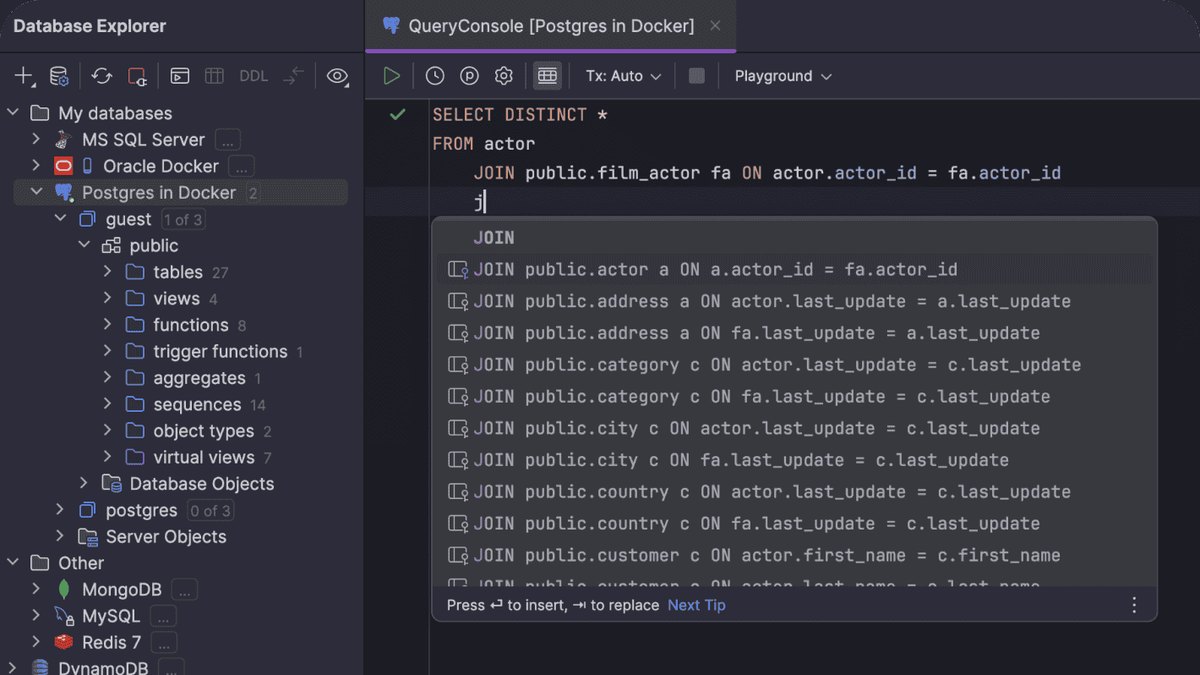
DataGrip adds schema- and context-aware AI assistance to a database IDE: write queries, fix errors, optimize queries and convert between SQL dialects. It uses the latest models from Claude, GPT, Gemini and Grok or a local model, and lists 26 databases by name. It is free for non-commercial use, with a free 30-day trial; individuals pay $10.90 a month or $109 a year and organizations $25.90 a month or $259 a year.
Go ifEngineers who live in SQL and want AI inside a full database IDE
Skip ifYou want to draw diagrams from a prompt
Why #8 over #9: Its schema-aware assistant works across 26 listed databases, while DBeaver’s ERD editing needs a paid edition.
9
DBeaver
Answrs VerdictThe universal database client with AI chat and ER diagrams.
Price: Lite $113 a year or $12 a month; Enterprise $255 a year or $26 a month; Ultimate $510 a yearAI Assistant: AI chat turns natural language into queries, with autocomplete, plain-language query explanations and SQL generation through the @ai commandDescribe objects: Let AI describe the purpose of a table, view or other objectER diagrams: Entity Relationship diagrams are in all five editions; ERD edit mode for schema development is in Enterprise, Ultimate and TeamProviders: OpenAI, GitHub Copilot, Azure OpenAI, Google Gemini, Ollama, Anthropic Claude, Amazon Bedrock and Grok
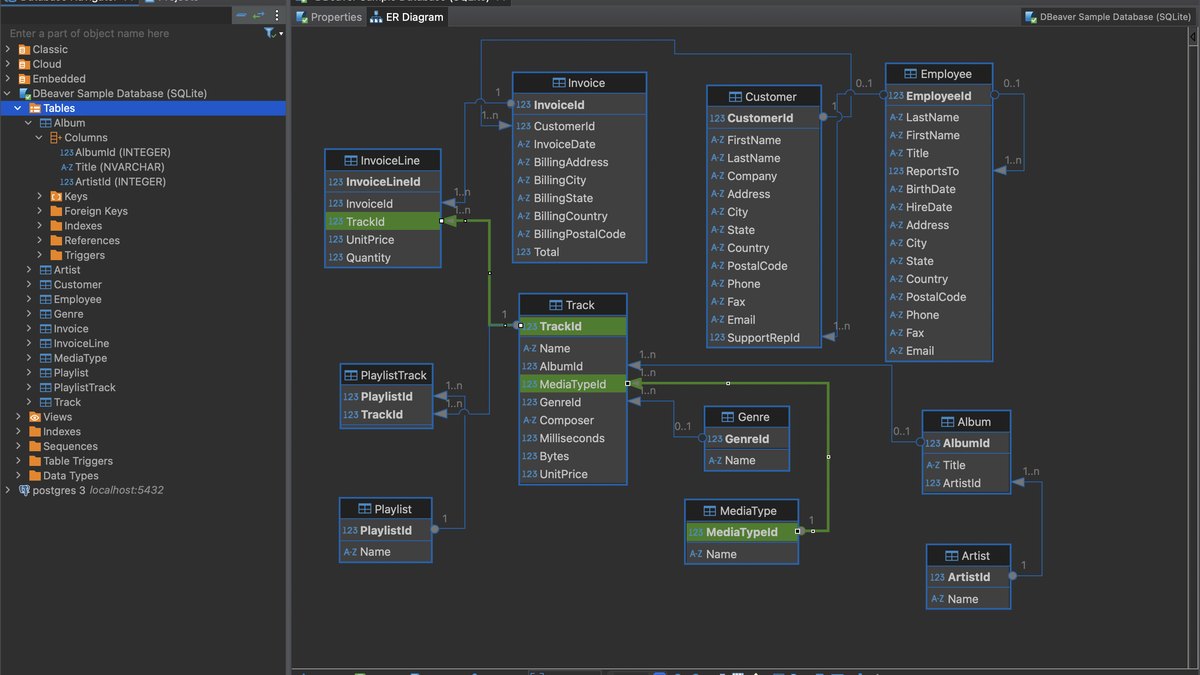
DBeaver’s AI chat turns natural language into queries, with autocomplete, plain-language explanations and SQL generation through the @ai command, and it can describe the purpose of a table or view. Entity Relationship diagrams are in all five editions, and ERD edit mode is in Enterprise, Ultimate and Team. Lite is $113 a year or $12 a month, Enterprise $255 a year and Ultimate $510 a year.
Go ifExploring an existing database with AI and its ER diagrams
Skip ifYou want AI to draft a new schema from scratch
Why #9 over #10: It includes ER diagrams in all five editions, while Bytebase is built around change review.
10
Bytebase
Answrs VerdictThe governance layer that keeps AI-drafted changes safe.
Price: Community free forever for up to 20 users and 10 database instances; Pro $20 per user per month; Enterprise by contacting salesAI Assistant: Text2SQL, Explain SQL and Find problem in the SQL Editor; it sends table and column names of the current schema to the configured AI providerReview rules: Lints every proposed change against 100+ review rules before a human looks at itGitOps: Manage changes from the console or as code via GitHub, GitLab, Bitbucket and Azure DevOpsAI agents: An MCP Server provides governed database changes and access for AI agents
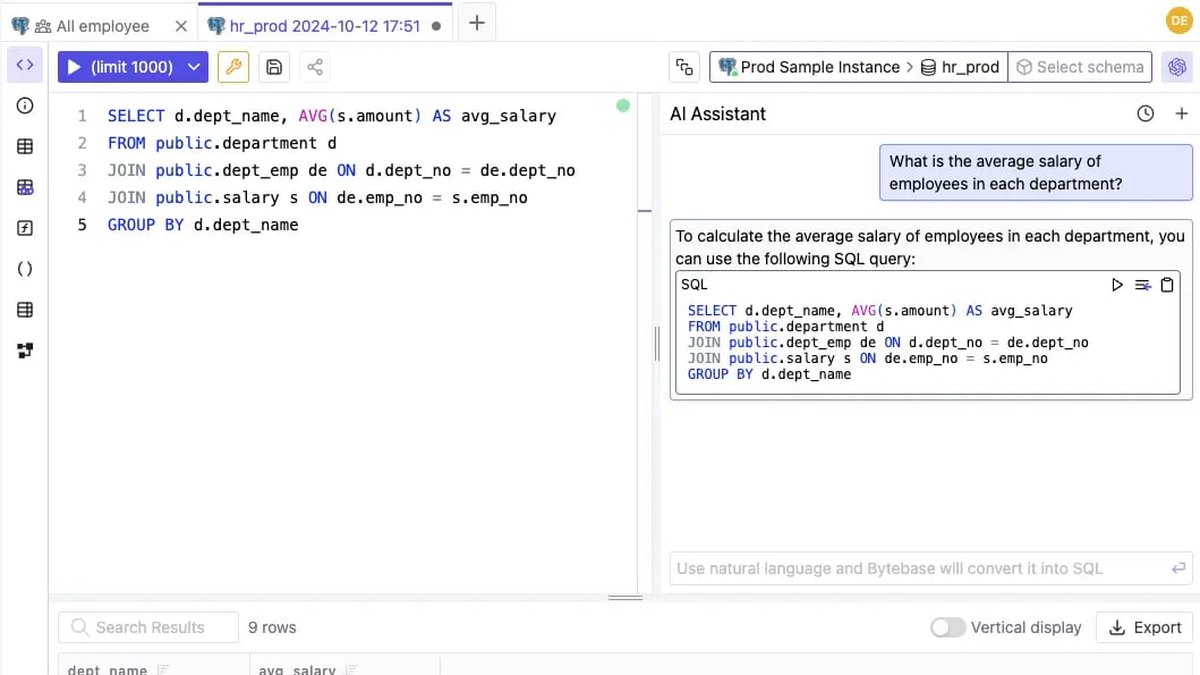
Bytebase’s SQL Editor AI Assistant offers Text2SQL, Explain SQL and Find problem, and sends table and column names of the current schema to the configured AI provider. Around it, Bytebase lints every proposed change against 100+ review rules, supports GitOps through GitHub, GitLab, Bitbucket and Azure DevOps, and offers an MCP Server for governed AI agent access. Community is free for up to 20 users and Pro is $20 per user per month.
Go ifTeams that need review and approval around every schema change
Skip ifYou want a diagram canvas
How we ranked these
We ranked tools that use AI to design, draw or edit a schema first, then AI-assisted database IDEs and clients, then change-governance platforms, using each maker’s own published features and prices. The old list also had Prisma, Microsoft SSMS with GitHub Copilot and Amazon Q Developer, which we replaced with DrawSQL, SqlDBM and DBeaver because we could source AI schema or diagram features for those on their own sites. Facts are taken from each maker's own published information; check the official site before you buy.
Questions people ask
What is the best AI tool for database design?
DbSchema is our top pick: its AI Assistant works from your own schema model, it connects to 100+ databases and its Community Edition is free. ChartDB is #2 for turning a prompt or an existing schema into an editable ER diagram.
Is there a free AI database design tool?
drawDB is a free, open-source editor that needs no account and has an AI assistant that drafts tables, relationships and types. ChartDB has a free plan, but its AI Assistant (Basic) is listed under Teams.
Can AI generate a database schema from plain English?
Yes. drawDB drafts tables from a description, DrawSQL Generate creates tables and relationships from a description, ChartDB’s AI generator builds ER diagrams from your ideas, and dbdiagram.io’s AI Assistant generates diagrams from prompts.
How much does DrawSQL AI cost?
DrawSQL’s Free plan has no AI. Starter is $19 a month, Growth $59 a month and Large $179 a month, and each of those includes 500 AI credits a month.
Advertised monthly price of the cheapest paid plan on each maker’s pricing page (Bytebase per user) at a glance
dbdiagram.io8 USD
JetBrains DataGrip10.9 USD
DBeaver12 USD
DrawSQL19 USD
Bytebase20 USD
ChartDB25 USD
Supabase25 USD
DbSchema29.4 USD
Advertised monthly price of the cheapest paid plan on each maker’s pricing page (Bytebase per user), as published by each maker. Picks without a published figure are left off.