Figma is the best AI tool for design systems: Make kits teach Figma Make your components and guidelines, and its MCP server hands AI agents your variables and components, from $16 a month for a Professional Full seat. Supernova is #2 for an agent that documents the system and flags drift, and zeroheight is #3 for docs agents can read.
Professional $0; Unlimited $7 per editor a month, capped at $175 a month; Enterprise $25 per member a month
Teams that want an open-source design tool their own AI agents can edit
Pick by what you want
Best overall
Figma
Best design system platform
Supernova
Best docs for AI agents
zeroheight
Best free option
Storybook
Best prompt-to-app builder
v0
The ranking
1
Figma
Answrs VerdictThe best place to make AI follow a Figma design system.
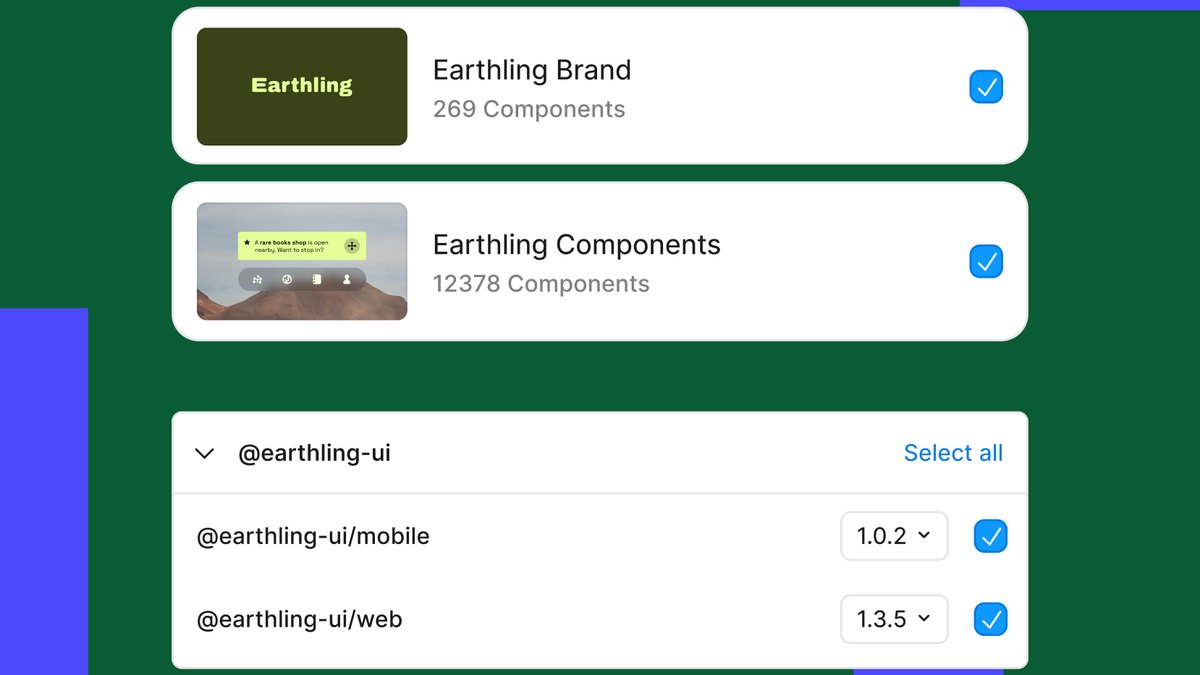
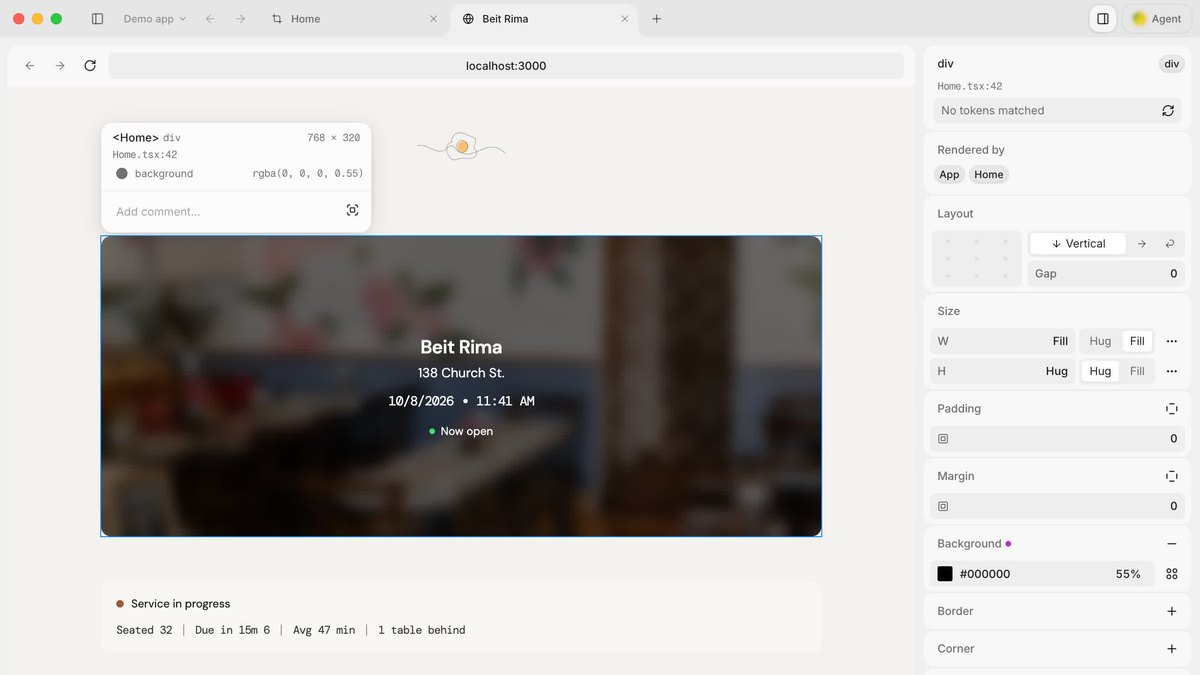
Price: Starter free; Professional Full seat from $16 a month with 3,000 AI credits a month; Organization Full seat $55 a month billed annuallyMake kits: Design system authors package a library’s components or styles with detailed guidelines so Figma Make builds with themCode components: Teams can bring in code components through npm packages or use styles and tokens from a Figma libraryMCP server: Gives AI agents variables, components and layout data from your files, using your design system as the source of truthCode Connect: Keeps generated code consistent with your codebase by reusing your actual components
Figma Make kits let design system authors package a library’s components or styles with detailed guidelines, and teams can bring in code components through npm packages. The Figma MCP server gives AI agents variables, components and layout data, and Code Connect reuses your actual components. Professional Full seat starts at $16 a month with 3,000 AI credits a month; Organization Full seat is $55 a month billed annually.
Go ifTeams whose design system already lives in Figma libraries and who want AI to build with it
Skip ifYour source of truth is a code-only component library with no Figma files
Why #1 over #2: It feeds your design system to both its own builder and outside agents, while Supernova starts paid plans at $399 a month.
2
Supernova
Answrs VerdictThe most AI-forward design system platform.
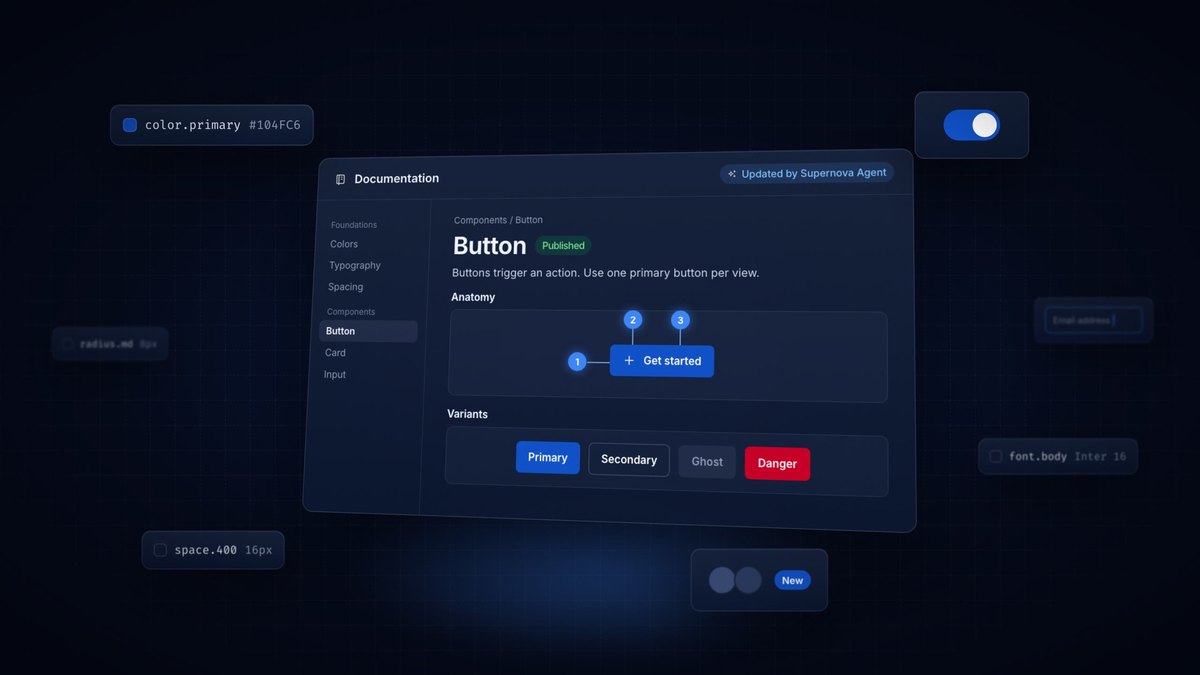
Price: Starter free; Pro $399 a month; Enterprise contact salesAI credits: Supernova Agent and MCP workspace credits: 1,000 a month on Starter and 10,000 a month on ProIncluded on every plan: Supernova Agent, editing via MCP, Ask AI about the design system and unlimited MCP lookups a monthWhat the agent does: Writes documentation from Figma and code data and flags orphaned components and Figma-to-code drift for your approvalMCP servers: Filtered MCP servers give each team the knowledge it needs and connect to tools such as Claude, Cursor and VS Code
Supernova is a design system platform with Supernova Agent, editing via MCP and Ask AI about the design system on every plan. The agent writes documentation from Figma and code data and flags orphaned components and Figma-to-code drift. Starter is free with 1,000 Agent and MCP credits a month; Pro is $399 a month with 10,000.
Go ifDesign system teams that want an agent to document the system and catch drift
Skip ifYou need a cheap paid tier for a small team
Why #2 over #3: Its agent and MCP are on every plan, while zeroheight keeps its MCP server for Enterprise.
3
zeroheight
Answrs VerdictThe best documentation hub for AI agents.
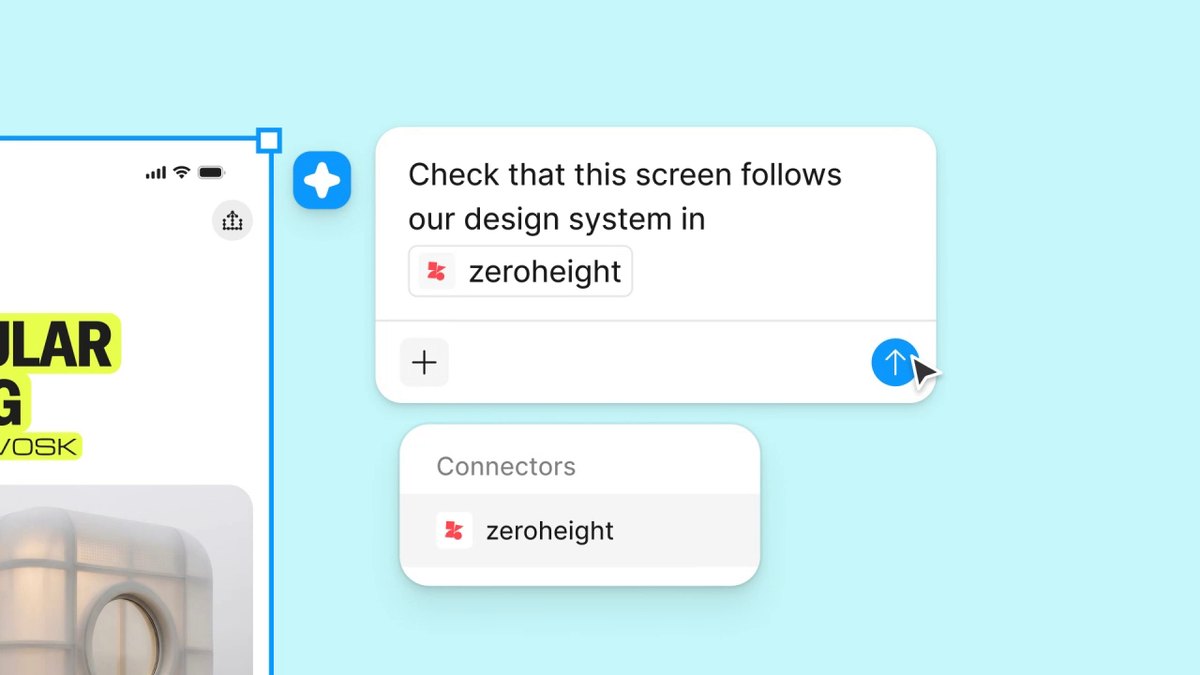
Price: Free $0; Starter $49 per editor a month after a 14-day trial; Enterprise custom pricingFree plan AI: AI assistant for editors and AI documentation creation and maintenanceEnterprise AI: AI assistant for editors and viewers, AI integrations and workflows, and an MCP server with Fast SearchMCP: zeroheight’s MCP gives agents current design system guidance as they work, with connections for Claude, Cursor, GitHub Copilot and CodexAdoption: Trusted by 20% of the Fortune 100
zeroheight is a design system documentation platform. Its Free plan includes an AI assistant for editors and AI documentation creation and maintenance; Starter is $49 per editor a month. Enterprise adds an MCP server with Fast Search, and the company says it is trusted by 20% of the Fortune 100.
Go ifTeams that want design system docs AI agents can read while they build
Skip ifYou need the MCP server without an Enterprise contract
Why #3 over #4: It keeps written design system guidance in front of agents, which Storybook’s component-focused MCP does not try to do.
4
Storybook
Answrs VerdictThe best free way to give agents your real components.
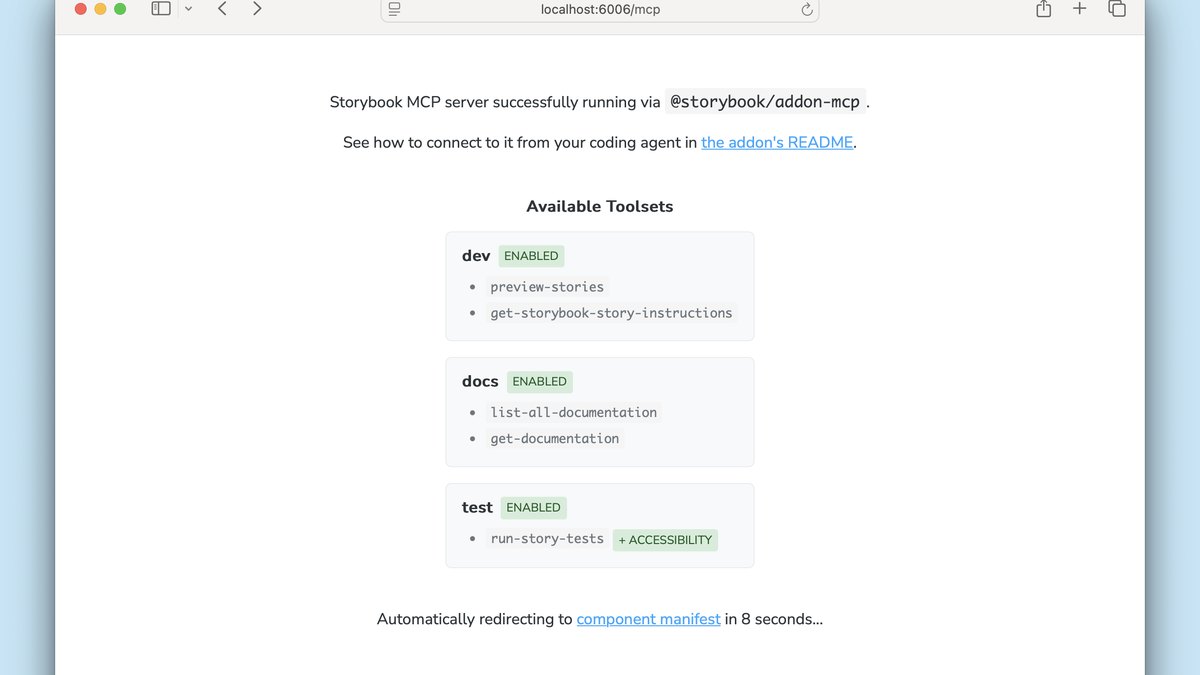
Price: Free and open source (MIT License)MCP addon: Storybook’s MCP server connects your Storybook to AI agents, giving them your components and docsWhat agents can do: Generate and preview stories and run tests on those storiesInstall: npx storybook add @storybook/addon-mcp, then the server runs at localhost:6006/mcp with the dev serverStatus: Storybook’s AI capabilities are in preview and the API may change
Storybook is free and open source under the MIT License. Its MCP addon, installed with npx storybook add @storybook/addon-mcp, gives AI agents your components and docs and lets them generate stories and run tests. Storybook says its AI capabilities are in preview and the API may change.
Go ifFront-end teams whose component library already lives in Storybook
Skip ifYou need a stable, non-preview API today
Why #4 over #5: It is free and works with the components you already ship, while v0 Business is $100 per user a month.
5
v0
Answrs VerdictThe best prompt-to-app builder for your own design system.
Price: Free $0 with 7 messages a day; Business $100 per user a monthDesign Systems 2.0: Teaches v0 your design system once so chats build with your real components, tokens and conventionsImport sources: GitHub repositories, Figma frames or nodes, links to docs such as Storybook, and attachments like ZIPs or exported packagesStarter app: During import, v0 configures a small app for your design system and saves it with the skillTeam default: Team owners on paid plans can choose a default design system for the team
v0 Design Systems 2.0 teaches v0 your design system once so chats build with your real components, tokens and conventions. It imports GitHub repositories, Figma frames or nodes and links to docs such as Storybook, then saves a small starter app with the skill. Free is $0 with 7 messages a day; Business is $100 per user a month.
Go ifReact teams that want prompt-built apps that use their own component library
Skip ifYou work outside React and Next.js
Why #5 over #6: It builds whole apps from your imported system, where UXPin works on a design canvas.
6
UXPin
Answrs VerdictThe best AI design canvas built on coded components.
Price: Core $49 a month per seat ($29 billed annually); Growth $69 a month per seat ($40 billed annually); Enterprise customAI credits: 50 on Free, 200 a month on Core and 500 a month on GrowthCoded libraries: Core includes MUI, Bootstrap, Tailwind and Ant Design; Growth adds shadcn/uiGrowth adds: Design Systems, Patterns and Storybook integrationEnterprise: Custom Library AI integration and Git integration
UXPin builds designs from coded component libraries. Core is $49 a month per seat ($29 billed annually) with 200 AI credits a month and MUI, Bootstrap, Tailwind and Ant Design; Growth is $69 ($40 billed annually) with 500 AI credits, shadcn/ui, Design Systems, Patterns and Storybook integration. Enterprise adds Custom Library AI integration.
Go ifDesigners who want AI to build with real coded components like MUI or shadcn/ui
Skip ifYou only need static mockups
Why #6 over #7: Its AI works with real coded libraries, while Builder.io limits Pro to 3 design systems.
7
Builder.io
Answrs VerdictThe best design-to-code agent with design system limits stated per plan.
Price: Free $0; Pro $24 per user a month; Team $40 per user a month; Enterprise customDesign systems: Free: 1 Design System; Pro: up to 3 Design Systems; Enterprise: unlimited Design Systems and Design System IntelligenceAgent credits: Free 60 credits a month (15 a day max); Pro and Team 500 monthly creditsInputs: Design files (.fig, .md) on Free, Pro and Team; all design and code inputs on Enterprise
Builder.io is a design-to-code agent with design systems counted per plan: 1 on Free, up to 3 on Pro and unlimited with Design System Intelligence on Enterprise. Free has 60 credits a month (15 a day max); Pro is $24 per user a month and Team $40, each with 500 monthly credits.
Go ifTeams that want an AI agent to build pages from up to 3 design systems
Skip ifYou need unlimited design systems without an Enterprise plan
Why #7 over #8: It states design system limits per plan, which Magic Patterns does not publish for coded libraries.
8
Magic Patterns
Answrs VerdictThe best AI prototyper for on-brand mockups.
Price: Free $0; Starter $20 per seat a month ($17 billed annually); Business $100 per seat a month ($85 billed annually)Credits: Starter 1,000 monthly credits; Business 5,000 monthly creditsDesign Systems: Define your brand once and Magic Patterns applies it automatically to every design you createReal components: Can pull your existing components, tokens and styles, with a published React component library connected over npmSetup: Connecting your own coded design system is not fully self-serve; the company recommends booking a call
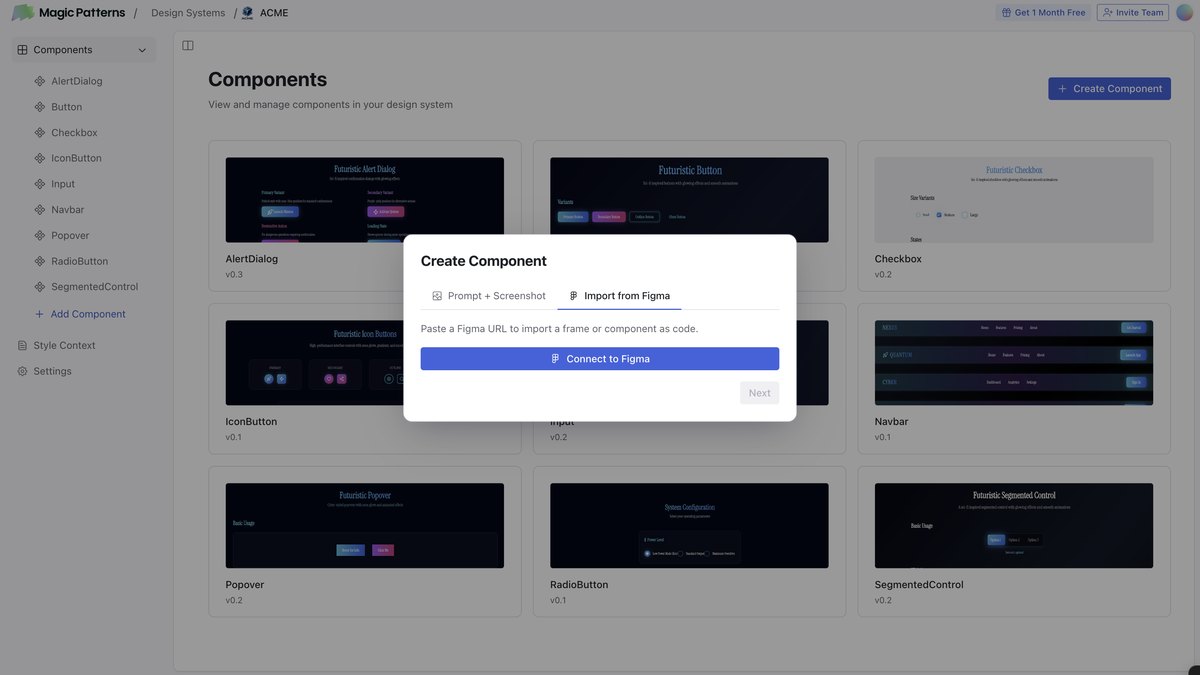
Magic Patterns Design Systems apply your brand automatically to every design you create, and it can pull your existing components, tokens and styles from a published React library over npm. Connecting a coded system is not fully self-serve. Starter is $20 per seat a month ($17 billed annually) with 1,000 monthly credits; Business is $100 ($85 billed annually).
Go ifProduct managers and designers prototyping with a team’s brand and components
Skip ifYou want to connect your coded library without a setup call
Why #8 over #9: It is aimed at fast on-brand prototypes, while Subframe asks you to bring a Claude or Codex subscription.
9
Subframe
Answrs VerdictThe best code-first design canvas.
Price: Free $0 for one project; Pro $20 per editor a monthWhat it is: A desktop app that combines a design canvas, a coding agent and a built-in browserComponents: Props, slots and variants synced with the design system in your codebaseTokens: Manage colors, text and other tokens across light and dark modesAI: Connect Claude Code and Codex directly in Subframe using your own subscription
Subframe is a desktop app that combines a design canvas, a coding agent and a built-in browser. Components, props, slots and variants sync with the design system in your codebase, and tokens are managed across light and dark modes. Free is $0 for one project; Pro is $20 per editor a month, and you connect Claude Code or Codex with your own subscription.
Go ifDesign engineers who want the codebase to stay the design system’s source of truth
Skip ifYou do not already pay for Claude or Codex
Why #9 over #10: It keeps the codebase as the source of truth, which Penpot’s MCP does not do by itself.
10
Penpot
Answrs VerdictThe best open-source option.
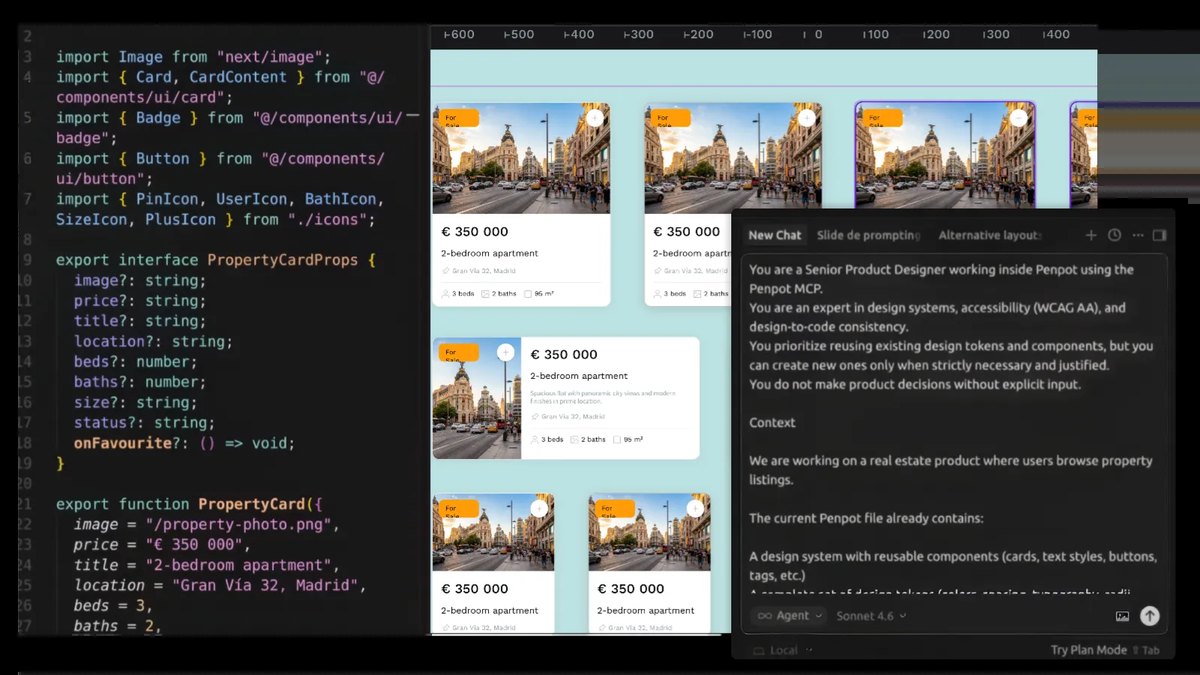
Price: Professional $0; Unlimited $7 per editor a month, capped at $175 a month; Enterprise $25 per member a monthMCP server: Penpot’s MCP server is free and openWhat agents can do: Read data, modify elements and create new structures directly in your Penpot workspaceAI clients: Works with OpenAI Codex, Cursor, Visual Studio Code and Claude, or any MCP client
Penpot is an open-source design tool. Its MCP server is free and open and lets agents read data, modify elements and create new structures in your workspace, with OpenAI Codex, Cursor, Visual Studio Code, Claude or any MCP client. Professional is $0; Unlimited is $7 per editor a month, capped at $175 a month.
Go ifTeams that want an open-source design tool their own AI agents can edit
Skip ifYour design system already lives in Figma
How we ranked these
We ranked tools that let AI read and build with your own design system first (Figma libraries, design system platforms and documentation that AI agents can query), then AI builders that import your components, then design canvases and open-source tools, using each maker’s own pricing, docs and product pages. Only claims stated on those pages are used; where a page did not list a price or a plan for a feature, we say so or leave it out. Facts are taken from each maker's own published information; check the official site before you buy.
Questions people ask
What is the best AI tool for design systems?
Figma: Make kits package a library’s components or styles with guidelines for Figma Make, and its MCP server gives AI agents your variables and components. Professional Full seat starts at $16 a month.
Is there a free AI tool for design systems?
Yes. Storybook is free and open source with an MCP addon, Penpot’s MCP server is free and open, and zeroheight’s Free plan includes an AI assistant for editors.
How do I give AI coding agents my design system?
Use an MCP server. Figma, Supernova, zeroheight, Storybook and Penpot all offer one, so agents in tools like Claude, Cursor or VS Code can read your components, tokens or docs.
Can v0 use my own component library?
Yes. v0 Design Systems 2.0 imports GitHub repositories, Figma frames and docs such as Storybook, then builds with your real components, tokens and conventions.
Lowest listed monthly price of each tool’s entry paid plan, per seat or editor, on its pricing page at a glance
Penpot7 USD
Figma16 USD
Magic Patterns17 USD
Subframe20 USD
Builder.io24 USD
UXPin29 USD
zeroheight49 USD
v0100 USD
Lowest listed monthly price of each tool’s entry paid plan, per seat or editor, on its pricing page, as published by each maker. Picks without a published figure are left off.