The 10 Best AI Tools for Financial Modeling in 2027
By Kory White · Updated Oct 2026 · 6 min read
Direct answer
ChatGPT for Excel is the best AI tool for financial modeling: it builds and updates live Excel models from plain language and is available on every ChatGPT plan, from Go at $8 a month. Claude for Excel is #2 for formula-safe edits with approval, and Microsoft Copilot in Excel is #3 for Microsoft 365 teams.
Not published; Aleph offers a demo and a free trial
FP&A teams that want AI to explain variances in their forecasts
Pick by what you want
Best overall
ChatGPT for Excel
Safest edits to existing models
Claude for Excel
Best for Microsoft 365 teams
Microsoft Copilot in Excel
Best for banking models
Rogo
Best for Google Sheets
Gemini in Google Sheets
The ranking
1
ChatGPT for Excel
Answrs VerdictThe strongest AI model builder inside Excel.
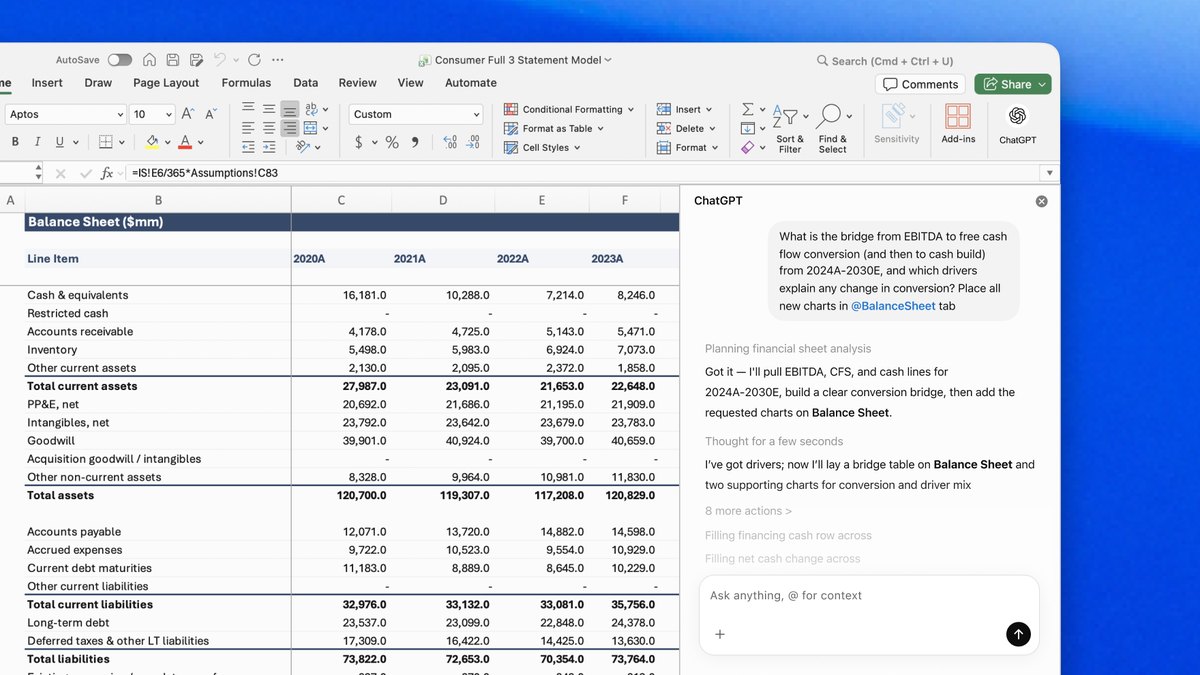
Price: Go $8 a month, Plus $20 a month; the add-on is available on all plansGenerally available: ChatGPT for Excel and Google Sheets became generally available across all plans on May 5, 2026Modeling: Describe what you need in plain language and ChatGPT creates or updates live Excel models directly in the workbookBenchmark: On OpenAI’s own investment banking benchmark, building a three-statement model scored 87.3% with GPT-5.4 Thinking, up from 43.7% with GPT-5
ChatGPT for Excel lets you describe a model in plain language and creates or updates live Excel models directly in the workbook. It became generally available across all plans on May 5, 2026, with ChatGPT Go at $8 a month and Plus at $20 a month. On OpenAI’s own investment banking benchmark, a three-statement model task scored 87.3% with GPT-5.4 Thinking, up from 43.7% with GPT-5.
Go ifAnalysts who want an AI that builds and audits a three-statement model in the workbook
Skip ifYour models must stay inside a locked-down planning platform
Why #1 over #2: It builds whole models in the workbook, while Claude for Excel centers on editing and explaining existing ones.
2
Claude for Excel
Answrs VerdictThe safest AI editor for existing models.
Price: Claude Pro $20 a month billed monthly ($17 a month billed annually); Max from $100 a monthAvailability: Claude for Excel is generally available on all paid Claude plansModeling: Ask about any cell, update assumptions without breaking formulas, and build models from scratchMulti-tab builds: From a Word brief it pulls the numbers from the document and builds real formulas across multiple tabsReview: Edits are highlighted for review and nothing is saved until you approve it
Claude for Excel lets you ask about any cell, update assumptions without breaking formulas, and build models from scratch. From a Word brief it pulls the numbers and builds real formulas across multiple tabs, highlights edits for review and saves nothing until you approve. It is on all paid Claude plans, with Pro at $20 a month billed monthly or $17 billed annually.
Go ifFinance teams who want formula-safe edits and a review step before anything is saved
Skip ifYou need a free plan, since Claude for Excel is on paid plans only
Why #2 over #3: Its approve-before-save review step is stricter than the direct edit mode in Microsoft Copilot.
3
Microsoft Copilot in Excel
Answrs VerdictThe default AI for Excel-first finance teams.
Price: Microsoft 365 Business Standard with Copilot $28.20 per user per month paid monthly ($23.50 paid yearly)Financial models: Microsoft’s help page says Copilot uses tables, charts, PivotTables and formulas when creating financial modelsAgent Mode: Agent Mode decides which formulas to use, produces new sheets and creates data visualizationsEdit mode: Copilot can edit your workbook directly based on your requests
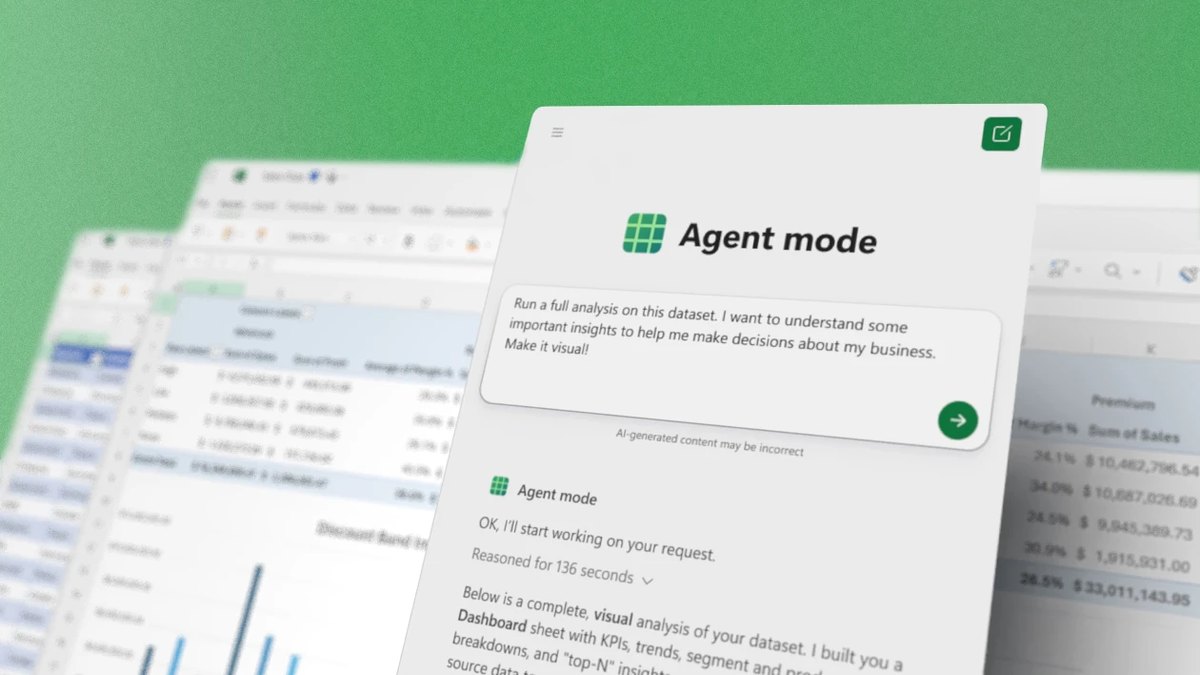
Microsoft’s help page says Copilot uses tables, charts, PivotTables and formulas when creating financial models, and can edit your workbook directly. Agent Mode decides which formulas to use, produces new sheets and creates data visualizations. Microsoft 365 Business Standard with Copilot is $28.20 per user per month paid monthly, or $23.50 paid yearly.
Go ifTeams already standardized on Microsoft 365 who want AI without leaving Excel
Skip ifYou need a model built from a data room or market data feed
Why #3 over #4: It sits inside the Microsoft 365 plan your team may already use, unlike the finance-only Rogo.
4
Rogo
Answrs VerdictThe finance-specific AI analyst that lives in Excel.
Price: Not published; Rogo offers a demo request onlyExcel Plug-in: A native Microsoft Excel add-in that puts its Felix agent inside the workbook you are already working inTasks: Prompt Felix from a side panel to populate financials, build analysis, link and audit tabs, or stress-test assumptionsLBO: Its site shows an LBO Model as an output agent
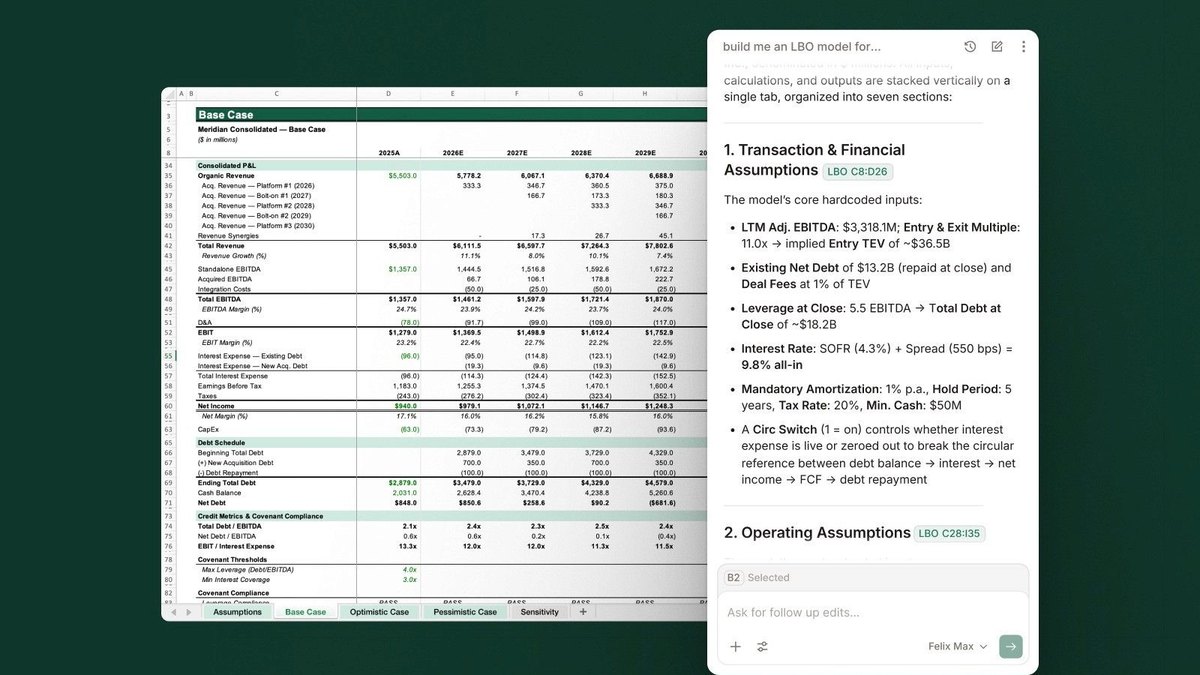
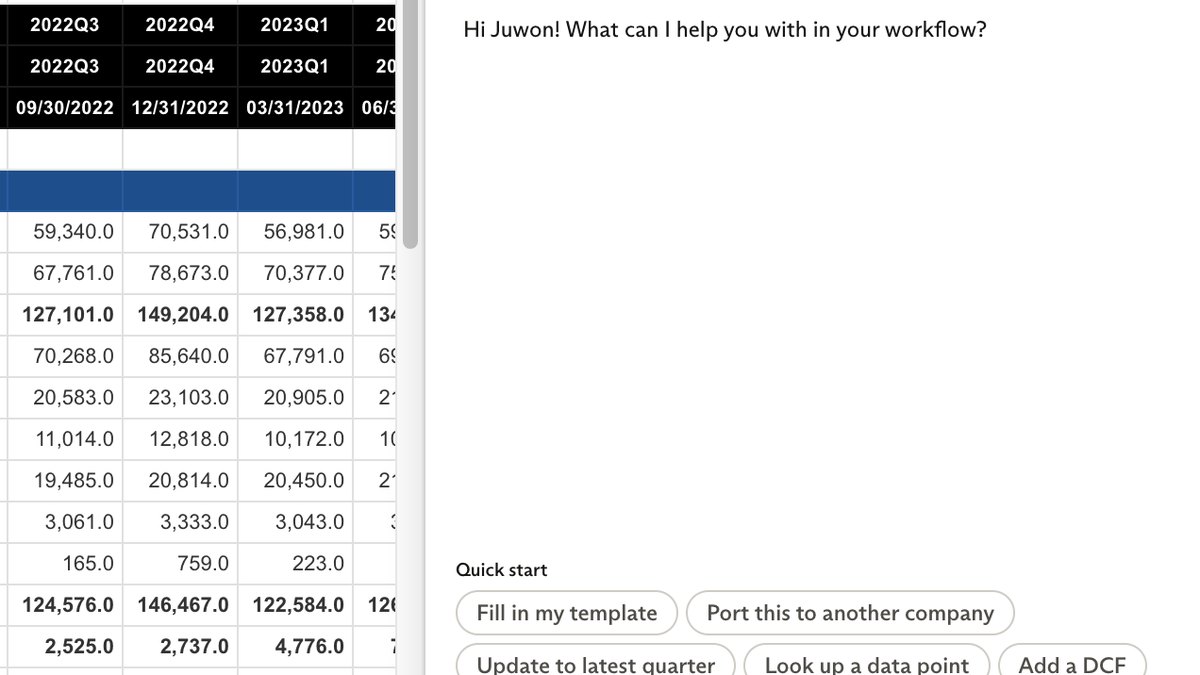
Rogo’s Excel Plug-in is a native Microsoft Excel add-in that puts its Felix agent inside the workbook. You prompt Felix from a side panel to populate financials, build analysis, link and audit tabs, or stress-test assumptions, and its site shows an LBO Model output. Rogo does not publish a price and offers a demo request.
Go ifBanking and investing teams who build LBO and valuation models
Skip ifYou want a published price you can buy today
Why #4 over #5: It is built for finance work like LBOs, while Daloopa Scout focuses on public-company data.
5
Daloopa Scout
Answrs VerdictThe best source-linked AI for public-company models.
Price: Not published for Scout; the page offers a demo request onlyWhat it is: An Excel-native AI financial modeling assistant powered by Daloopa’s data across 6,000+ tickersModeling: Build financial models from Daloopa historicals with a single promptBenchmark: Daloopa says Scout correctly populated 99% of reported financial datapoints without altering existing formulas or user assumptions, in tests against three other AI Excel agents
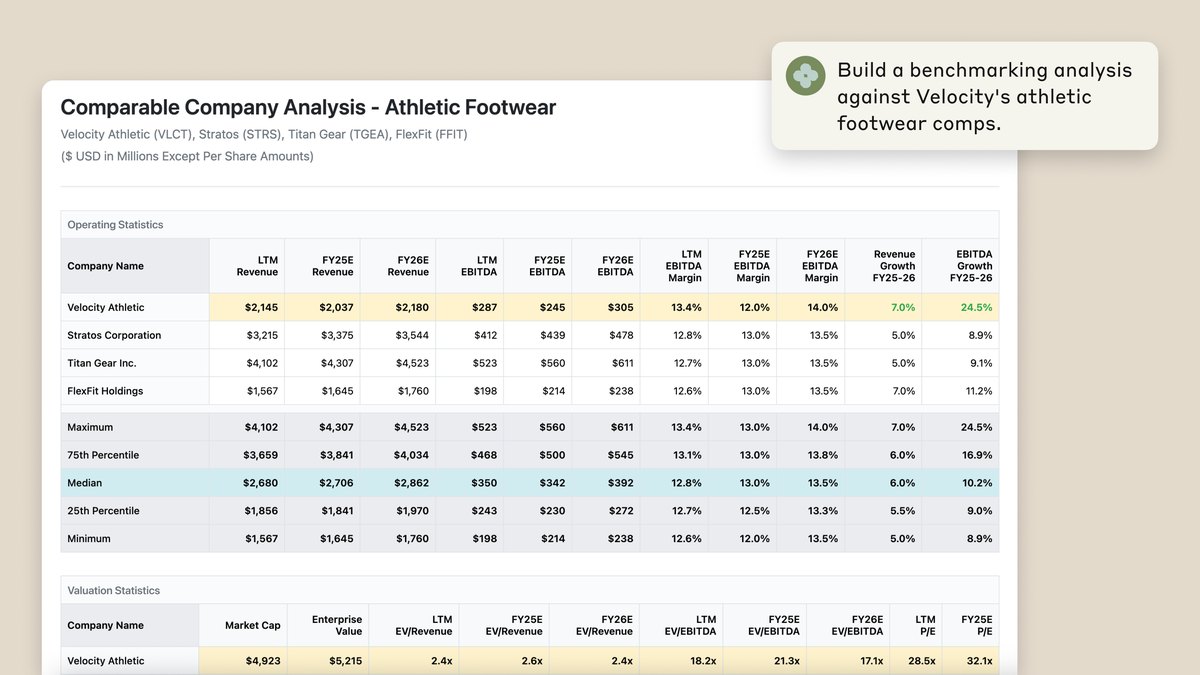
Daloopa Scout is an Excel-native AI financial modeling assistant powered by Daloopa’s data across 6,000+ tickers. It builds models from Daloopa historicals with a single prompt, and Daloopa says it correctly populated 99% of reported datapoints in tests against three other AI Excel agents without altering existing formulas or assumptions. Pricing is not published.
Go ifPublic-equity analysts who update models every earnings season
Skip ifYou model private companies without public filings
Why #5 over #6: Its data comes from reported filings, whereas Pigment builds from your own structure and logic.
6
Pigment
Answrs VerdictThe planning platform with the clearest model-building agent.
Price: Not published; Pigment offers a free trial sign-up and a demoModeler Agent: Describe what you want to build in natural language and it creates and updates models that fit your structure and logicDocumentation: Models come with documentation that shows how they were builtPredictions: Adds machine learning forecasts to your models
Pigment’s Modeler Agent lets you describe what you want to build in natural language and creates and updates models that fit your structure and logic, with documentation showing how they were built. Predictions adds machine learning forecasts to your models. Pigment lists a free trial sign-up and a demo but no price.
Go ifMid-size and large finance teams that want AI inside a governed planning platform
Skip ifYou only need a quick AI assistant for one workbook
Why #6 over #7: It builds inside a governed planning platform, not just one workbook like Anaplan CoModeler’s enterprise models.
7
Anaplan CoModeler
Answrs VerdictThe enterprise model-builder for Anaplan shops.
Price: Not published; Anaplan offers demos and contact optionsWhat it is: Anaplan calls it your AI agent to build, optimize, and extend models at scaleBuild: Auto-generate structures, refine formulas, and maintain documentationExtend: Extend existing models through natural language, conversational requests
Anaplan describes CoModeler as its AI agent to build, optimize, and extend models at scale. It can auto-generate structures, refine formulas, and maintain documentation, and extend existing models through natural language, conversational requests. Anaplan does not publish pricing and offers demos.
Go ifEnterprises that already run connected planning in Anaplan
Skip ifYou are not an Anaplan customer
Why #7 over #8: It writes Anaplan models for enterprise planning, while Gemini in Google Sheets works in an ordinary spreadsheet.
8
Gemini in Google Sheets
Answrs VerdictThe best AI for Google Sheets models.
Price: Google AI Pro $19.99 a month billed monthly ($199.99 billed annually); Ultra $99.99 a month, billed monthly onlySide panel: Ask Gemini can create tables, formulas, charts and analyses and can edit your spreadsheetReview: Edits appear on an action preview card and you click Apply to make the changeFinance: Google says Gemini has advanced tools to support financial modeling and extracting deeper insights from dataRequirement: The feature requires an eligible Google Workspace or Google AI plan and works best with native Google Sheets files
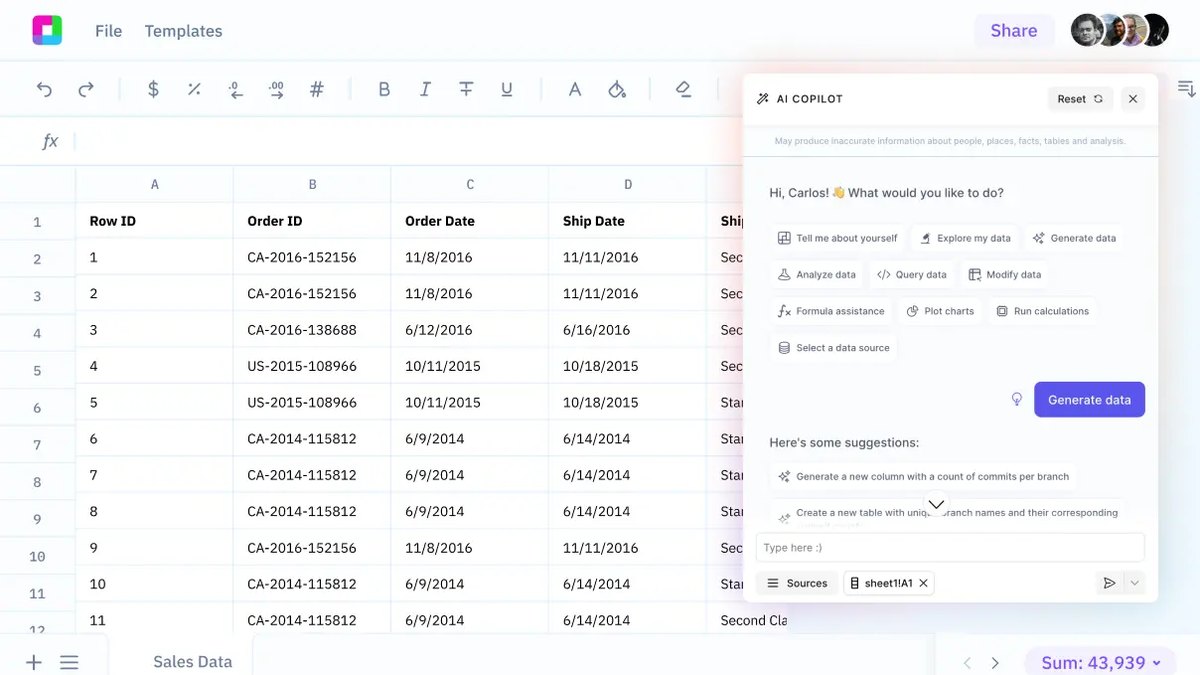
Ask Gemini opens a side panel in Google Sheets that can create tables, formulas, charts and analyses and edit your spreadsheet, with edits shown on an action preview card before you click Apply. Google says Gemini has advanced tools to support financial modeling. Google AI Pro is $19.99 a month billed monthly.
Go ifTeams that model in Google Sheets
Skip ifYour models live in Excel files
Why #8 over #9: It works natively in Google Sheets, while Sourcetable is a separate AI-first spreadsheet.
9
Sourcetable
Answrs VerdictThe AI-first spreadsheet with a monthly price.
Price: Pro $29 a month and Max $100 a month, listed as monthly prices; Regular is free with 50 credits a monthFinance: Its Finance use case says: Build financial models and analyze market dataCredits: Pro includes 2,000 credits a month and Max 6,000Formula fixer: Its feature list names a Formula fixer and Charts from a prompt
Sourcetable is an AI-first spreadsheet whose Finance use case says: Build financial models and analyze market data. Pro is $29 a month with 2,000 credits, Max is $100 a month with 6,000 credits, and Regular is free with 50 credits a month. Its feature list includes a Formula fixer and Charts from a prompt.
Go ifAnalysts who want an AI-first spreadsheet instead of an add-in
Skip ifYou must keep every model in Excel files
Why #9 over #10: It publishes a monthly price, while Aleph asks you to book a demo.
10
Aleph
Answrs VerdictThe AI variance explainer for FP&A.
Price: Not published; Aleph offers a demo and a free trialAI Scan: Its AI Scan tool and data drill-downs automatically spot and explain variances in a matter of secondsAgents: Deploy an army of AI agents, analysts, and assistants to handle routine workModeling: Its Modeling & Forecasting solution centralizes all of your models, forecasts, and assumptions
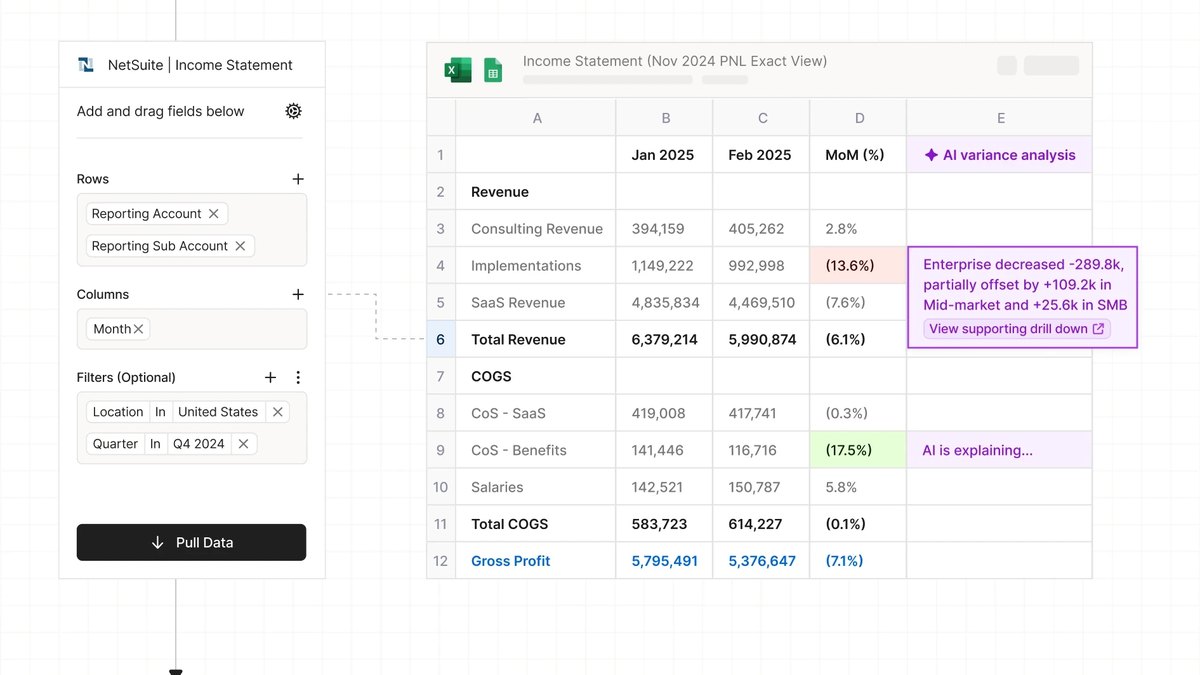
Aleph is FP&A software whose AI Scan tool and data drill-downs automatically spot and explain variances in a matter of seconds. It also offers AI agents for routine work and a Modeling & Forecasting solution that centralizes your models, forecasts and assumptions. Pricing is not published.
Go ifFP&A teams that want AI to explain variances in their forecasts
Skip ifYou want an AI that writes the model for you
How we ranked these
We ranked tools by how directly their own pages document an AI feature that builds, edits or audits financial models, then by published price. Causal (Lucanet) and Mosaic left the list: causal.app now shows a Lucanet page that names no AI features, and mosaic.tech redirects to HiBob’s Finance Suite. Cube and Datarails were replaced because their pricing and product pages describe AI agents for FP&A but not model building. Microsoft Copilot in Excel, Rogo, Daloopa (as Scout), Pigment, Anaplan and Aleph stay from the old list; ChatGPT for Excel, Claude for Excel, Gemini in Google Sheets and Sourcetable are new. Prices are as published and most enterprise tools do not publish any. Facts are taken from each maker's own published information; check the official site before you buy.
Questions people ask
What is the best AI tool for financial modeling?
ChatGPT for Excel: it creates or updates live Excel models from plain language, and OpenAI says it scored 87.3% on its own three-statement modeling benchmark with GPT-5.4 Thinking.
Can AI build a financial model in Excel?
Yes. ChatGPT for Excel, Claude for Excel, Microsoft Copilot in Excel and Rogo all work inside the workbook, and Claude says you can build models from scratch with edits held for your approval.
How much does AI for financial modeling cost?
Among picks with a published price, ChatGPT Go is $8 a month, Google AI Pro is $19.99, Claude Pro is $20, Microsoft 365 Business Standard with Copilot is $28.20 and Sourcetable Pro is $29. Rogo, Daloopa Scout, Pigment, Anaplan and Aleph do not publish prices.
Is AI-built financial modeling reliable?
Check every output. Claude holds edits until you approve them and Gemini shows an action preview card before you click Apply, but Daloopa’s 99% datapoint figure is the company’s own benchmark result.
Monthly price of the plan named in each pick’s Price fact, billed monthly, in USD at a glance
ChatGPT for Excel8 USD
Gemini in Google Sheets19.99 USD
Claude for Excel20 USD
Microsoft Copilot in Excel28.2 USD
Sourcetable29 USD
Monthly price of the plan named in each pick’s Price fact, billed monthly, in USD, as published by each maker. Picks without a published figure are left off.