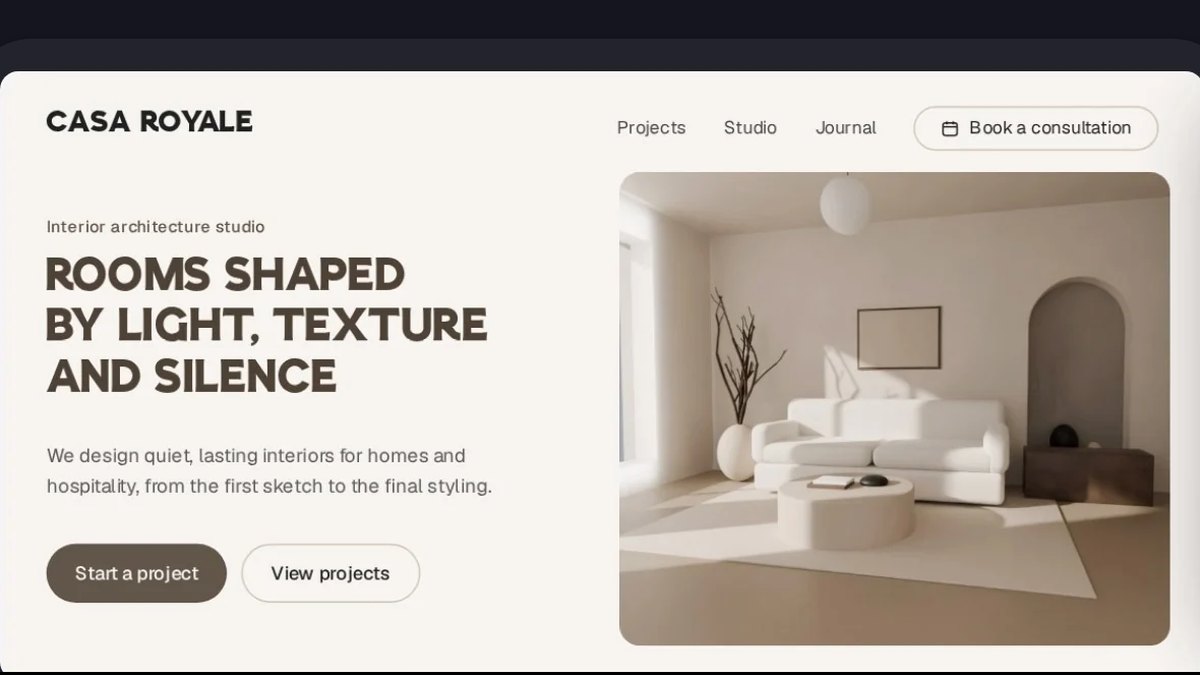
Framer AI is the best AI tool for hero section design: its own page says its agent creates editable pages and sections, and you refine them on a canvas, with paid plans from $10 a month. Divi AI is #2 for generating layouts and sections in WordPress, and Squarespace Design Intelligence is #3 for describing a custom section.
Site owners who want an AI agent to redesign sections of an existing page
Pick by what you want
Best overall
Framer AI
Best for WordPress
Divi AI
Best one-section builder
Squarespace Design Intelligence
Best from a reference
Readdy
Best for agencies
Relume
The ranking
1
Framer AI
Answrs VerdictThe AI agent that builds sections on an editable design canvas.
AI output: Framer’s AI agent creates editable pages, sections, copy, and visuals directly in your projectPrice: Free $0; Basic $10 a month; Pro $30 a month; Enterprise custom (the page has a Yearly billing toggle)AI credits: Free 500 to try; Basic from 1,000 a month; Pro from 3,000 a month, with higher credit tiers selectableEditing: Framer AI creates real, editable layers, not a fixed image or locked templateSite pages: Basic lists 30 site pages
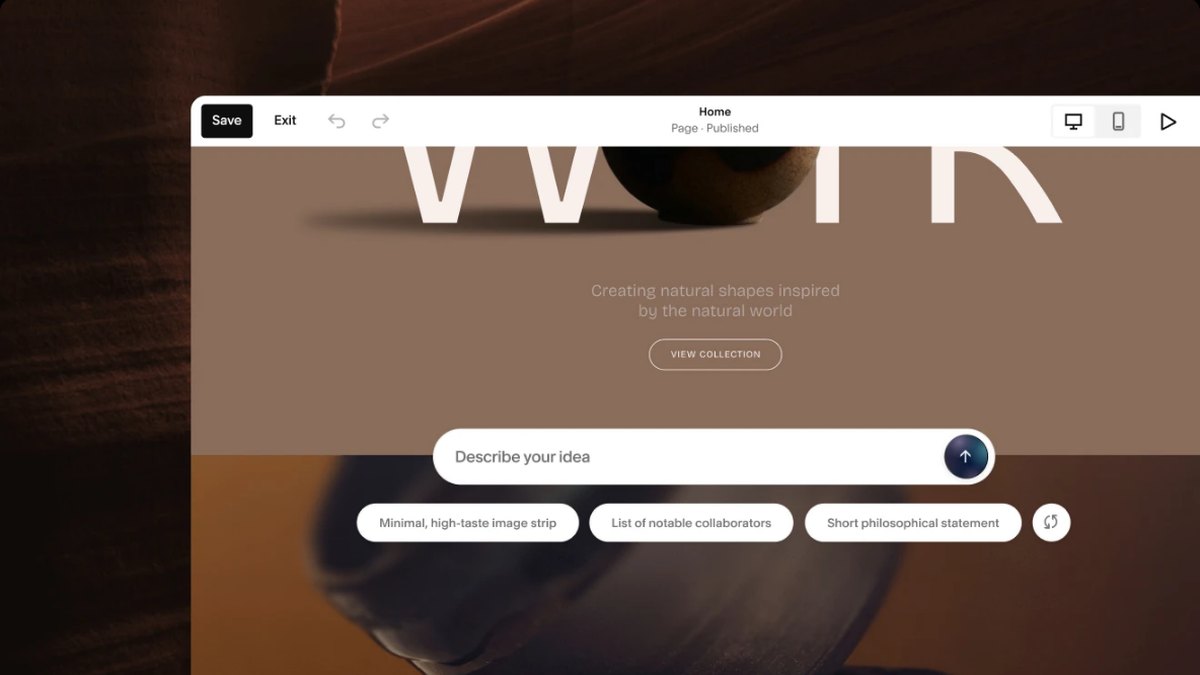
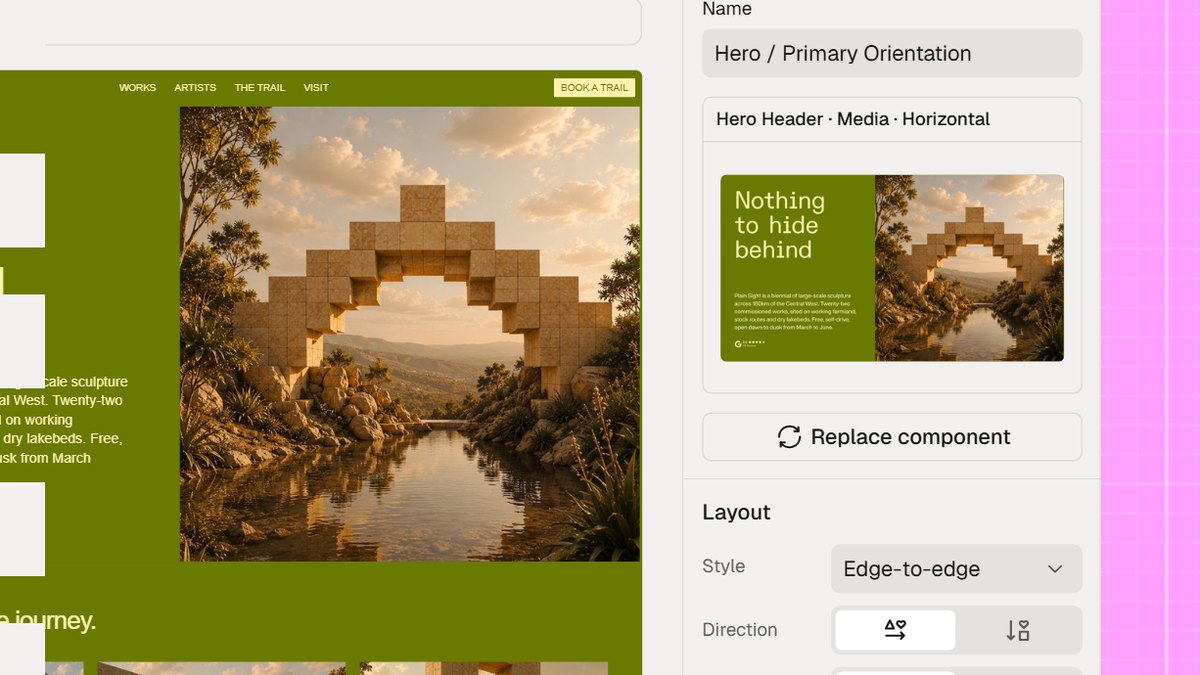
Framer AI is the set of AI agents built into Framer. Its page says the agent creates editable pages, sections, copy, and visuals directly in your project, and the result is real, editable layers rather than a fixed image. Free is $0 with 500 AI credits to try, Basic is $10 a month and Pro $30 a month, and the pricing page has a Yearly billing toggle.
Go ifDesigners who want AI to draft a section and then refine it on a visual canvas
Skip ifYou need to know the price of extra credits, which the pricing page does not state
Why #1 over #2: It builds sections as editable layers on a canvas, while Divi AI works only inside WordPress.
2
Divi AI
Answrs VerdictThe clearest section generator for WordPress.
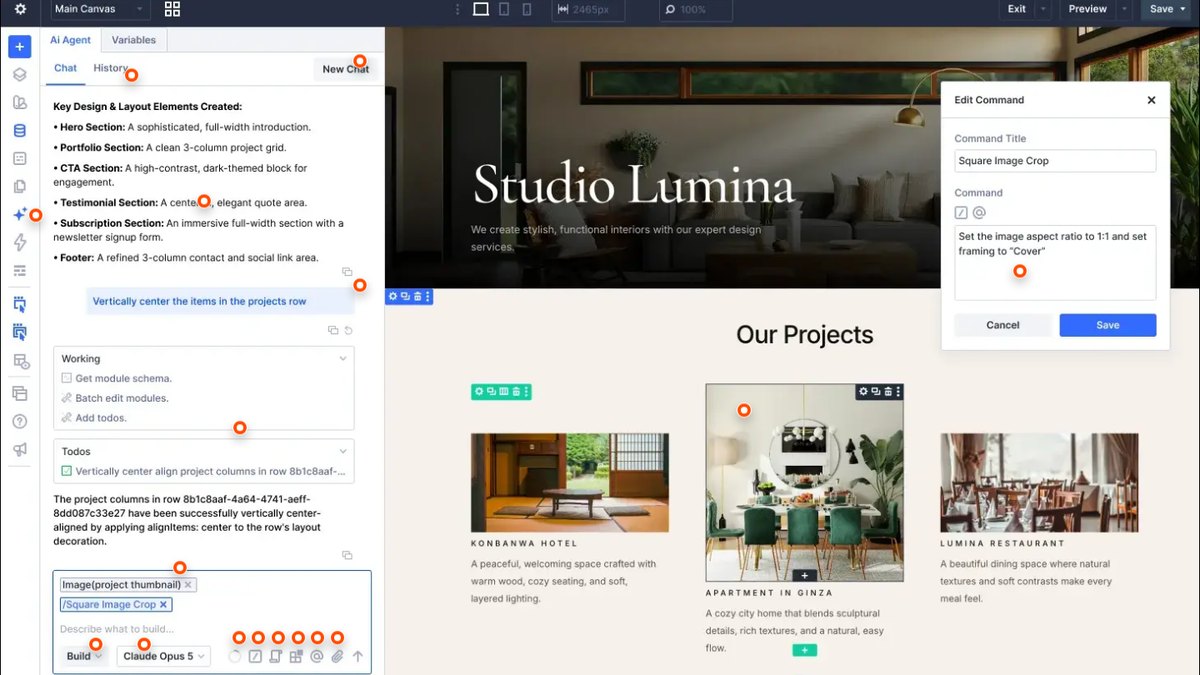
AI output: Generate full websites, layouts, & sections using the power of AISections: Divi AI adds new pages or individual sections to existing pages, constructing a layout and filling it with content and imagesPrice: Divi Pro, which includes Divi AI, is $23.08 a month, billed $277 yearly; the page shows no separate price for Divi AI aloneUsage: Unlimited layout, text, image and code generation with Divi AI, not including AI Agent usagePlatform: It runs inside Divi, the WordPress theme and page builder
Divi AI generates full websites, layouts and sections, and its page says it can add individual sections to existing pages, constructing a layout and filling it with content and images. It comes with Divi Pro at $23.08 a month, billed $277 yearly, with unlimited layout, text, image and code generation. The page shows no separate price for Divi AI alone.
Go ifWordPress site owners who want AI to add a new section to an existing page
Skip ifYou need a price for Divi AI on its own, which the page does not list
Why #2 over #3: It adds a section to a page you already have, which Wix lists only as a named tool without describing how it works.
3
Squarespace Design Intelligence
Answrs VerdictThe simplest describe-a-section tool inside a hosted builder.
AI sections: Describe a custom section and Squarespace will build it to fit the page, content, and design around itPrice: Basic $19, Core $29, Plus $49 and Advanced $99 a month paid annually; $25, $39, $65 and $139 paid monthlyAI credits: Basic 10 one-time; Core 20 a month; Plus 40 a month; Advanced 120 a monthTrial: Free for 14 daysControl: Preview every result, refine it through conversation, or edit it directly with hands-on tools
Squarespace Design Intelligence lets you describe a custom section and Squarespace builds it to fit the page, content, and design around it. Plans are Basic $19, Core $29, Plus $49 and Advanced $99 a month paid annually, with 10 one-time AI credits on Basic and 20, 40 and 120 a month above it. The trial is free for 14 days.
Go ifSquarespace users who want to describe one custom section instead of using a template block
Skip ifYou need unlimited AI use, since every plan has a credit limit
Why #3 over #4: Its page describes the one-section workflow in plain words, where Wix only names an AI Section Creator.
4
Wix AI Website Builder
Answrs VerdictThe broadest builder here, with a named AI section tool.
AI output: Instantly generate pages, sections and visuals as you goAI Section Creator: AI Section Creator is listed among Wix’s AI tools and agentsPrice: Free $0; Light $17.77, Core $29.77 and Business $39.77 a month, shown with GST includedIncluded: AI creation tools are listed on all plansAI limits: The plans page does not state AI usage limits
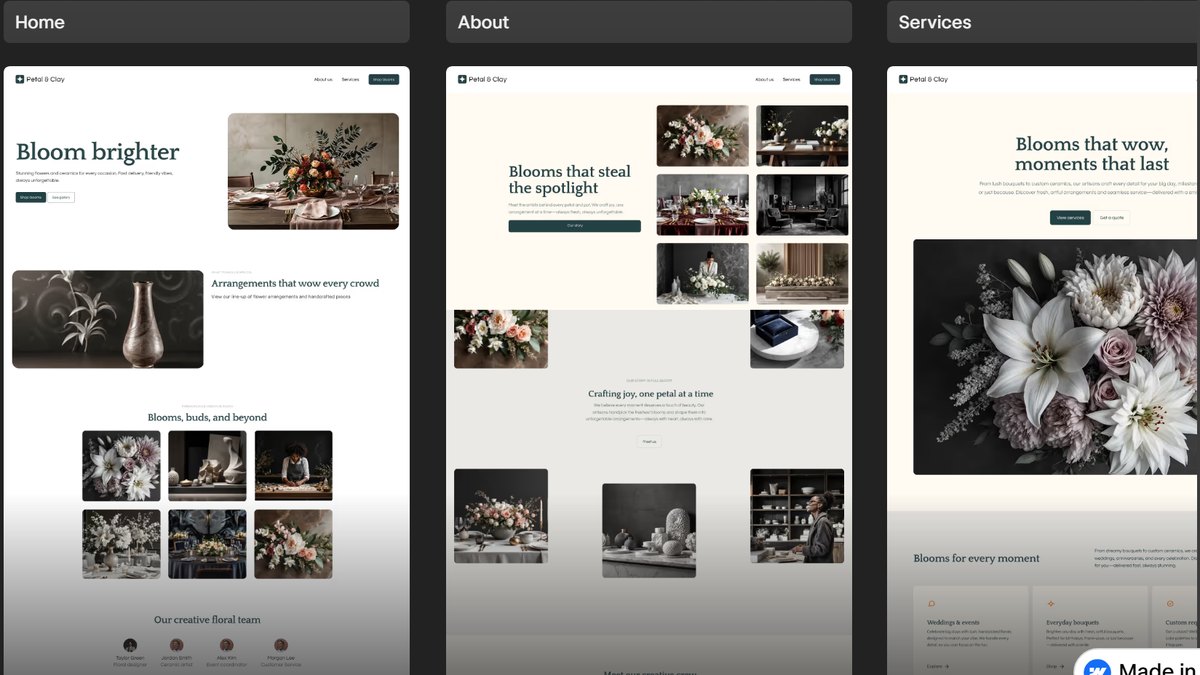
Wix lets you instantly generate pages, sections and visuals as you go, and lists an AI Section Creator among its AI tools and agents. The plans page shows Free at $0, then Light $17.77, Core $29.77 and Business $39.77 a month with GST included, and lists AI creation tools on all plans. The plans page does not state AI usage limits.
Go ifSmall businesses that want AI sections plus drag-and-drop control in one builder
Skip ifYou need published AI usage limits, which the plans page does not give
Why #4 over #5: It pairs AI sections with a full drag-and-drop editor, while Readdy leans on prompts and references.
5
Readdy
Answrs VerdictThe best layout generator that starts from a reference.
AI output: Describe your website in plain language and AI instantly generates layouts, pages, copy, and structurePrice: Free $0 a month; Starter $25 a month, or $15 a month on the 1-year option; Pro $40 or $24Credits: Free 250 a month; Starter 30,000; Pro 72,000Reference inputs: Start from text, templates, images, or a reference URLCode export: Export Code is listed on Starter and Pro, not on Free
Readdy says that when you describe your website in plain language, AI instantly generates layouts, pages, copy, and structure, and you can also start from templates, images or a reference URL. Free is $0 with 250 credits a month; Starter is $25 a month, or $15 a month on the 1-year option, with 30,000 credits and Export Code. Pro is $40 or $24 a month.
Go ifBuilders who want layouts generated from text or a reference image, with code export
Skip ifYou want code export on the Free plan, which does not list it
Why #5 over #6: It starts from a screenshot or URL, which Divi AI Agent also does but only for Divi sites.
6
Divi AI Agent
Answrs VerdictThe agent that rebuilds layouts from briefs, screenshots and URLs.
Brief to layout: Type what the page is for, who it is for and the vibe, and the agent builds a full layout from your brief aloneOther inputs: It also builds layouts from a screenshot, an external website link or a moodboard of reference imagesEditing: Add, edit, duplicate, move, and delete modules, rows, and sections by askingIncluded: Divi AI Agent is included with Divi AIAgent spend: $60 complimentary agent spend per year, which is $5 a month, with Divi Pro
Divi AI Agent builds a full layout from a brief, and the page says it also works from a screenshot, an external website link or a moodboard of reference images. You can add, edit, duplicate, move and delete modules, rows and sections by asking. It is included with Divi AI, with $60 of complimentary agent spend per year, which is $5 a month, with Divi Pro.
Go ifDivi users who want to turn a brief or screenshot into sections and rows
Skip ifYou do not use WordPress with Divi
Why #6 over #7: It edits sections by conversation, while Elementor One lists layout building without describing the workflow.
7
Elementor One
Answrs VerdictThe AI layout builder for Elementor sites.
AI output: AI generated code, copy, images, & layouts, including layout buildingPage generation: The pricing page menu lists Generate pages with AI: prompt full pages, design systems, and morePrice: One $15 a month, $19 before the 21% discount shown, billed annually at $180 a yearCredits: One includes 25,000 monthly One credits and 1 siteAgency plan: One Agency $36 a month with 350,000 monthly One credits and unlimited sites
Elementor One lists AI generated code, copy, images, and layouts, including layout building, and its pricing page menu lists Generate pages with AI. One is $15 a month, down from $19 with the 21% discount shown, billed annually at $180 a year, with 25,000 monthly One credits and 1 site. One Agency is $36 a month with 350,000 monthly credits and unlimited sites.
Go ifWordPress builders who want AI layouts inside the Elementor editor
Skip ifYou need a credit price per layout, which the page does not give
Why #7 over #8: It stays inside the Elementor editor many WordPress teams already use, which Relume does not.
8
Relume
Answrs VerdictThe planning-first tool that exports to Figma, Webflow and React.
AI output: Generate a full site structure: brief, sitemap, wireframe and designsEditing: Everything the AI creates is fully editable, from copy and sections to layout, colours and typographyPrice: Free $0 forever; Launch hosting $12 per site a month, billed $144 yearly; Pro $14 a month, billed $168 yearlyFree limit: Free includes enough AI usage to build 1 small website per month and a 1,500 page views limitExport: Build to export to Figma, Webflow or React
Relume generates a full site structure, from a brief to a sitemap, wireframe and designs, and says everything the AI creates is fully editable down to sections and layout. Free is $0 forever with a 1,500 page views limit; Launch hosting is $12 per site a month, billed $144 yearly, and Pro is $14 a month, billed $168 yearly. It exports to Figma, Webflow or React.
Go ifAgencies that plan a sitemap and wireframes first, then take the sections to Figma or Webflow
Skip ifYou want a tool that only drafts a single section
Why #8 over #9: It plans the whole site structure before any section, where Webflow AI jumps straight to a built site.
9
Webflow AI
Answrs VerdictThe full-site generator in a professional visual editor.
AI output: Turn a prompt into a fully customized, production-ready websiteSections: Shape your site’s structure by adding, removing, or reordering sections and pagesPrice: Workspace Starter free; Core $19 a month and Growth $49 a month, billed yearlyAI credits: Starter 200, Core 300 and Growth 400 a monthCode export: Code export is listed on Core and Growth
Webflow AI turns a prompt into a fully customized, production-ready website, and the page says you can then add, remove or reorder sections and pages. The Starter Workspace is free with 200 AI credits; Core is $19 a month and Growth $49 a month, billed yearly, with 300 and 400 credits, and code export is listed on both paid plans.
Go ifDesigners who want a whole AI-drafted site in a visual editor they can extend
Skip ifYou only need one section, since it builds the whole site first
Why #9 over #10: It gives a full visual editor after generation, which 10Web does not emphasize.
10
10Web
Answrs VerdictThe redesign-focused pick at the lowest published price.
AI editor: A suite of agents plans and builds the change; one listed action is Redesign any sectionPrice: AI Starter $10 a month billed annually ($20 monthly); AI Premium $15 ($30 monthly)AI credits: AI Starter 100 a month; AI Premium 200 a monthTrial: A 3-day free trial with 5 AI creditsRedesign agent: Transforms the existing outdated page into a beautiful modern one
10Web describes an AI editor where a suite of agents plans and builds a change, and one listed action is Redesign any section. AI Starter is $10 a month billed annually ($20 monthly) with 100 AI credits a month; AI Premium is $15 ($30 monthly) with 200. A 3-day free trial includes 5 AI credits, and a redesign agent transforms an existing outdated page.
Go ifSite owners who want an AI agent to redesign sections of an existing page
Skip ifYou need more than 100 AI credits a month on the cheapest plan
How we ranked these
We ranked products whose own pages say their AI creates page sections or layouts, ordered by how directly the page says it, then by published price and the control you keep after generation. None of the pages use the words hero section, so we describe what each says about sections and layouts. Where a limit or price is not published, the page says so. Facts are taken from each maker's own published information; check the official site before you buy.
Questions people ask
What is the best AI tool for hero section design?
Framer AI: its own page says its agent creates editable pages and sections, and you refine them on the canvas. Divi AI is #2 for generating layouts and sections inside WordPress.
Do these tools say they build hero sections?
None of the product pages we read use the words hero section. They say the AI creates sections, layouts or pages, so you describe the top of the page as a section in your prompt.
Which tool can build one section on an existing page?
Squarespace says you can describe a custom section and it will build it to fit the page, and Divi AI adds individual sections to existing pages.
Is there a free option?
Framer, Wix, Readdy and Relume list a $0 plan, and 10Web offers a 3-day free trial with 5 AI credits. Squarespace is free for 14 days.
Cheapest paid plan per month on each pricing page (billing term varies by tool) at a glance
Framer AI10 per month
10Web10 per month
Relume12 per month
Elementor One15 per month
Readdy15 per month
Wix AI Website Builder17.77 per month
Squarespace Design Intelligence19 per month
Webflow AI19 per month
Divi AI23.08 per month
Cheapest paid plan per month on each pricing page (billing term varies by tool), as published by each maker. Picks without a published figure are left off.