answrsnow
AI Infrastructure · Top 10

Top 10 AI Tools for Internal Wikis in 2027
By Kory White · Updated Nov 2026 · 6 min read
Notion
Direct answer

Notion is the best AI tool for an internal wiki: its Business plan at $20 per member a month includes the full AI set, with Q&A that answers with citations. Confluence is #2 because Rovo Search, Chat and Agents start on its $5.78 Standard plan. Guru is #3 for Knowledge Agents, though it publishes no price. Slite is the pick if you want clear AI limits in writing.

At a glance

#PickPriceBest for
1NotionFree $0, Plus $10 and Business $20 per member a month; Enterprise is customTeams that want the wiki, notes and AI answers with citations in one workspace
2ConfluenceFree for up to 10 users; Standard $5.78 and Premium $11.16 per user a month as listed; Enterprise is contact salesTeams already on Jira or Atlassian that want AI search across connected tools
3GuruNot published; the page says pricing is a package built around your scale and AI maturity, and points to booking a callCompanies that want AI answers delivered from a verified company knowledge base and will talk to sales
4SliteBasic $10 and Pro $20 per user a month billed yearly; Enterprise is customSmall teams that want a doc tool with AI answers and a published, capped allowance
5SlabFree for up to 10 users; Startup $6.67 and Business $12.50 per user a month billed annually; Enterprise is customTeams that want a clean wiki with AI Ask on a mid-priced plan
6GitBookFree $0 per site a month; Essential $65 and Ultimate $249 per site a month, plus $12 per user a month on bothTeams that publish technical docs or a public knowledge base and want an AI assistant for readers
7Document360Not published; the page says pricing is quoted for your setupTeams building a customer-facing or internal knowledge base who want AI writing and search built in
8TettraScaling $8 per user a month with a 10-user minimum, 20% off billed yearly; Enterprise is customSlack-centered teams of 10 or more that want answers inside Slack
9NuclinoFree $0, Starter $6 and Business $10 per user a month; yearly billing saves up to 25%Small teams that want a simple wiki and are happy to put AI on the top plan
10HelpjuiceKnowledge Base 249, AI-Knowledge Base 449 and Unlimited AI-Knowledge Base 799 a month; the page shows no currency symbolCompanies that want a flat-fee knowledge base rather than per-seat pricing

Pick by what you want

Best overall
Notion
Best for Atlassian teams
Confluence
Best verified answers
Guru
Clearest AI limits
Slite
Best for Slack
Tettra
Best for public docs
GitBook

The ranking

1

Notion

Notion
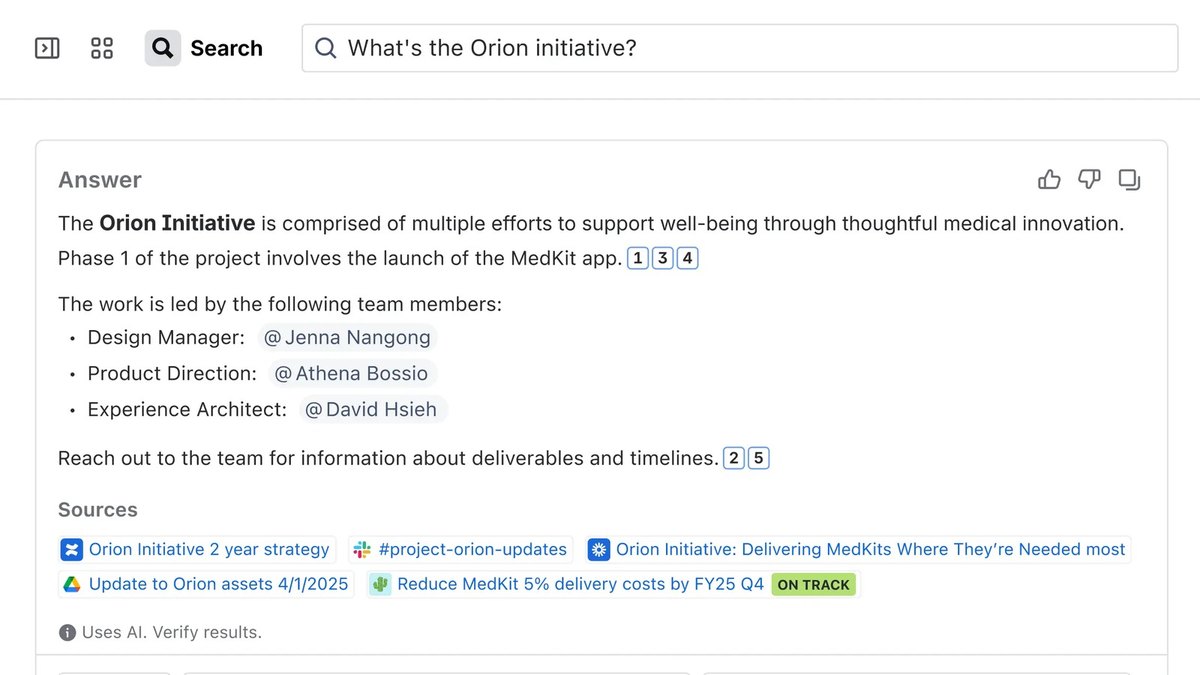
Answrs VerdictThe only pick here that pairs a wiki with cited AI answers and enterprise search in beta.
Price: Free $0, Plus $10 and Business $20 per member a month; Enterprise is customAI plans: Free and Plus include a trial of Notion AI; Business and Enterprise include the full AI feature set, and the page states no usage limitQ&A: The page says you get answers instantly, with citationsEnterprise Search: Listed as a beta feature on the Business plan, with a limited trial on the lower plansData retention: AI data is kept 30 days on Free, Plus and Business; Enterprise has zero data retention

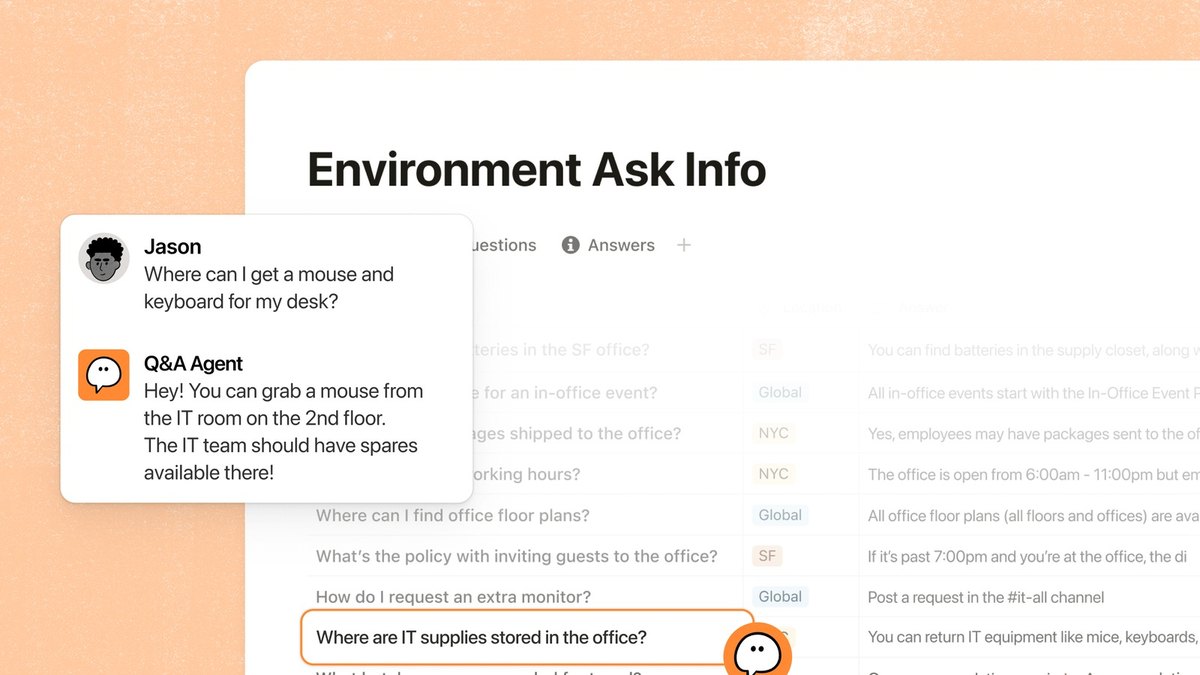
Notion pairs a wiki with Q&A that, per its pricing page, gets you answers instantly with citations. Free is $0, Plus is $10 and Business is $20 per member a month; Free and Plus include only a trial of Notion AI, while Business and Enterprise include the full AI feature set. Enterprise Search is listed as a beta feature on Business. AI data is kept 30 days on Free, Plus and Business, and Enterprise has zero data retention. The page states no usage limit for Notion AI.

Go ifTeams that want the wiki, notes and AI answers with citations in one workspace
Skip ifYou need the full AI set at the Plus price
Why #1 over #2: It returns cited answers and has enterprise search in beta, while Confluence ties AI to the Atlassian ecosystem.
2

Confluence

Confluence
Answrs VerdictThe lowest listed price for a paid plan that includes AI search, chat and agents.
Price: Free for up to 10 users; Standard $5.78 and Premium $11.16 per user a month as listed; Enterprise is contact salesRovo: Standard adds Rovo Search, Chat, and Agents with integrated AI-powered work featuresRovo search: The Confluence AI page describes AI-powered search across your whole toolstack and says you can build your own agents in StudioFree tier: The Free plan lists up to 2 GB file storageGuests: Guests are free, up to 5 guests per paid user

Confluence lists Rovo Search, Chat, and Agents with integrated AI-powered work features from its Standard plan, listed at $5.78 per user a month. Premium is $11.16 per user a month, Free covers up to 10 users, and Enterprise is contact sales. Atlassian’s AI page describes AI-powered search across your whole toolstack and says you can build your own agents in Studio. Guests are free, up to 5 guests per paid user.

Go ifTeams already on Jira or Atlassian that want AI search across connected tools
Skip ifYou want AI on the Free plan
Why #2 over #3: It puts AI search, chat and agents on a plan listed at $5.78 per user, while Guru gives no price.
3

Guru

Guru
Answrs VerdictKnowledge Agents and deep research, but no price you can check.
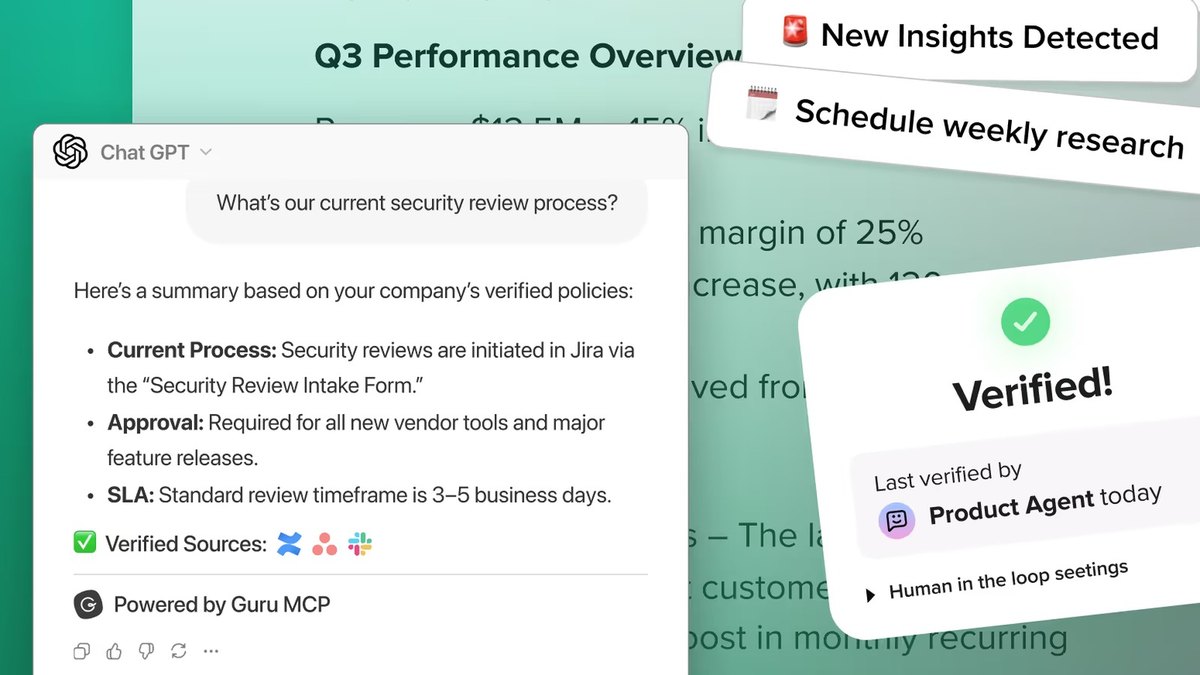
Price: Not published; the page says pricing is a package built around your scale and AI maturity, and points to booking a callPlatform: The page lists Knowledge Agents, AI search and deep research as part of the platformTier detail: The page does not say which package includes which AI capabilityNonprofits: Guru for Good offers a reduced cost to eligible organizations; no amount is stated

Guru lists Knowledge Agents, AI search and deep research as parts of its platform. It does not publish a price: the page says you get a package built around your scale, knowledge complexity and AI maturity, and directs you to book a call. The page does not say which package includes which AI capability. Guru for Good offers a reduced cost to eligible organizations, with no amount stated.

Go ifCompanies that want AI answers delivered from a verified company knowledge base and will talk to sales
Skip ifYou need a published price before a call
Why #3 over #4: It centers on agents and deep research, while Slite publishes its AI allowances.
4

Slite

Slite
Answrs VerdictThe clearest published AI limits on the list.
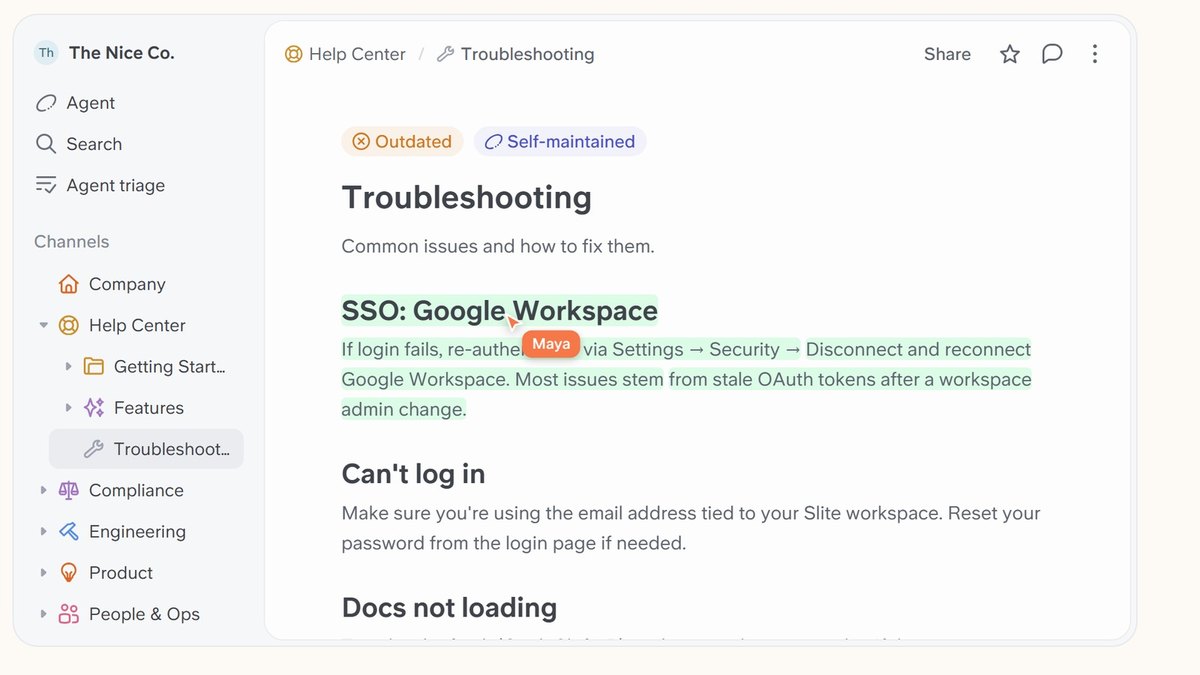
Price: Basic $10 and Pro $20 per user a month billed yearly; Enterprise is customBasic AI: 30 monthly questions per seat in Slite docs and 30 AI edits a month per userPro AI: Includes Slite Agent searching across connected tools, 50 monthly credits per seat and unlimited AI writingVerification: Pro adds doc fact-checking with suggested fixesStorage: 5GB per user on Basic and 10GB per user on Pro

Slite Basic is $10 and Pro is $20 per user a month billed yearly. Basic gives 30 monthly questions per seat in Slite docs and 30 AI edits a month per user. Pro adds Slite Agent searching across connected tools, 50 monthly credits per seat, unlimited AI writing and doc fact-checking with suggested fixes. Enterprise is custom.

Go ifSmall teams that want a doc tool with AI answers and a published, capped allowance
Skip ifYou need more than 30 questions per person a month on the cheapest plan
Why #4 over #5: It states its AI limits in writing, while Slab lists AI features without limits.
5

Slab

Slab
Answrs VerdictAI Ask arrives at $12.50 per user a month.
Price: Free for up to 10 users; Startup $6.67 and Business $12.50 per user a month billed annually; Enterprise is customAI by plan: Startup lists AI Autofix; Business lists AI Autofix, AI Predict and AI Ask; Enterprise lists Advanced AI AskUsers: Startup and Business allow unlimited users; Enterprise needs at least 100 usersHistory: Version history is 365 days on Startup and unlimited on Business

Slab is free for up to 10 users, with Startup at $6.67 and Business at $12.50 per user a month billed annually. Startup lists AI Autofix; Business lists AI Autofix, AI Predict and AI Ask; Enterprise lists Advanced AI Ask and needs at least 100 users. Version history is 365 days on Startup and unlimited on Business.

Go ifTeams that want a clean wiki with AI Ask on a mid-priced plan
Skip ifYou want AI Ask below the Business plan
Why #5 over #6: It offers AI Ask on a listed $12.50 plan, while GitBook meters AI in credits.
6

GitBook

GitBook
Answrs VerdictCredit-metered AI for published documentation.
Price: Free $0 per site a month; Essential $65 and Ultimate $249 per site a month, plus $12 per user a month on bothAI credits: Essential includes $20 of AI credits (2,000 credits a month) and Ultimate includes $100 (10,000 credits a month)Assistant Ask: Costs 20 credits per relevant question on paid plans; it is not included on FreeGitBook Agent: Free allows 10 messages a week; paid plans list it without a stated limitMCP: MCP server and GitBook MCP are included on every plan

GitBook is free at $0 per site a month, with Essential at $65 and Ultimate at $249 per site a month plus $12 per user a month. Essential includes $20 of AI credits (2,000 credits a month) and Ultimate includes $100 (10,000 credits a month). Assistant Ask costs 20 credits per relevant question and is not included on Free; GitBook Agent allows 10 messages a week on Free. MCP is included on every plan.

Go ifTeams that publish technical docs or a public knowledge base and want an AI assistant for readers
Skip ifYou want a flat per-user price
Why #6 over #7: It gives published docs an AI assistant for readers, while Document360 hides its price.
7

Document360

Document360
Answrs VerdictA broad Eddy AI feature list with a quote-only price.
Price: Not published; the page says pricing is quoted for your setupEddy AI: Includes an AI Writing Agent, AI content and FAQ creation, AI search and answer, an MCP server, auto-generated glossaries and duplicate content detectionAdd-ons: AI Chatbot and four AI Premium Suite add-ons (screen capture, step-by-step guides, interactive demo, video recording) are paid extrasAI limits: No usage caps or credit allowances are stated

Document360 includes Eddy AI with an AI Writing Agent, AI content and FAQ creation, AI search and answer, an MCP server, auto-generated glossaries and duplicate content detection. Its pricing page publishes no plan prices and says pricing is quoted for your setup. AI Chatbot and four AI Premium Suite add-ons are paid extras, and no AI usage caps are stated.

Go ifTeams building a customer-facing or internal knowledge base who want AI writing and search built in
Skip ifYou need a published price or AI limits up front
Why #7 over #8: It lists a broader AI writing set than Tettra, which centers on Slack.
8

Tettra

Tettra
Answrs VerdictBuilt around AI answers inside Slack.
Price: Scaling $8 per user a month with a 10-user minimum, 20% off billed yearly; Enterprise is customAI answers: Scaling lists AI answers, an AI bot in Slack and AI answers in DMs and channelsOther AI: AI page tagging, AI FAQ generation, thread summarization and mining existing answers from SlackSources: Train with Google Docs is listed as an AI feature

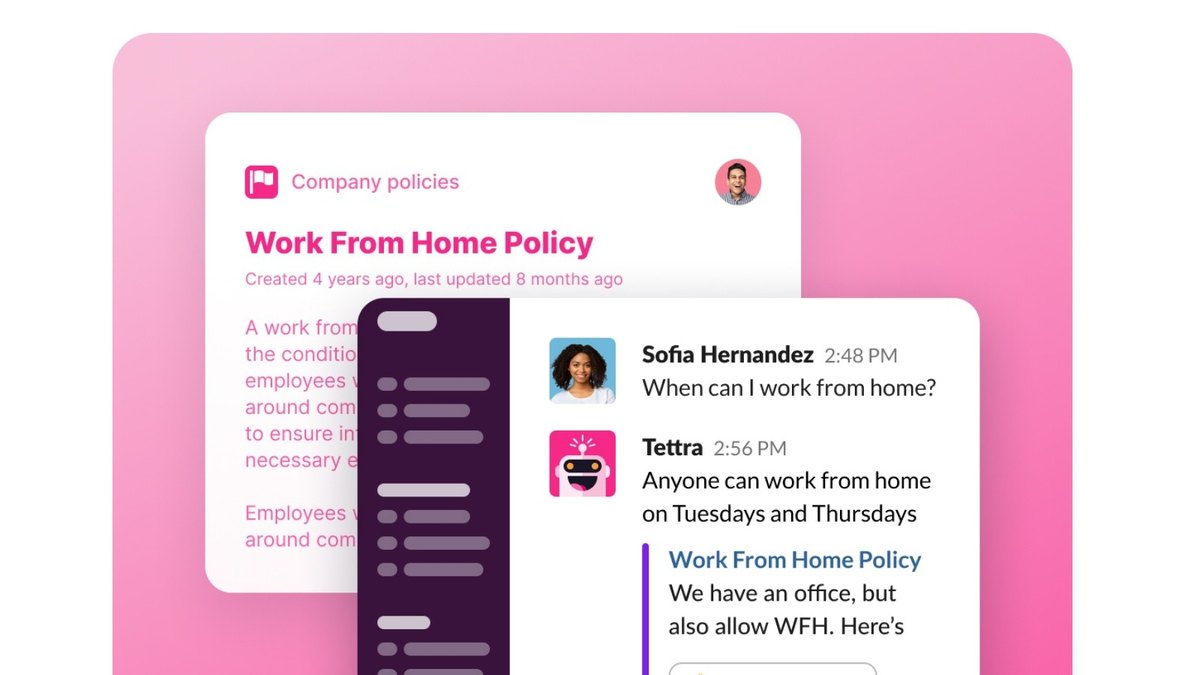
Tettra Scaling is $8 per user a month with a 10-user minimum, and billing yearly takes 20% off. It lists AI answers, an AI bot in Slack, AI answers in DMs and channels, AI page tagging, AI FAQ generation, thread summarization and mining existing answers from Slack. Train with Google Docs is also listed. Enterprise is custom.

Go ifSlack-centered teams of 10 or more that want answers inside Slack
Skip ifYou have fewer than 10 people
Why #8 over #9: It brings answers into Slack, while Nuclino keeps AI inside its own workspace.
9

Nuclino

Nuclino
Answrs VerdictA simple wiki with Sidekick on Business.
Price: Free $0, Starter $6 and Business $10 per user a month; yearly billing saves up to 25%AI plan: Sidekick (AI) is listed on the Business plan onlySidekick: Per the comparison section, it can answer questions from your content, draft and edit text and generate imagesFree limits: Up to 50 items, 3 canvases and 2GB total storageAI limits: No AI usage limit is stated

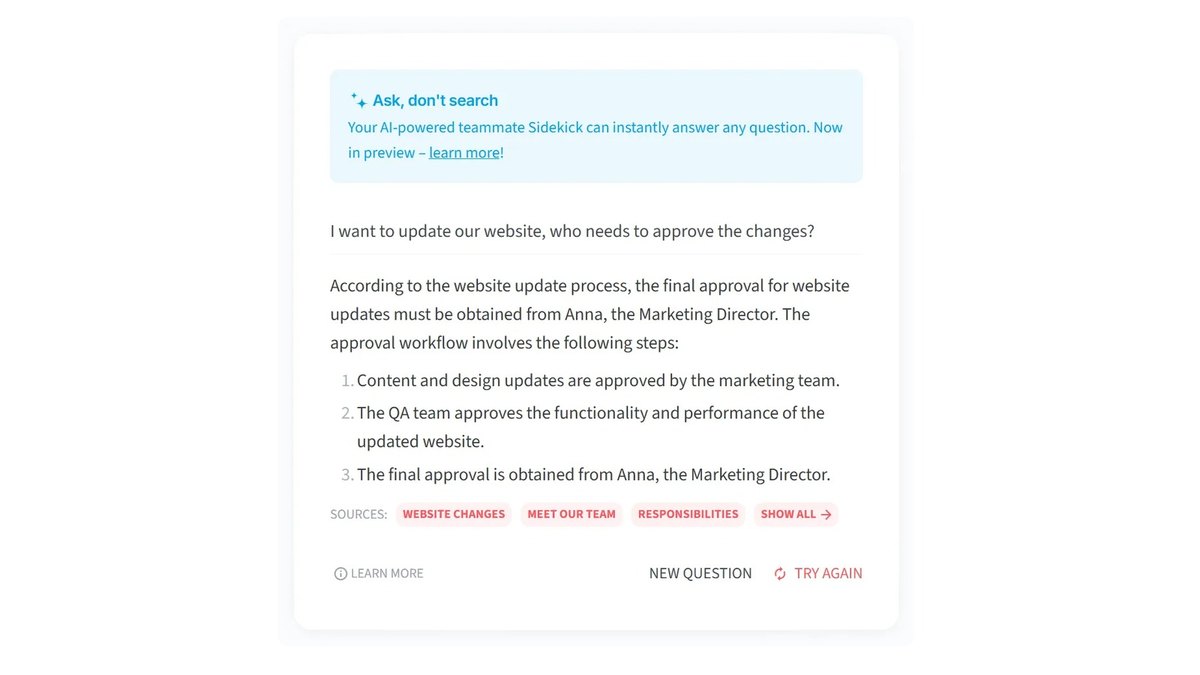
Nuclino is $0 on Free, $6 on Starter and $10 on Business per user a month, and yearly billing saves up to 25%. Sidekick (AI) is listed on the Business plan only; the comparison section says it can answer questions from your content, draft and edit text and generate images. Free is limited to 50 items, 3 canvases and 2GB total storage. No AI usage limit is stated.

Go ifSmall teams that want a simple wiki and are happy to put AI on the top plan
Skip ifYou need AI below the $10 plan
Why #9 over #10: It is a simpler wiki than Slab, while Helpjuice charges a flat fee.
10

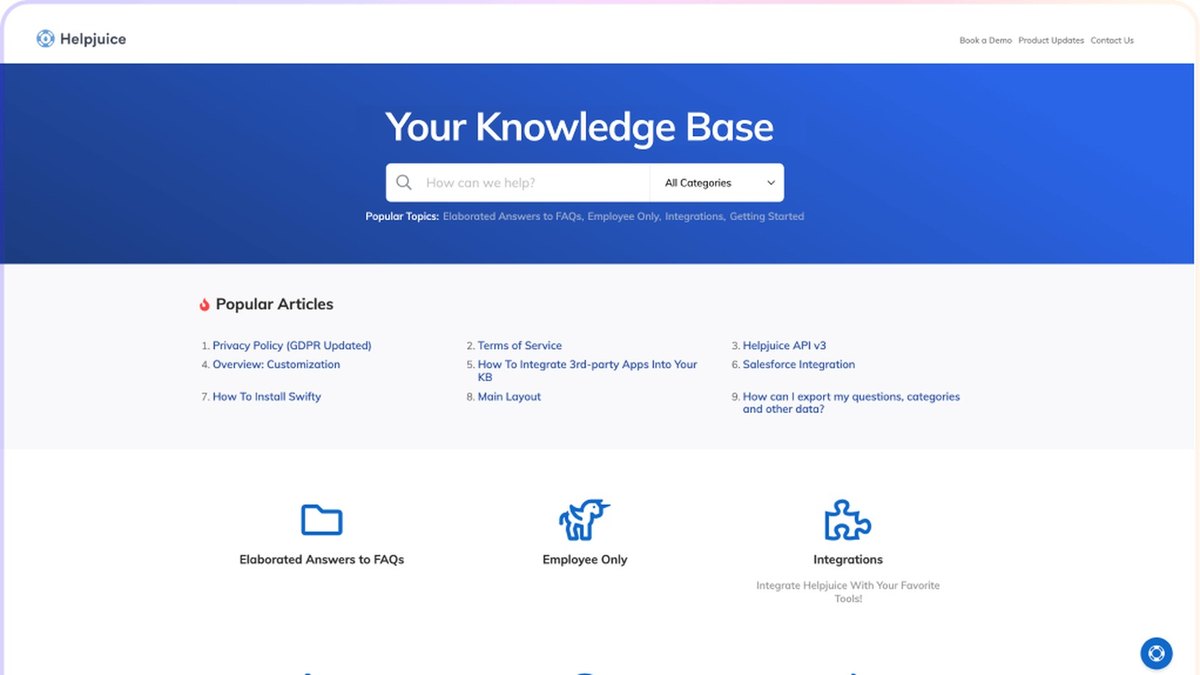
Helpjuice

Helpjuice
Answrs VerdictFlat monthly fee, with AI starting on the 449 plan.
Price: Knowledge Base 249, AI-Knowledge Base 449 and Unlimited AI-Knowledge Base 799 a month; the page shows no currency symbolAI Suite: AI Writer, AI Search, AI Chatbot, a Chrome extension and a step-by-step tutorial builder are included on the two AI-Knowledge Base plansBase plan: The 249 plan lists the AI Suite as not includedUsers: 30 users, 100 users and unlimited users across the three plansTranslation: AI article translation to 40+ languages is listed on every plan

Helpjuice lists three plans at 249, 449 and 799 a month; the page shows no currency symbol. The AI Suite (AI Writer, AI Search, AI Chatbot, a Chrome extension and a step-by-step tutorial builder) is included on the 449 and 799 plans and marked not included on the 249 plan. Users run 30, 100 and unlimited. AI article translation to 40+ languages is listed on every plan.

Go ifCompanies that want a flat-fee knowledge base rather than per-seat pricing
Skip ifYou want per-seat pricing for a small team

How we ranked these

We ranked internal wiki and knowledge base tools by how directly their AI answers questions from your content, then by what each maker publishes about plans, prices and limits, using only each maker’s own pages. Where a price or limit is not published we say so, and no tool is ranked on a feature its page does not list. Facts are taken from each maker's own published information; check the official site before you buy.

Questions people ask

What is the best AI tool for an internal wiki?

Notion is our top pick: it combines a wiki with Q&A that returns answers with citations, and enterprise search in beta, on the Business plan at $20 per member a month. Confluence is #2 and lists Rovo Search, Chat and Agents from its Standard plan.

Which internal wiki has the cheapest paid AI plan?

Confluence Standard is listed at $5.78 per user a month and includes Rovo Search, Chat and Agents. Tettra Scaling is $8 per user a month with a 10-user minimum and lists AI answers.

Is there an internal wiki with AI on a free plan?

Notion Free and Plus include only a trial of Notion AI, and GitBook Free allows 10 GitBook Agent messages a week. Slab, Confluence and Nuclino list their AI features on paid plans.

Which wiki tools do not publish a price?

Guru and Document360 do not publish prices; both point you to sales for a quote. Tettra and Slite publish per-user prices, and Helpjuice publishes flat monthly fees.

Listed monthly price per user of the cheapest plan that includes an AI answer or search feature, where one is published (Confluence and Slab billed annually) at a glance

Confluence5.78 USD
Tettra8 USD
Nuclino10 USD
Slite10 USD
Slab12.5 USD
Notion20 USD
Listed monthly price per user of the cheapest plan that includes an AI answer or search feature, where one is published (Confluence and Slab billed annually), as published by each maker. Picks without a published figure are left off.

Official sites

Sources

Prices, specs and availability change; confirm on the official site before you buy.

Share this page