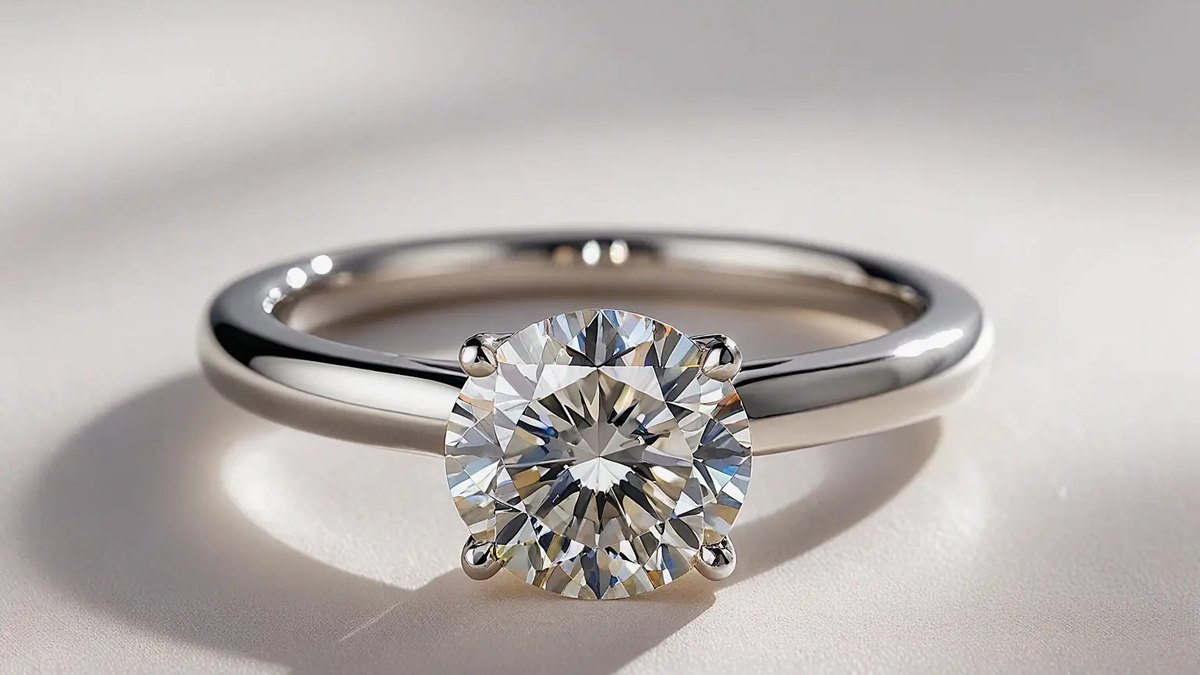
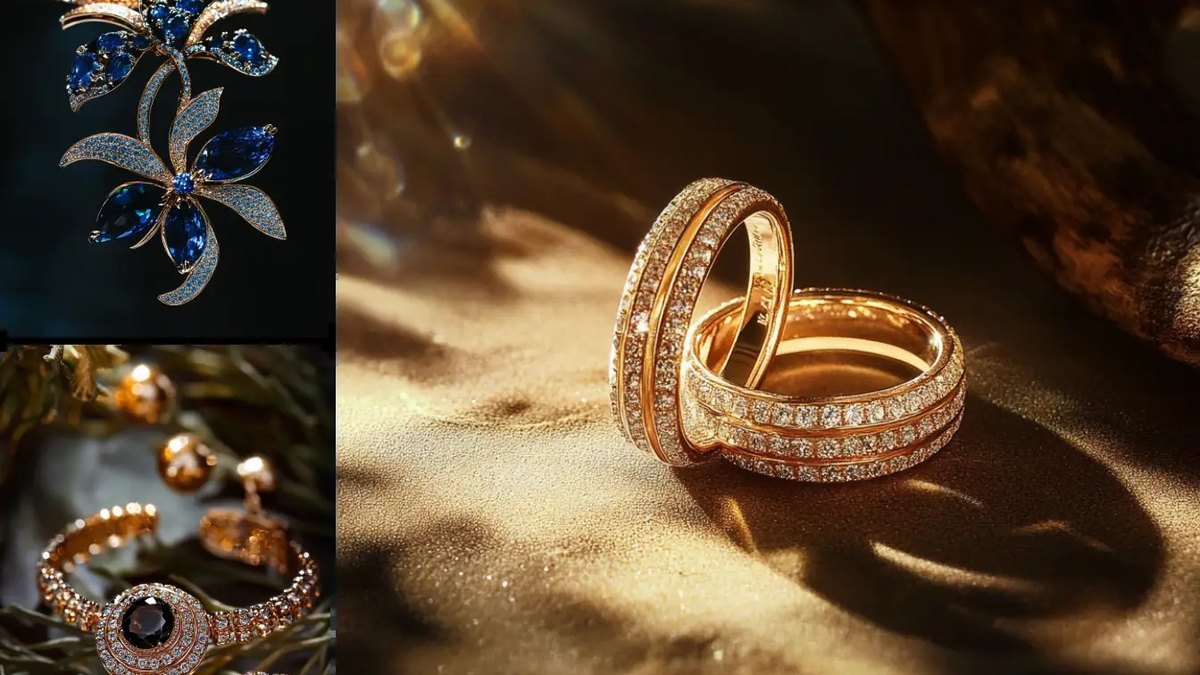
Tashvi is the best AI tool for jewelry design: photorealistic renders from plain-language prompts or sketches plus a 3D mesh export, with a free plan and Basic at $20 a month. Ruby Kinglet is #2 for its full AI workbench from $5 a month, and FlashCAD is #3 for casting-ready CAD files from $99 a month.
Not published; the page says the tool is free, with daily free credits
Trying AI jewelry ideas for free before paying for anything
Pick by what you want
Best overall
Tashvi
Best full workbench
Ruby Kinglet
Best for casting files
FlashCAD
Best for selling to shoppers
Jeweler Studio
Best free start
AI Ease
The ranking
1
Tashvi
Answrs VerdictThe most complete idea-to-mesh tool for jewelers.
Price: Free $0; Basic $20, Pro $60 and Studio $200 a monthDesign Studio: Describe a piece in plain language and get photorealistic renders; refine by conversation or upload sketches and reference photos3D output: Mesh Mode turns a prompt, sketch or photo into a 3D mesh exported as STL, OBJ or GLB; Draft Studio turns a 2D concept into a 3D draft with STL exportPlan limits: STL export for CAD and casting starts at Pro; 2D-to-3D Draft generation starts at BasicCaveat: AI concepts still need review by a qualified CAD designer or manufacturer before production
Tashvi turns plain-language descriptions, sketches and reference photos into photorealistic jewelry renders, then into a 3D mesh exported as STL, OBJ or GLB. Free is $0; Basic is $20, Pro $60 and Studio $200 a month. STL export for CAD and casting starts at Pro. Its own page warns that AI concepts still need review by a qualified CAD designer or manufacturer.
Go ifJewelers who want renders and an exportable 3D mesh in one tool
Skip ifYou need a production-ready file with no CAD review
Why #1 over #2: It covers render and 3D mesh from $20 a month, while Ruby Kinglet’s Professional plan costs $29 per user a month.
2
Ruby Kinglet
Answrs VerdictThe deepest jewelry-specific AI workbench.
Price: Personal $5 a month, Professional $29 per user a month and Studio $125 per user a month, all billed yearlyAI design: Jewelry-aware builders for settings, stones and metals, an AI Studio with 20+ tasks, trained custom models and 6,000+ community templatesPhotoshoots: Studio-style renders with control over brilliance, dispersion, angles and lighting, plus product videoCAD: STL generation from one or more photos; exports STL, 3DM, OBJ and GLBPlan limits: Professional trains up to 10 models a month; Studio adds unlimited generations
Ruby Kinglet is an AI workbench built around jewelry: builders for settings, stones and metals, an AI Studio with 20+ tasks, trained custom models and 6,000+ community templates. Personal is $5 a month, Professional $29 and Studio $125 per user a month, all billed yearly. It generates STL from photos and exports STL, 3DM, OBJ and GLB.
Go ifJewelers who want AI design, photoshoots and CAD in one workbench
Skip ifYou only want a quick one-off concept image
Why #2 over #3: It adds photoshoots and model training that FlashCAD’s credit plans do not list.
3
FlashCAD
Answrs VerdictThe fastest concept-to-casting-file pipeline for custom orders.
Price: Starter $99, Pro $169 and Studio $349 a month, billed monthlyAI CAD: Text or image to CAD concept and 3D render in about 60 seconds, plus sketch-to-CAD and fast iterationsCredits: Starter 300, Pro 800 and Studio 2,000 credits a monthExports: STL, OBJ, GLB and 3DM, with CastCAD validation on Starter and ProClient tools: Interactive 3D viewer, AR preview and private client approval links with deposit collection
FlashCAD makes a CAD concept and 3D render from text or an image in about 60 seconds. Starter is $99 a month for 300 credits, Pro $169 for 800 and Studio $349 for 2,000, billed monthly. All exports are STL, OBJ, GLB and 3DM, with CastCAD validation on Starter and Pro, and clients get a 3D viewer, AR preview and approval links with deposits.
Go ifCustom jewelers who sell a design before it is cast
Skip ifYou want a low monthly price
Why #3 over #4: It is built to sell a custom piece before casting, which Pencil’s builder tools handle less directly.
4
Pencil
Answrs VerdictThe best AI CAD tool with built-in selling tools.
Price: Free $0; Professional $39, Pencil Shop $199 and Pencil Shop Pro $499 a monthAI CAD: The Designer uses AI to create CAD jewelry designs without complex softwareOutput: Every design outputs a production-grade CAD file that goes straight to castingBusiness tools: Product configurators, quoting tools, lead generation and product photographyEnterprise: Custom parametric designs, headless API access and custom-trained AI agents
Pencil uses AI to create CAD jewelry designs without complex software, and says every design outputs a production-grade CAD file that goes straight to casting. Free is $0; Professional is $39, Pencil Shop $199 and Pencil Shop Pro $499 a month. It also offers configurators, quoting tools, lead generation and product photography.
Go ifBrands that want AI CAD plus a configurator on their own site
Skip ifYou need to see the file formats before you buy
Why #4 over #5: It pairs CAD output with selling tools at $39 a month, where Jeweler Studio starts at $149.
5
Jeweler Studio
Answrs VerdictThe best AI tool for selling custom jewelry to shoppers.
Price: Silver $149, Gold $349 and Diamond $849 a month, billed monthly (15% less billed yearly)Studio AI: Shoppers describe a piece, pick metal, stone and style, and get a photorealistic render in under 25 secondsGenerations: Silver 400, Gold 1,200 and Diamond 3,000 premium image generations a monthLead capture: Custom-order leads captured automatically, with quote requests, design deposits and email follow-upFree trial: 7-day free trial on every plan
Jeweler Studio lets shoppers describe a piece, pick metal, stone and style, and get a photorealistic render in under 25 seconds. Silver is $149, Gold $349 and Diamond $849 a month, billed monthly, with 400, 1,200 and 3,000 premium image generations. Leads, quote requests and design deposits are captured automatically, and every plan has a 7-day free trial.
Go ifRetail jewelers who want shoppers to design custom pieces on their own website
Skip ifYou are a designer who needs CAD files
Why #5 over #6: It turns renders into captured orders, which TheGoldsmithAI does not list.
6
TheGoldsmithAI
Answrs VerdictA jewelry-trained generator for concepts, renders and video.
Price: Not publishedText to design: Generates jewelry concepts from text prompts and turns rough sketches into polished renders3D: AI-assisted 3D CAD creation from a conceptMarketing: Multiple product views, image enhancement of metals, diamonds and lighting, and jewelry video generationTraining: Says its AI is trained specifically for jewelry design, including gemstones, metals, settings and proportions
TheGoldsmithAI generates jewelry concepts from text prompts, turns rough sketches into polished renders and offers AI-assisted 3D CAD creation. It adds multiple product views, image enhancement of metals, diamonds and lighting, and video generation. Its AI is described as trained specifically for jewelry design. Pricing is not published.
Go ifDesigners who want sketch-to-render with jewelry-trained AI
Skip ifYou need a published price before you try it
Why #6 over #7: It is jewelry-trained and adds CAD, while getimg.ai’s output is a visual concept only.
7
getimg.ai
Answrs VerdictThe best all-purpose concept and product-visual generator.
Price: Entry $15, Core $35, Plus $79 and Ultra $199 a month, billed monthlyConcepts: Jewelry concepts from text prompts, sketches or reference photos across metals, gemstones, cuts and settingsProduct visuals: Background Remover, Changing Backgrounds, Upscaler and Image to VideoCredits: Entry 8,000, Core 19,000, Plus 42,500 and Ultra 107,500 product credits a monthCaveat: Output is a visual concept, not CAD, STL files or production specs
getimg.ai makes jewelry concepts from text prompts, sketches or reference photos, with Background Remover, Changing Backgrounds, Upscaler and Image to Video for product visuals. Entry is $15, Core $35, Plus $79 and Ultra $199 a month, billed monthly. Its page says output is a visual concept, not CAD, STL files or production specs.
Go ifDesigners who want concept images and product visuals in one place
Skip ifYou need a model you can cast
Why #7 over #8: It adds product-visual tools that Dzine’s generator does not list.
8
Meshy for Jewelry
Answrs VerdictThe quickest route from a prompt to a printable 3D model.
Price: Free $0 with 100 credits; Pro $20, Premium $40 and Ultra $100 a month3D generation: Create models from a text prompt or a reference image with Text to 3D or Image to 3DExports: STL, OBJ, GLB, USDZ, FBX and BLENDPrint prep: Remesh to clean quad topology, set real-world size in millimeters and send models to slicersCaveat: Generates overall form and detail, not parametric measurements; set exact ring size in your slicer or CAD tool
Meshy creates 3D models from a text prompt or a reference image and exports STL, OBJ, GLB, USDZ, FBX and BLEND. Free is $0 with 100 credits; Pro is $20, Premium $40 and Ultra $100 a month. It remeshes, sets real-world size in millimeters and sends models to slicers, but generates form and detail, not parametric measurements.
Go ifMakers who want a fast 3D model for printing from a prompt or photo
Skip ifYou need exact ring size and tolerances from the AI
Why #8 over #9: It produces a printable 3D model, which Dzine and AI Ease do not.
9
Dzine
Answrs VerdictThe cheapest paid plan on this list.
Price: Free $0; Beginner $8.99, Creator $24.99, Master $59.99 and Master Pro $149.99 a month, billed monthlyText to jewelry: Generates jewelry designs from text descriptions of materials, styles and detailsEditing: Template library, customizable elements and editing tools to adjust materials, styles and detailsUses: Meant for visualizing concepts, prototyping, presentations and client previewsCredits: Beginner 1,000 and Creator 6,000 credits a month
Dzine generates jewelry designs from text descriptions of materials, styles and details, with a template library and editing tools. Free is $0; Beginner is $8.99, Creator $24.99, Master $59.99 and Master Pro $149.99 a month, billed monthly. It is meant for concepts, prototyping, presentations and client previews.
Go ifA low-cost text-to-jewelry generator for client previews
Skip ifYou need CAD or a 3D mesh
Why #9 over #10: It has editing tools and a template library, while AI Ease is a plain prompt box.
10
AI Ease
Answrs VerdictA free starting point for jewelry concept images.
Price: Not published; the page says the tool is free, with daily free creditsText to jewelry: Generate rings, necklaces, earrings and other jewelry from a text prompt3D look: An AI 3D effect or a 3D style for 3D-style designsAspect ratios: Pick 16:9, 4:3 or 9:16 and download the generated design
AI Ease generates rings, necklaces, earrings and other jewelry from a text prompt, with an AI 3D effect and 3D styles. Aspect ratios include 16:9, 4:3 and 9:16. Its page says the tool is free, with daily free credits, and does not publish prices.
Go ifTrying AI jewelry ideas for free before paying for anything
Skip ifYou need CAD files, 3D meshes or production specs
How we ranked these
We ranked tools that cover more of the design job with AI first (concept, render, 3D mesh or CAD file), then tools that only make concept images, using each maker’s own site for features and prices. The old list was mostly general CAD and 3D software (Rhino, MatrixGold, ZBrush, Autodesk Fusion, Blender, JewelCAD Pro, 3Design) plus Vizcom, Midjourney and Adobe Firefly; we could not source AI jewelry features or official pricing for them on their own sites, so they were replaced with tools whose own pages describe AI jewelry design. Facts are taken from each maker's own published information; check the official site before you buy.
Questions people ask
What is the best AI tool for jewelry design?
Tashvi: it makes photorealistic renders from plain-language prompts or sketches and exports a 3D mesh as STL, OBJ or GLB, with a free plan and Basic at $20 a month.
Can AI jewelry tools make a file I can cast?
Some can. Pencil says every design outputs a production-grade CAD file that goes straight to casting, and FlashCAD exports STL, OBJ, GLB and 3DM with CastCAD validation on Starter and Pro. Others, like getimg.ai, only make visual concepts, not CAD or STL files.
Do I still need a CAD designer?
Often yes. Tashvi says AI concepts still need review by a qualified CAD designer or manufacturer, and Meshy says it generates overall form and detail, not parametric measurements.
Is there a free AI jewelry design tool?
Yes. Tashvi has a $0 Free plan, Meshy has a $0 plan with 100 credits, Dzine has a $0 Free plan, Pencil has a $0 Free plan, and AI Ease says its jewelry generator is free with daily free credits.
Cheapest paid plan on each maker’s page, in USD per month, billed monthly at a glance
Dzine8.99 USD
getimg.ai15 USD
Tashvi20 USD
Meshy for Jewelry20 USD
Pencil39 USD
FlashCAD99 USD
Jeweler Studio149 USD
Cheapest paid plan on each maker’s page, in USD per month, billed monthly, as published by each maker. Picks without a published figure are left off.