StreamYard is the best AI tool for live streaming: a browser studio with AI clips and AI Backgrounds, free to start and $18.99 a month on Essential. Restream is #2 for multistreaming with an AI clip add-on from $19 a month, and Streamlabs Desktop is #3 for its AI streaming assistant.
Creator $29 a month billed monthly ($14.5 a month billed yearly at $174)
Turning a long recorded stream into captioned, reframed shorts
Pick by what you want
Best overall
StreamYard
Best for multistreaming
Restream
Best AI co-host
Streamlabs Desktop
Best free AI cleanup
NVIDIA Broadcast
Best cheap AI clipper
OpusClip
The ranking
1
StreamYard
Answrs VerdictThe easiest live studio with AI clips built in.
Lowest paid plan: Essential $18.99 a month billed monthly ($14.99 billed yearly)AI features: AI clips and AI Backgrounds on Core, $44.99 a month billed monthlyFree plan: Free: all essential studio features, StreamYard logo on your streams, 6 on-screen participantsMultistream: Essential 2 destinations, Core 3 destinations, Advanced 8 destinations
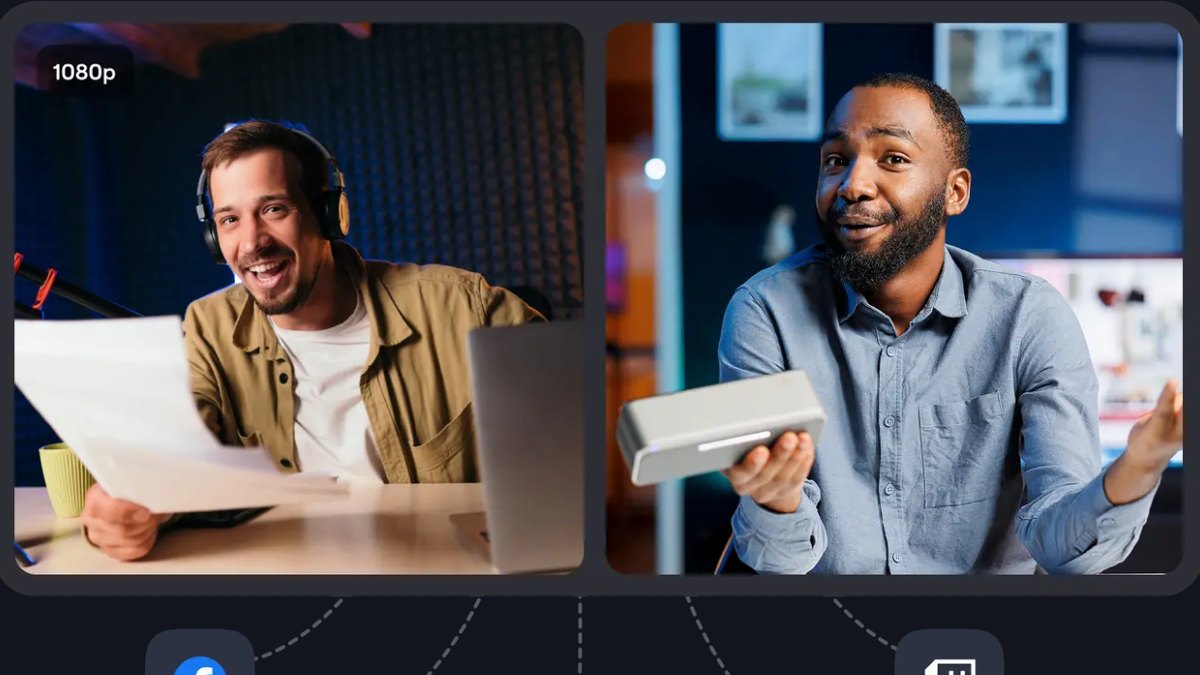
StreamYard is a live streaming and recording studio in your browser. Essential is $18.99 a month billed monthly ($14.99 billed yearly) for 2 destinations; Core is $44.99 a month and adds AI clips, AI Backgrounds and 3 destinations. Free keeps the essential studio features with a StreamYard logo and 6 on-screen participants.
Go ifGoing live from a browser with guests and getting AI clips afterward
Skip ifYou want a desktop app with deep scene control
Why #1 over #2: It puts the live studio and the AI clips in one tab, while Restream sells its clips as a separate add-on.
2
Restream
Answrs VerdictThe multistream leader with an AI clip add-on.
Lowest paid plan: Standard $19 a month (Free plan is $0 forever)AI Clips add-on: Restream Clips is +$19 a month for 50 clips on Standard; AI finds the best moments, reframes them for vertical and adds captionsLanguages: Restream detects, edits and transcribes 52 languagesChannels: Standard streams to 3 channels at once; Professional $49 a month streams to 5; Business $239 a month streams to 8
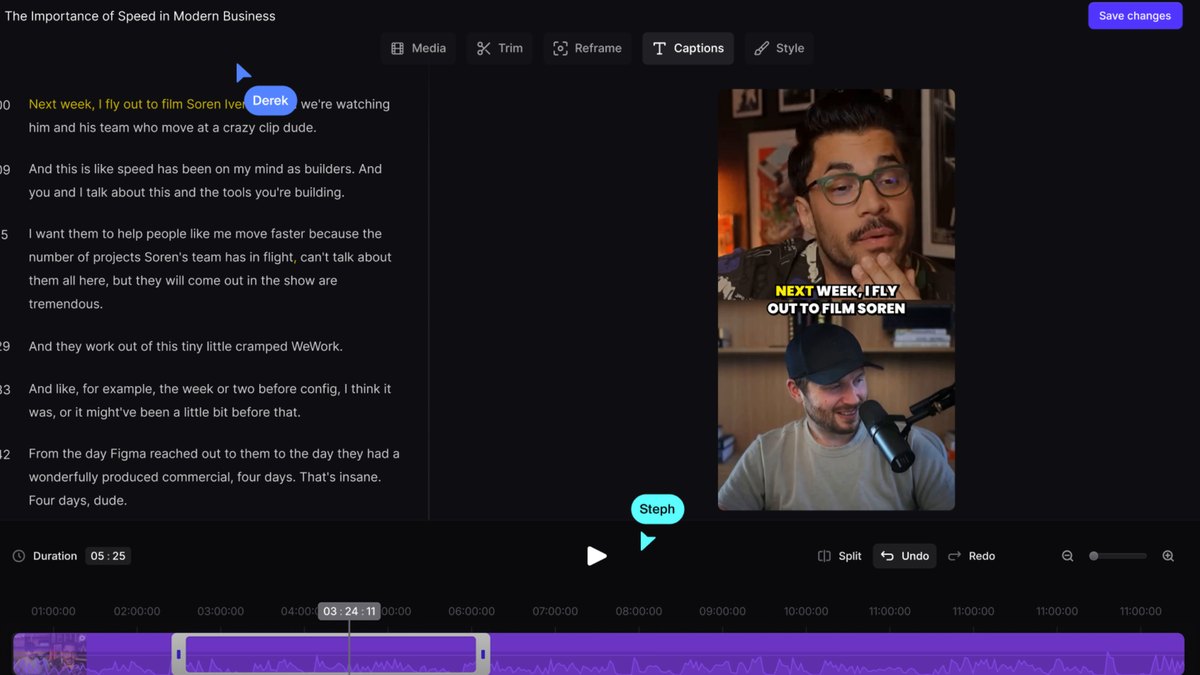
Restream streams to 3 channels at once on Standard at $19 a month, with 5 channels on Professional ($49) and 8 on Business ($239). Its Clips add-on is +$19 a month for 50 clips: AI finds the best moments, reframes them for vertical and adds captions, in 52 languages.
Go ifMultistreaming everywhere, then turning the broadcast into AI clips
Skip ifYou only stream to one platform
Why #2 over #3: Its multistream reach and AI clip add-on fit live shows better than Streamlabs’ $27 Ultra plan.
3
Streamlabs Desktop
Answrs VerdictThe most AI-forward desktop streaming app.
Lowest paid plan: Ultra $27 a month billed monthly, or $189 a year; Starter is free, alwaysAI streaming assistant: Intelligent Streaming Assistant: a 3D sidekick co-host, an automatic scene producer and a technical assistant, announced Jan 06, 2025Assistant access: After a free period of roughly one to two hours of avatar time, continued use requires an Ultra subscriptionIncluded tools: Cross Clip, Video Editor and Podcast Editor (text-based editing) are part of the Streamlabs lineup
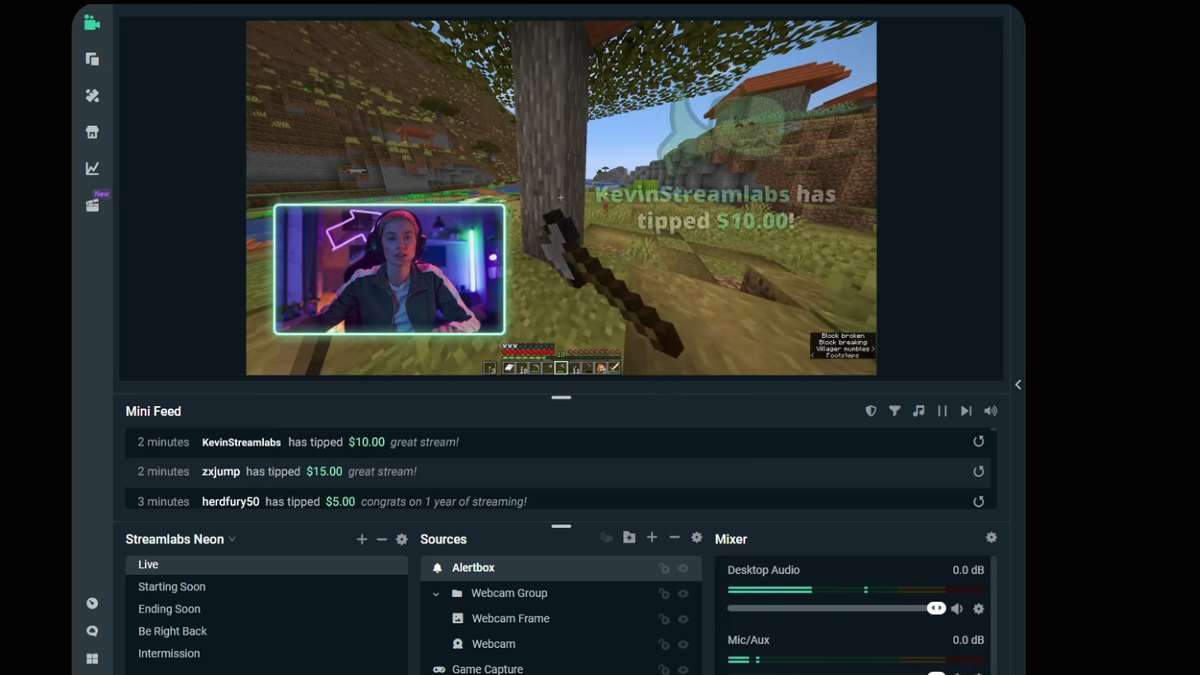
Streamlabs Desktop is free on Starter and $27 a month on Ultra ($189 a year). Its Intelligent Streaming Assistant, announced Jan 06, 2025, bundles a 3D sidekick co-host, a producer that adjusts scenes and a technical assistant, with roughly one to two hours of free avatar time before Ultra is needed.
Go ifGamers who want a full streaming app with an AI co-host and producer
Skip ifYou want the assistant for games other than the one it launched with
Why #3 over #4: It is the only pick with an AI co-host and scene producer inside the streaming app itself.
4
Riverside
Answrs VerdictThe best recording studio with AI repurposing and live streaming.
Lowest paid plan: Pro $35 a month billed monthly ($29 a month billed annually at $348)AI on Pro: AI editing & repurposing agent, AI B-roll, eye contact, remove silences and filler words, Magic clips & show notesLive streaming: Grow ($45 a month) adds Full HD 1080p live streaming and multistream to unlimited destinationsFree plan: Free: 2 hours of multi-track recordings, up to 720p video, Riverside watermark
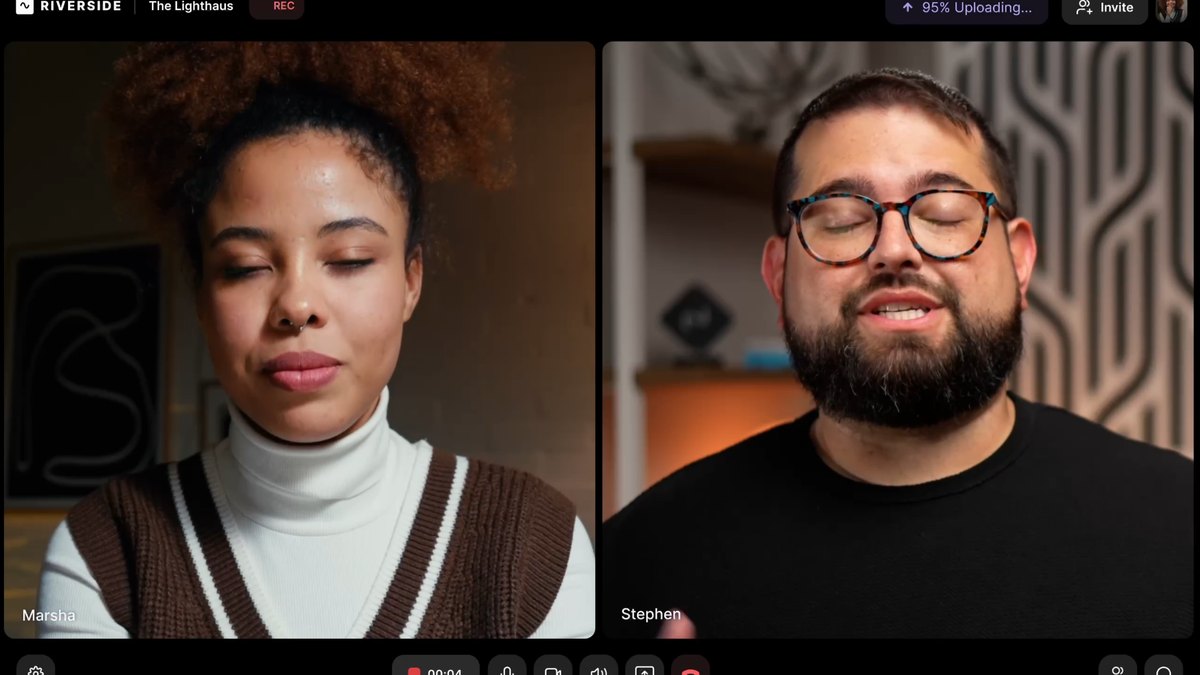
Riverside records studio-quality interviews and adds AI on top. Pro is $35 a month billed monthly ($29 billed annually at $348) with an AI editing & repurposing agent, AI B-roll, eye contact, silence and filler word removal, and Magic clips. Grow, at $45 a month, adds Full HD 1080p live streaming.
Go ifStudio-quality interviews and podcasts you also want to go live with
Skip ifYou need live streaming on the cheapest plan
Why #4 over #5: Its recordings and AI repurposing are stronger than OpusClip’s, though live streaming starts a plan higher.
5
OpusClip
Answrs VerdictThe best AI clipper for finished streams.
Lowest paid plan: Starter $15 a month billed monthly, 150 credits per monthAI clipping: AI clipping with Virality Score and AI animated captions in 20+ languages on StarterPro: Pro is $29 a month for professional creators, marketers and teamsFree plan: Free is $0 with clipping by spoken words and watermarked caption templates
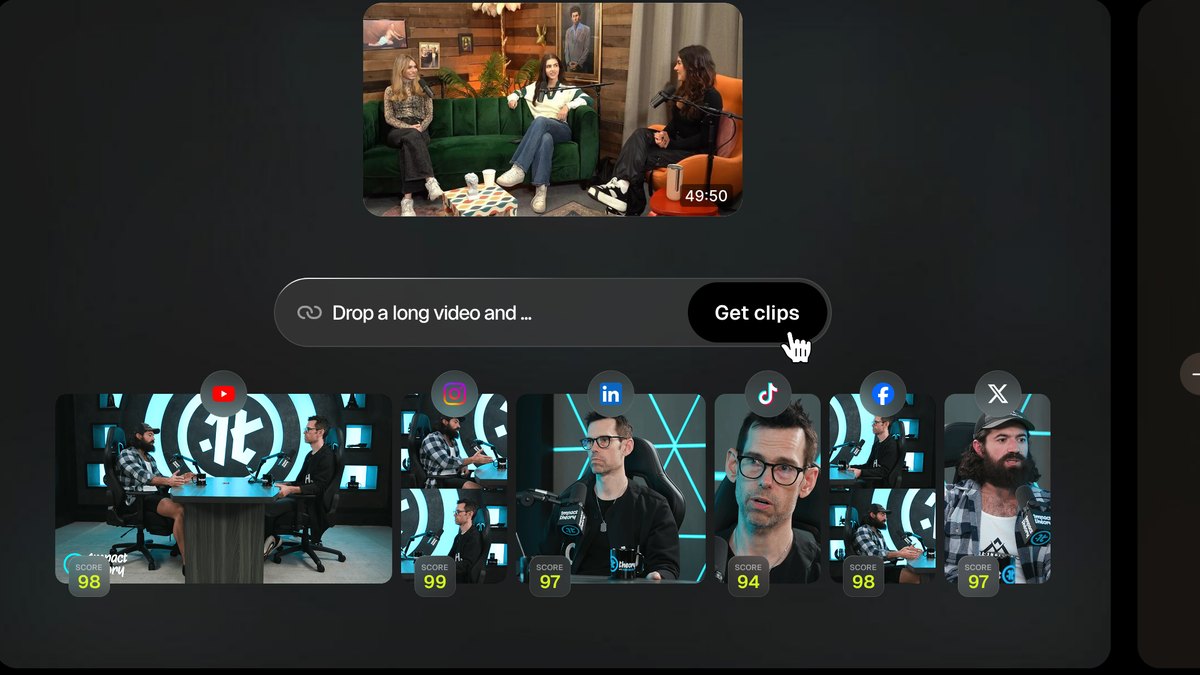
OpusClip turns long videos into shorts. Starter is $15 a month billed monthly with 150 credits per month, AI clipping with Virality Score and AI animated captions in 20+ languages. Pro is $29 a month; Free is $0 with watermarked caption templates.
Go ifCutting a long stream VOD into shorts with a virality score
Skip ifYou need to stream live, not clip afterward
Why #5 over #6: Its $15 Starter plan is cheaper than Eklipse Premium at $24.99.
6
Eklipse
Answrs VerdictThe AI highlight finder built for gaming streams.
Lowest paid plan: Premium starts at $24.99 per month; Premium Pro is $39.99 per monthPremium Pro AI: Live Clipping, Posting Companion, Custom Highlights, Quality Max and Private StreamFree AI features: Gaming Stream Highlights, Auto Clipper, YouTube Clipper, AI-Edit and Voice CommandPlatforms: Works with Twitch, YouTube and Kick streams
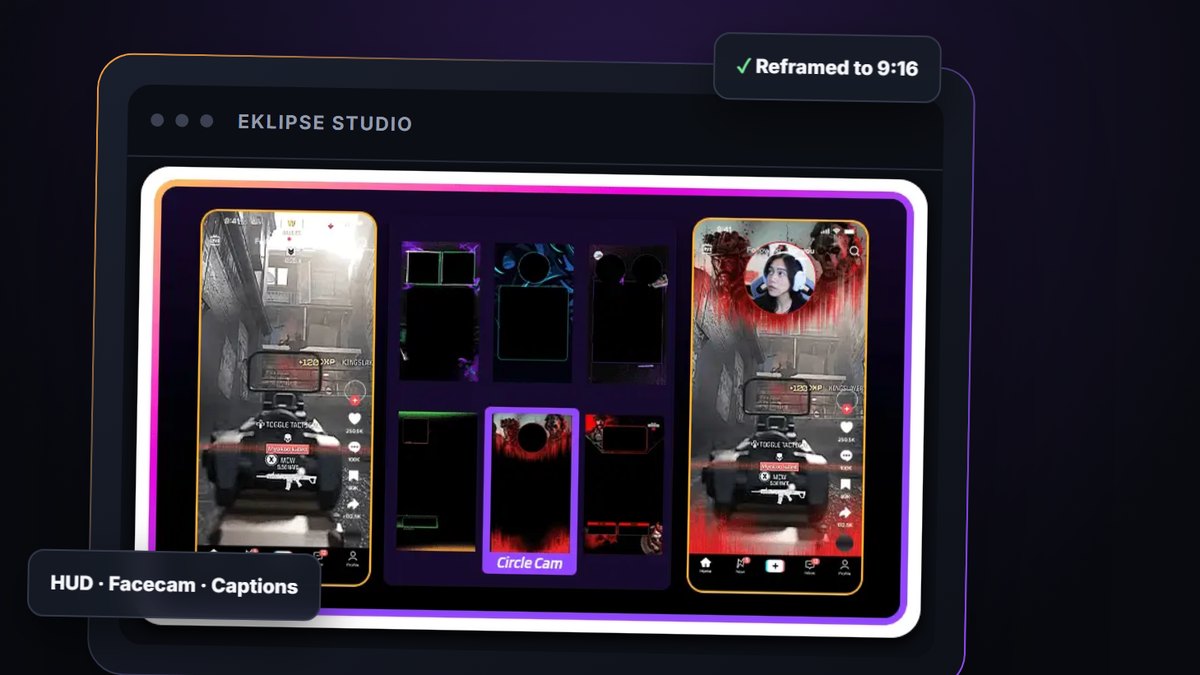
Eklipse finds and clips highlights from Twitch, YouTube and Kick streams. Premium starts at $24.99 per month and Premium Pro is $39.99 per month with Live Clipping, Posting Companion, Custom Highlights, Quality Max and Private Stream. Free AI features include Gaming Stream Highlights, Auto Clipper, YouTube Clipper, AI-Edit and Voice Command.
Go ifGame streamers who want clips found and cut while they keep playing
Skip ifYou do not stream games
Why #6 over #7: It is built around gaming streams, which a general clipper like Vizard is not.
7
NVIDIA Broadcast
Answrs VerdictThe best free AI webcam and mic fixer for RTX owners.
Price: Free to download on any RTX-powered desktop or laptopAI audio: Noise Removal and Room Echo Removal use AI to eliminate unwanted background noise; Studio Voice upgrades your mic with AIAI video: Virtual Background, Eye Contact and Auto Frame, which tracks your movement and crops and zooms to keep you in frameRequirement: GeForce RTX 2060, Quadro RTX 3000, TITAN RTX or higher, 8 GB RAM or more, Windows 10 or 11
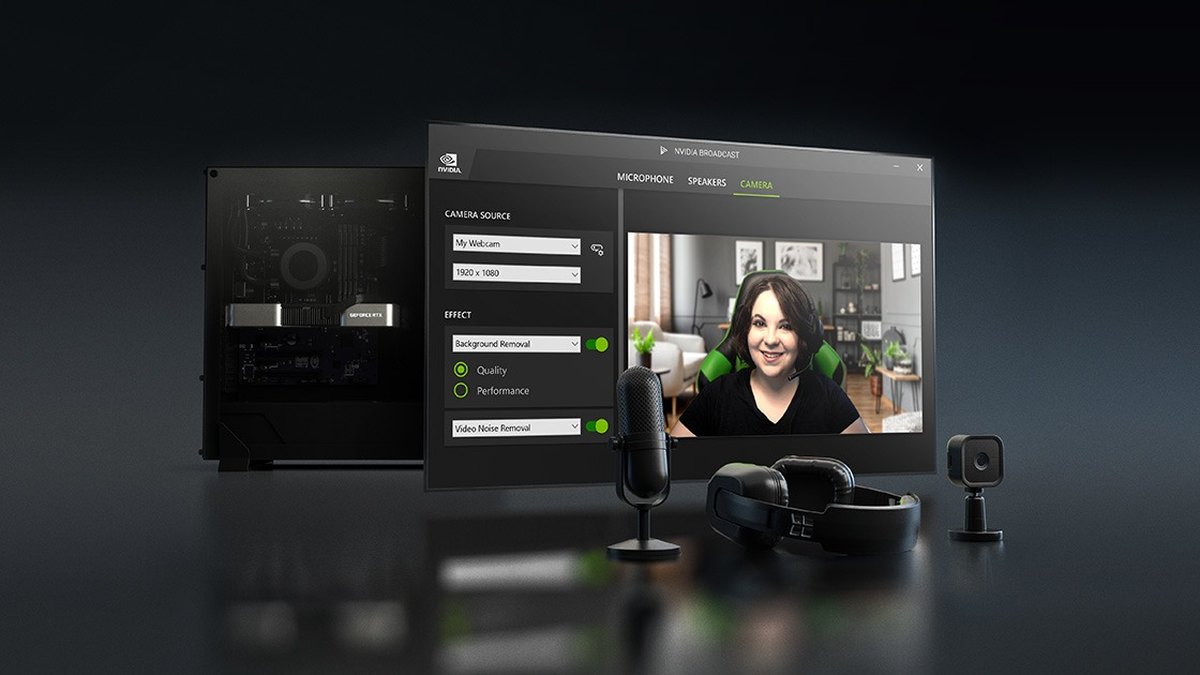
NVIDIA Broadcast is a free download on any RTX-powered desktop or laptop. Noise Removal and Room Echo Removal use AI to eliminate background noise, Studio Voice upgrades your mic, and Virtual Background, Eye Contact and Auto Frame fix your webcam. It needs a GeForce RTX 2060, Quadro RTX 3000, TITAN RTX or higher.
Go ifStreamers with an RTX GPU who want free AI mic and webcam cleanup
Skip ifYou do not have an NVIDIA RTX card
Why #7 over #8: It costs nothing, while Krisp charges $16 a month per user for its paid plans.
8
Descript Underlord
Answrs VerdictThe best AI editor for polishing recorded streams.
Lowest paid plan: Hobbyist $24 a month billed monthly ($16 billed annually), per personAllowances: Hobbyist includes 10 media hours and 400 AI credits per monthAI tools: Underlord AI video co-editor, Studio Sound and Remove Filler WordsFree plan: Free includes 60 minutes of media and 100 one-time AI credits
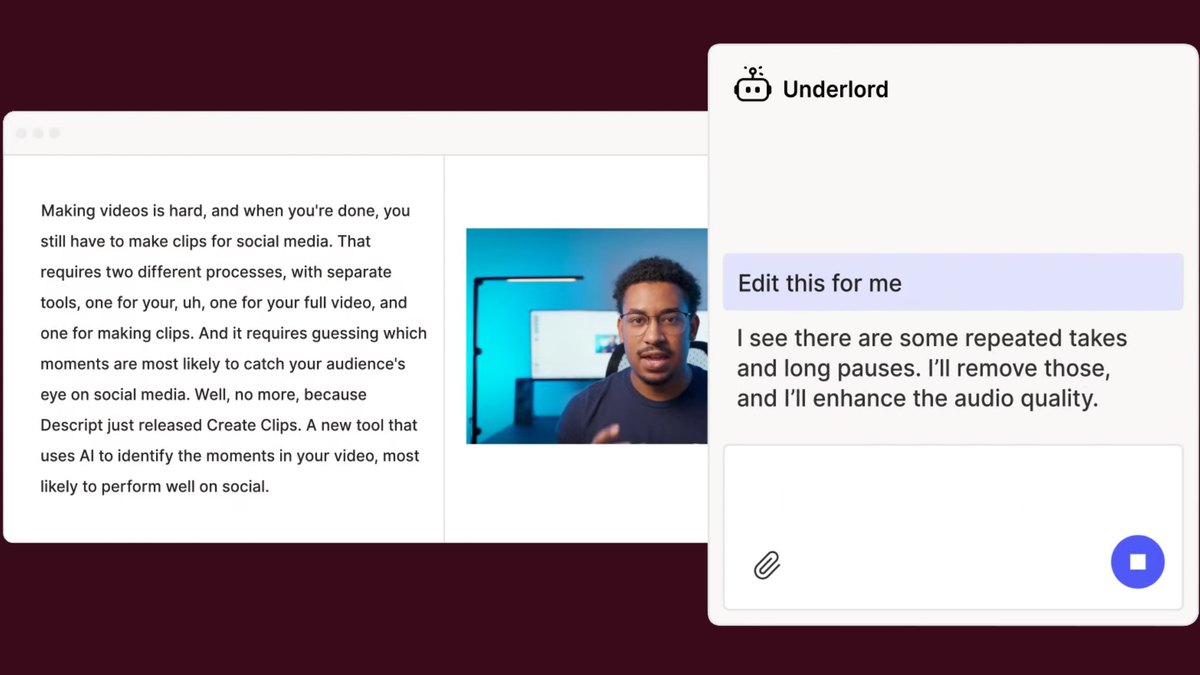
Descript edits recordings like a document, with the Underlord AI video co-editor, Studio Sound and Remove Filler Words. Hobbyist is $24 a month billed monthly ($16 billed annually) per person, with 10 media hours and 400 AI credits per month. Free includes 60 minutes of media and 100 one-time AI credits.
Go ifEditing a stream recording like a text document with an AI co-editor
Skip ifYou only need live production
Why #8 over #9: It polishes a recorded stream far more deeply than Vizard’s clip-first approach.
9
Krisp
Answrs VerdictThe best AI noise canceller for any call or stream audio.
Lowest paid plan: Core $16 a month per user billed monthly ($8 a month per user billed annually)Noise cancellation: Unlimited Noise Cancellation on every Meeting AI plan, including the free trialAccent conversion: Core includes 1 hr/day of Accent Conversion; Advanced is $30 a month per userAI notes: Unlimited AI Note-taker on Core, with transcription and AI notes and action items
Krisp cleans up audio with Unlimited Noise Cancellation on every Meeting AI plan. Core is $16 a month per user billed monthly ($8 billed annually) and adds an Unlimited AI Note-taker and 1 hr/day of Accent Conversion; Advanced is $30 a month per user.
Go ifClean mic audio and guest calls on a stream or podcast
Skip ifYou want a video studio, not an audio cleaner
Why #9 over #10: Its audio cleanup works on any call, beyond Vizard’s video-only clips.
10
Vizard
Answrs VerdictA solid AI clip maker with a free tier.
Lowest paid plan: Creator $29 a month billed monthly ($14.5 a month billed yearly at $174)Credits: 1 credit = 1 minute of video; Free has 60 credits a monthAI features: AI-generated clips on every plan; AI clipping, auto reframe, AI B-rolls and AI highlight keywords listed in its plan comparisonCreator limits: Manage 6 social media accounts, export videos in 4K, 100 GB storage
Vizard repurposes long videos into short clips. Creator is $29 a month billed monthly ($14.5 billed yearly at $174) with 6 social accounts, 4K export and 100 GB storage; 1 credit equals 1 minute of video and Free has 60 credits a month. Its plan comparison lists AI clipping, auto reframe, AI B-rolls and AI highlight keywords.
Go ifTurning a long recorded stream into captioned, reframed shorts
Skip ifYou need a live production tool
How we ranked these
We ranked tools that use AI to help you go live or produce a stream first, then AI audio and video cleanup, then AI clip tools for finished streams, using each vendor’s own pricing and feature pages. vMix and Melon were left out because we could not source AI features on their own pages. Facts are taken from each maker's own published information; check the official site before you buy.
Questions people ask
What is the best AI tool for live streaming?
StreamYard: a browser live studio with AI clips and AI Backgrounds on Core at $44.99 a month, a lower Essential plan at $18.99 a month and a free plan.
Is there a free AI tool for live streamers?
NVIDIA Broadcast is free to download on any RTX-powered desktop or laptop and offers AI noise removal, virtual backgrounds and eye contact.
Which AI tool finds highlights from a stream automatically?
Eklipse and OpusClip both clip long videos with AI; OpusClip Starter is $15 a month and Eklipse Premium starts at $24.99 per month.
Can AI co-host or produce my live stream?
Streamlabs’ Intelligent Streaming Assistant includes a 3D sidekick co-host, a producer that adjusts scenes and a technical assistant; it needs an Ultra subscription after the free period.
Monthly price of the cheapest paid plan, billed monthly, on each vendor’s pricing page at a glance
OpusClip15 USD
Krisp16 USD
StreamYard18.99 USD
Restream19 USD
Descript Underlord24 USD
Eklipse24.99 USD
Streamlabs Desktop27 USD
Vizard29 USD
Riverside35 USD
Monthly price of the cheapest paid plan, billed monthly, on each vendor’s pricing page, as published by each maker. Picks without a published figure are left off.