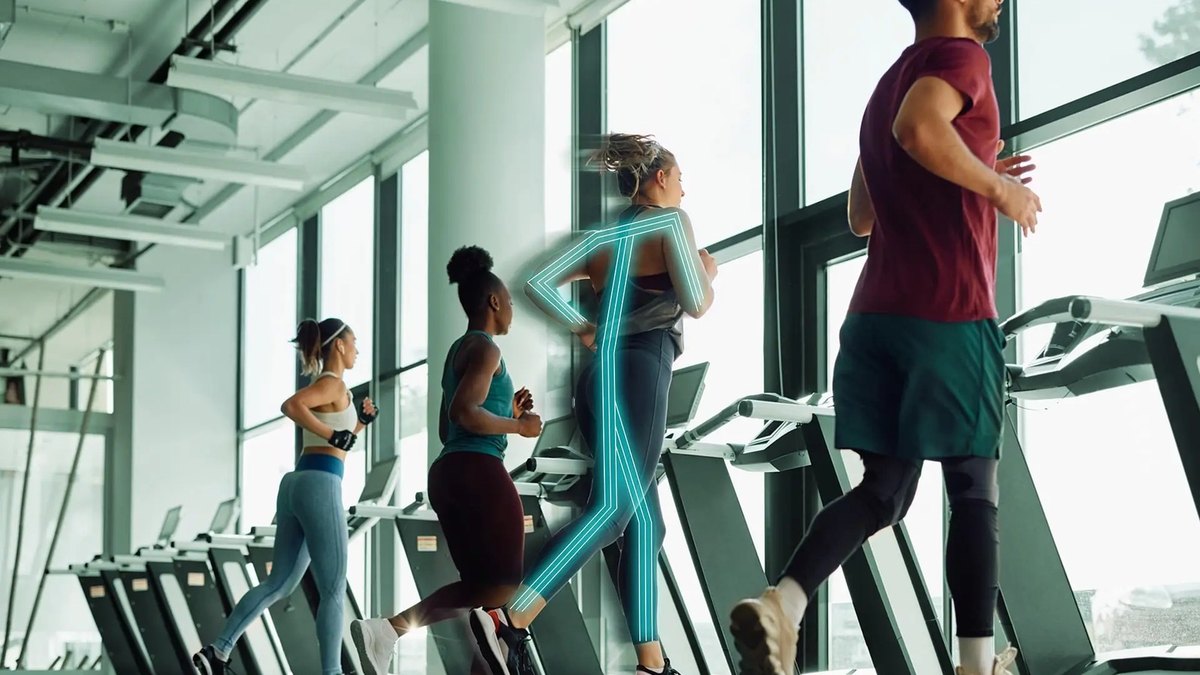
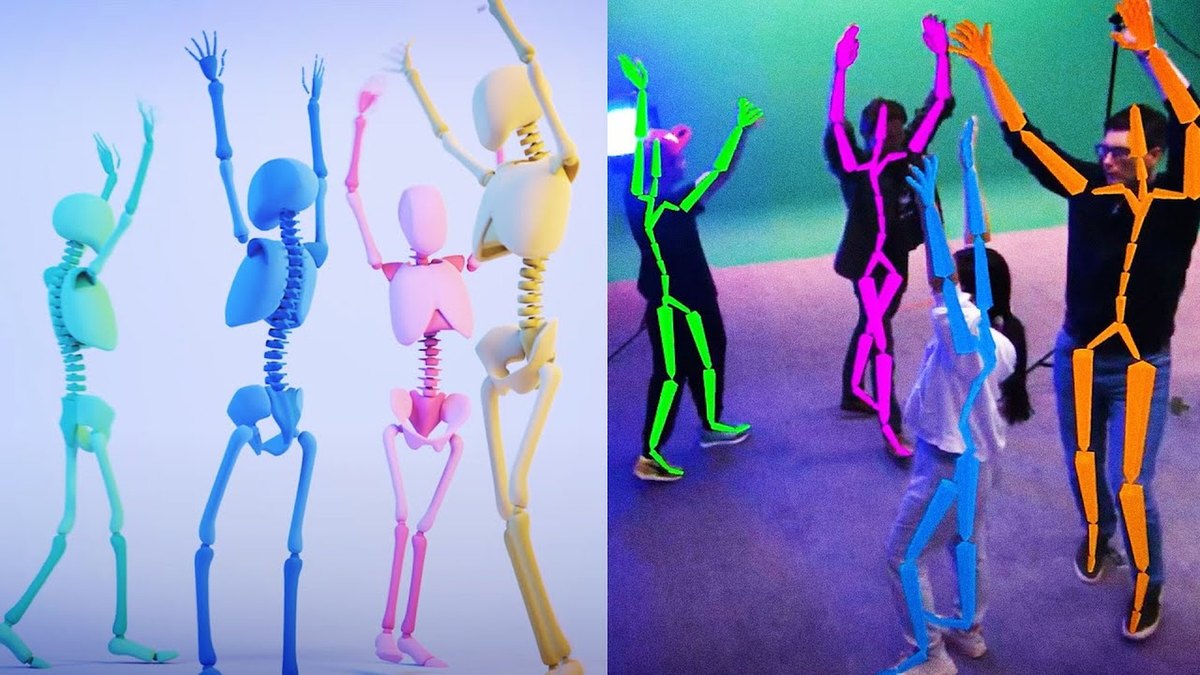
DeepMotion Animate 3D is the best AI tool for motion capture: it turns video into animation with body, hand and face tracking, free to start and $9 a month on Starter, paid annually. Rokoko Vision is #2 at $10 a month billed annually, and Move AI is #3 for iPhone capture.
Live multi-actor performance capture without markers
Pick by what you want
Best overall
DeepMotion Animate 3D
Best low-cost video capture
Rokoko Vision
Best iPhone capture
Move AI
Best for editing mocap
Cascadeur
Best for research
OpenCap
The ranking
1
DeepMotion Animate 3D
Answrs VerdictThe most complete video-to-animation plan ladder.
Price: Freemium $0; Starter $9, Innovator $17, Professional $39 and Studio $83 a month, paid annuallyCredits: Freemium 25 credits a month; Starter 180; Innovator 480; Professional 1500; Studio unlimitedCredit value: 1 credit equals 1 second of animation; face and hand tracking each add 0.5 credit per secondOutput formats: FBX, BVH and GLB, plus MP4, JPG, PNG and GIFMulti-person tracking: 2 persons on Freemium, up to 8 on Studio
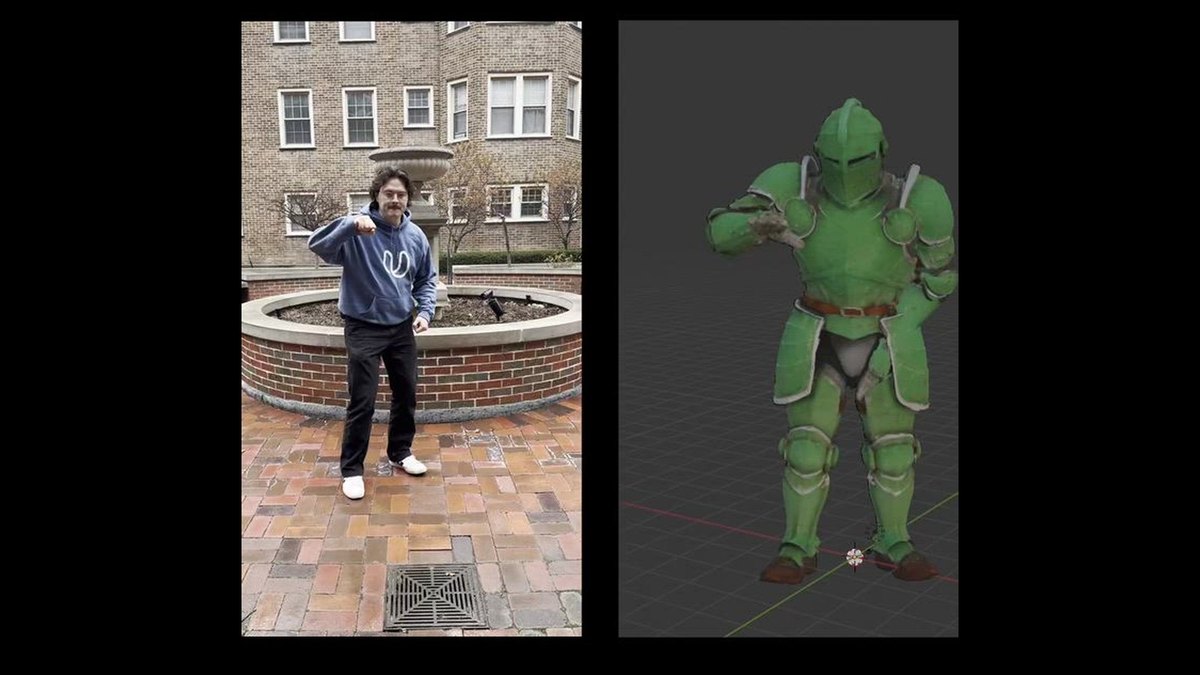
DeepMotion Animate 3D turns video into 3D animation. Freemium is $0 with 25 credits a month; Starter is $9, Innovator $17, Professional $39 and Studio $83 a month, paid annually. 1 credit equals 1 second of animation, and face and hand tracking each add 0.5 credit per second. Exports include FBX, BVH and GLB.
Go ifTurning a phone video into a rigged animation with body, hand and face tracking
Skip ifYou need a live, real-time capture feed
Why #1 over #2: Its plan ladder runs from free to unlimited credits, while Rokoko Vision has one paid plan.
2
Rokoko Vision
Answrs VerdictThe best low-cost video mocap from a hardware mocap maker.
Price: Starter $0; Basic $10 a month billed annually or $12 billed monthlyProcessing: Starter 30 seconds of video a month; Basic 600 seconds (10 minutes) a monthExport: FBX on Starter; BVH export added on BasicLimits: One performer per recording; no finger tracking at launch
Rokoko Vision turns a single video into 3D animation with no suit or markers. Starter is $0 with 30 seconds of processing a month; Basic is $10 a month billed annually or $12 billed monthly with 600 seconds a month and BVH export. It tracks one performer per recording and has no finger tracking at launch.
Go ifCheap single-performer video capture exported to FBX or BVH
Skip ifYou need finger tracking or several performers in one shot
Why #2 over #3: Its $10 Basic plan is a cheap way in, but Move AI also offers a multi-camera system.
3
Move AI
Answrs VerdictThe strongest iPhone capture app, with a studio system behind it.
Price: Move One Starter $18, Standard $48, Plus $225 and Advanced $490 a month, plus VATCredits: Starter 60 credits a month; Standard 180; Plus 240; Advanced 700Move One: A single-camera iPhone app that turns 2D video into 3D motion dataFree plan: 30 one-time credits and videos up to 30 seconds; paid plans record up to 60 secondsMulti-camera: Markerless system with data quality it describes as comparable to optical; pricing on request
Move AI’s Move One is a single-camera iPhone app that makes 3D motion data from 2D video. Starter is $18 a month with 60 credits, Standard $48 with 180, Plus $225 with 240 and Advanced $490 with 700, plus VAT. Free users record videos up to 30 seconds and paid users up to 60 seconds. Its multi-camera system is priced on request.
Go ifiPhone-first capture, with a multi-camera system when you scale up
Skip ifYou want a flat low monthly price
Why #3 over #4: It scales from an iPhone to a multi-camera system, which QuickMagic does not offer.
4
QuickMagic
Answrs VerdictThe most export formats for single-camera mocap.
Price: Free $0; Basic $14.9 a month or $11.9 billed yearly; Pro $49.9 or $39.9 billed yearlyCredits: Free 50 V Coins; Basic 200 credits; Pro 1000 creditsVideo length: Free 30 seconds; Basic 60 seconds; Pro 90 seconds per videoCapture: Estimates full-body, hand and facial movement from a single video, with no suits or markersExport: FBX on Free; Basic and above add BIP, VMD, C4D, BVH, Unreal, Mixamo, Unity and more
QuickMagic estimates full-body, hand and facial movement from a single video, or generates motion from text, with no suits or markers. Free is $0; Basic is $14.9 a month or $11.9 billed yearly with 200 credits; Pro is $49.9 or $39.9 billed yearly with 1000 credits. Basic and above add export formats such as BVH, Unreal and Mixamo.
Go ifSingle-camera capture with many export formats, including text-to-motion
Skip ifYou need the longest clips on a low plan
Why #4 over #5: Its paid plans list more export formats than Plask.
5
Plask
Answrs VerdictThe simplest browser mocap, with live links to Blender and Unreal.
Price: Freemium $0; Standard $18 a month and Pro $50 a month, billed annuallyCapture time: Freemium 15 seconds daily; Standard 10 minutes a month; Pro 1 hour a monthExport: FBX, GLB and BVH export on every planWorkflow: Plask Live streams motion to Blender and Unreal Engine; an API is available
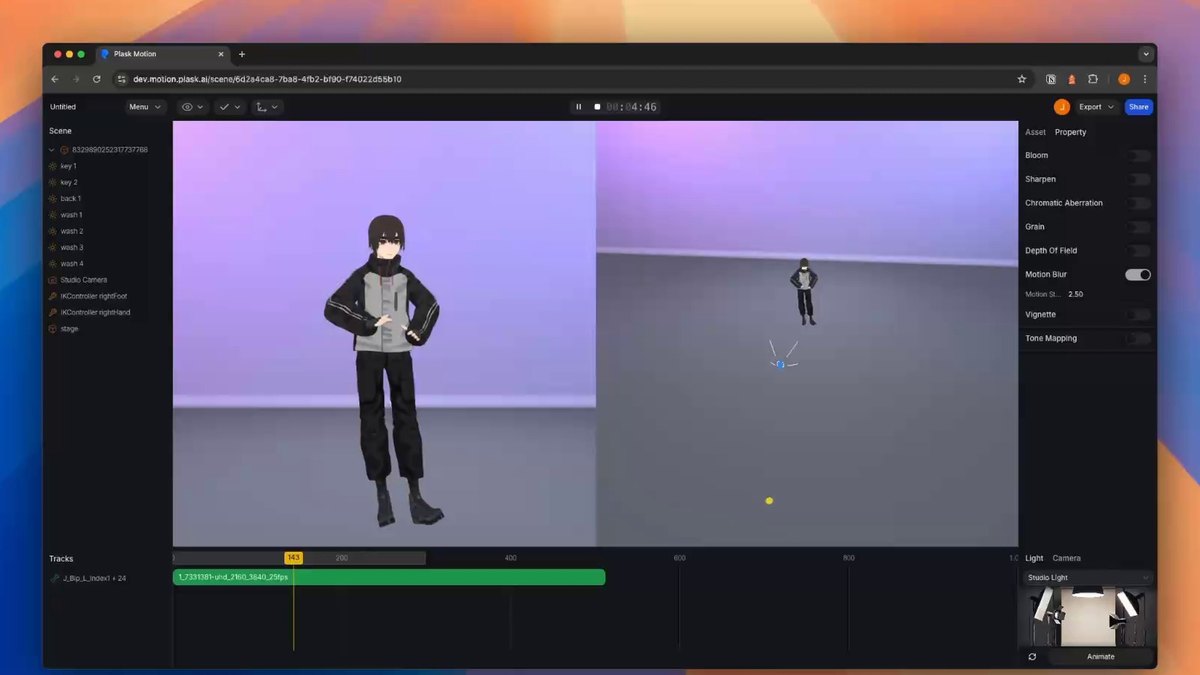
Plask runs in the browser: upload video, apply the motion to your character, and export FBX, GLB or BVH. Freemium is $0 with 15 seconds daily; Standard is $18 a month for 10 minutes a month and Pro $50 a month for 1 hour a month, billed annually. Plask Live streams motion to Blender and Unreal Engine.
Go ifBrowser-based video capture that retargets into Blender or Unreal
Skip ifYou need unlimited capture minutes
Why #5 over #6: Its live links to Blender and Unreal go beyond Cascadeur’s editing focus.
6
Cascadeur
Answrs VerdictThe best AI-assisted editor for polishing captured motion.
Price: Free $0; Indie $19 a month ($8 a month billed annually); Pro $49 a month ($33 a month billed annually)AI tools: AutoPosing, inbetweening and AI motion generation for running, jumping, combat and idlesMocap cleanup: Animation unbaking for editing mocap and assets is on every plan, including FreeFree plan: Complete animation toolset, but .casc export only and non-commercial useIndie limit: Revenue must be less than $100k per year
Cascadeur is an animation editor with AI tools: AutoPosing, inbetweening and AI motion generation for running, jumping, combat and idles. Free is $0 and non-commercial; Indie is $19 a month ($8 a month billed annually) and Pro $49 a month ($33 a month billed annually). Animation unbaking for editing mocap is on every plan.
Go ifCleaning up mocap and keyframing physics-based animation
Skip ifYou want a one-click video-to-mocap converter
Why #6 over #7: It polishes captured motion, which Uthana does not.
7
Uthana
Answrs VerdictThe best pay-per-second motion generation, with an API.
Price: Pay as you go: Video-to-motion $0.05 per input second; no subscriptionText-to-motion: $0.02, $0.03 or $0.10 per second of output, by model versionAuto-rigging: $0.15 per rigLicence: Paid usage includes commercial use of generated outputs
Uthana generates and converts motion with per-second pricing and no subscription. Video-to-motion is $0.05 per input second; text-to-motion is $0.02, $0.03 or $0.10 per second of output by model version; auto-rigging is $0.15 per rig. Paid usage includes commercial use of generated outputs.
Go ifDevelopers and studios who want video or text to motion with a per-second price
Skip ifYou want a fixed monthly plan
Why #7 over #8: Its pay-as-you-go pricing suits product teams more than OpenCap’s research focus.
8
OpenCap
Answrs VerdictThe best free option for movement science.
Price: Free for research; open source codeSetup: One or more smartphones; under 2 minutes setupModes: Multi-camera with 2+ iPhones for the highest accuracy; monocular beta with 1 iPhoneOutput: Joint angles, moments and muscle forces from smartphone videoUsage: 17k users and 650k trials processed
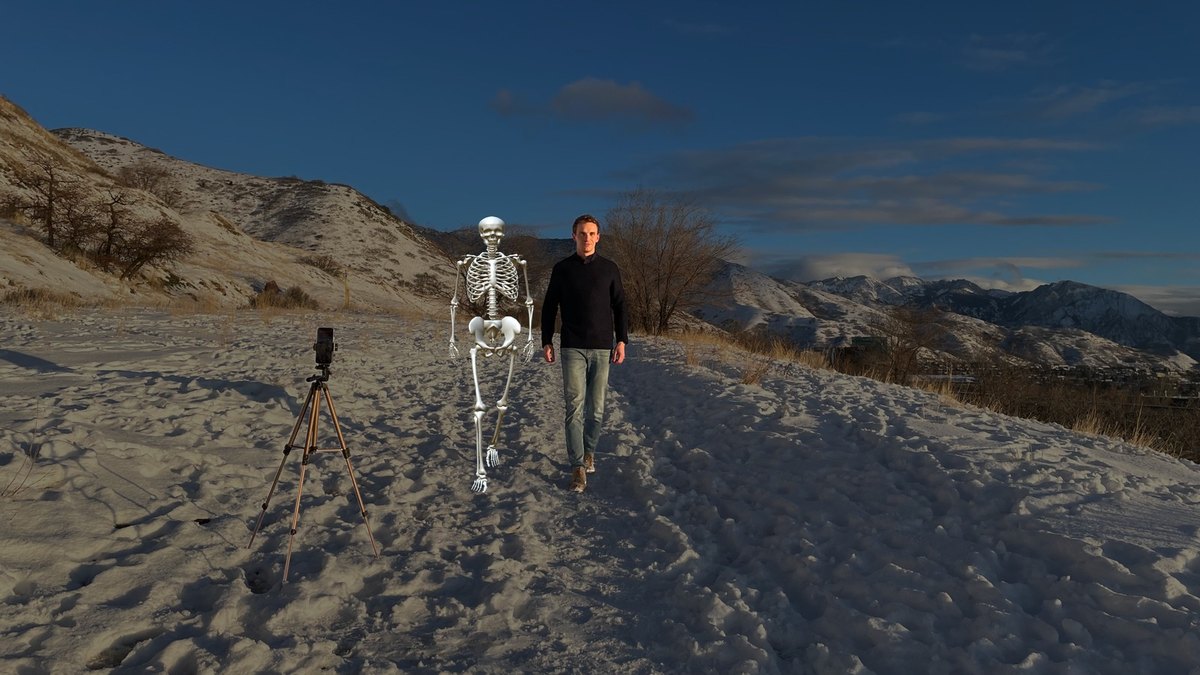
OpenCap, from Stanford University and the University of Utah, estimates 3D movement from smartphone video. It is free for research with open source code. Setup takes under 2 minutes with one or more smartphones; multi-camera mode uses 2+ iPhones for the highest accuracy and a monocular beta uses 1 iPhone. It reports 17k users and 650k trials processed.
Go ifBiomechanics, rehab and sports research from smartphone video
Skip ifYou are animating game or film characters
Why #8 over #9: It is free, while Theia3D needs a demo and a multi-camera setup.
9
Theia3D
Answrs VerdictThe most precise markerless system for research.
Price: Not published; demo on requestAccuracy: Deep learning tracks 124 keypoints with under 1 cm and 3 degree precisionSetup: Multi-camera video of people in everyday clothing, with a calibration wand or boardExport: Data exports in multiple formats, including .c3d filesPrivacy: Offline software; Theia says it never accesses your data
Theia3D is markerless motion capture for biomechanics. Its deep learning tracks 124 keypoints with under 1 cm and 3 degree precision from multi-camera video of people in everyday clothing, and exports include .c3d files. Pricing is not published and the software runs offline.
Go ifLabs, sports teams and footwear brands that need measured biomechanics
Skip ifYou want a self-serve plan with a published price
Why #9 over #10: It is built for measured accuracy, while The Captury targets live performance.
10
The Captury
Answrs VerdictThe best markerless system for live multi-actor shows.
Price: Not published; contact salesReal time: CapturyLive tracks full body, fingers and face for multiple actors and streams to Unity and UnrealPost-processing: CapturyStudio tracks humans from pre-recorded multi-view videoOffices: Overland Park, Kansas and Saarbrücken, Germany
The Captury makes markerless systems. CapturyLive tracks full body, fingers and face for multiple actors in real time and streams to Unity and Unreal; CapturyStudio tracks humans from pre-recorded multi-view video. Pricing is not published. It has offices in Overland Park, Kansas and Saarbrücken, Germany.
Go ifLive multi-actor performance capture without markers
Skip ifYou only have one camera or a small budget
How we ranked these
We ranked tools that turn ordinary video into motion capture data with AI first, then editing and generation tools, then multi-camera systems for research and live shows, using each maker’s own published features and prices. Several picks on the old list were replaced: Wonder Studio (now Autodesk Flow Studio) because Autodesk’s pricing page could not be read, Radical Motion and Sony mocopi because we could not source current AI mocap features for them, and Rokoko’s Smartsuit Pro II with its video tool, Rokoko Vision. Facts are taken from each maker's own published information; check the official site before you buy.
Questions people ask
What is the best AI tool for motion capture?
DeepMotion Animate 3D: it turns video into animation with body, hand and face tracking, with a free plan and Starter at $9 a month paid annually.
Is there a free AI motion capture tool?
Yes. DeepMotion, Rokoko Vision, QuickMagic and Plask all have $0 plans, and OpenCap is free for research.
Can I do motion capture with just a phone?
Yes. Move One is a single-camera iPhone app, and OpenCap runs from 1 or more smartphones.
Do I need a mocap suit?
No. QuickMagic estimates full-body, hand and facial movement from a single video with no suits or markers.
Monthly price of the cheapest paid plan, USD per month, as listed on each maker’s page (annual billing where offered) at a glance
Cascadeur8 USD per month
DeepMotion Animate 3D9 USD per month
Rokoko Vision10 USD per month
QuickMagic11.9 USD per month
Move AI18 USD per month
Plask18 USD per month
Monthly price of the cheapest paid plan, USD per month, as listed on each maker’s page (annual billing where offered), as published by each maker. Picks without a published figure are left off.