answrsnow
AI Infrastructure · Top 10

The 10 Best AI Tools for Presentations and Slide Decks in 2027
By Kory White · Updated Nov 2026 · 5 min read
Beautiful.ai
Direct answer

Beautiful.ai is the best AI tool for presentations: every seat includes unlimited AI content generation and over 300 Smart Slide layouts, with Pro at $14.50 a month billed annually. Microsoft PowerPoint Copilot is #2 and Google Slides with Gemini is #3 if you want AI inside the apps you already use.

At a glance

#PickPriceBest for
1Beautiful.aiPro is $14.50 a month for individuals, billed annually; Teams is $40 per user a month billed annually or $50 billed monthlyAnyone who wants an AI deck that formats itself and exports to PowerPoint
2Microsoft PowerPoint CopilotNot published on the Copilot pages we readTeams that already live in PowerPoint and want Copilot inside it
3Google Slides with GeminiNot published on the Gemini in Slides help pagesTeams that collaborate in Google Slides and keep content in Drive
4Plus AIBasic $10 per user a month billed annually ($15 billed monthly); Pro $20; Team $30; Max $200People who want AI generation as an add-in to the slide app they already use
5Presentations.AIStarter $0; Pro $20 a month and Gold $100 a month, both billed annuallyPrompt-to-deck generation with analytics on who viewed it
6PitchFree; Plus €10 a month paying yearly; Team €15; Business €20 (euro prices shown on the pricing page)Collaborative teams that want shared decks and viewer analytics
7DecktopusPro $9.99 a month billed $119.88 a year; $24.99 billed monthlyCheap prompt-to-deck generation with rehearsal built in
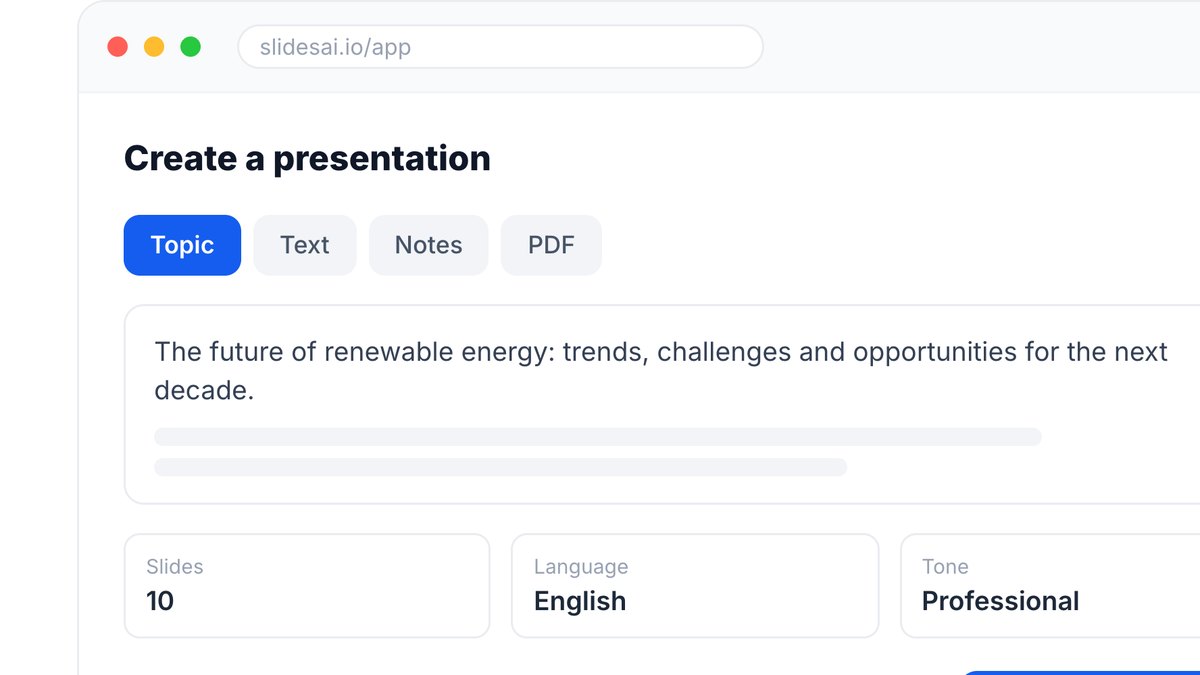
8SlidesAIBasic $0; Pro $10 a month billed $120 a year; Premium $20.83 a month billed $250 a yearStudents and educators who turn documents and notes into decks
9VismeBasic $0; Starter $12.25 per person a month billed annually; Business $24.75Marketers who need decks, charts and infographics in one tool
10Prezi AIStandard $7 a month, Plus $19 and Premium $29, all billed annuallyPresenters who want presentations, videos and infographics on one platform

Pick by what you want

Best overall
Beautiful.ai
Best inside PowerPoint
Microsoft PowerPoint Copilot
Best inside Google Slides
Google Slides with Gemini
Best add-in for both apps
Plus AI
Cheapest plan
Prezi AI

The ranking

1

Beautiful.ai

Beautiful.ai
Answrs VerdictThe most complete AI-first deck builder.
Price: Pro is $14.50 a month for individuals, billed annually; Teams is $40 per user a month billed annually or $50 billed monthlyAI included: Every seat includes unlimited AI content generationLayouts: Over 300 Smart Slide layouts with auto-formattingFree trial: 14-day free trial of Pro or Team

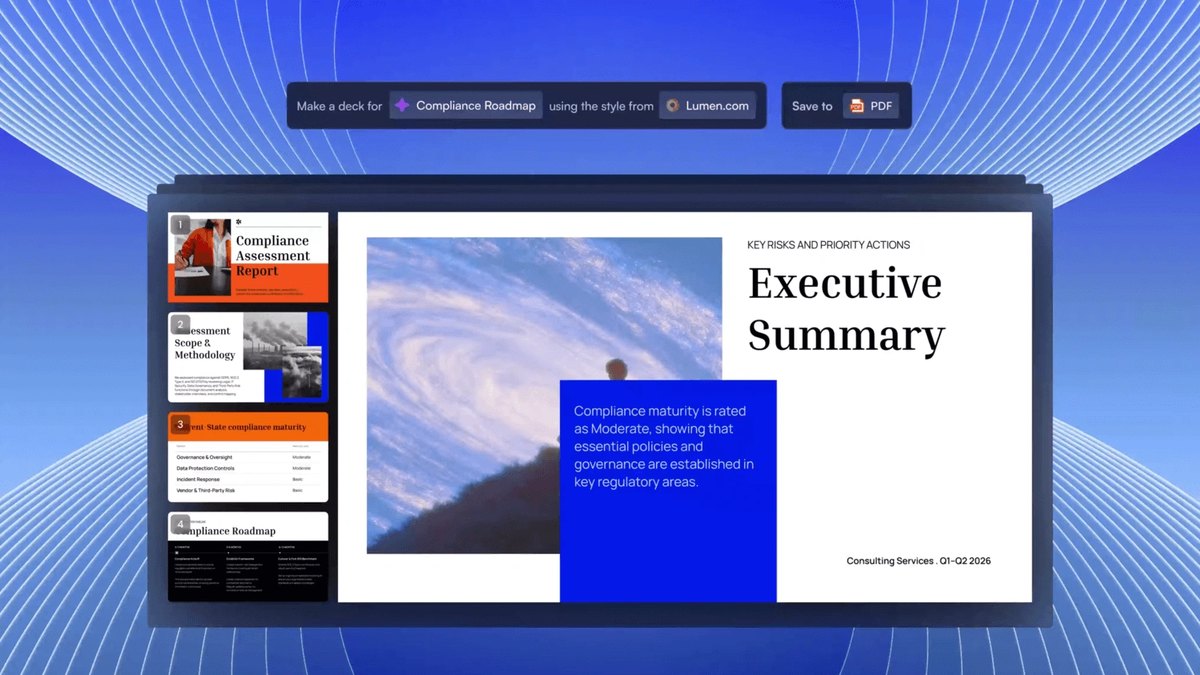
Beautiful.ai is a presentation maker built around AI creation. Pro is $14.50 a month for individuals, billed annually, and Teams is $40 per user a month billed annually. Every seat includes unlimited AI content generation, over 300 Smart Slide layouts and PowerPoint import and export, and there is a 14-day free trial.

Go ifAnyone who wants an AI deck that formats itself and exports to PowerPoint
Skip ifYou want a free plan to keep
Why #1 over #2: Its AI generation is unlimited on every seat, while PowerPoint Copilot depends on your Microsoft 365 licensing.
2

Microsoft PowerPoint Copilot

Microsoft PowerPoint Copilot
Answrs VerdictThe best AI deck builder inside PowerPoint itself.
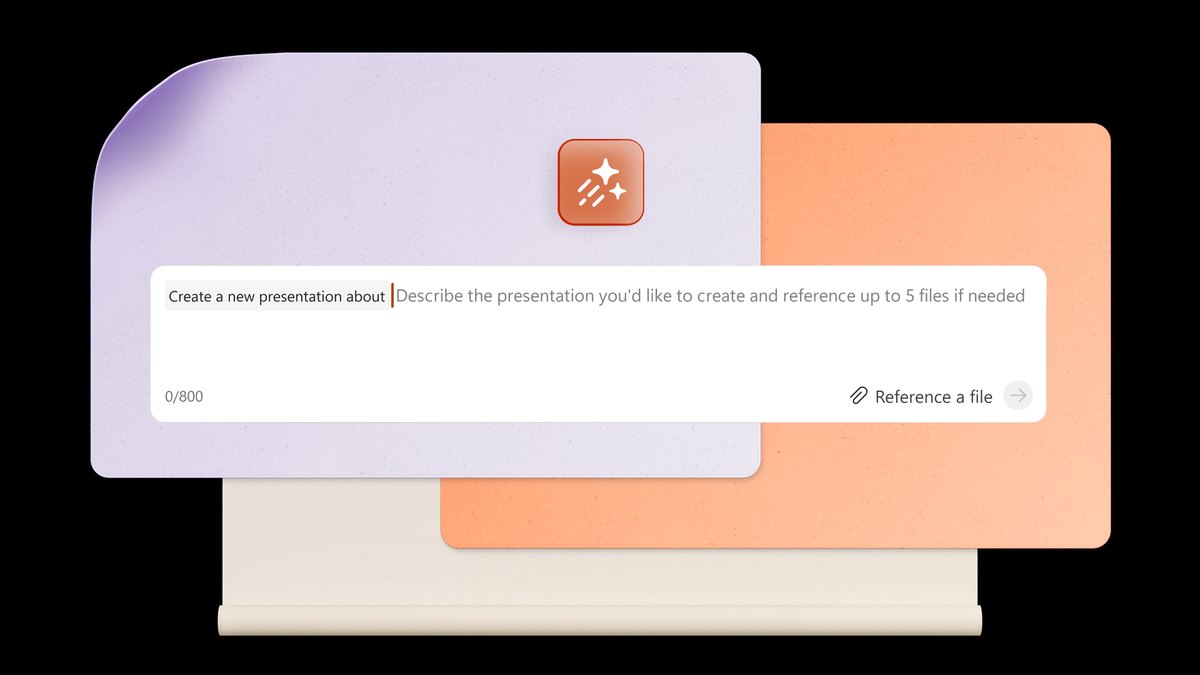
Price: Not published on the Copilot pages we readCreate: Describe a presentation in Copilot Chat and Copilot generates content and applies your selected templateSource files: Works best with Word documents smaller than 24 MBExtras: AI images and graphics, plus AI speaker notesAvailability: Copilot might not be included with your Microsoft 365 subscription or available based on your organization’s settings

Copilot in PowerPoint creates a presentation when you describe it in Copilot Chat; it may ask about audience, length, template and imagery, then generates content and uses your template. It also generates AI images and speaker notes. Microsoft says Copilot might not be included with your Microsoft 365 subscription.

Go ifTeams that already live in PowerPoint and want Copilot inside it
Skip ifYour Microsoft 365 plan does not include Copilot
Why #2 over #3: It builds decks directly in PowerPoint, while Gemini in Slides requires an eligible Google Workspace or Google AI plan.
3

Google Slides with Gemini

Google Slides with Gemini
Answrs VerdictThe best AI deck builder inside Google Slides.
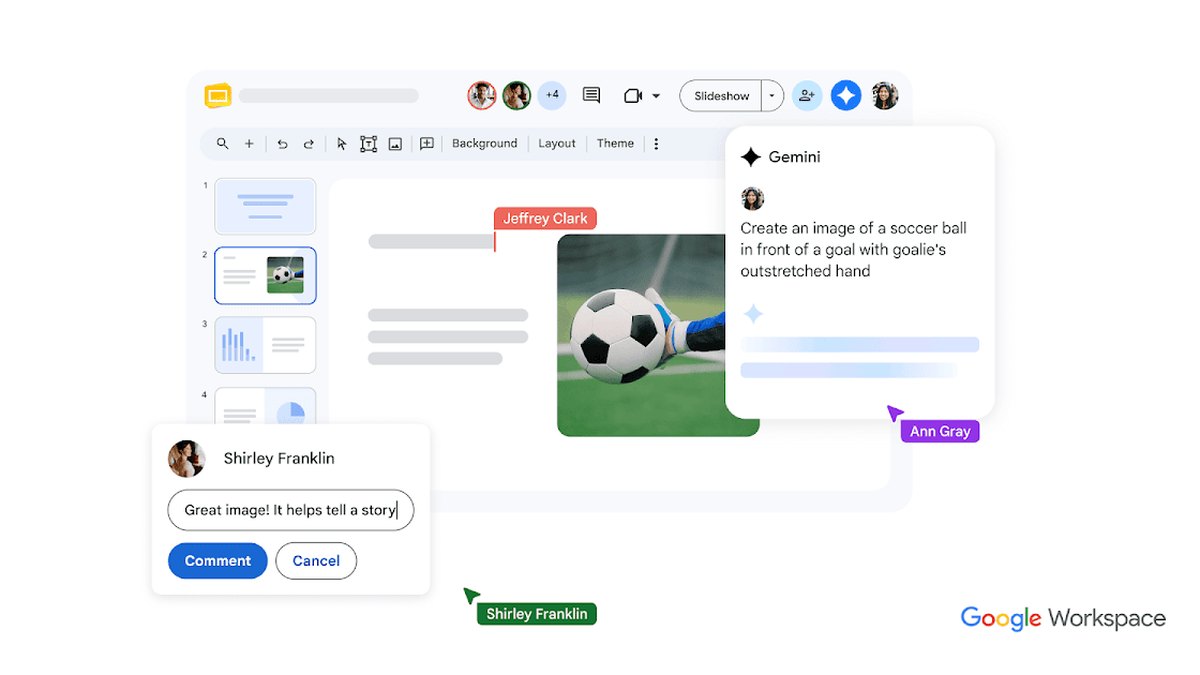
Price: Not published on the Gemini in Slides help pagesCreate: Gemini in the side panel can generate fully editable presentations with text and imagesStyle matching: You can upload an existing deck to match a presentation styleAvailability: Requires an eligible Google Workspace or Google AI plan; desktop and English onlyEdit: Add single or multiple slides and edit one, several or all slides with a prompt

Gemini in Google Slides generates fully editable presentations with text and images from the side panel, can match the style of an existing deck, and can add or edit slides by prompt. It requires an eligible Google Workspace or Google AI plan and is available on desktop and in English only.

Go ifTeams that collaborate in Google Slides and keep content in Drive
Skip ifYou need to work in a language other than English
Why #3 over #4: It lives in the Google Slides editor, while Plus AI is a separate add-in with its own subscription.
4

Plus AI

Plus AI
Answrs VerdictThe best add-in for PowerPoint and Google Slides.
Price: Basic $10 per user a month billed annually ($15 billed monthly); Pro $20; Team $30; Max $200AI credits: Basic 1,500 a month; Pro 3,000; Team 6,000; Max unlimitedWhere it works: Creates AI presentations in Google Slides and PowerPointFree trial: 7-day free trial with 1,000 AI credits

Plus AI creates AI presentations in Google Slides and PowerPoint. Basic is $10 per user a month billed annually ($15 billed monthly) with 1,500 AI credits; Pro is $20, Team $30 and Max $200 with unlimited credits. A 7-day free trial comes with 1,000 AI credits.

Go ifPeople who want AI generation as an add-in to the slide app they already use
Skip ifYou want a standalone web editor
Why #4 over #5: It works in both slide apps, while Presentations.AI is its own platform.
5

Presentations.AI

Presentations.AI
Answrs VerdictA strong prompt-to-deck generator with a free start.
Price: Starter $0; Pro $20 a month and Gold $100 a month, both billed annuallyAI credits: Starter 200; Pro 5,000; Gold 50,000Pro includes: PowerPoint export, presentation tracking and analytics, brand customizationFree plan: Up to 20 slides on Starter

Presentations.AI has a free Starter plan with 200 credits and up to 20 slides. Pro is $20 a month billed annually with 5,000 credits, PowerPoint export, presentation tracking and analytics; Gold is $100 a month with 50,000 credits. Its pricing page says prices may vary by country.

Go ifPrompt-to-deck generation with analytics on who viewed it
Skip ifYou need one fixed worldwide price, since its prices vary by country
Why #5 over #6: Its Pro plan includes analytics and brand customization, while Pitch’s credits are shared across the whole team.
6

Pitch

Pitch
Answrs VerdictThe best collaboration-first deck tool with AI credits.
Price: Free; Plus €10 a month paying yearly; Team €15; Business €20 (euro prices shown on the pricing page)AI credits: Free 100 one-time; Plus 500 a month; Team 500; Business 750Plus adds: Custom fonts, video uploads and 5 external guestsTeams: Team plan adds teamspaces and shared pitch rooms

Pitch has a free plan with 100 one-time AI credits, then Plus at €10 a month paying yearly with 500 credits a month, Team at €15 and Business at €20 with 750. Plus adds custom fonts, video uploads and 5 external guests, and Team adds teamspaces and shared pitch rooms.

Go ifCollaborative teams that want shared decks and viewer analytics
Skip ifYou need dollar pricing
Why #6 over #7: Its Team plan adds teamspaces and shared pitch rooms, which suits groups more than Decktopus’s single-user Pro plan.
7

Decktopus

Decktopus
Answrs VerdictA low-cost plan that bundles deck creation and rehearsal.
Price: Pro $9.99 a month billed $119.88 a year; $24.99 billed monthlyAI credits: 750 AI credits a month (about 150 slides); Business 1,000Export: PDF, PPT and PNG exportPractice: Loop rehearsal tool is included on Pro and above

Decktopus Pro is $9.99 a month billed $119.88 a year, or $24.99 billed monthly, with 750 AI credits a month (about 150 slides), PDF, PPT and PNG export, and its Loop rehearsal tool. Business raises the credits to 1,000 a month.

Go ifCheap prompt-to-deck generation with rehearsal built in
Skip ifYou want to pay monthly without losing the annual discount
Why #7 over #8: Its Loop rehearsal tool is included on Pro, and its annual price is under SlidesAI’s Pro.
8

SlidesAI

SlidesAI
Answrs VerdictThe best budget option for turning documents into slides.
Price: Basic $0; Pro $10 a month billed $120 a year; Premium $20.83 a month billed $250 a yearAI credits: Basic 200 a month; Pro 30,000 a year (about 140 presentations); Premium 84,000 a yearInputs: Pro creates from a script, documents, topic or notes, including PDF and Word uploadsBrand Kits: Import your branded PPTX template; Basic 1, Pro 3, Premium 6

SlidesAI has a free Basic plan with 200 credits a month. Pro is $10 a month billed $120 a year with 30,000 credits a year (about 140 presentations) and uploads of PDF and Word documents; Premium is $20.83 a month billed $250 a year with 84,000 credits.

Go ifStudents and educators who turn documents and notes into decks
Skip ifYou need very long decks on a lower plan
Why #8 over #9: It creates from scripts and uploaded documents, while Visme’s AI is metered at 2 credits per design generation.
9

Visme

Visme
Answrs VerdictThe best all-in-one visual content tool with AI decks.
Price: Basic $0; Starter $12.25 per person a month billed annually; Business $24.75AI credits: Basic 10 a month; Starter 200; Business 500; each design generation costs 2 creditsExport: Download as PPTX, PDF or HTML5Under the hood: Built in-house but uses ChatGPT and Unsplash APIs

Visme is an all-in-one visual content tool with an AI presentation maker. Basic is free with 10 credits a month, Starter is $12.25 per person a month billed annually with 200, and Business is $24.75 with 500; each design generation costs 2 credits. Decks download as PPTX, PDF or HTML5.

Go ifMarketers who need decks, charts and infographics in one tool
Skip ifYou only want slides
Why #9 over #10: It covers more than slides, while Prezi AI focuses on presentations, videos and infographics.
10

Prezi AI

Prezi AI
Answrs VerdictThe cheapest entry point, with unlimited AI on higher plans.
Price: Standard $7 a month, Plus $19 and Premium $29, all billed annuallyPrezi AI: 500 credits on Standard; unlimited on Plus and PremiumFree trial: 14-day free trialOther formats: Create presentations, videos and infographics on one platform

Prezi AI sits on Prezi’s plans: Standard is $7 a month billed annually with 500 AI credits, Plus is $19 and Premium $29 with unlimited credits. Prezi lets you create presentations, videos and infographics on one platform, with a 14-day free trial.

Go ifPresenters who want presentations, videos and infographics on one platform
Skip ifYou want unlimited AI on the cheapest plan

How we ranked these

We ranked tools by how completely they build and edit a deck with AI, then by each maker’s published prices. Every feature and price comes from the maker’s own pricing, help or product page. Gamma and Canva were considered, but their official pages blocked our automated reads, so we left them out rather than rely on third-party lists. Facts are taken from each maker's own published information; check the official site before you buy.

Questions people ask

What is the best AI tool for presentations?

Beautiful.ai: every seat includes unlimited AI content generation and over 300 Smart Slide layouts, with Pro at $14.50 a month billed annually.

Can AI build slides inside PowerPoint or Google Slides?

Yes. Copilot in PowerPoint generates a presentation from a prompt in Copilot Chat, and Gemini in Google Slides generates fully editable presentations from the side panel. Plus AI also works in both apps.

Which AI presentation tool is cheapest?

Prezi’s Standard plan is $7 a month billed annually, then Decktopus Pro at $9.99 a month billed annually.

Do these tools have a free plan?

Presentations.AI Starter is $0 with 200 credits, SlidesAI Basic is $0 with 200 credits a month, and Visme Basic is $0 with 10 credits a month.

Lowest paid individual plan, USD per month, billed annually, on each maker’s pricing page at a glance

Prezi AI7 USD
Decktopus9.99 USD
Plus AI10 USD
SlidesAI10 USD
Visme12.25 USD
Beautiful.ai14.5 USD
Presentations.AI20 USD
Lowest paid individual plan, USD per month, billed annually, on each maker’s pricing page, as published by each maker. Picks without a published figure are left off.

Official sites

Sources

Prices, specs and availability change; confirm on the official site before you buy.

Share this page