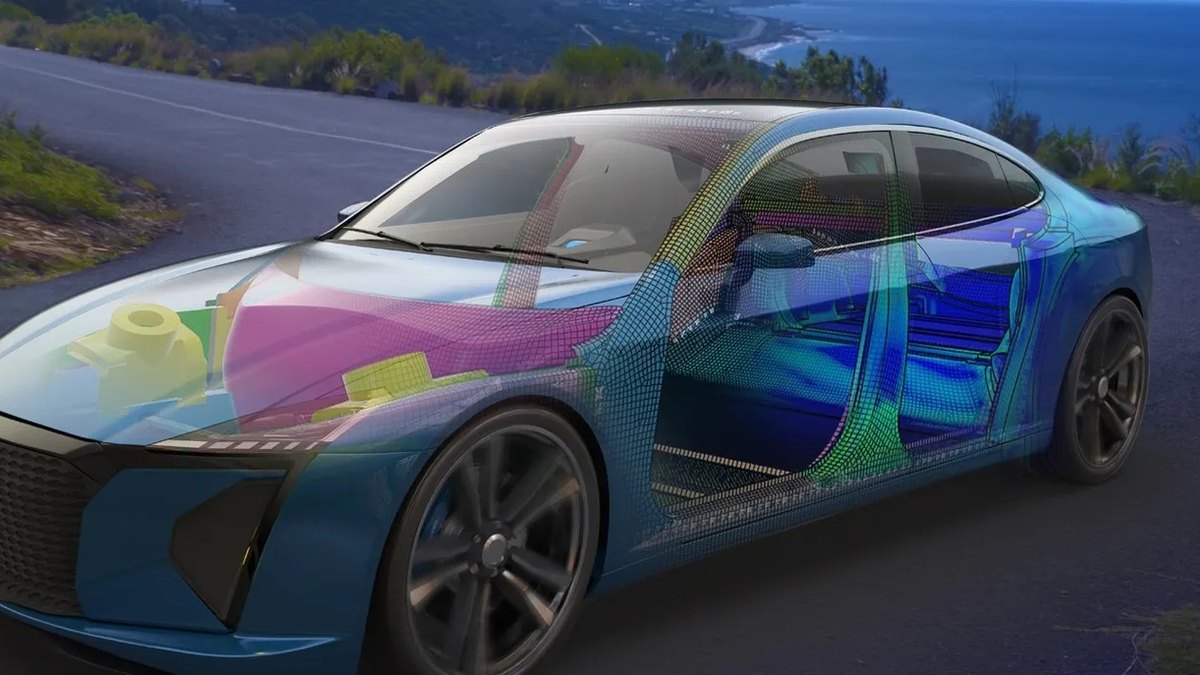
Autodesk Fusion is the best AI tool for product design here, meaning physical and industrial product design: Fusion for Design includes generative design and 11 advanced simulation studies, and prices are posted from $57 a month. Vizcom is #2 for sketch-to-render concepts at $49 a month, and PTC Creo is #3 for its AI Assistant.
Large engineering organizations that run on the 3DEXPERIENCE platform
Pick by what you want
Best overall
Autodesk Fusion
Best for concept renders
Vizcom
Best AI assistant in CAD
PTC Creo
Best live simulation
Ansys Discovery
Best cloud CAD with a price
Onshape
The ranking
1
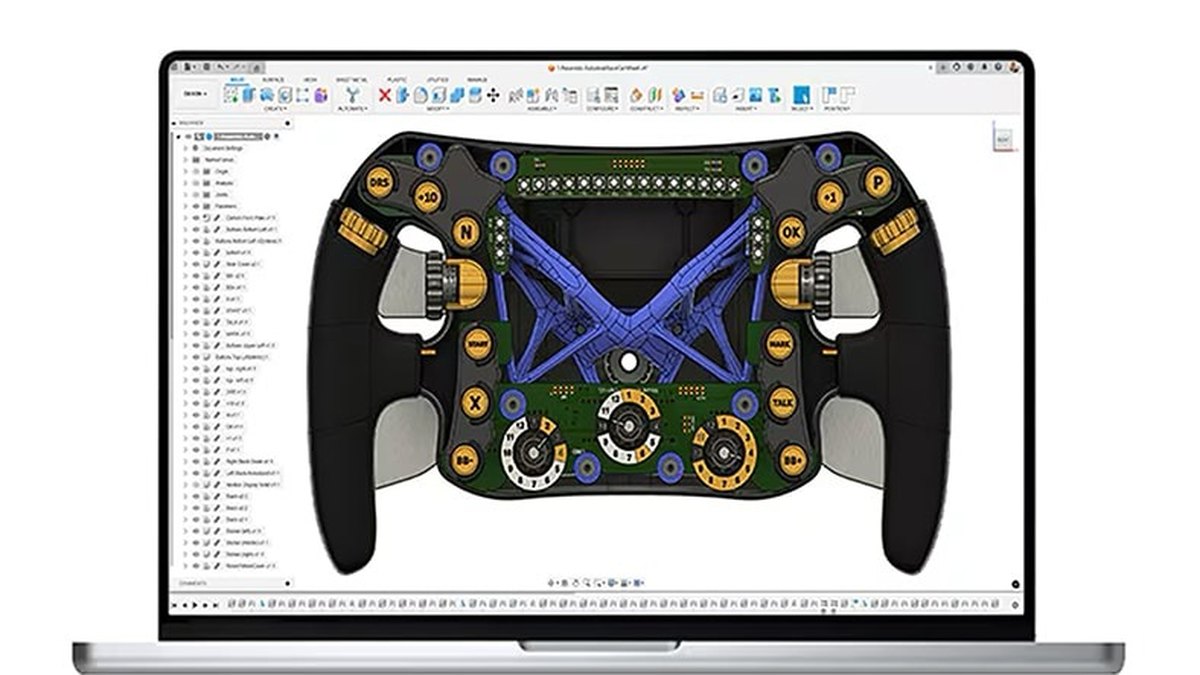
Autodesk Fusion
Answrs VerdictThe best all-round AI-assisted CAD for physical products, with prices posted.
Price: Fusion $57 a month; Fusion for Manufacturing $170 a month; Fusion for Design $183 a month, all paid annuallyYearly price: Fusion $680 a year; Fusion for Manufacturing $2,040 a yearGenerative design: Included in Fusion for Design, for lightweight, high-performance innovationSimulation: Fusion for Design includes 11 advanced simulation studiesTrial: Try Fusion free for 30 days
Autodesk Fusion is priced at $57 a month, with Fusion for Manufacturing at $170 a month and Fusion for Design at $183 a month, all paid annually. Fusion for Design adds generative design and 11 advanced simulation studies. Fusion is $680 a year and Fusion for Manufacturing is $2,040 a year, and there is a 30-day free trial.
Go ifProduct designers who want generative design, simulation and CAM in one workspace with a published price
Skip ifYou only need concept sketches, not engineered parts
Why #1 over #2: It is the only pick that posts a price for generative design, where PTC Creo and Siemens NX say Not published.
2
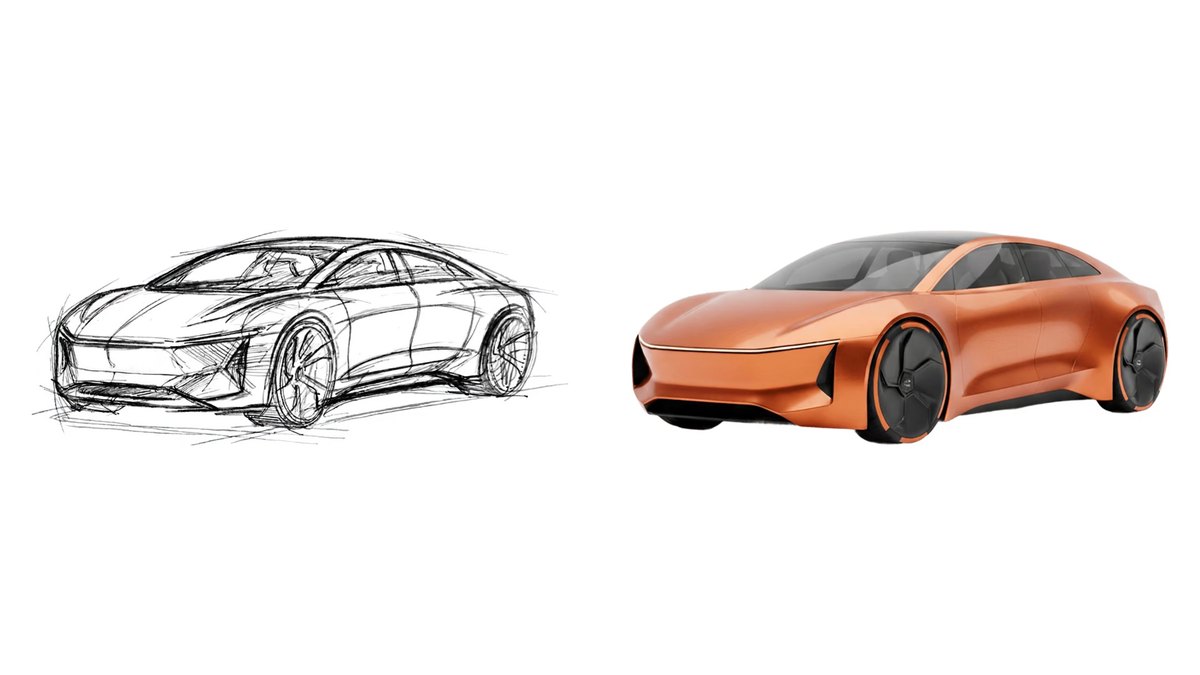
Vizcom
Answrs VerdictThe best AI sketch-to-render tool for product concepts.
Price: Starter $0 a month; Professional $49 a month; Education $0 a monthStarter: 800 credits, basic AI creation tools and standard render speedsProfessional: 20,000 credits, 4K exports, Live Render and full design privacyOutput: AI image creation, animations, 3D models, upscaling and batch generationEducation: 15,000 credits for qualified educators and students
Vizcom takes work from sketch to final design with AI image creation, animations, 3D models, upscaling and batch generation. Starter is $0 a month with 800 credits, and Professional is $49 a month with 20,000 credits, 4K exports and Live Render. Education is $0 a month with 15,000 credits.
Go ifIndustrial designers turning sketches into renders and 3D concepts early in a project
Skip ifYou need engineering-ready parametric CAD
Why #2 over #3: It starts at $0 and turns sketches into renders, which PTC Creo’s CAD-first assistant does not.
3
PTC Creo
Answrs VerdictThe most documented AI assistant roadmap in CAD.
Price: Not publishedGenerative design: Part of Creo features, to rapidly explore CAD models inside the Creo environmentAI Assistant: Advise (model-agnostic), Assist (Beta, model-aware) and Automate (Alpha)Delivery: On-premises Creo and the SaaS Creo+Small teams: Packages for up to 5 licenses
PTC Creo is a parametric 3D CAD platform with generative design among its features. Its Creo AI Assistant has Advise, Assist (Beta) and Automate (Alpha) levels, and Creo is available on-premises or as the SaaS Creo+. Packages exist for small teams of up to 5 licenses; the price is Not published.
Go ifEngineering teams that want generative design and an AI assistant inside parametric CAD
Skip ifYou need a posted price before you talk to sales
Why #3 over #4: Its AI Assistant is documented in three levels, which Siemens NX’s page does not describe.
4
Siemens NX
Answrs VerdictDeep AI-enabled engineering tools, sold through Siemens.
Price: Not publishedAI tools: AI-enabled topology optimization, Performance Predictor and gyroid modelingExisting AI: Command prediction and selection predictionCloud: NX X is offered on the cloud with over 110 products and capability extensionsTrial: 30-day free trial of Designcenter and NX CAM
Siemens NX added AI-enabled topology optimization, Performance Predictor and gyroid modeling in its Summer 2024 release, joining command prediction and selection prediction. NX X is offered on the cloud with over 110 products and capability extensions. Siemens offers a 30-day free trial of Designcenter and NX CAM; the price is Not published.
Go ifTeams that want AI topology optimization and part performance checks inside high-end CAD
Skip ifYou want a self-serve price and a small-team plan
Why #4 over #5: Performance Predictor checks material choices and mechanical performance, which SOLIDWORKS’s AI pillars do not name.
5
SOLIDWORKS
Answrs VerdictThe AI upgrade for the most common product CAD.
Price: Not publishedAI pillars: Intent to CAD, Design Validation, Engineering Guidance, Manufacturing Documentation and Assembly OptimizationVirtual Companions: Add intelligence and engineering expertise directly into the design workflowRelease: SOLIDWORKS 2027 delivers hundreds of enhancements and AI capabilities
SOLIDWORKS 2027 groups its AI into five pillars: Intent to CAD, Design Validation, Engineering Guidance, Manufacturing Documentation and Assembly Optimization. Virtual Companions add intelligence and engineering expertise directly into the design workflow. The price is Not published.
Go ifMechanical designers who already work in SOLIDWORKS and want AI help with assemblies and drawings
Skip ifYou want AI that generates form concepts
Why #5 over #6: Its five named AI pillars cover documentation and assemblies, while Inspire focuses on optimization and simulation.
6
Siemens Simcenter Inspire
Answrs VerdictGenerative design with manufacturing checks built in.
Price: Not publishedGenerative design: A suite of optimization tools for high-performance, manufacturable designs, lightweighting and efficient material useModeling: Combines BRep, PolyNURBS organic modeling, facets and implicit geometryAI: Inspire Cast blends casting simulation with machine learningTools: Inspire Cast, Extrude Metal, Extrude Polymer, Form, Mold, Polyfoam and 3D print
Siemens Simcenter Inspire combines BRep, PolyNURBS organic modeling, facets and implicit geometry with optimization tools for lightweighting and manufacturable designs. Inspire Cast blends casting simulation with machine learning. Tools include Inspire Cast, Extrude Metal, Extrude Polymer, Form, Mold, Polyfoam and 3D print; the price is Not published.
Go ifDesigners who want generative design and manufacturing simulation for casting, molding and printing
Skip ifYou need a posted price
Why #6 over #7: It bundles manufacturing simulation for casting, molding and printing, which nTop’s page does not list.
7
nTop
Answrs VerdictThe specialist for generating and checking many variants.
Price: Not publishedApproach: Parametric models that never break, so you can explore thousands of design variants in parallelPhysics: Geometry variants flow into analysis using your solvers or Physics AIAccess: Get a demo
nTop builds parametric models that do not break so you can explore thousands of design variants in parallel. Each variant flows into analysis using your solvers or Physics AI. Access starts with a demo and the price is Not published.
Go ifEngineers exploring large numbers of parametric part variants, such as aerospace geometry
Skip ifYou want a general-purpose CAD tool for everyday parts
Why #7 over #8: It is built for generating many variants at once, while Ansys Discovery is built for exploring one design live.
8
Ansys Discovery
Answrs VerdictThe best for live simulation while you design.
Price: Not publishedOptimization: Real-time topology optimization combined with GPU-native simulationPhysics: Structural, thermal and fluid-flow analysis in one toolAI: AI-powered guidance is listed among Discovery innovationsTrial: 30-day free trial, and it is included in the free Ansys Student bundleCustomer result: 15% weight reduction in Rossignol’s new ski design
Ansys Discovery combines real-time topology optimization with GPU-native simulation across structural, thermal and fluid-flow analysis. AI-powered guidance is listed among its innovations, and a customer reports a 15% weight reduction in Rossignol’s new ski design. A 30-day free trial is offered, it is included in the free Ansys Student bundle, and the price is Not published.
Go ifDesigners who want to see simulation results while they change geometry
Skip ifYou need a posted price or a full CAD system
Why #8 over #9: It shows simulation results while you edit geometry, which Onshape’s AI Advisor does not do.
9
Onshape
Answrs VerdictCloud CAD with an AI guide and clear prices.
Price: Free $0; Standard $1,500 per user a year; Professional $2,500 per user a year; Enterprise customAI Advisor: Answers design questions in natural language, grounded in Onshape’s library of training materialsEmbedded: Built into the design workspace for real-time guidanceFree plan: Non-commercial use only, with public storageSign-up offer: Up to 6 months of Onshape Professional free
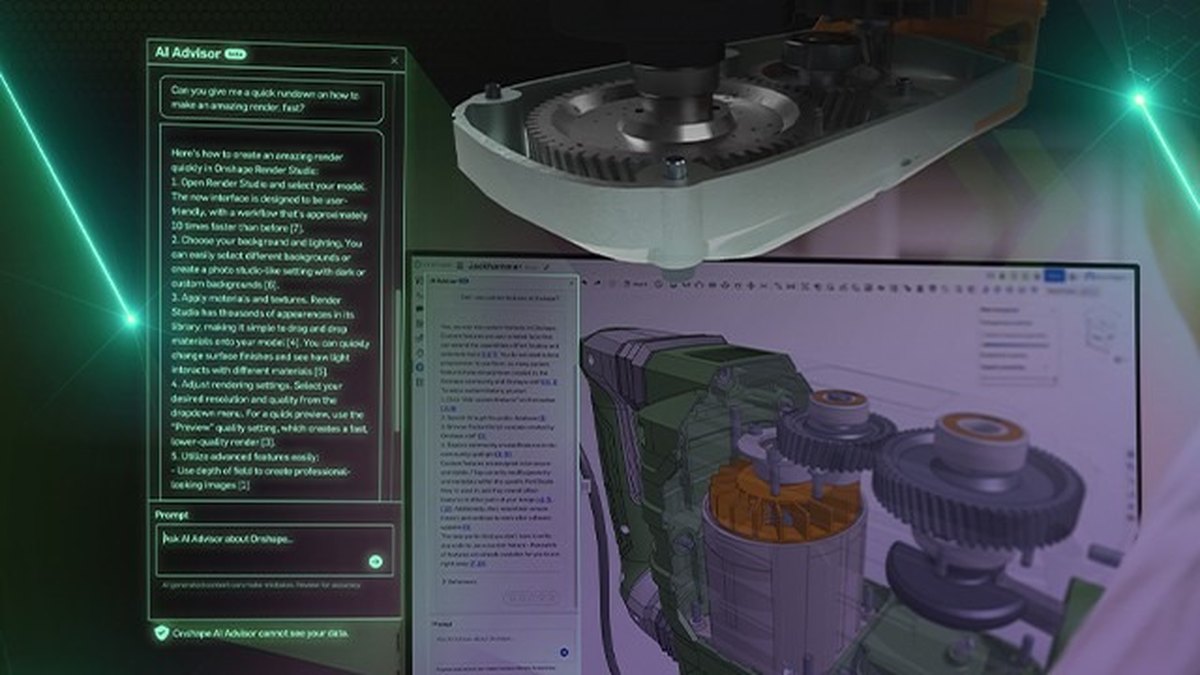
Onshape is cloud CAD with a Free plan for non-commercial use, Standard at $1,500 per user a year and Professional at $2,500 per user a year. Its AI Advisor answers design questions in natural language, grounded in Onshape’s library of training materials, and is built into the design workspace. New sign-ups can get up to 6 months of Onshape Professional free.
Go ifSmall product teams that want cloud CAD with a posted price and an AI guide
Skip ifYou want AI that generates geometry
Why #9 over #10: It posts clear prices, where CATIA lists none.
10
CATIA
Answrs VerdictPowerful, but built for enterprise buying.
Price: Not publishedAI: CATIA R2026x features AI-driven design, simulation and Virtual Twin technologyGenerative design: An e-book covers redefining generative design through a new Space of PossibilitiesBundles: Design Engineering bundles with AI-powered 3D modeling tools and task automation
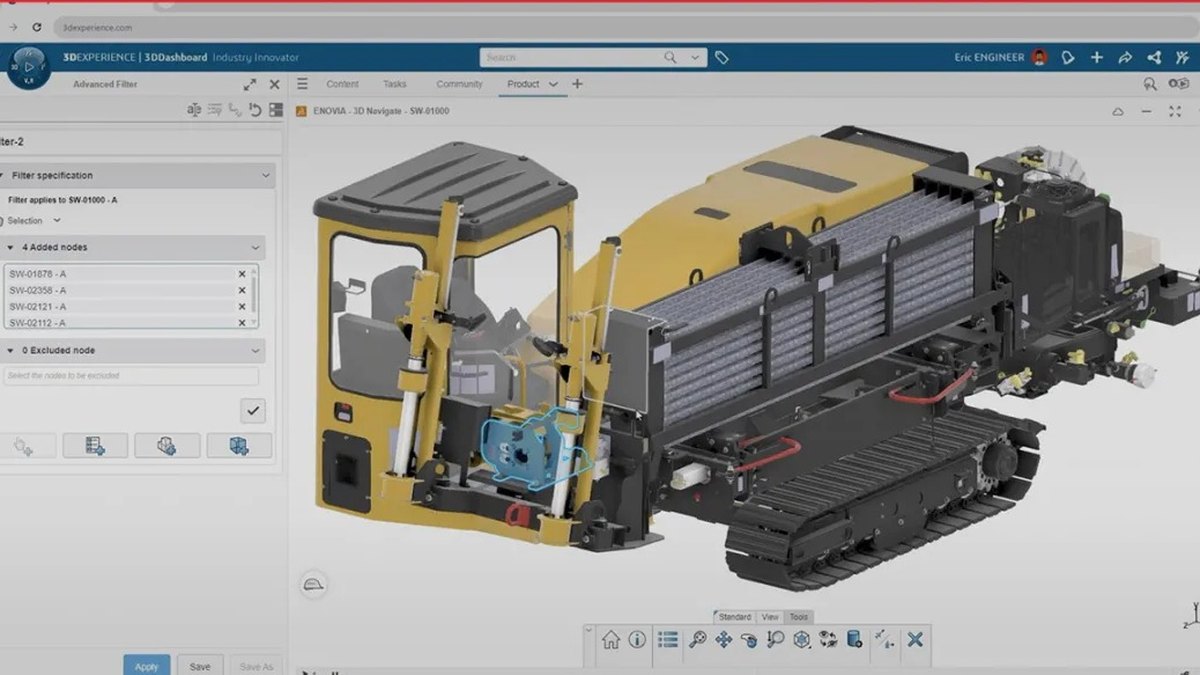
CATIA R2026x features AI-driven design, simulation and Virtual Twin technology, and Dassault Systemes offers an e-book on generative design. Design Engineering bundles include AI-powered 3D modeling tools and task automation. The price is Not published.
Go ifLarge engineering organizations that run on the 3DEXPERIENCE platform
Skip ifYou are a small team that needs a price today
How we ranked these
Product design here means physical and industrial product design (concept renders, CAD, generative design and simulation), not UX or app design. We ranked tools on the AI features each vendor documents on its own pages for designing physical products, then on published price. Where a vendor page lists no price we say Not published, and we only claim AI features the vendor states. Facts are taken from each maker's own published information; check the official site before you buy.
Questions people ask
What does product design mean in this list?
Physical and industrial product design: concept renders, CAD, generative design and simulation for parts and products. UX and app design tools are not included.
Which AI tool for product design has a posted price?
Autodesk Fusion lists $57 a month, Vizcom Professional is $49 a month, and Onshape Standard is $1,500 per user a year; most enterprise CAD vendors in this list do not publish a price.
Is there a free AI tool for product design?
Vizcom Starter is $0 a month with 800 credits, Onshape has a Free plan for non-commercial use, and Ansys Discovery is included in the free Ansys Student bundle.
Which tool turns sketches into renders?
Vizcom: its Professional plan includes 4K exports and Live Render, and the platform covers AI image creation, animations and 3D models.
Published yearly price per user, USD, for the plans that list one at a glance
Autodesk Fusion680 USD
Onshape Standard1,500 USD
Fusion for Manufacturing2,040 USD
Onshape Professional2,500 USD
Published yearly price per user, USD, for the plans that list one, as published by each maker. Picks without a published figure are left off.