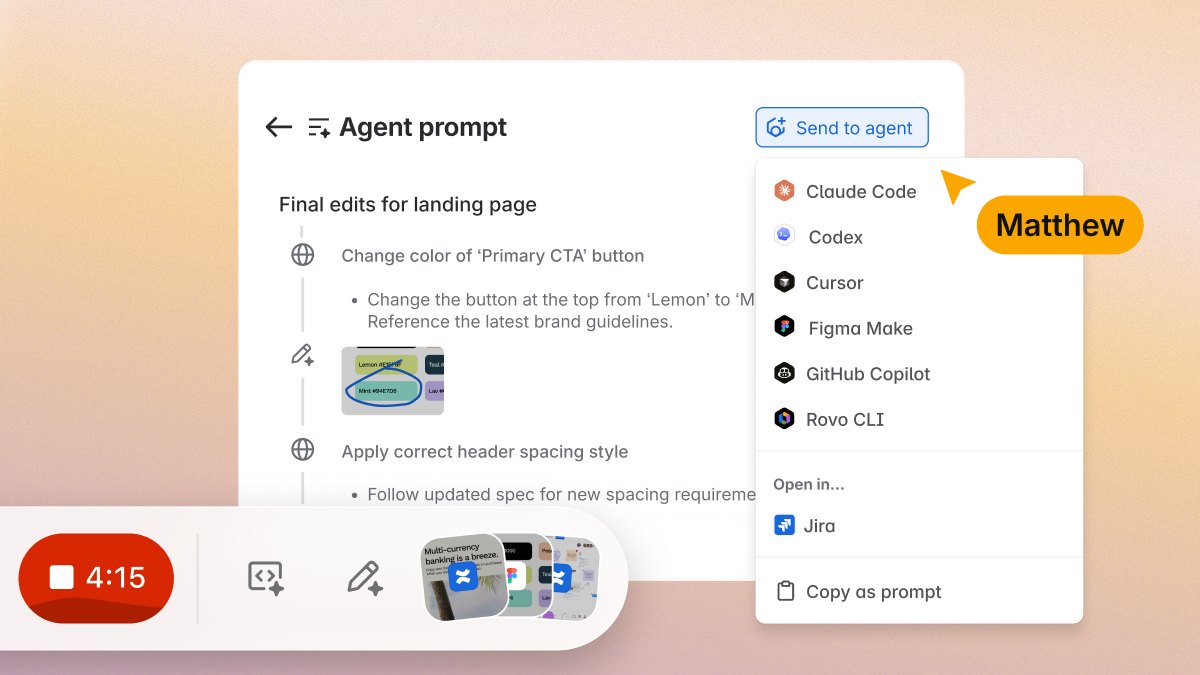
Loom is the best AI tool for screen recording: its Business + AI plan, listed at $24 per user a month, adds auto titles, summaries, chapters and tasks. Descript is #2 for AI editing from $16 a month, and Tella is #3 for auto-zoomed demos at $13 a month. Loom is now owned by Atlassian.
Free plan with 1080p watermark-free exports; premium features come with Microsoft 365 Personal and Family (its price is not on this page)
Anyone who wants a free browser recorder with AI captions
Pick by what you want
Best overall
Loom
Best AI editing
Descript
Best polished demos
Tella
Best on a Mac
Screen Studio
Best free option
Clipchamp
The ranking
1
Loom
Answrs VerdictThe most complete AI layer on a screen recorder.
Price: Starter $0; Business $18 and Business + AI $24 per user a month, as listed on its pricing pageAI on Business + AI: Auto titles, summaries, chapters and tasks, plus filler word removal and silence removalRecording: Starter records up to 5 minutes per video; Business and above record up to 4k with unlimited recording timeOwner: Loom’s own pricing FAQ says Loom was acquired by AtlassianFree trial: Business + AI can be tried free for 14 days
Loom is a screen recorder now owned by Atlassian, according to its own pricing FAQ. Starter is $0 with 5 minute recordings; Business is $18 and Business + AI is $24 per user a month. The AI plan adds auto titles, summaries, chapters and tasks, plus filler word and silence removal, and can be tried free for 14 days.
Go ifTeams that send screen recordings all day and want AI to title, summarize and tidy each one
Skip ifYou only need a quick free recording longer than 5 minutes
Why #1 over #2: Its AI packages every recording for you, while Descript’s AI is built for editing.
2
Descript
Answrs VerdictThe best AI editor for recordings.
Price: Hobbyist $16, Creator $24 and Business $50 per person a month on annual billing; $24, $35 and $65 billed monthlyScreen recorder: Captures your screen for instant sharing or polished B-rollAI editing: Underlord, its AI video co-editor, plus Studio Sound, Remove Filler Words and Create ClipsHobbyist allowance: 10 media hours and 400 AI credits a month, with 1080p watermark-free export
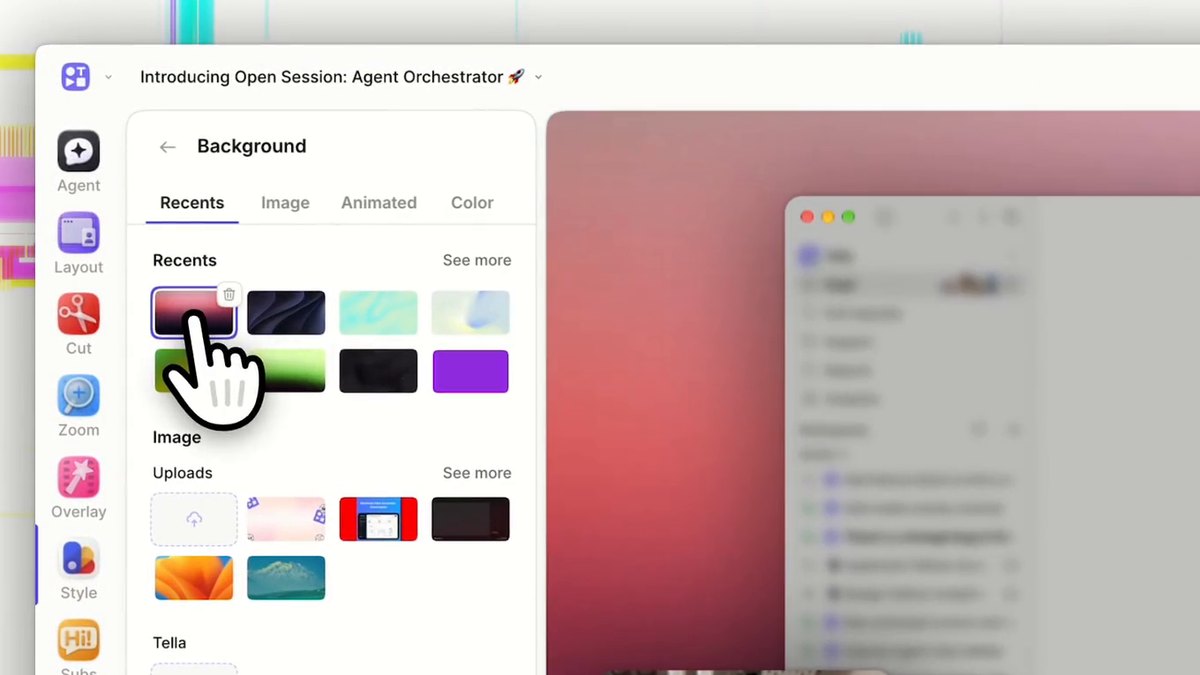
Descript captures your screen and lets you edit the video through its AI co-editor, Underlord, alongside Studio Sound, Remove Filler Words and Create Clips. Hobbyist is $16, Creator $24 and Business $50 per person a month on annual billing, or $24, $35 and $65 billed monthly. Hobbyist includes 10 media hours and 400 AI credits a month.
Go ifPeople who record a screen and then want to edit the video like a document
Skip ifYou just want a link to share in seconds
Why #2 over #3: Its Underlord co-editor adds Studio Sound and Create Clips, which Tella’s pricing page does not list.
3
Tella
Answrs VerdictThe easiest route to a polished AI-edited demo.
Price: Pro $13 and Premium $19 per user a month, billed annuallyAI editing: Tella Agent (beta) edits from a chat, with an AI mistakes finder, silence removal, filler word removal and auto zoomCredits: 4,500 credits per user a month on Pro and 9,000 on Premium, which pay for the Tella Agent and Auto CaptureRecording: Screen recording up to 4K, up to 6 hours per clip, with native macOS and Windows recorders and a Chrome extensionFree trial: 7 days, which includes 4,500 credits for the Tella Agent
Tella records screen, webcam and system audio up to 4K and edits with the Tella Agent (beta), an AI mistakes finder, silence and filler word removal and auto zoom. Pro is $13 and Premium $19 per user a month, billed annually, with 4,500 and 9,000 credits a month. A 7-day free trial is available.
Go ifCreators and teams who want polished, auto-zoomed demos without opening a timeline
Skip ifYou need a long-running free plan
Why #3 over #4: It records on Windows as well as Mac, which Screen Studio does not, and edits from a chat.
4
Screen Studio
Answrs VerdictThe best-looking demos from a Mac.
Price: $9 a month on the yearly plan or $29 a month on the monthly plan; every feature is in every planPlatform: macOS only, with no near-future plans for WindowsAI features: Automatic zoom from where you clicked, camera cutout that removes the background behind you, and transcription, all processed on your MacUpscaler: A 6.5× real-time upscaler trained on over 5,000 macOS screenshots keeps zoomed-in text sharpExport: Up to 4K at 60 fps
Screen Studio is a macOS recorder that adds zooms automatically from where you clicked, removes the background behind your camera and transcribes on your Mac. It costs $9 a month on the yearly plan or $29 a month on the monthly plan, exports up to 4K at 60 fps and has no Windows version planned.
Go ifMac users making product demos and tutorials that look produced
Skip ifYou use Windows
Why #4 over #5: Its automatic zoom and 6.5× upscaler come in every plan from $9 a month, against Camtasia’s $179.88 a year Essentials.
5
Camtasia
Answrs VerdictThe deepest desktop editor, with AI that grows by plan.
Price: Starter $39.00, Essentials $179.88, Create $249.00 and Pro $599.00 per year, billed yearlyAI on Essentials: Text-based video editing, automatic filler word removal, speech-to-text transcription and unlimited caption generationAI on Pro: Avatar generation with 49 unique avatar styles, script translation, audio dubbing and video titles, chapters and description generationRecording: Screen recording up to 4K UHD; Starter includes the Camtasia Editor watermarkedGuarantee: 14 day money-back guarantee
Camtasia from TechSmith records the screen up to 4K UHD and sells in four yearly plans: Starter $39.00, Essentials $179.88, Create $249.00 and Pro $599.00. Essentials adds text-based editing, filler word removal and captions; Pro adds avatar generation with 49 styles, script translation and audio dubbing. It has a 14 day money-back guarantee.
Go ifTraining and course teams who record on a desktop and want a full editor behind it
Skip ifYou want a free or monthly-billed tool
Why #5 over #6: Its Pro plan adds avatars, script translation and audio dubbing, beyond Zight’s summaries and guides.
6
Zight
Answrs VerdictThe best recording-to-document AI.
Price: Share $0; Create $9.95 and Collaborate $12.00 per user a month, billed annuallyAI on Create: 5 AI smart actions a month; Collaborate has unlimited AI and Smart ActionsZight AI: Turns a recording into a title, summary, timestamped chapters, transcript in 50+ languages or a step-by-step guide with screenshotsRecording quality: Up to 720p on Share and up to 4K on Create and aboveApps: Desktop app for Windows and Mac, mobile apps and a Chrome extension
Zight records on Windows and Mac, mobile and Chrome. Share is $0; Create is $9.95 and Collaborate $12.00 per user a month, billed annually. Zight AI turns a recording into a title, summary, chapters, a transcript in 50+ languages or a step-by-step guide with screenshots; Create includes 5 AI smart actions a month.
Go ifSupport, success and IT teams who need a recording turned into a written guide
Skip ifYou need HD recordings on a free plan
Why #6 over #7: It writes the document for you, while Guidde focuses on voiceover for how-to videos.
7
Guidde
Answrs VerdictThe best AI voiceover for how-to captures.
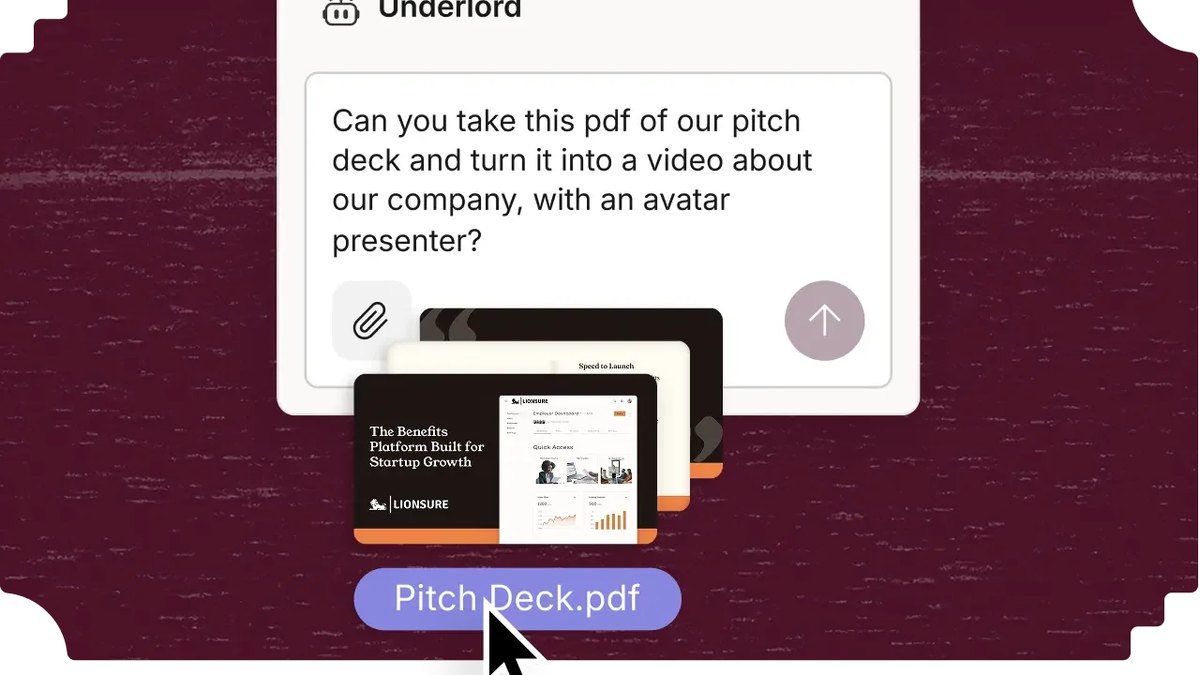
Price: Free $0 for up to 25 how-to videos; Pro $19 and Business $39 per creator a month on annual billing (34% saving)Magic Mic: You speak naturally during capture; your speech is transcribed, cleaned up and becomes the AI voiceover for your stepsBusiness: Unlimited text-to-voice generation, works with any web and desktop app, and turns PDFs and PPTs into videoFree trial: A free 7-day Business trial with no credit card
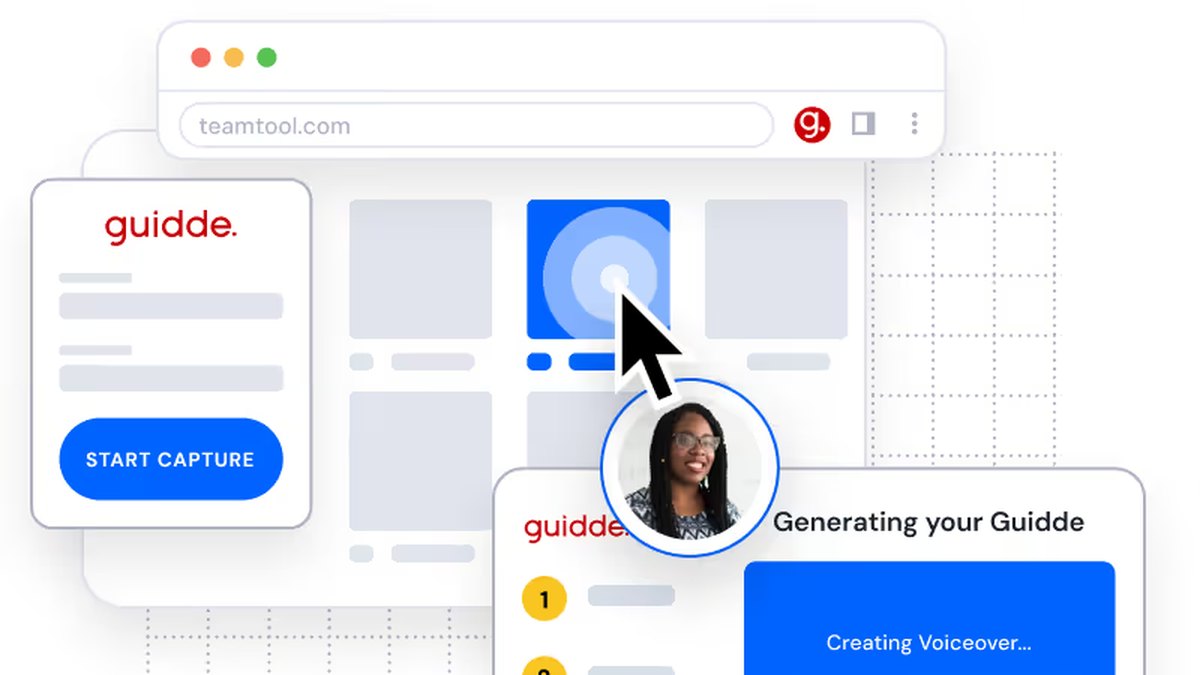
Guidde captures a workflow and builds a how-to video from it. Its Magic Mic turns what you say during capture into an AI voiceover. Free covers up to 25 how-to videos; Pro is $19 and Business $39 per creator a month on annual billing, and a free 7-day Business trial needs no credit card.
Go ifTeams building how-to videos and process guides with an AI voiceover
Skip ifYou want a general-purpose screen recorder
Why #7 over #8: Its AI voiceover builds finished how-to videos, beyond ScreenPal’s captions and narration.
8
ScreenPal
Answrs VerdictThe cheapest paid plan with AI narration.
Price: Free $0; Deluxe $4.00 and Max $10.00 per user a month, paid annuallyFree limits: 15 minute recording limit and 10 hosted videosAI on Max: ScreenPal AI, auto-captions and transcriptions, AI text-to-speech narration and an AI video generatorAI translations: Translates video titles, summaries and captions into over 140 languagesDeluxe: Unlimited recorder and AI speech-to-text captions
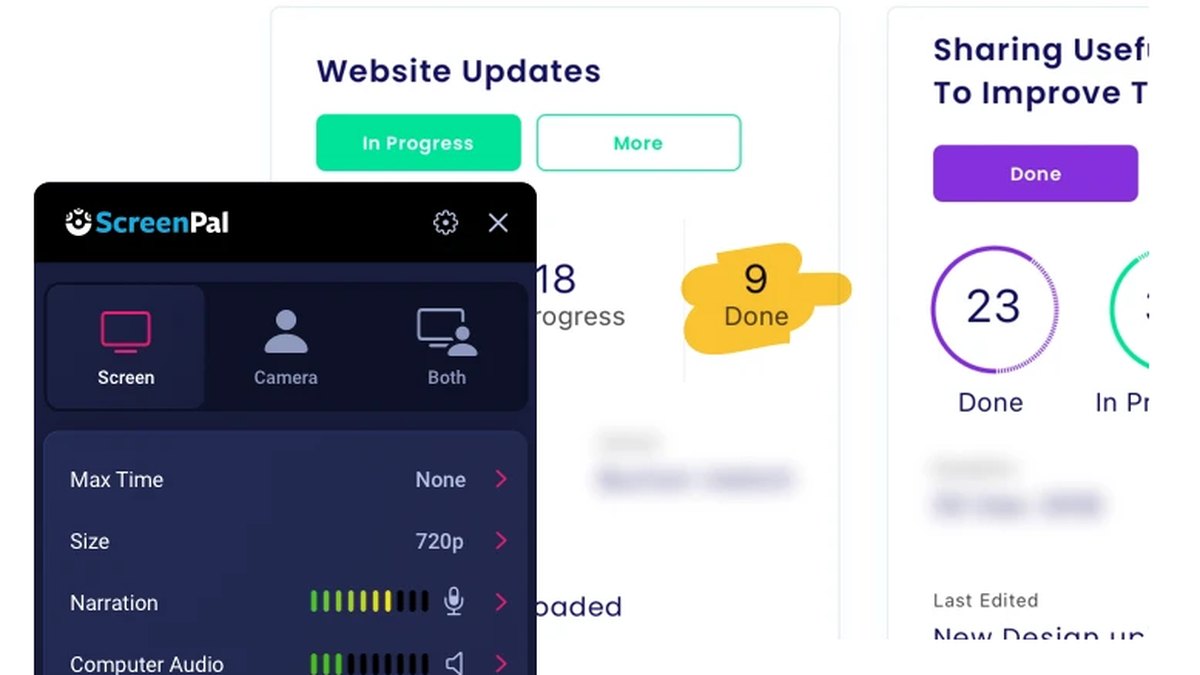
ScreenPal has a free plan with a 15 minute recording limit and 10 hosted videos. Deluxe is $4.00 and Max $10.00 per user a month, paid annually; Max adds ScreenPal AI, auto-captions, AI text-to-speech narration and an AI video generator. Its AI translates titles, summaries and captions into over 140 languages.
Go ifTeachers and small teams who want AI captions and narration at a low price
Skip ifYou need long free recordings
Why #8 over #9: Its $10.00 Max plan adds AI narration and an AI video generator, beyond Snagit’s guide tools.
Price: Standalone price not shown on its page; it is included in Camtasia Starter at $39.00 a yearStep Capture: Automatically creates guides as you click through a processSmart Redact: Instantly identifies and redacts sensitive informationAI on Starter: Blur and redact images, SOP and guide creation, background noise removal and webcam background removalReach: More than 39 million users over thirty-plus years
TechSmith Snagit, TechSmith’s capture tool, creates guides automatically as you click through a process with Step Capture, and Smart Redact identifies and redacts sensitive information. Its standalone price is not shown on its page; it is included in Camtasia Starter at $39.00 a year.
Go ifTurning a five-minute walkthrough into a reusable step-by-step guide
Skip ifYou want long, edited video
Why #9 over #10: It builds a guide as you click through a process, while Clipchamp is a general video editor.
10
Clipchamp
Answrs VerdictThe best free option with AI subtitles.
Price: Free plan with 1080p watermark-free exports; premium features come with Microsoft 365 Personal and Family (its price is not on this page)Screen recorder: Records your screen and camera in 30 minute sessions with no watermarkAI tools: AI subtitles, AI voiceovers and silence removal are in the free planPremium: Up to 4K exports and a brand kit tool
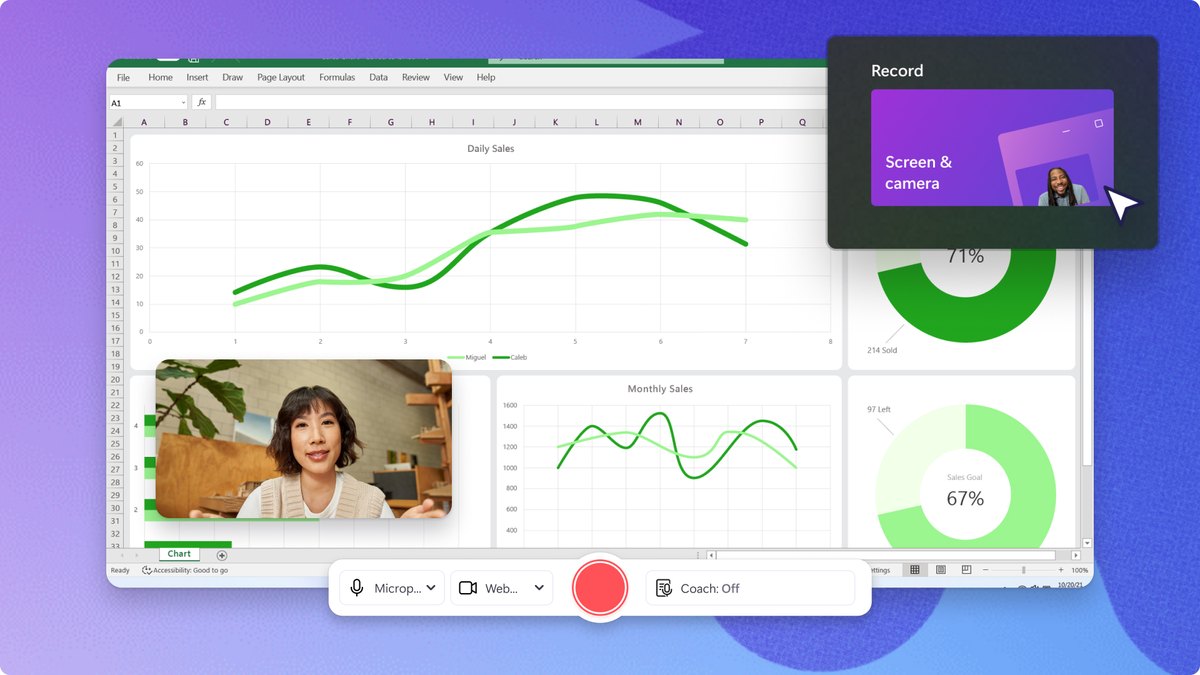
Clipchamp is Microsoft’s browser editor with a screen and camera recorder that works in 30 minute sessions without a watermark. The free plan includes AI subtitles, AI voiceovers and silence removal and exports up to 1080p; premium features, including 4K, come with Microsoft 365 Personal and Family.
Go ifAnyone who wants a free browser recorder with AI captions
Skip ifYou need analytics, sharing links or team libraries
How we ranked these
We ranked screen recorders by how much AI they add to the recording itself (titles, summaries, editing, narration and guides), using each maker’s own pricing and feature pages, then by published price. Every tool was checked on its official site and still sells today with the AI feature named. Prices shown are the figures listed on those pages; where a page does not publish a price, we say so. Facts are taken from each maker's own published information; check the official site before you buy.
Questions people ask
What is the best AI tool for screen recording?
Loom: its Business + AI plan, listed at $24 per user a month, adds auto titles, summaries, chapters and tasks plus filler word and silence removal to every recording.
Who owns Loom now?
Atlassian. Loom’s own pricing FAQ says Loom was acquired by Atlassian.
Is there a free AI screen recorder?
Clipchamp’s free plan includes a screen recorder with 30 minute sessions and AI subtitles, voiceovers and silence removal. Loom Starter and ScreenPal Free are also $0, with 5 minute and 15 minute recording limits.
Which AI screen recorder works on Windows?
Tella has native macOS and Windows recorders plus a Chrome extension, and Zight has a desktop app for Windows and Mac. Screen Studio is macOS only.
Lowest listed monthly price of a plan with AI features, per user, as shown on each maker’s pricing page (billed annually) at a glance
Screen Studio9 USD
Zight9.95 USD
ScreenPal10 USD
Tella13 USD
Descript16 USD
Guidde19 USD
Lowest listed monthly price of a plan with AI features, per user, as shown on each maker’s pricing page (billed annually), as published by each maker. Picks without a published figure are left off.