Top 10 AI Tools for Static Site Generation in 2027
By Kory White · Updated Nov 2026 · 6 min read
Direct answer
Pagesmith is the best AI tool for static site generation: its own page describes static-first Astro output, and Pro and Business plans export the standard Astro project. Webflow’s AI Site Builder is #2 with HTML and CSS export from $19 a month, and HTMLPub is #3 for plain HTML you can host anywhere.
Developers who pair an AI coding assistant with a fast static framework
Pick by what you want
Best overall
Pagesmith
Best visual editor
Webflow AI Site Builder
Best plain HTML
HTMLPub
Best free export
Mobirise AI
Best for developers
Astro Framework
The ranking
1
Pagesmith
Answrs VerdictThe most direct prompt-to-static-site tool on the list.
Output: Static-first Astro output with managed delivery on CloudflarePrice: Free 0; Starter 9, Pro 19, Business 49 and Agency 99 a month (the page shows €$ before each price)AI credits: Free 20, Starter 50, Pro 200, Business 500 and Agency 1,000 a monthCode export: The standard Astro project exports on Pro and Business; Free has no code exportPublished sites: Free 1, Starter 1, Pro up to 3 and Business up to 10
Pagesmith builds a business site from a written description, a template or an existing public website, and its page says it uses static-first Astro output with managed delivery on Cloudflare. Free is 0 with 20 AI credits a month; Starter is 9, Pro 19 and Business 49 a month, and the page shows €$ before each price. Pro and Business export the standard Astro project.
Go ifBusiness sites you want built by an AI agent and exported as a standard Astro project
Skip ifYou need code export on the cheapest paid plan, which the page does not list
Why #1 over #2: It is the only pick whose own page ties AI generation to static-first output and a downloadable project, where Webflow exports HTML and CSS but not dynamic CMS content.
2
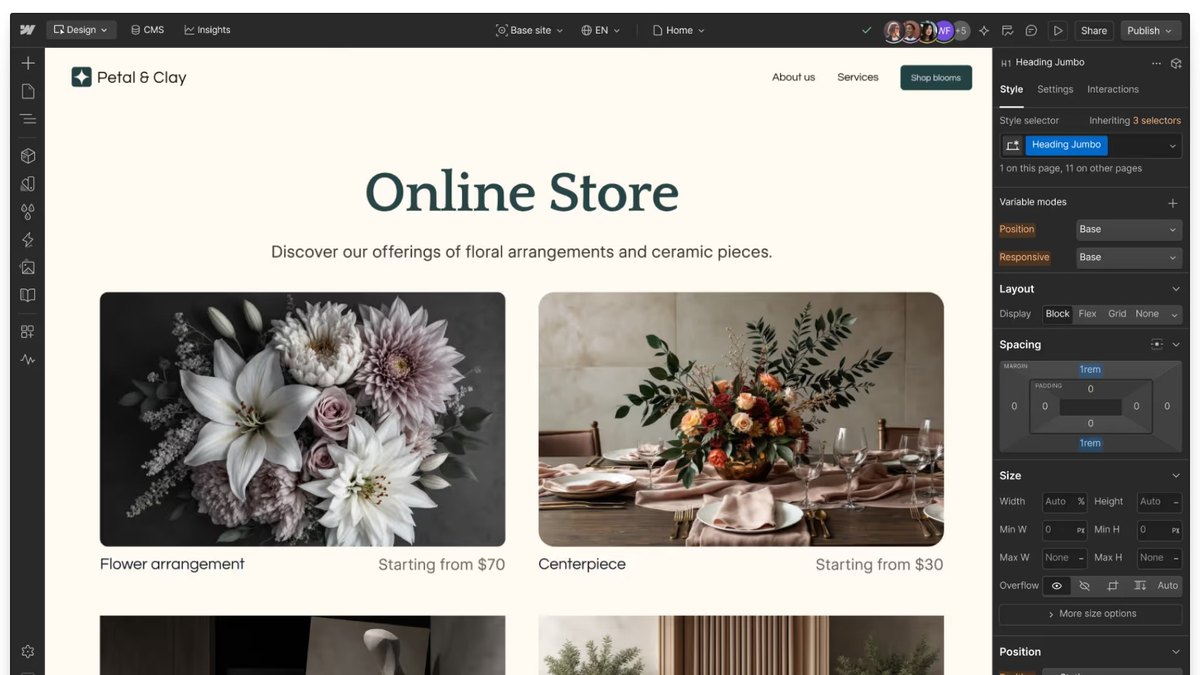
Webflow AI Site Builder
Answrs VerdictThe best visual editor with AI generation and real code export.
AI builder: Build a site: turn a prompt into a fully customized, production-ready sitePrice: Workspace Starter free; Core $19 a month and Growth $49 a month, billed yearlyAI credits: Starter 200, Core 300 and Growth 400 a monthCode export: Clean, semantic HTML and CSS files on Core and Growth; dynamic CMS content cannot be exportedFree site plan: Starter site plan is free with 2 static pages
Webflow’s AI Site Builder turns a prompt into a fully customized, production-ready site inside the Webflow editor. The Starter Workspace is free with 200 AI credits; Core is $19 a month and Growth $49 a month, billed yearly, and Core adds code export of clean, semantic HTML and CSS. Dynamic CMS content cannot be exported.
Go ifDesigners who want an AI first draft in a visual editor, then HTML and CSS out
Skip ifYour site depends on CMS items, which do not export
Why #2 over #3: It has the strongest visual editor of the group, while HTMLPub gives you HTML only with no editor.
3
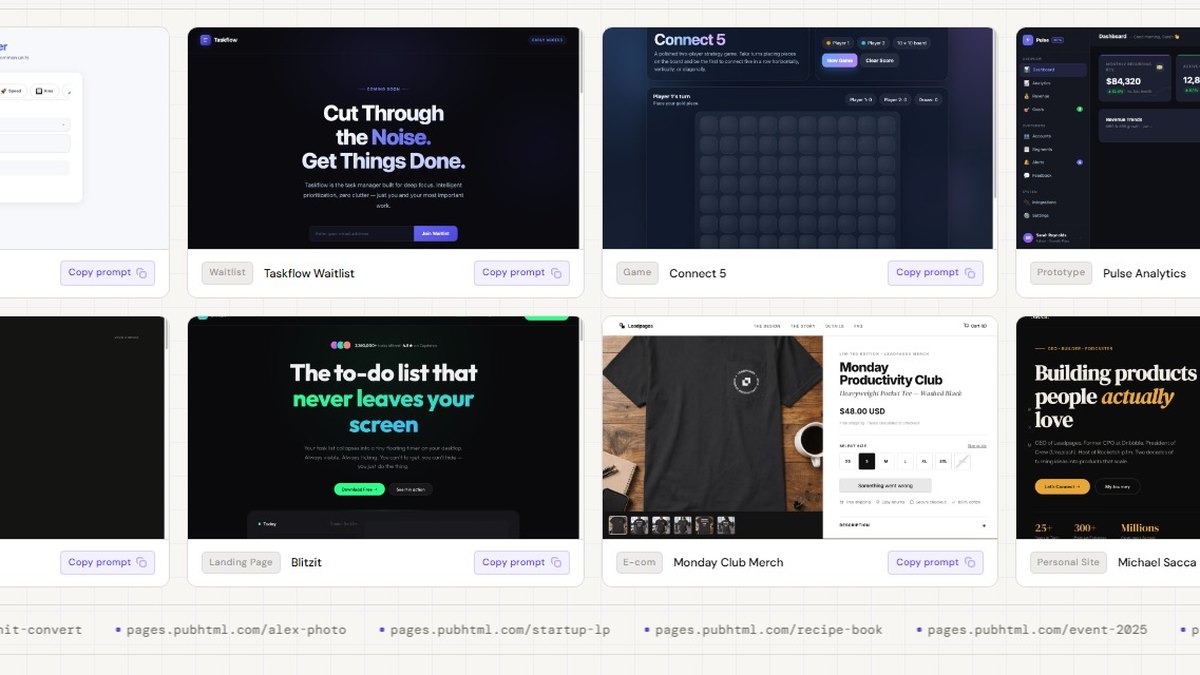
HTMLPub
Answrs VerdictThe cleanest plain-HTML output from a prompt.
Output: Complete HTML and CSS for each page, built from scratch rather than templatesPrice: Free $0; Starter $10 a month; Pro $29 a monthAI credits: Free 5,000 one-time; Starter 4,000 a month; Pro 12,000 a monthPages: Free 5 pages (build and preview, publishing needs a paid plan); Pro 25 pagesExport: HTML can be exported at any time and hosted elsewhere
HTMLPub, built by Leadpages, generates complete HTML and CSS for each page from scratch rather than from templates, and lets you export the HTML at any time. Free is $0 for 5 pages with 5,000 one-time AI credits but publishing needs a paid plan; Starter is $10 a month and Pro $29 a month with 12,000 AI credits.
Go ifOne-off landing pages and small sites as plain HTML you can host anywhere
Skip ifYou want to publish on the free plan, which does not allow it
Why #3 over #4: It outputs plain HTML and CSS you fully own, which TeleportHQ’s framework exports do not emphasize.
4
TeleportHQ
Answrs VerdictThe broadest export formats of any AI static builder here.
Output: High-performance static websites built with an AI builder assistantPrice: 7-day trial $0; Pro $14 a month; Premium $28 a month; yearly billing saves 33%AI tokens: Trial 30,000 once; Pro 100,000 a month; Premium 150,000 a monthCode export: Pro and Premium list export limited to static projects only, in HTML, CSS, React, Next.js, Vue and AngularHomepage claim: The homepage advertises free code export to HTML, CSS and JS, while the pricing page shows the trial as code preview only
TeleportHQ pairs an AI builder assistant with a visual editor for static websites. The 7-day trial is $0, Pro is $14 a month and Premium $28 a month, with 100,000 and 150,000 AI tokens a month. Paid plans export static projects only, in HTML, CSS, React, Next.js, Vue and Angular; its homepage claims free export while the pricing page shows the trial as code preview only.
Go ifDevelopers who want AI layouts plus export in several frameworks
Skip ifYou need interactive projects exported, which the paid plans do not allow
Why #4 over #5: Its export covers more frameworks than Dorik, whose page names static export without listing formats.
5
Dorik
Answrs VerdictThe best-value AI builder with a lifetime plan and static export.
AI generation: AI website generation is listed on every planPrice: Personal $29 a month, or $249 a year; Business $59 a month; 7-day free trialExport: The plan table lists Export Site (Static Only)Personal limits: 1 custom domain and 25 pagesLifetime deal: Personal lifetime $249 for 1 site; Business lifetime $599 for 3 sites
Dorik lists AI website generation on every plan and Export Site (Static Only) in its plan table. Personal is $29 a month or $249 a year for 1 custom domain and 25 pages, Business is $59 a month, and lifetime deals cost $249 for 1 site or $599 for 3 sites. The page does not state AI usage limits.
Go ifSmall businesses that want AI to draft pages and a one-time lifetime option
Skip ifYou need to know AI usage limits, which the page does not state
Why #5 over #6: Its lifetime option is cheaper over time than Mobirise’s $149 a year KIT for those who want the online builder.
6
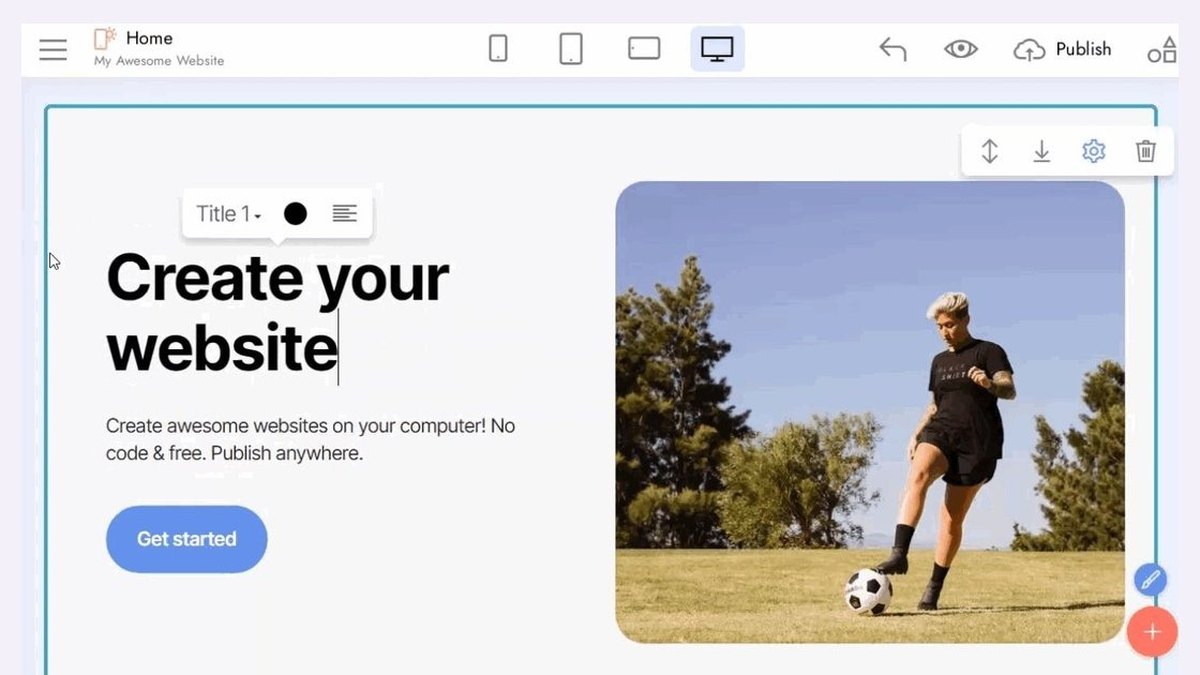
Mobirise AI
Answrs VerdictThe best free route to exported static files.
AI draft: A site draft from one sentence, a sketch or a screenshot, in under a minute, with four designsPrice: Desktop app free; free account 3 sites and 3 AI generations a month; KIT $149 a yearStatic export: The desktop app exports HTML, CSS and JavaScript files on every plan, including freeOnline export: In the online builder, export needs the BASE or GROW planLimits: Cannot import existing websites or purchased HTML templates
Mobirise AI drafts a site from one sentence, a sketch or a screenshot in under a minute and offers four designs. The desktop app is free and exports HTML, CSS and JavaScript on every plan; a free account gets 3 sites and 3 AI generations a month, and the KIT plan is $149 a year. Export from the online builder needs BASE or GROW.
Go ifAnyone who wants a free offline app that exports plain HTML files
Skip ifYou need unlimited AI generations on a free account
Why #6 over #7: Its free desktop export costs nothing, while Lindo.ai does not publish which plans can export.
7
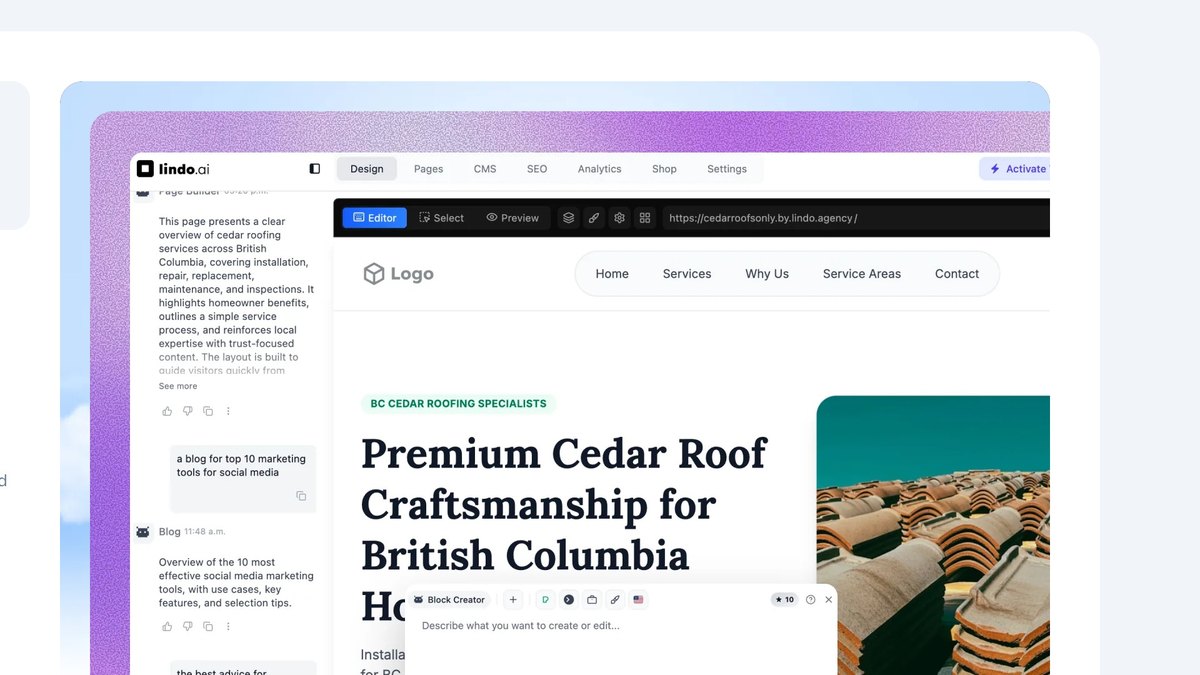
Lindo.ai
Answrs VerdictThe agency pick with a plain HTML and Tailwind ZIP export.
Price: Starter $29 a month ($19 a month yearly); Studio $147 ($97 yearly); 7-day trial for $1Credits: Starter 500 monthly credits and 2 active websites; Studio 1,500 and 10Export contents: A ZIP with all HTML pages, Tailwind CSS styles, uploaded images, fonts and iconsExport excludes: Analytics data, CRM data, server-side functionality and Lindo.ai hostingExport plans: The docs do not say which plans can export
Lindo.ai generates whole websites from a link or brief for agencies. Starter is $29 a month ($19 a month billed yearly) with 500 monthly credits and 2 active websites, and every plan starts with a 7-day trial for $1. Its export is a ZIP of all HTML pages, Tailwind CSS, images, fonts and icons, but the docs do not say which plans can export.
Go ifAgencies that generate client sites from a brief and want a ZIP of the pages
Skip ifYou need confirmed export on your plan, which Lindo.ai does not publish
Why #7 over #8: Its HTML and Tailwind ZIP is real exportable code, while CodeDesign.ai’s page contradicts itself on export for its cheapest paid plan.
8
CodeDesign.ai
Answrs VerdictThe simplest prompt-to-HTML builder with a free tier.
Output: A complete, editable website from one prompt, with clean HTML and CSS export to host anywherePrice: Free $0; Individual $15 a month or $12 a month yearly; Growth $29 or $24; Scale $99 or $83AI credits: Individual 100 a month; a full page generation typically uses around 10 creditsFree plan: Up to 3 AI website generations and no code exportCode export: Growth and Scale list site code export in html and React; the Individual plan is listed both ways on the same page
CodeDesign.ai builds a complete, editable website from one prompt and lets you export clean HTML and CSS to host anywhere. Free is $0 for up to 3 AI website generations with no code export; Individual is $15 a month ($12 a month yearly) with 100 AI credits, Growth $29 and Scale $99 a month. A full page generation typically uses around 10 credits, and its pricing page lists export for Individual both ways.
Go ifGenerating a site from one prompt, then exporting HTML and CSS once you are on Growth
Skip ifYou need to confirm export on the Individual plan, where the page contradicts itself
Why #8 over #9: It starts from a plain prompt, while Anima starts from a design file.
9
Anima
Answrs VerdictThe design-first pick for exporting HTML and CSS.
Output: Export clean HTML/CSS code or publish instantlyInputs: Start with your Figma, a prompt, or an imageFree plan: 5 AI Playground chat messages and 5 Figma imports or website clonesPrice: Enterprise starts at $500 a month paid annually; other paid plan prices are not published on the pageStatic: The page does not say whether the output is static
Anima turns a Figma file, a prompt or an image into clean HTML/CSS code you can export or publish instantly. The Free plan gives 5 AI Playground chat messages and 5 Figma imports or website clones, and Enterprise starts at $500 a month paid annually; prices for the plans in between are not published on its pricing page. The page does not say whether the output is static.
Go ifTurning a Figma design, screenshot or prompt into HTML and CSS
Skip ifYou need published prices for paid plans below Enterprise
Why #9 over #10: It produces exportable HTML and CSS, which Astro does not generate from a prompt.
10
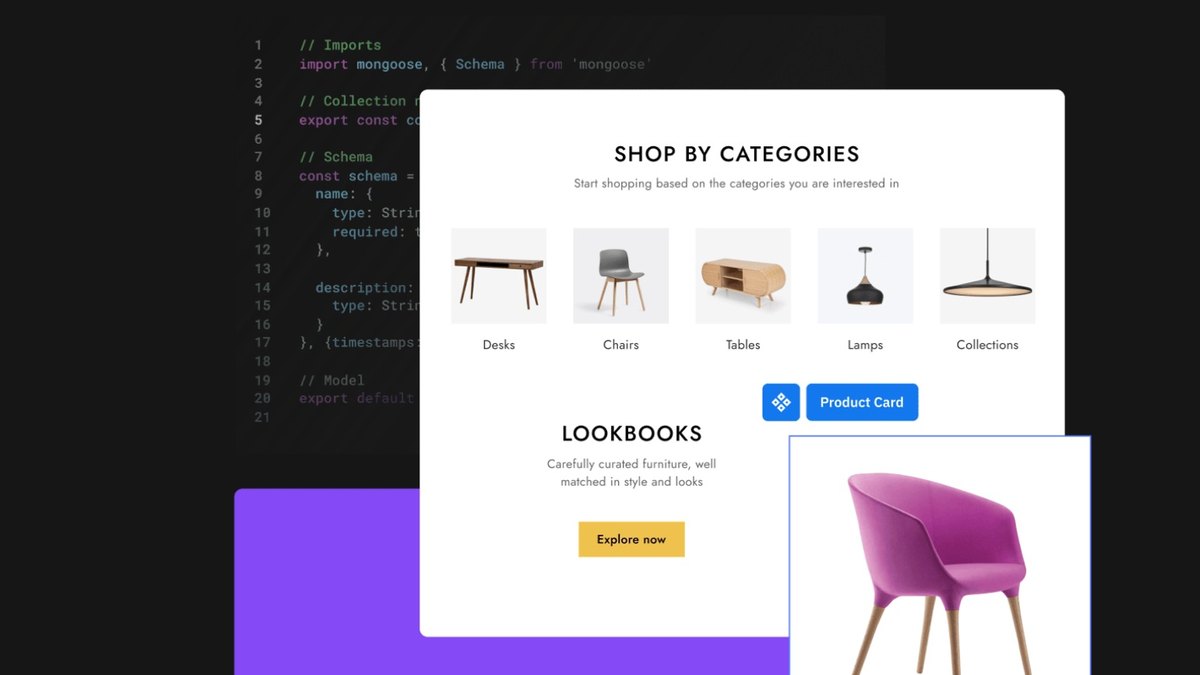
Astro Framework
Answrs VerdictThe static framework with an AI docs server, not a builder.
Price: Free, open-source software under the MIT LicenseStatic by default: An Astro project is a static site by defaultAI feature: A free, open-source Docs MCP server that gives AI coding tools the latest Astro documentationAgent support: Since astro@7.0.0, astro dev starts in the background when an AI coding agent is detected on macOS or LinuxNot an AI builder: Astro itself does not generate a site from a prompt; the AI code comes from the assistant you pair it with
Astro is free, open-source software under the MIT License, and an Astro project is a static site by default. Its docs offer a free, open-source Docs MCP server for AI coding tools, and since astro@7.0.0 the dev server starts in the background when an AI agent is detected on macOS or Linux. It does not build a site from a prompt on its own.
Go ifDevelopers who pair an AI coding assistant with a fast static framework
Skip ifYou want a tool that builds the site from a prompt by itself
How we ranked these
We ranked tools that use AI to generate static sites or exportable static code first, then tools that put AI agents on top of an existing site, then a static framework with AI support. Every claim comes from the maker’s own pricing page or documentation, and where a price, limit or export plan is not published, the page says so. Facts are taken from each maker's own published information; check the official site before you buy.
Questions people ask
What is the best AI tool for static site generation?
Pagesmith: its own page says it uses static-first Astro output, and the Pro and Business plans export the standard Astro project. Webflow is #2 for AI generation with HTML and CSS export on Core.
Can AI build a site I can host anywhere?
Yes. HTMLPub says you can export the HTML at any time and host it elsewhere, and Mobirise’s desktop app exports HTML, CSS and JavaScript files on every plan.
Is there a free option?
Mobirise’s desktop app is free and exports HTML, CSS and JavaScript; Astro is free open-source software; CodeDesign.ai’s Free plan gives up to 3 AI website generations but no code export.
Which tools export static code from a design file?
Anima exports clean HTML/CSS code from a Figma file, a prompt or an image, though its page does not say whether the output is static.
Cheapest paid plan per month on each pricing page (billing term varies by tool) at a glance
Pagesmith9 per month
HTMLPub10 per month
TeleportHQ14 per month
CodeDesign.ai15 per month
Webflow AI Site Builder19 per month
Dorik29 per month
Lindo.ai29 per month
Cheapest paid plan per month on each pricing page (billing term varies by tool), as published by each maker. Picks without a published figure are left off.