Jitter is the best overall AI tool for web animations, and Lottie Creator is the pick for interactive Lottie work. Framer ranks third for AI-generated responsive websites. We ranked these tools on AI capabilities, animation features, and platform support first, then on price and value.
Free $0 for hobbyists and students: unlimited files, upload Lottie and SVG, import from Figma, export to GIF and MP4; Pro is billed annually per editor
Product teams needing a collaborative tool to create and edit Lottie animations.
Pick by what you want
Best overall
Jitter
Best for Lottie output
Lottie Creator
Best for responsive websites
Framer
Best for interactive apps and games
Rive
Best free library
GSAP
The ranking
1
Jitter
Answrs VerdictJitter combines powerful AI features with a rich template library and broad export support, making it a top pick for teams.
Price: Not publishedExport formats: Export to 4K, GIF, LottieTemplates: Explore our free library of 400+ templates created by Jitter, award-winning studios, and top designersUser base: Over 20,000 creative teams use Jitter to create stunning animations onlineAI features: Kickstart ideas and generate effects with AI, then take full creative control to fine-tune every detail
Jitter lets you kickstart ideas and generate effects with AI, then take full creative control to fine-tune every detail. It includes Superagents, AI agents built right into Jitter. You can export to 4K, GIF, and Lottie, and explore a free library of 400+ templates created by Jitter, award-winning studios, and top designers. Over 20,000 creative teams use Jitter to create stunning animations online.
Go ifCreative teams wanting AI-assisted motion design with extensive templates and export options.
Skip ifYou need a completely free tool without any paid tiers.
Why #1 over #2: Jitter beats Lottie Creator because it pairs AI features with a 400+ template library and 4K, GIF, and Lottie exports, while Lottie Creator focuses on Lottie and dotLottie output.
2
Lottie Creator
Answrs VerdictLottie Creator offers a comprehensive AI-enhanced workflow for Lottie animations, trusted by millions.
Price: Individual $19.99 and Team $24.99 per user a month, billed annuallyUser base: Trusted by 16 million+ designers and developers from over 280,000 companies worldwideExport formats: Export as Lottie JSON, dotLottie, WebM, MP4, MOV, GIF and share instantly through CDN links across web, iOS and AndroidAI-powered tools: Create, animate and export Lottie or dotLottie with AI-powered tools, plus State Machines and Motion Tokens in dotLottieMotion Copilot: Write your prompt and Motion Copilot will build an editable animation with keyframes, shapes, text, gradients, drop shadows and more
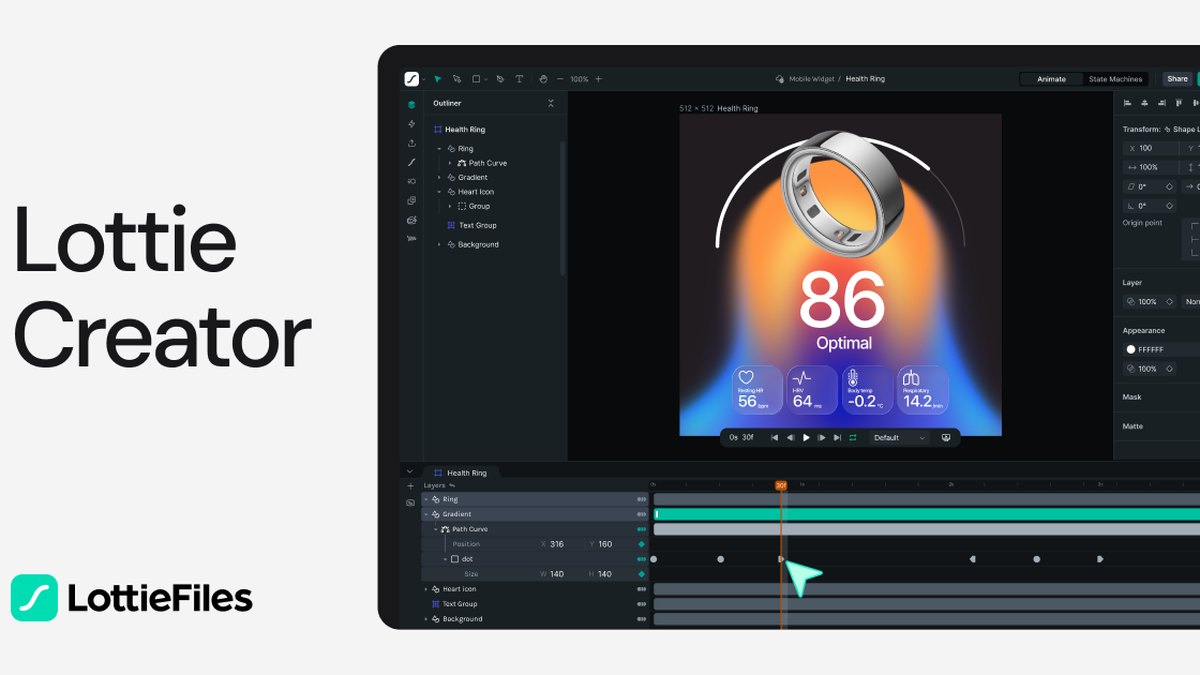
Lottie Creator lets you create, animate, and export Lottie or dotLottie with AI-powered tools, plus State Machines and Motion Tokens in dotLottie. Write your prompt and Motion Copilot will build an editable animation with keyframes, shapes, text, gradients, drop shadows, and more. Export as Lottie JSON, dotLottie, WebM, MP4, MOV, GIF, and share instantly through CDN links across web, iOS, and Android. It is trusted by 16 million+ designers and developers from over 280,000 companies worldwide.
Go ifDesigners and developers creating interactive Lottie animations with AI assistance.
Skip ifYou need native 3D or game engine support.
Why #2 over #3: Lottie Creator beats Framer because it is a full-featured, web-based animation tool for creating lightweight, interactive motion, while Framer is a website builder.
3
Framer
Answrs VerdictFramer integrates AI-powered design and animation into a single platform, ideal for building responsive animated websites.
Price: Not publishedAI design: Design websites with AI, then refine every detailAgent capabilities: The agent iterates & ideates with youResponsive design: Ask the agent to “Make this responsive for tablet and phone.” It adapts your layouts across breakpointsInteractions: Complex interactions, done in seconds: Sticky navbars, animated menus, interactive carousels, just describe what you want
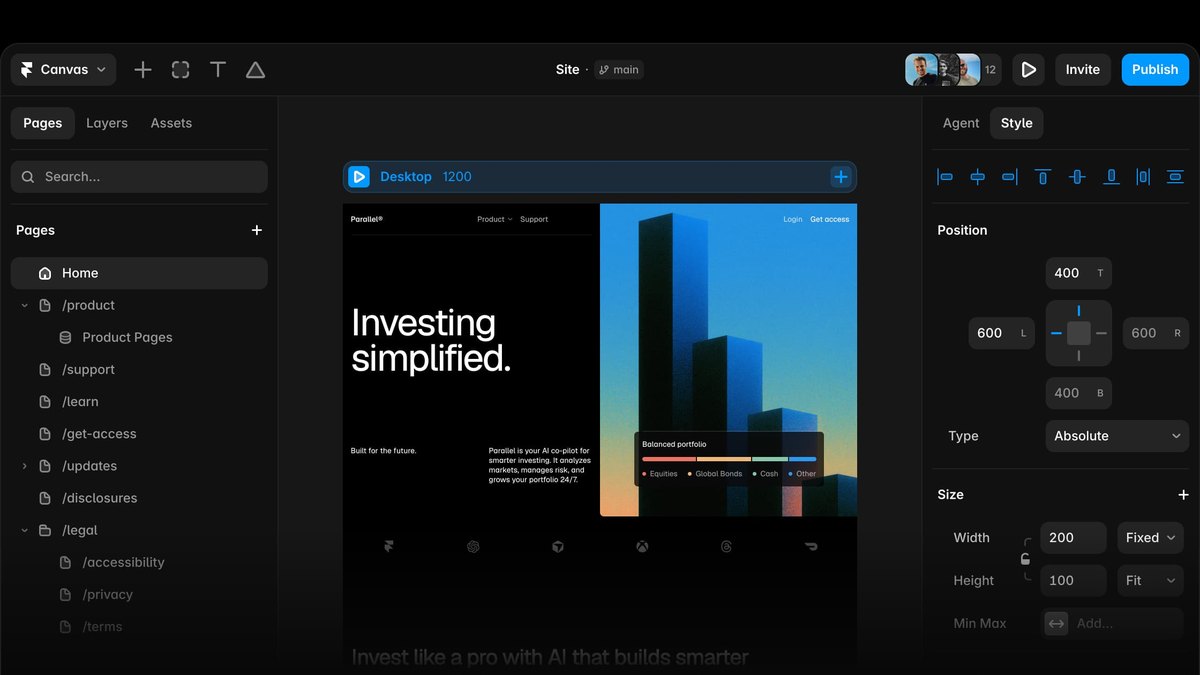
Framer lets you design websites with AI, then refine every detail. The agent iterates and ideates with you, and you can ask it to “Make this responsive for tablet and phone” so it adapts your layouts across breakpoints. Complex interactions are done in seconds: sticky navbars, animated menus, interactive carousels — just describe what you want. Framer offers best-in-class web animations that are easy to set up and performant out of the box.
Go ifWeb designers who want to generate responsive sites with AI and add animations without coding.
Skip ifYou need a dedicated motion design tool rather than a full website builder.
Why #3 over #4: Framer beats Rive because it combines AI-powered design and animation into a single platform for building responsive animated websites, while Rive targets interactive UI, motion, and game experiences.
4
Rive
Answrs VerdictRive is a powerful interactive experience engine with native runtimes and GPU acceleration, suited for complex projects.
Price: Not publishedEfficiency: Teams report 4x faster production, file sizes up to 90% smaller, and measurably higher user engagementPerformance: Powered by the Rive Renderer — a GPU-accelerated vector graphics engine running at 120fps with perfect qualityUser base: Products built with Rive reach over 2 billion users worldwideInteractive experiences: Build interactive UI, motion, and game experiences in the Editor, or let an agent generate them with the CLI
Rive lets you build interactive UI, motion, and game experiences in the Editor, or let an agent generate them with the CLI. Open source runtimes run your Rive files natively on any platform. It is powered by the Rive Renderer — a GPU-accelerated vector graphics engine running at 120fps with perfect quality. Products built with Rive reach over 2 billion users worldwide, and teams report 4x faster production, file sizes up to 90% smaller, and measurably higher user engagement.
Go ifDevelopers and designers building interactive animations for apps, games, and websites with high performance.
Skip ifYou need a simple, code-free tool for basic web animations.
Why #4 over #5: Rive beats SVGator because it offers native runtimes and a GPU-accelerated engine for complex interactive experiences, while SVGator focuses on SVG animations.
5
SVGator
Answrs VerdictSVGator is a dedicated SVG animation tool with AI integration and flexible pricing, perfect for web-focused motion.
Price: Starter $20/mo billed yearly; Pro $24/mo billed yearly; Team $27/seat/mo billed yearly, min. 3 seatsFree plan: Free $0: Explore the full editor, every animator included, Unlimited static SVG exports, Assets library, Free animation templatesAI integration: MCP for AI AnimationsExport formats: Export web-ready SVG animations as a single file. Cross-platform support with Lottie, Flutter and React Native optionsInteractive animations: Build interactive SVG animations: Click / Hover / Programmatic
SVGator includes MCP for AI Animations. You can export web-ready SVG animations as a single file, with cross-platform support for Lottie, Flutter, and React Native options. Build interactive SVG animations with Click, Hover, or Programmatic triggers. Pricing is Starter $20/mo billed yearly, Pro $24/mo billed yearly, and Team $27/seat/mo billed yearly (min. 3 seats). The free $0 plan lets you explore the full editor, every animator included, unlimited static SVG exports, an assets library, and free animation templates.
Go ifDesigners creating interactive SVG animations for web with a range of export options.
Skip ifYou need advanced 3D or game engine support.
Why #5 over #6: SVGator beats Spline because it is a dedicated SVG animation tool with flexible pricing and a free plan, while Spline is built for 3D content.
6
Spline
Answrs VerdictSpline brings AI-powered 3D generation to web design, enabling interactive 3D content without specialized skills.
Price: Hobby $12/mo billed yearly; Pro $25/mo billed yearly; Max $60/mo billed yearly; Free plan availableAI 3D generation: Describe an object or drop in an image. Pick from four looks, then turn the one you want into a textured 3D model — ready to open in SplineExport: Web: Embed your 3D content on the web with a code snippet or custom codeText to 3D: Type a sentence. Four looks land in seconds. Mesh the one that made you stop scrollingImage to 3D: A photo, a sketch, a screenshot — drop it in and watch it come back with volume
Spline lets you describe an object or drop in an image, pick from four looks, then turn the one you want into a textured 3D model — ready to open in Spline. Type a sentence and four looks land in seconds; mesh the one that made you stop scrolling. A photo, a sketch, a screenshot — drop it in and watch it come back with volume. Pricing is Hobby $12/mo billed yearly, Pro $25/mo billed yearly, Max $60/mo billed yearly, and a free plan is available. On the web, embed your 3D content with a code snippet or custom code.
Go ifDesigners and developers creating 3D animations and interactive experiences for the web.
Skip ifYou need 2D motion graphics or traditional web animations.
Why #6 over #7: Spline beats GSAP because it brings AI-powered 3D generation to web design without specialized skills, while GSAP is a JavaScript animation library for developers.
7
GSAP
Answrs VerdictGSAP is a powerful, free library for developers, offering unmatched control and performance for web animations.
Price: GSAP is now free for everyone, thanks to Webflow's support!Animation library: A wildly robust JavaScript animation library built for professionalsCapabilities: Whether you're animating UI, SVG or creating immersive WebGL experiences, GSAP has your backTools: GSAP Tools: Core, Scroll, SVG, UI, TextEasing: Add personality to your animations with a huge variety of super plug and play eases or build your own custom curves
GSAP is now free for everyone, thanks to Webflow's support. It is a wildly robust JavaScript animation library built for professionals. Whether you're animating UI, SVG, or creating immersive WebGL experiences, GSAP has your back. GSAP Tools include Core, Scroll, SVG, UI, and Text. Add personality to your animations with a huge variety of super plug and play eases or build your own custom curves.
Go ifDevelopers seeking a professional-grade, free JavaScript animation library for complex web animations.
Skip ifYou prefer a visual, no-code tool with AI generation.
Why #7 over #8: GSAP beats Motion because it is a professional-grade library with a broader toolset including Scroll, SVG, UI, and Text tools, while Motion focuses on React, Vue, and JavaScript with a smaller core.
8
Motion
Answrs VerdictMotion offers a free, open-source solution with extensive features and AI integration for modern web development.
Price: Free and open source. Previously Framer MotionAnimation library: The animation library loved by humans and agents alike. Layout, scroll, gestures, 3D, and hardware acceleration for React, Vue and JavaScriptSize: Start at 3.2kb with the mini animate function, or load features as you need them with LazyMotionFeatures: Layout animations, Gesture animations, Scroll animations, Spring animations, Hardware acceleration, Exit animations, 3DAI integration: npm install motion && npx motion-ai
Motion is the animation library loved by humans and agents alike, with layout, scroll, gestures, 3D, and hardware acceleration for React, Vue, and JavaScript. It is free and open source, previously known as Framer Motion. For AI integration, run npm install motion && npx motion-ai. Start at 3.2kb with the mini animate function, or load features as you need them with LazyMotion. Features include layout animations, gesture animations, scroll animations, spring animations, hardware acceleration, exit animations, and 3D.
Go ifReact, Vue, and JavaScript developers needing a lightweight, open-source animation library with AI tooling.
Skip ifYou need a visual editor or AI generation without coding.
Why #8 over #9: Motion beats Anime.js because it offers AI tooling and a 3.2kb mini animate function, while Anime.js is a 24.50 KB all-in-one engine without AI integration.
9
Anime.js
Answrs VerdictAnime.js is a fast, free, and modular library for web animations, ideal for developers who prefer coding.
Price: Anime.js is 100% free and is only made possible with the help of our sponsorsBundle size: Bundle size 24.50 KBAnimation engine: All-in-one animation engine. A fast and flexible JavaScript library to animate the webFeatures: Intuitive API, Per property parameters, Flexible keyframes system, Built-in easings, Enhanced transforms, Scroll Observer, Advanced staggering, SVG toolset, Springs and draggable, Timeline API, Responsive animationsModular API: Keep your bundle size small by only importing the parts you need
Anime.js is an all-in-one animation engine: a fast and flexible JavaScript library to animate the web. It is 100% free and is only made possible with the help of our sponsors. The bundle size is 24.50 KB. Features include an intuitive API, per property parameters, a flexible keyframes system, built-in easings, enhanced transforms, Scroll Observer, advanced staggering, an SVG toolset, springs and draggable, a Timeline API, and responsive animations. Keep your bundle size small by only importing the parts you need.
Go ifDevelopers wanting a lightweight, free JavaScript animation library with a simple API.
Skip ifYou need AI-powered animation generation or a visual editor.
Why #9 over #10: Anime.js beats Lottielab because it is a free, modular JavaScript library with a simple API, while Lottielab is a collaborative Lottie animation editor.
10
Lottielab
Answrs VerdictLottielab is a specialized Lottie animation editor with collaboration features, trusted by a large user base.
Price: Free $0 for hobbyists and students: unlimited files, upload Lottie and SVG, import from Figma, export to GIF and MP4; Pro is billed annually per editorUser base: Trusted by 500,000+ designers, from the world's most innovative companiesMotion design tool: The motion design tool for product teams. Create and edit lottie animations, ship to your apps and websitesFeatures: Modern, intuitive interface; Collaborative; Optimised file sizes; Fast & performantExport: Export tiny, optimised files that load fast, without sacrificing quality
Lottielab is the motion design tool for product teams: create and edit Lottie animations, then ship to your apps and websites. It is trusted by 500,000+ designers from the world's most innovative companies. The interface is modern and intuitive, collaborative, with optimised file sizes and fast, performant output. Export tiny, optimised files that load fast, without sacrificing quality. Pricing is Free $0, Pro $0 per editor/month billed annually (price not clearly stated), and Enterprise custom.
Go ifProduct teams needing a collaborative tool to create and edit Lottie animations.
Skip ifYou need AI-powered animation generation or advanced 3D support.
How we ranked these
We ranked these tools on deciding specs first: AI capabilities, animation features, and platform support. Then we weighed price and value. Facts are taken from each maker's own published information; check the official site before you buy.
Questions people ask
Which AI tool is best for generating web animations from text prompts?
Jitter allows you to kickstart ideas and generate effects with AI, and Lottie Creator's Motion Copilot builds editable animations from prompts.
Are there free options for AI web animation tools?
GSAP is now free for everyone, and Motion is free and open source. SVGator offers a free plan with unlimited static SVG exports.
Which tool is best for creating interactive Lottie animations?
Lottie Creator allows you to create, animate and export Lottie or dotLottie with AI-powered tools, plus State Machines and Motion Tokens.
What is the pricing for SVGator's paid plans?
Starter is $20/mo billed yearly, Pro is $24/mo billed yearly, and Team is $27/seat/mo billed yearly (min. 3 seats).
Lowest paid plan price per user a month on each maker�s pricing page (USD) at a glance
Spline Hobby12 USD
Lottie Creator Individual19.99 USD
SVGator Starter20 USD
SVGator Pro24 USD
Spline Pro25 USD
Lowest paid plan price per user a month on each maker�s pricing page (USD), as published by each maker. Picks without a published figure are left off.