NVIDIA DCGM is the best GPU monitoring tool: its repository states Apache 2.0 licensing, and it provides continuous telemetry, health checks, diagnostics and policies for NVIDIA data center GPUs. Prometheus is #2 for storing and alerting on GPU metrics, and Grafana is #3 with an importable DCGM Exporter dashboard. Datadog is the top commercial pick but lists no GPU Monitoring price.
The README says NVTOP is licensed under the GPLv3 license or any later version
Quick interactive checks on a single machine over SSH
Pick by what you want
Best overall, free
NVIDIA DCGM
Best open metrics store
Prometheus
Best ready-made dashboard
Grafana GPU Dashboards
Best commercial fleet view
Datadog GPU Monitoring
Best for AMD GPUs
AMD Device Metrics Exporter
The ranking
1
NVIDIA DCGM
Answrs VerdictThe foundation most other NVIDIA GPU monitoring tools build on.
Open source: The DCGM repository states its source code is licensed under Apache 2.0What it is: NVIDIA describes DCGM as an intelligent, lightweight user space library and agent for NVIDIA Datacenter GPUs that runs on each host and can run standalone or embedded in management toolsTelemetry and health: Continuous GPU telemetry at very low overhead, ongoing background health checks, diagnostics and job-level grouping of dataPolicies: Policies for common situations that need notification or automated action, such as error recovery and isolation of faulty hardwareKubernetes: The DCGM-Exporter repository exposes DCGM GPU telemetry in the Prometheus format, includes a Helm chart, and lists the Apache-2.0 licensePrice: Not published; the repositories list Apache licenses and no price
NVIDIA describes DCGM as a lightweight user space library and agent that runs on each host, standalone or embedded in other tools. It gives continuous GPU telemetry at very low overhead, ongoing health checks, diagnostics and policies for notification or automated action. The repository states Apache 2.0, and its DCGM-Exporter output feeds Prometheus. No price is listed.
Go ifAnyone running NVIDIA data center GPUs who wants the source of truth for GPU health and telemetry
Skip ifYou run non-NVIDIA accelerators or want a ready-made dashboard without wiring up an exporter
Why #1 over #2: It is the source of the GPU data that Prometheus, Grafana and Dynatrace display, so it comes before them.
2
Prometheus
Answrs VerdictThe open metrics store behind most self-hosted GPU monitoring.
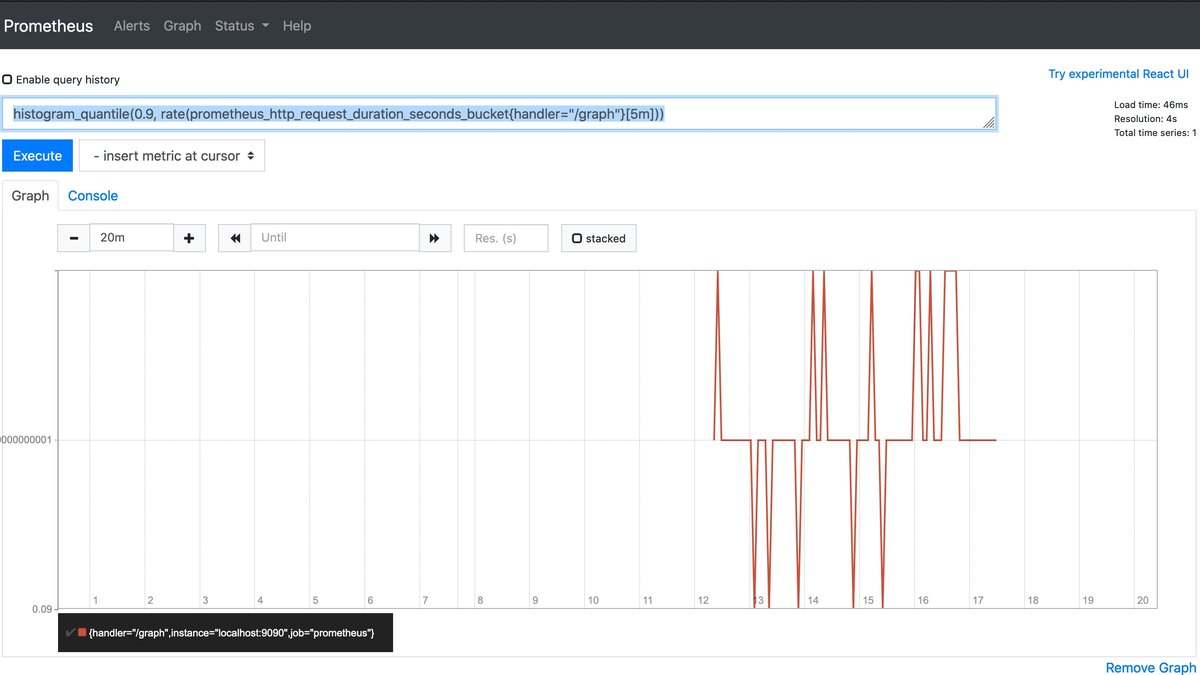
Open source: The repository lists the Apache License 2.0 and describes Prometheus as a monitoring system and time series databaseData model: A multi-dimensional data model with metric names and key/value dimensions, queried with PromQLCollection: Metrics are pulled over HTTP from targets found by service discovery or static configuration, which is how a DCGM-Exporter endpoint is scrapedAlerting: Evaluates rule expressions and can trigger alerts from the collected metricsGPU data: GPU metrics come from an exporter; the DCGM-Exporter repository outputs NVIDIA GPU telemetry in the Prometheus formatPrice: Not published; open source under Apache 2.0
Prometheus is an Apache-2.0 monitoring system and time series database with a multi-dimensional data model, PromQL queries, HTTP pull collection and alert rules. GPU data arrives through an exporter such as DCGM-Exporter, which outputs NVIDIA telemetry in the Prometheus format. No price is listed for the open-source project.
Go ifTeams that want to store, query and alert on GPU metrics themselves with open tools
Skip ifYou want GPU dashboards and recommendations out of the box
Why #2 over #3: It stores and alerts on the data, where Grafana mainly displays it.
3
Grafana GPU Dashboards
Answrs VerdictA free, importable GPU dashboard on the most common open dashboard tool.
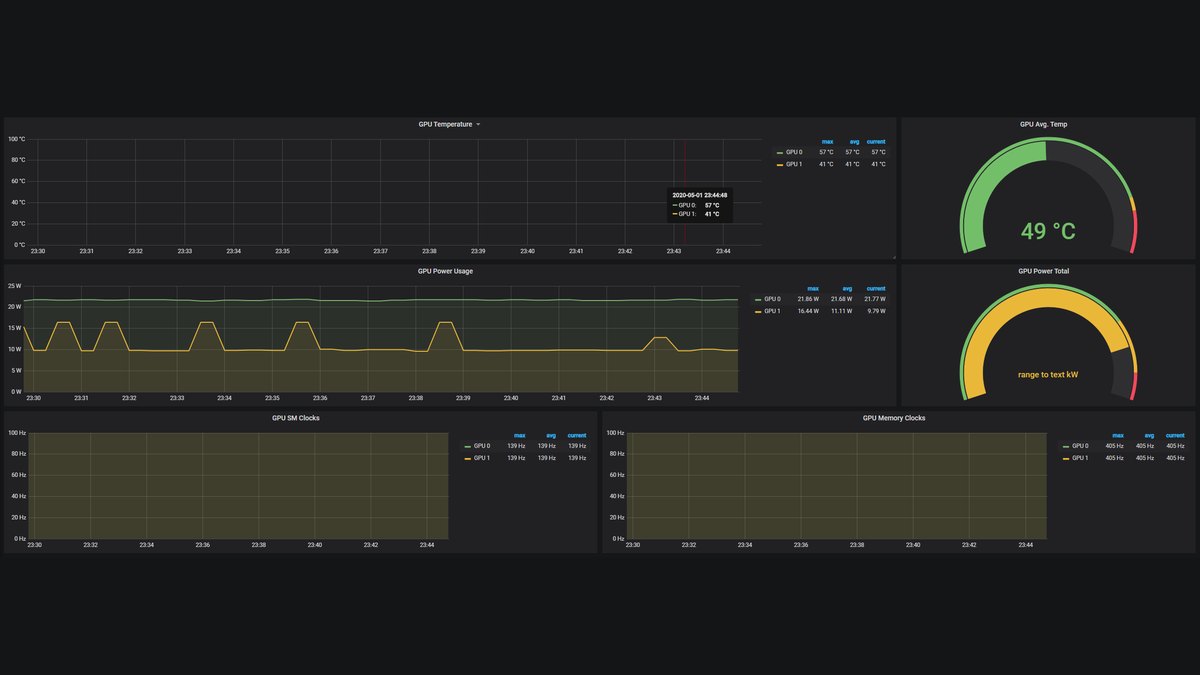
Dashboard: Grafana Labs hosts an NVIDIA DCGM Exporter Dashboard template meant to display DCGM Exporter metrics on a Kubernetes cluster, imported by ID or JSONData source: The dashboard page names Prometheus as the source of the metricsOpen source: The Grafana repository states AGPL-3.0-only, with Apache-2.0 exceptions listed in LICENSING.mdGrafana Cloud price: Free is $0; Pro is a $19 per month platform fee plus usage; Enterprise has a minimum commit of $25,000 per year
Grafana Labs hosts an NVIDIA DCGM Exporter Dashboard template that displays DCGM Exporter metrics on a Kubernetes cluster, with Prometheus as the data source. Grafana itself states AGPL-3.0-only. Grafana Cloud is $0 on Free, Pro has a $19 per month platform fee plus usage, and Enterprise has a $25,000 per year minimum commit.
Go ifTeams that already use Grafana and want a ready GPU dashboard on top of Prometheus
Skip ifYou need GPU cost allocation or workload recommendations
Why #3 over #4: It is free to import, where Datadog adds fleet cost and allocation views in a commercial service.
4
Datadog GPU Monitoring
Answrs VerdictThe most complete commercial fleet view, with no published GPU price.
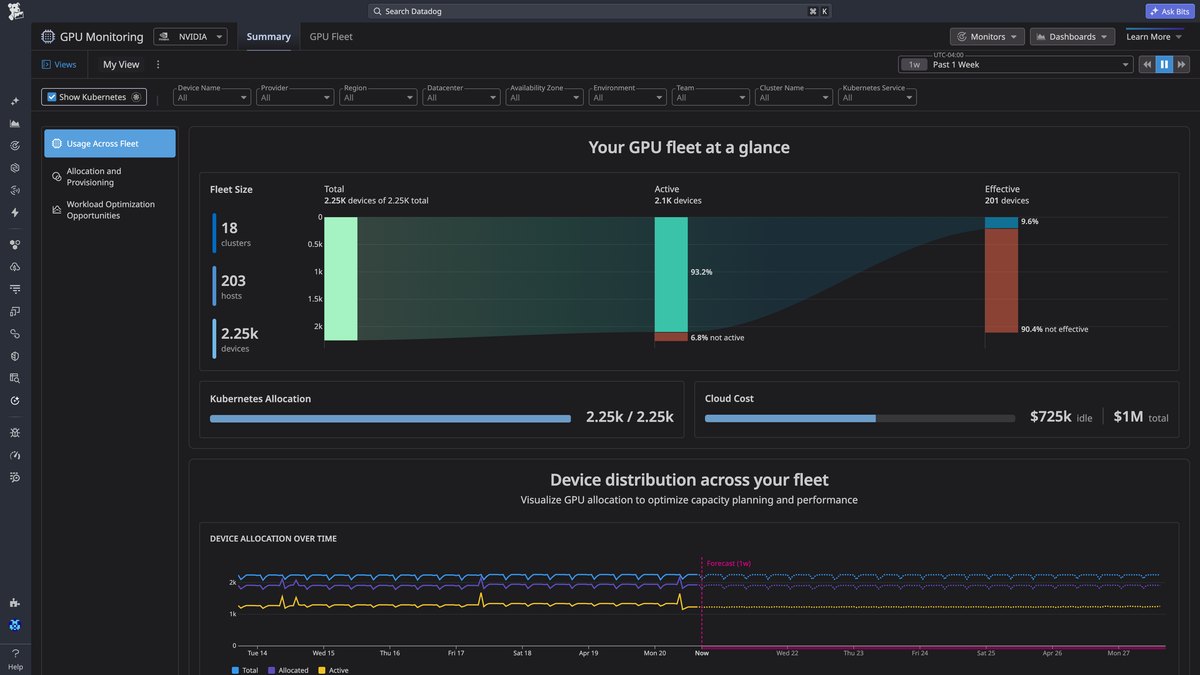
Fleet view: A centralized view of GPU fleet health, cost and performance across cloud, on-premises and neocloud environments, enabled by a single Datadog Agent flagTelemetry: Tracks GPU utilization, power and memory by host, node or pod over time to reveal hotspots and underused hardwareHardware health: Correlates heat, power and errors with workloads, isolates GPUs with thermal throttling, and detects ECC and XID errors with alertsCost: Shows total and idle GPU cost by tag and time range for internal chargebacksEnvironments: Supports AWS, GCP, Azure, Oracle Cloud, on-premises hosts and platforms such as CoreWeave and Lambda Labs; not supported on two ddog-gov sitesPrice: Not published for GPU Monitoring on the pages I read; Infrastructure Pro starts at $15 per host per month billed annually
Datadog GPU Monitoring gives a centralized view of GPU fleet health, cost and performance, tracking utilization, power and memory by host, node or pod. It detects ECC and XID errors, flags thermal throttling and shows idle GPU cost by tag. It supports AWS, GCP, Azure, Oracle Cloud, on-premises hosts and platforms such as CoreWeave and Lambda Labs. No GPU price is listed on the pages I read.
Go ifPlatform teams that want GPU health, allocation and idle-cost views in one commercial service
Skip ifYou need open-source software or a published GPU Monitoring price
Why #4 over #5: It adds cost and allocation views, where Base Command Manager focuses on provisioning NVIDIA clusters.
5
NVIDIA Base Command Manager
Answrs VerdictCluster-level monitoring with a free tier for small systems.
What it is: Used for provisioning, managing and monitoring HPC and AI clustersDashboards: BaseView offers pre-built, customizable dashboards with insight into usage trends and bottlenecks, and lets administrators check cluster utilization and health in a graphical interfaceFree license: A free license covers up to eight accelerators per system in any cluster size; it is subject to change and does not include supportPaid support: NVIDIA AI Enterprise provides licensing and support, with a 90-day evaluation license; NVIDIA Mission Control adds tools to operate an AI factory and its price is not statedOpen source: Not described as open source on the page I read
Base Command Manager provisions, manages and monitors HPC and AI clusters, with BaseView dashboards for usage trends and bottlenecks and graphical checks of utilization and health. A free license covers up to eight accelerators per system without support, NVIDIA AI Enterprise adds support, and Mission Control pricing is not stated. The page lists no specific GPU metrics.
Go ifNVIDIA cluster operators who want monitoring bundled with provisioning
Skip ifYou only need per-GPU metrics, since the page lists no specific GPU metrics
Why #5 over #6: It bundles monitoring with provisioning, where Netdata is a monitoring-only agent.
6
Netdata
Answrs VerdictEasy NVIDIA GPU charts with a free tier and a clear per-node price.
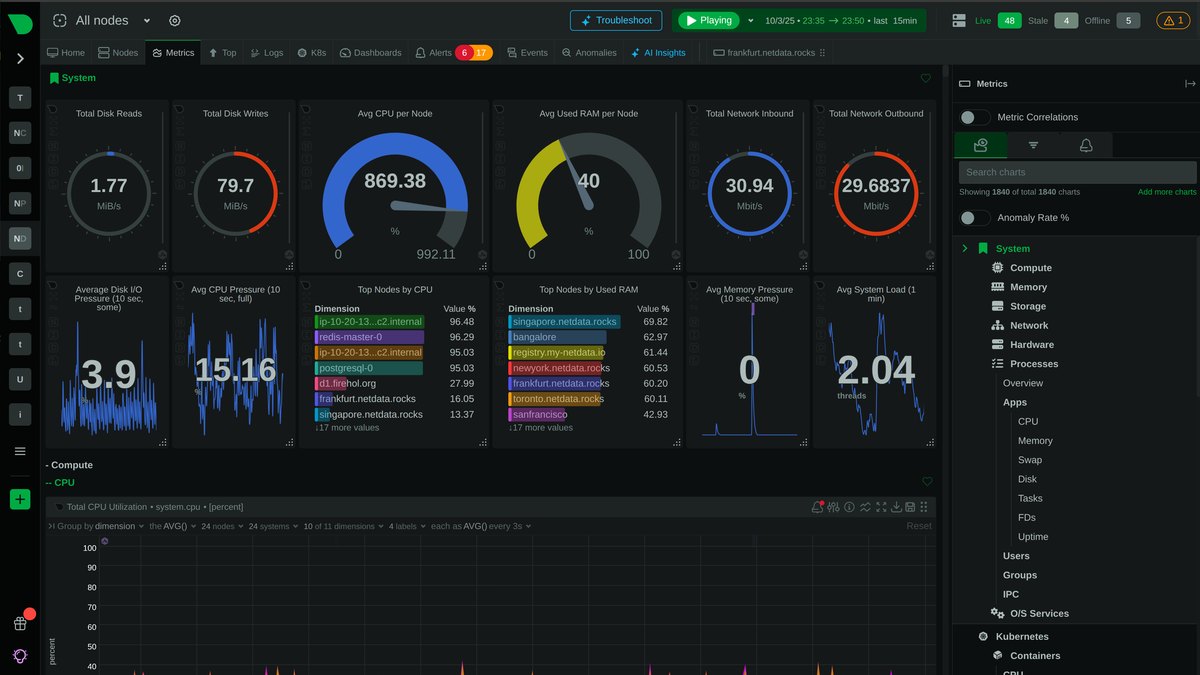
Open source: The Netdata Agent is licensed under GPL v3 or later according to its GitHub pageGPU metrics: The nvidia_smi collector reads nvidia-smi for GPU, memory, encoder and decoder utilization, temperature, power draw, clocks, fan speed, frame buffer memory, PCIe bandwidth and MIG statusSampling: Loop mode keeps nvidia-smi running and reads samples at an interval capped at 5 secondsPrice: Community is $0 for up to 5 connected nodes; Business is from $7 per node per month billed annually or $8.75 monthly
Netdata’s nvidia_smi collector reads nvidia-smi for utilization, temperature, power, clocks, fan speed, memory, PCIe bandwidth and MIG status, sampling at an interval capped at 5 seconds. The Agent is GPL v3 or later. Community is $0 for up to 5 connected nodes and Business is from $7 per node per month billed annually.
Go ifSmall fleets that want per-second dashboards with almost no setup
Skip ifYou need AMD or Intel GPU metrics from this collector, which reads nvidia-smi
Why #6 over #7: It has a clear published per-node price, where Dynatrace bills by host and memory.
7
Dynatrace GPU Monitoring
Answrs VerdictA solid add-on for existing Dynatrace shops.
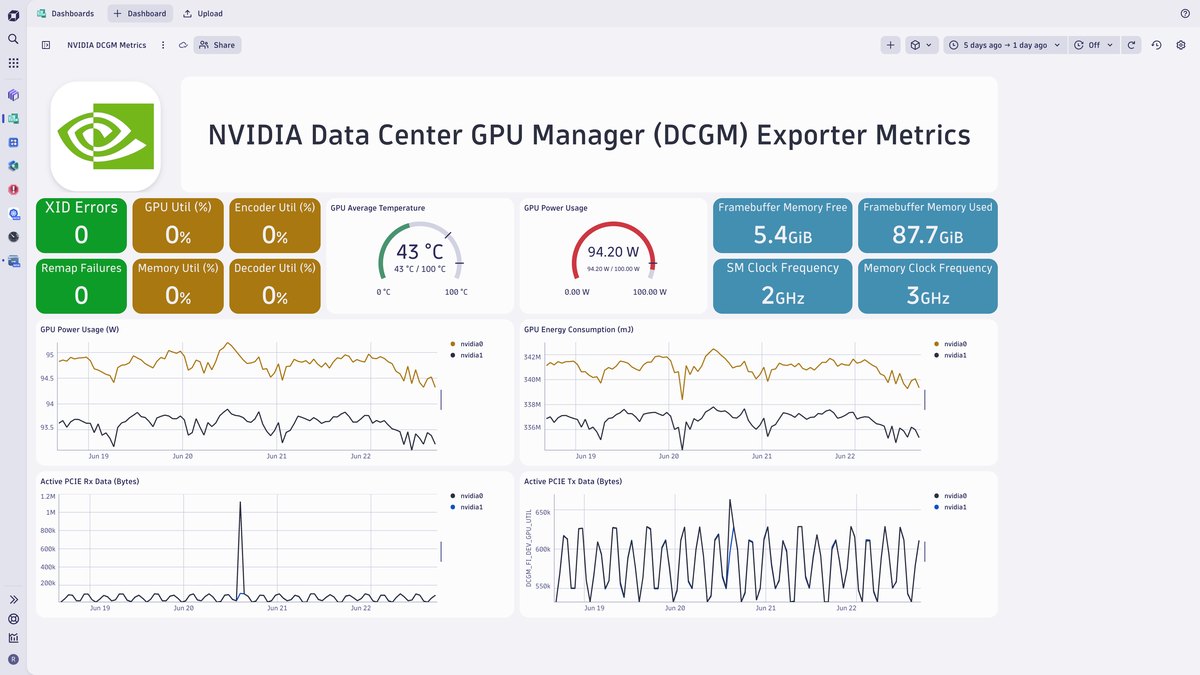
Integration: The Dynatrace Hub integration brings NVIDIA DCGM Exporter GPU data into Dynatrace with a ready-made dashboard and AI-driven analyticsMetrics: Covers GPU utilization, temperature, power usage, clock states and XID errorsRequirement: Needs a running DCGM Exporter serving its /metrics endpoint; setup steps are in NVIDIA documentationOpen source: Not described as open source on the page I readPrice: GPU monitoring is not priced separately on the pages I read; Infrastructure Monitoring is $29 per host per month and Full-Stack Monitoring is $58 per 8 GiB host per month
The Dynatrace Hub integration brings DCGM Exporter data into Dynatrace with a ready-made dashboard and AI-driven analytics, covering GPU utilization, temperature, power usage, clock states and XID errors. It needs a running DCGM Exporter. Infrastructure Monitoring is $29 per host per month and Full-Stack is $58 per 8 GiB host per month.
Go ifDynatrace customers who want DCGM GPU data on the platform they already use
Skip ifYou do not run Dynatrace or want to avoid host-based pricing
Why #7 over #8: It layers AI-driven analytics on DCGM data, where AMD’s exporter only exposes metrics.
8
AMD Device Metrics Exporter
Answrs VerdictThe official route to AMD GPU metrics in Prometheus.
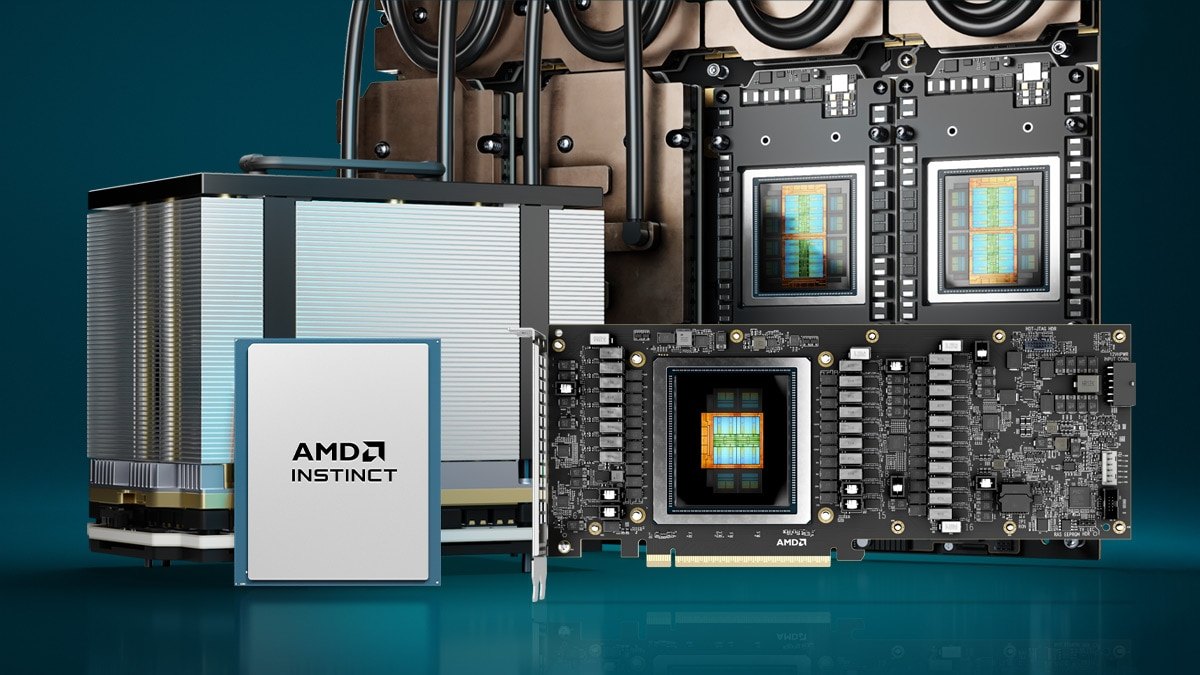
What it is: AMD says the exporter enables Prometheus-format metrics collection for AMD GPUs and NICs in HPC and AI environmentsMetrics: Edge, junction, memory and HBM temperatures, utilization, clock speeds, power and energy, VRAM usage, and PCIe bandwidth and errorsKubernetes: Kubernetes integration through a Helm chartSupport: MI2xx or MI3xx platforms need ROCm 6.2.0 or later; Ubuntu 22.04 and 24.04 are listedOpen source: The GitHub page states the project is licensed under the Apache 2.0 LicensePrice: Not published; open source under Apache 2.0
AMD’s exporter provides a Prometheus-compatible endpoint for AMD GPU temperatures, utilization, clocks, power, VRAM and PCIe metrics, with Kubernetes integration through a Helm chart. MI2xx or MI3xx platforms need ROCm 6.2.0 or later. The project states Apache 2.0, and no price is listed.
Go ifTeams running AMD Instinct GPUs that want Prometheus metrics
Skip ifYour fleet is NVIDIA-only
Why #8 over #9: It covers AMD hardware, where W&B system metrics are tied to training runs.
9
Weights & Biases System Metrics
Answrs VerdictPer-run GPU metrics, not a fleet monitor.
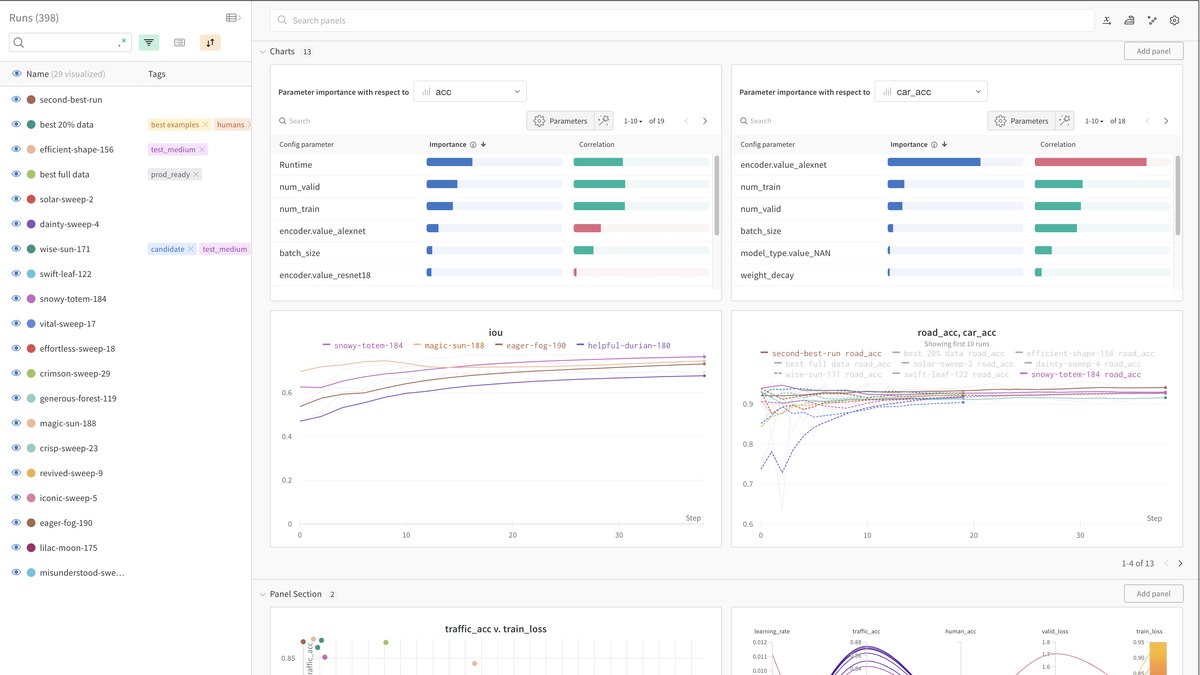
Tracked automatically: Docs say wandb automatically logs system metrics every 15 secondsNVIDIA GPU metrics: Per-GPU utilization, memory utilization, memory allocated, temperature in Celsius, and power in watts and as a percent of capacityAMD: AMD GPUs report utilization, memory allocated, temperature and power with the same tag namesOpen source: The wandb SDK repository is released under the MIT LicensePrice: Free is $0 with 5 model seats; Pro starts at $60 per month; Enterprise is custom
Weights & Biases logs system metrics automatically every 15 seconds, including per-GPU utilization, memory, temperature and power for NVIDIA GPUs, with AMD GPUs using the same tags. The SDK is MIT licensed. Free is $0 with 5 model seats and Pro starts at $60 per month.
Go ifML engineers who want GPU usage charted next to each training run
Skip ifYou need fleet-wide or always-on infrastructure monitoring outside training runs
Why #9 over #10: It charts GPU usage beside each training run, where nvtop only shows the live moment.
10
nvtop
Answrs VerdictThe fastest free terminal check, with no history or alerts.
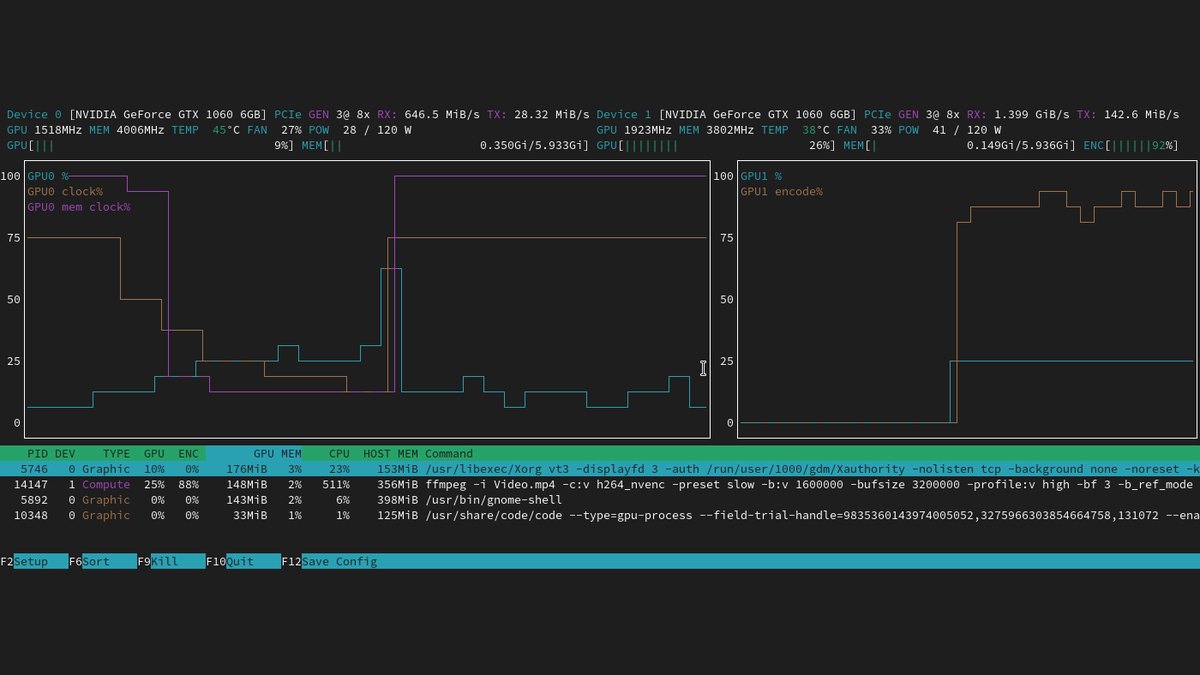
Open source: The README says NVTOP is licensed under the GPLv3 license or any later versionWhat it is: A (h)top-like task monitor for GPUs and accelerators that handles multiple devicesVendors: Supports AMD, Apple, Huawei, Intel, NVIDIA and Qualcomm, among othersPer-process usage: Shows per-process GPU usage through the kernel fdinfo interface, which needs minimum kernel versions that vary by vendorPrice: Not published; open source
nvtop is a (h)top-like task monitor for GPUs and accelerators, supporting AMD, Apple, Huawei, Intel, NVIDIA and Qualcomm, among others, with per-process GPU usage through the kernel fdinfo interface. It is licensed GPLv3 or later and is free, but it shows live data only, with no history or alerts.
Go ifQuick interactive checks on a single machine over SSH
Skip ifYou need history, alerts or a fleet view
How we ranked these
We ranked tools on how fully each one’s own documentation describes GPU metrics, health and alerting, then on open-source availability and the license shown on GitHub, then on published prices. Every fact comes from official docs, product pages, pricing pages or repositories; where a page showed no price, we say Not published. This list focuses on monitoring, not scheduling or orchestration, which our GPU orchestration list covers. New Relic, Run:ai and CAST AI were not given entries because we did not verify their GPU monitoring features and prices on official pages for this list. Ownership and pricing can change. Facts are taken from each maker's own published information; check the official site before you buy.
Questions people ask
What is the best free GPU monitoring tool?
NVIDIA DCGM ranks first: its repository states Apache 2.0 licensing, and it provides GPU telemetry, health checks, diagnostics and policies for NVIDIA data center GPUs. Prometheus and the Grafana dashboard are common free companions.
Which GPU monitoring tools are open source?
DCGM, DCGM-Exporter, Prometheus and the AMD Device Metrics Exporter list Apache licenses on GitHub; Grafana lists AGPL-3.0-only, Netdata and nvtop list GPL v3, and the wandb SDK lists MIT. Datadog, Dynatrace and Base Command Manager are not described as open source on the pages I read.
How do I monitor GPUs in Kubernetes?
A common path is DCGM-Exporter, which outputs NVIDIA GPU telemetry in the Prometheus format and includes a Helm chart, scraped by Prometheus and shown in the Grafana DCGM Exporter dashboard. For AMD GPUs, the AMD Device Metrics Exporter offers Kubernetes integration through a Helm chart.
Does Datadog charge for GPU monitoring?
The GPU Monitoring product and pricing pages I read list no price for it; they offer a free trial. Datadog Infrastructure Pro is listed from $15 per host per month billed annually.
Listed entry price of paid plans (monthly; per node or host where noted) at a glance
Netdata Business (per node)7 USD per month
Datadog Infrastructure Pro (per host)15 USD per month
Grafana Cloud Pro platform fee19 USD per month
Dynatrace Infrastructure Monitoring (per host)29 USD per month
W&B Pro60 USD per month
Listed entry price of paid plans (monthly; per node or host where noted), as published by each maker. Picks without a published figure are left off.