How Do You Deploy AI Models at the Edge in 2027?
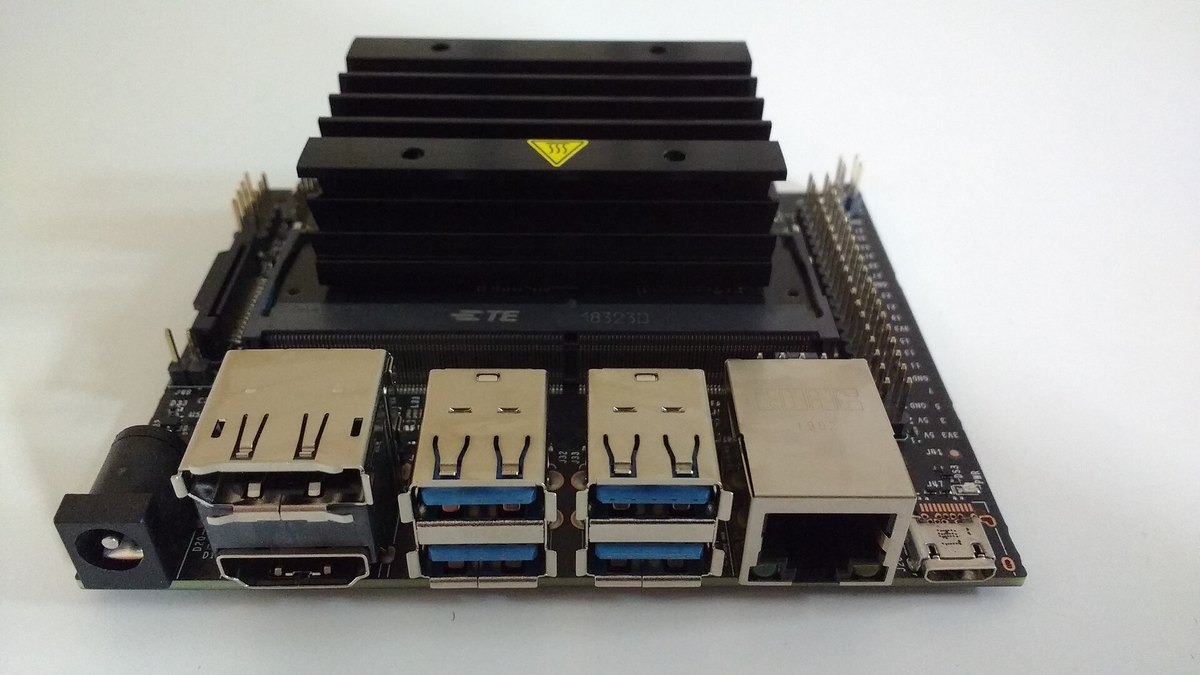
You deploy an AI model at the edge in five moves: pick the target hardware first, shrink the model to fit it, convert it to a runtime built for that hardware, roll it out and update it over the air, and monitor the devices once it is live. The order matters, because the chip you target decides which formats, runtimes and compression schemes will actually run fast.
In practice that means choosing a device class (for example an NVIDIA Jetson module, a Raspberry Pi, a phone, or an Intel or Qualcomm platform), compressing the trained model with quantization, pruning or distillation, exporting it to a portable format such as ONNX or LiteRT and compiling it with the vendor runtime, then using a fleet tool such as AWS IoT Greengrass or Azure IoT Edge to push versioned deployments to groups of devices.
This page sticks to what each vendor's own documentation says. Where a vendor publishes a performance figure it is labelled as a vendor claim, and there are no latency or size-reduction numbers here beyond the ones the docs state. Always benchmark on your own device with your own model, because the vendors say themselves that results vary by model, precision and hardware.
Pick the target hardware first
Edge hardware ranges from microcontrollers and single-board computers to GPU modules and phones, and every choice narrows your toolchain. A model that is fast on a Jetson GPU may need a different export path for a phone NPU or an Intel platform, so decide the target before you tune anything.
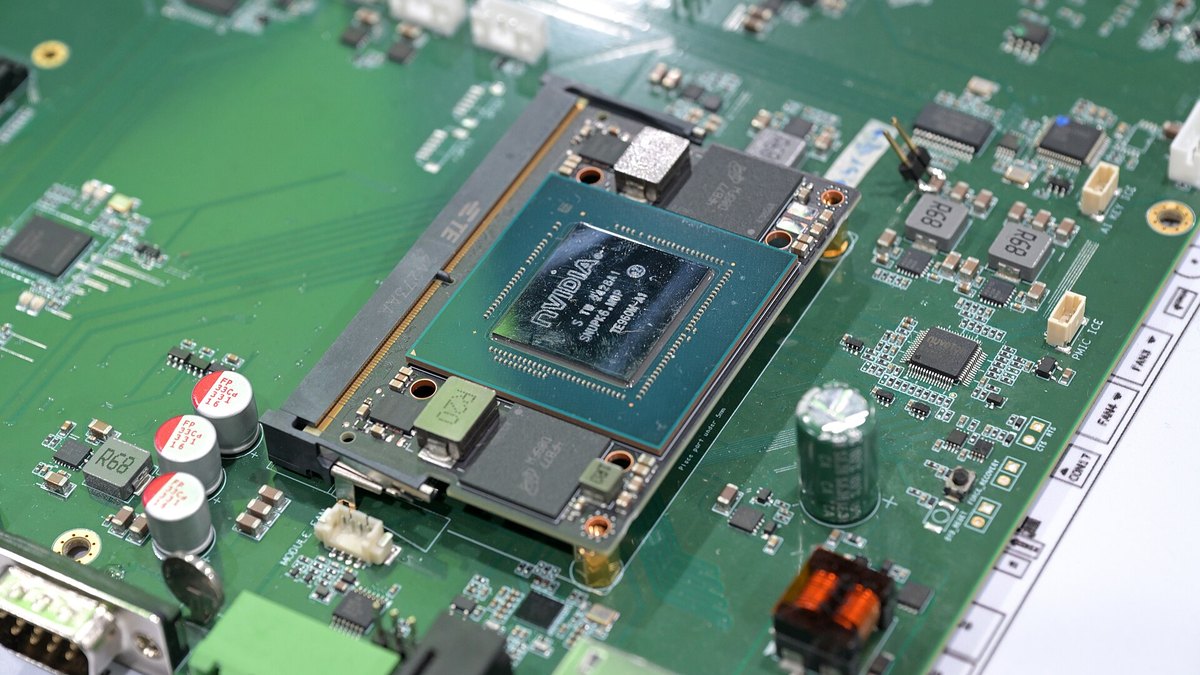
NVIDIA Jetson describes its modules as delivering accelerated AI performance at the edge in a compact, power-efficient form, built on the JetPack SDK. NVIDIA publishes its own headline figures for the lineup. These are vendor claims, not independent measurements:
- Jetson Thor series (NVIDIA claim)Up to 2070 FP4 TFLOPS of AI compute and 128 GB of memory, power configurable between 40 W and 130 W
- Jetson AGX Orin series (NVIDIA claim)Up to 275 TOPS
- Jetson Orin Nano series (NVIDIA claim)Up to 67 TOPS, with power options between 7 W and 25 W
Treat peak TOPS as a ceiling, not a forecast. Ask three practical questions instead: what is the power and thermal budget, which runtime and accelerator does the vendor support for your model type, and how will the device be updated in the field? The last question is why the deployment tooling later in this page belongs in the hardware decision, not after it.
Shrink the model: quantization, pruning and distillation
Edge devices have tight limits on compute, memory and power. The TensorFlow Model Optimization Toolkit says exactly this: on edge devices such as mobile and IoT, resources are constrained, so model size and computational efficiency become a major concern. It lists the main techniques:
- Quantization. Reduce the precision of the numbers the model uses, for example from 32-bit floating point to 8-bit integers.
- Pruning. Reduce the parameter count by removing or zeroing weights that matter least.
- Distillation and a more efficient topology. The same guide lists tensor decomposition and distillation as ways to move to a more efficient model structure.
Quantization is the technique with the clearest published numbers. Google's LiteRT post-training quantization guide tabulates what each mode buys you (these are Google's figures for its converter, and your model will differ):
- Dynamic range quantization4x smaller, 2x-3x speedup, runs on CPU
- Full integer quantization4x smaller, 3x+ speedup, runs on CPU, Edge TPU and microcontrollers
- Float16 quantization2x smaller, GPU acceleration, runs on CPU and GPU
Full integer quantization needs a representative dataset so the converter can calibrate activation ranges. Google says a small subset of around 100-500 samples of your training or validation data is enough for that purpose. It also recommends converting to a float model first as a baseline, so that if the quantized model misbehaves you can tell whether the error came from quantization.
Other toolchains expose the same ideas. ONNX Runtime provides Python APIs that convert a 32-bit floating point model to an 8-bit integer model, with pre-processing, dynamic and static quantization and debugging tools. Apple's Core ML Tools support palettization, linear quantization (INT4 and INT8 weights, INT8 activations) and pruning, and say the techniques can be combined. Intel's OpenVINO documents NNCF for post-training quantization, quantization-aware training and filter pruning of convolutional models.
Convert the model for an edge runtime
Once the model is small enough, export it to an interchange or runtime format and compile it for the target. The main official options, and what their own docs say:
- ONNX Runtime. Runs ONNX models through pluggable execution providers that hand sub-graphs to the hardware library for your platform. The docs list providers for NVIDIA CUDA and TensorRT, Intel OpenVINO, Qualcomm QNN, Android NNAPI, Apple CoreML and XNNPACK, among others, with some marked as preview, and the same API is used across all of them. For size-limited targets it offers a reduced-size build that uses the ORT model format.
- LiteRT (formerly TensorFlow Lite). Google's on-device framework has documentation sections for Android, iOS and macOS, web, desktop and embedded and IoT, including a guide for Linux-based devices with Python and a migration guide from TensorFlow Lite.
- NVIDIA TensorRT. The TensorRT quick start describes an SDK that turns a trained model into a fast, GPU-specific program. Its builder compiles the model into a serialized, hardware-specific engine, usually starting from an ONNX export. Because the engine is hardware-specific, build it for the device you ship, and note that NVIDIA says the speedup depends on the model, precision, batch size and GPU.
- Intel OpenVINO. The OpenVINO documentation covers converting models from PyTorch, TensorFlow, ONNX and TensorFlow Lite before optimizing and running them.
- Apple Core ML. Core ML Tools is the conversion and compression path for models that will run on Apple hardware.
- Qualcomm AI Hub. AI Hub Workbench converts PyTorch and ONNX models for Qualcomm devices, profiles them on real hosted devices for runtime, load time and compute unit utilization, checks numerical correctness, and targets Qualcomm AI Runtime, TensorFlow Lite or ONNX Runtime.
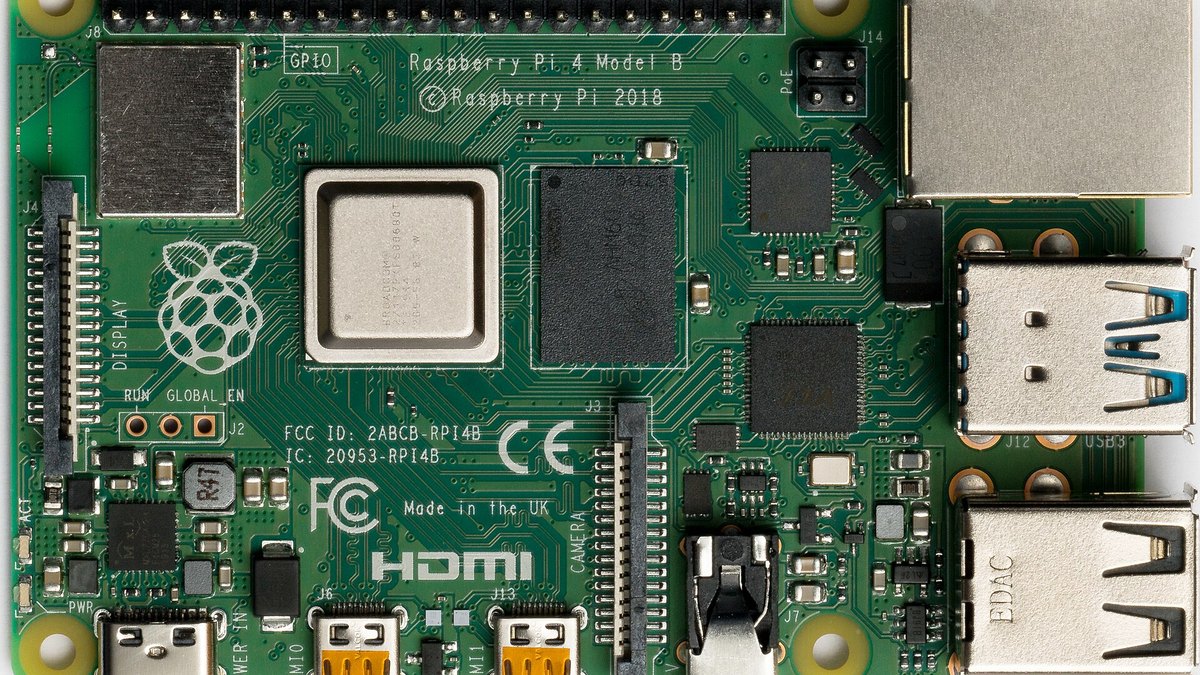
If your target is a small Linux board, ONNX Runtime publishes a Raspberry Pi tutorial under its IoT and edge section that runs a MobileNet ONNX model from the model zoo. After conversion, always check accuracy against the original model on a held-out set, and compare latency on the device itself rather than on your development machine.
Deploy and update the model over the air
A model that ships once and never changes is rare. You need a way to push new versions to many devices safely, and to know which devices took the update. Two managed options with official documentation:
- AWS IoT Greengrass. AWS describes Greengrass as an open source IoT edge runtime and cloud service for building, deploying and managing IoT applications, including running predictions from machine learning models locally. Its deployments send components to devices or groups of devices through AWS IoT Core jobs, with configurable rollout, and a core device checks that components are compatible before it applies them. For ML specifically, the inference guide splits the work into model, runtime and inference components, so you can train in the cloud and run locally.
- Azure IoT Edge. Microsoft describes IoT Edge as a device-focused runtime to deploy, run and monitor containerized Linux applications, with offline decision-making as a stated benefit. With automatic deployments, an operator writes a deployment manifest, targets devices by tags in the device twin, and the service reports status back, for example when a device is not configured successfully or a module fails at runtime. Devices that come online later are configured for the deployment too.
If you run Jetson devices directly, NVIDIA's JetPack page says Jetson Linux includes secure OTA updates and describes over-the-air updates as remote delivery of software and security upgrades without manual intervention. Model size matters here too: the TensorFlow Model Optimization Toolkit lists reducing payload size for over-the-air model updates as one of the reasons to compress a model.
Monitor the fleet after launch
An edge model degrades quietly: input data drifts, a device runs hot, or an update half-applies. Plan for visibility from day one, and plan for devices that are sometimes offline.
On Azure IoT Edge, Microsoft documents a metrics collector module that you add to your deployment. Workload modules emit metrics in the Prometheus data model, the collector pulls them, and the data goes to a Log Analytics custom table or to IoT Hub, so you can watch the fleet in Azure Monitor. On Greengrass, the deployment layer reports whether a rollout reached each device. Qualcomm's AI Hub is a pre-deployment aid rather than a fleet monitor, but its on-device profiling is a good baseline to compare production behavior against.
- Deployment health. Which devices run which model version, and which failed to apply the last update.
- Runtime metrics. Inference latency, memory, temperature and power on the device itself, collected locally and sent when a connection exists.
- Model quality. Sample inputs and outputs, with consent and privacy rules respected, so you can spot drift and decide when to retrain.
Keep the previous model version available so a bad rollout can be reversed, and roll out to a small group of devices before the whole fleet.
Common mistakes to avoid
- Benchmarking on the wrong machine. NVIDIA, Apple and Google all say results depend on the model and hardware. Test on the device you will ship.
- Quantizing without a baseline. Convert to a float edge model first, as Google recommends, so you can separate conversion problems from quantization problems.
- Trusting peak figures. Headline TOPS numbers are vendor claims. Your model, precision and power mode set the real result.
- Ignoring the update path. Choose the fleet tool and the OTA story while choosing hardware, not after the first field failure.
Questions people ask
What does it mean to deploy an AI model at the edge?
It means running inference on or near the device that produces the data, such as a camera, gateway or phone, instead of sending everything to a cloud service. Microsoft's IoT Edge documentation describes the benefits as faster insights, offline decision-making and sending only insights to the cloud rather than raw data, and AWS describes Greengrass the same way: devices act locally on the data they generate.
Do I have to quantize a model before running it at the edge?
Not always, but edge hardware is constrained, and the TensorFlow Model Optimization Toolkit lists quantization and pruning as the main ways to cut size and compute. Some accelerators need integer models. Google's guide notes that full integer quantization is needed for integer-only hardware. Start from a float baseline, then quantize and compare accuracy.
Which runtime should I choose: ONNX Runtime, LiteRT, TensorRT, OpenVINO or Core ML?
Choose by target hardware. TensorRT builds engines specific to NVIDIA GPUs, OpenVINO targets Intel platforms, Core ML targets Apple hardware, and Qualcomm AI Hub targets Qualcomm devices. ONNX Runtime and LiteRT are broader and can reach several of these through execution providers or delegates, so they are common choices when you support mixed hardware.
How do I update edge models without visiting each device?
Use a fleet deployment service. AWS IoT Greengrass deploys components to devices or groups through AWS IoT Core jobs, Azure IoT Edge applies deployment manifests to tagged devices, and NVIDIA documents OTA updates for Jetson Linux. Compressing the model also shrinks the over-the-air payload.
Can the vendor TOPS figures predict how fast my model will run?
No. They are peak numbers published by the vendor. NVIDIA's own TensorRT guide says the actual speedup depends on the model, precision, batch size and GPU, and points to MLPerf inference submissions for comparative numbers. Benchmark your own model on your own device.
Sources
- NVIDIA Jetson modules · Jetson lineup and NVIDIA's own performance claims
- NVIDIA JetPack · Jetson software stack and OTA updates
- NVIDIA TensorRT quick start · Building hardware-specific engines from ONNX
- Google LiteRT · On-device framework and embedded and IoT guides
- LiteRT post-training quantization · Quantization modes and calibration data
- TensorFlow Model Optimization Toolkit · Quantization, pruning, distillation and OTA payload size
- ONNX Runtime quantization · 8-bit quantization of ONNX models
- ONNX Runtime execution providers · Hardware backends
- ONNX Runtime ORT format · Reduced-size builds
- ONNX Runtime on Raspberry Pi · IoT and edge tutorial
- Intel OpenVINO documentation · Model conversion and NNCF optimization
- Apple Core ML Tools · Compression for Core ML models
- Qualcomm AI Hub Workbench · Optimize, profile and deploy on Qualcomm devices
- AWS IoT Greengrass · Edge runtime overview and Version 1 end of support
- AWS IoT Greengrass deployments · Rolling out components to devices
- AWS IoT Greengrass ML inference · Model, runtime and inference components
- Azure IoT Edge · Containerized edge runtime
- Azure IoT Edge automatic deployments · Deployment manifests and fleet status
- Azure IoT Edge metrics · Monitoring with Azure Monitor
Documentation read on October 21, 2026; vendor pages change often, so re-check versions and support dates before you commit to a toolchain. Photos: Thomas Amberg, 4300streetcar and Laserlicht via Wikimedia Commons.
Top photo: Thomas Amberg / CC BY-SA 2.0 via Wikimedia Commons