How Do You Measure and Improve GPU Utilization in 2027?
You measure GPU utilization in layers. Start with nvidia-smi for a quick reading, collect DCGM metrics continuously for fleet-wide trends, and use a profiler such as Nsight Systems or the PyTorch profiler to see why a GPU sits idle. You improve it by finding the bottleneck the profiler shows, then fixing that: keeping the GPU fed with data, overlapping work, and packing more jobs onto the hardware you already have.
The key caveat is in NVIDIA's own definition. The basic nvidia-smi figure is the percent of time over the past sample period during which one or more kernels was executing on the GPU. A GPU can read as busy while using only a small part of its compute, so pair it with finer metrics such as SM activity and tensor-pipe activity.
No source cited here publishes a standard "good" utilization target, so none is given. Set your own baseline from your own workloads, then measure again after each change.
What nvidia-smi utilization actually means
nvidia-smi is a command line utility built on the NVIDIA Management Library (NVML), and it can report query information as XML or human readable plain text. It is the fastest way to look at a GPU.
- GPU utilization"Percent of time over the past sample period during which one or more kernels was executing on the GPU."
- Memory utilization"Percent of time over the past sample period during which global (device) memory was being read or written."
- Sample periodBetween 1 second and 1/6 second depending on the product
Source: NVIDIA nvidia-smi documentation. Read the definition carefully. It measures time, not how much of the chip was working. One small kernel running all the time can show a high number while most of the processors sit idle. Memory utilization likewise is the share of time memory was being read or written, not how full the memory is.
For a rolling view, the same documentation lists a dmon mode whose utilization option reports SM, memory, encoder, decoder, JPEG and OFA utilization in percent, sampled every 1 sec by default.
Collect richer metrics with DCGM
NVIDIA's Data Center GPU Manager (DCGM) adds profiling metrics that say more than a single busy percentage. The DCGM feature overview lists these device-level fields:
- Graphics engine active (field 1001). The fraction of time any portion of the graphics or compute engines were active.
- SM active (1002). The fraction of time at least one warp was active on a multiprocessor, averaged over all multiprocessors.
- SM occupancy (1003). The fraction of resident warps on a multiprocessor, relative to the maximum number of concurrent warps.
- Tensor active (1004). The fraction of cycles the tensor (HMMA / IMMA) pipe was active.
- DRAM active (1005). The fraction of cycles where data was sent to or received from device memory.
Read them together. High graphics engine activity with low SM active suggests kernels that touch few multiprocessors. Low tensor activity on a matrix-heavy model can hint that work is not reaching the tensor cores. High DRAM activity points to a memory-bound job rather than an idle one. These are signals to investigate, not verdicts.
To keep this running across a cluster, DCGM-Exporter exposes NVIDIA GPU telemetry from DCGM in the Prometheus text format, and its repository includes a Helm chart and dashboards.
Find the bottleneck with a profiler
Metrics tell you that a GPU is idle. A profiler tells you why. Two options with official documentation:
- Nsight Systems. The Nsight Systems User Guide documents command line options to collect GPU Metrics from specified devices and to set the GPU Metrics sampling frequency, and its Timeline View projects marked ranges onto the GPU timeline so you can see gaps between kernels.
- PyTorch profiler. The PyTorch profiler recipe describes a simple profiler API for finding the most expensive operators. Its CPU activity covers PyTorch operators and your own labeled code, its CUDA activity covers on-device kernels, and results can be exported as a .json trace to view in the Chrome trace viewer.
In a trace, look for gaps between kernels (the GPU is waiting), long stretches on the CPU side (data loading or preprocessing), and many tiny kernels (launch overhead). Which one dominates decides your fix.
How to improve utilization
None of the sources cited here publish a typical improvement percentage, so no gains are promised. These are the usual levers, each tied to what the measurements show:
- GPU waits for data. Move loading and preprocessing off the critical path, run it in parallel with compute, and check that storage and network keep up.
- Many tiny kernels. Batch work or combine operations so each launch does more.
- Low tensor activity. Check precision and shapes so matrix work can reach the tensor pipe.
- Memory-bound job. High DRAM activity with low compute activity means the fix is less data movement, not more compute.
- Small jobs on a big GPU. Share the device, as covered next.
Change one thing at a time and re-measure with the same metric, otherwise you cannot tell which change helped.
Sharing GPUs on Kubernetes
The Kubernetes GPU scheduling guide says that once a vendor device plugin is installed, the cluster exposes a schedulable resource such as nvidia.com/gpu. GPUs are only supposed to be specified in the limits section: you can give limits without requests, or both if they are equal, but not requests without limits. The page's example requests 1 GPU, and it does not say whether containers can share a GPU or ask for a fraction, so check your vendor's plugin.
That whole-GPU default is a common source of waste, because a small job can hold an entire GPU. NVIDIA documents two ways around it:
- MIG. The MIG User Guide says MIG lets users schedule jobs on virtual GPU instances as if they were physical GPUs, with a GPU partitioned into up to seven separate instances, on GPUs starting with the NVIDIA Ampere architecture.
- Time-slicing. The GPU Operator documentation says time-slicing lets workloads on oversubscribed GPUs interleave with one another, but unlike MIG there is no memory or fault-isolation between replicas.
Pick MIG when jobs must be isolated, and time-slicing only for workloads that can tolerate sharing memory and faults.
Questions people ask
What does nvidia-smi GPU utilization measure?
NVIDIA defines it as the percent of time over the past sample period during which one or more kernels was executing on the GPU. It is a time measure, not a measure of how much of the chip is used. Source: NVIDIA.
Can a GPU show high utilization and still be wasted?
Yes. Because the basic figure counts time with any kernel running, finer DCGM metrics such as SM active and tensor active give a better picture. Source: DCGM feature overview.
How do I monitor GPUs across a Kubernetes cluster?
DCGM-Exporter exposes DCGM telemetry in the Prometheus text format and ships a Helm chart and dashboards. Source: DCGM-Exporter.
What is a good GPU utilization number?
None of the sources cited here publish a standard target, so this page does not give one. Measure your own baseline and compare against it after each change.
MIG or time-slicing?
MIG partitions a GPU into up to seven instances, while time-slicing has no memory or fault isolation between replicas. Sources: MIG guide, GPU Operator.
Sources
- NVIDIA nvidia-smi documentation · GPU and memory utilization definitions, sample period, dmon
- NVIDIA DCGM feature overview · Profiling metrics and field IDs
- NVIDIA DCGM-Exporter · Prometheus export of GPU telemetry
- NVIDIA Nsight Systems User Guide · GPU Metrics collection and timeline
- PyTorch profiler recipe · Operator and kernel profiling, trace export
- Kubernetes: Schedule GPUs · Device plugins and GPU limits
- NVIDIA MIG User Guide · GPU partitioning
- NVIDIA GPU Operator: GPU sharing · Time-slicing and its caveat
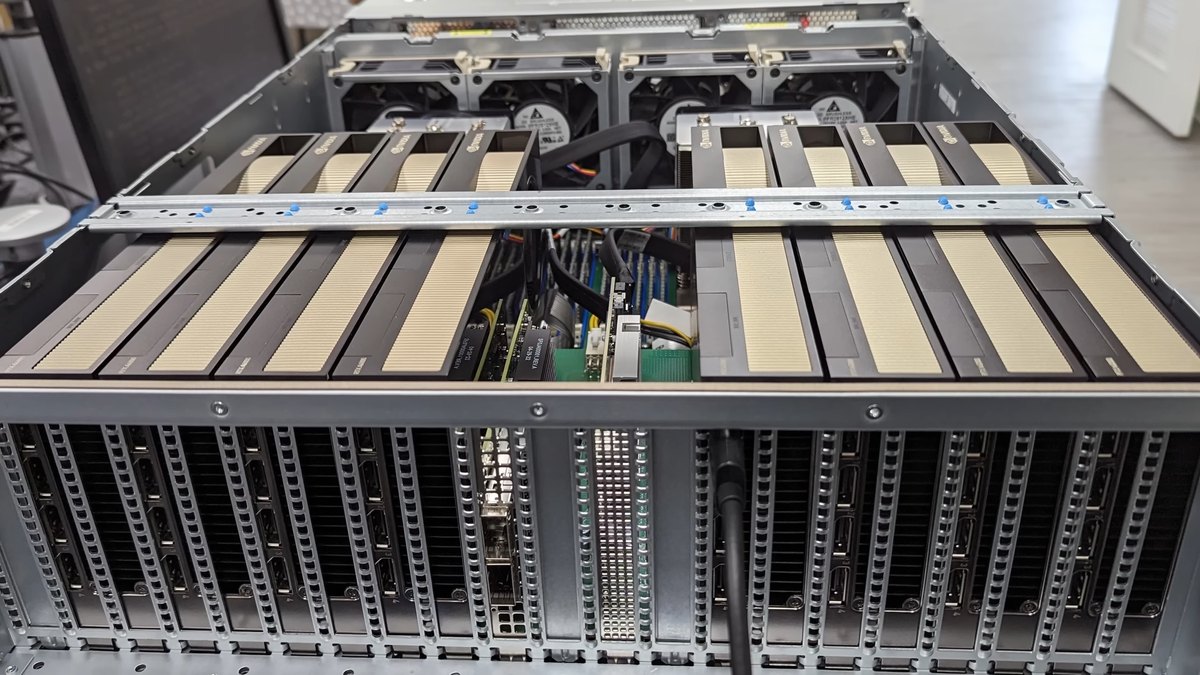
Statements were read on the linked pages on October 22, 2026. Tools and defaults change with driver and software versions. Photo: Lawrence Systems, CC BY 3.0, via Wikimedia Commons.
Top photo: Lawrence Systems / CC BY 3.0 via Wikimedia Commons