How Do You Reduce GPU Costs When Serving Large Language Models in 2027?
You reduce GPU costs by getting more tokens out of each GPU-hour and then paying less for those hours. In practice that means serve with continuous batching and a paged KV cache, shrink the model with quantization, send easy requests to smaller models, and buy the GPU time cheaply with the right card, spot capacity or commitments, scaled to match traffic.
The order matters. Software that raises throughput on the hardware you already rent comes first because it is cheap to try; pricing choices come after, because discounts on an idle or badly packed GPU still waste money.
No source used here publishes a single typical percentage saving for the whole stack, so none is given. Every speedup below names its source and its test conditions, and most are best cases on specific models and GPUs, so measure on your own traffic.
Batch requests continuously
A GPU serving one request at a time is mostly idle. Continuous batching lets new requests join a running batch as others finish, instead of waiting for the slowest sequence. TensorRT-LLM calls this in-flight batching and supports it, and vLLM is built around the same idea.
Anyscale measured the effect on Meta's OPT-13B on a single NVIDIA A100 40GB, using 1000 sequences with 512 input tokens each and output lengths averaging 128 tokens, submitted in a burst. Against naive static batching with Hugging Face Pipelines, it reports up to 23x higher throughput when continuous batching is combined with vLLM's memory optimizations, 8x on Ray Serve and Hugging Face's text-generation-inference, and 4x for FasterTransformer's static batching.
Stop wasting memory on the KV cache
Each running sequence holds a KV cache, and it is large: the vLLM team says it takes up to 1.7GB for a single sequence in LLaMA-13B. They found that existing systems waste 60% to 80% of memory through fragmentation and over-reservation, and that PagedAttention, which stores keys and values in non-contiguous blocks, cuts that waste to under 4%. More free memory means bigger batches on the same GPU.
Their reported result: up to 24x higher throughput than Hugging Face Transformers and up to 3.5x higher than TGI, tested with LLaMA-7B on an NVIDIA A10G and LLaMA-13B on an A100 40GB, with request lengths sampled from the ShareGPT dataset. TensorRT-LLM also offers a paged KV cache that splits the cache into blocks recycled from a pool.
If many requests share a long prefix, such as a system prompt or a document, vLLM's automatic prefix caching reuses the cache so the shared part is not recomputed. The docs note it only reduces prefill time, not the decoding phase, so it does not help when answers are long or prompts share nothing. For repeated whole questions, see our guide to semantic caching.
Quantize the model
Quantization stores weights in fewer bits. vLLM's docs put it plainly: it trades off model precision for a smaller memory footprint. A smaller model fits on a cheaper GPU or leaves more room for the KV cache. vLLM lists AutoAWQ, BitsAndBytes, GPTQModel, LLM Compressor formats such as FP8 W8A8 and INT4 W4A16, NVIDIA Model Optimizer, TorchAO and a quantized KV cache among its options. Those docs make no speed claims.
The GPTQ paper shows what is possible: 175-billion-parameter GPT models quantized in about four GPU hours to 3 or 4 bits per weight with negligible accuracy degradation, and end-to-end speedups over FP16 of around 3.25x on an NVIDIA A100 and 4.5x on the cheaper NVIDIA A6000. Those are research results on specific models; always run your own quality evaluation before and after, since accuracy loss varies by model and task.
Use speculative decoding where it fits
Speculative decoding has a small draft model propose several tokens that the big model verifies in one pass. The original paper demonstrated a 2X-3X acceleration on T5-XXL against the standard T5X implementation with identical outputs.
It is not a universal win. vLLM's docs say it is meant to reduce inter-token latency under medium-to-low query rates in memory-bound workloads, and that real gains depend on model family, traffic pattern, hardware and sampling settings. At peak load, with GPUs already saturated by large batches, the benefit shrinks. It mainly improves latency, so treat it as a cost tool only if it lets you serve the same latency target with fewer GPUs.
Use smaller models and route requests
Most traffic does not need your largest model. Two published ideas apply. Distillation trains a small model to imitate a big one: the DistilBERT paper reduced a BERT model by 40%, retained 97% of its language understanding and ran 60% faster. That is an encoder model, not a chat LLM, so it shows the method rather than a number you can expect.
Routing sends each query to the cheapest model that can handle it. The FrugalGPT paper describes an LLM cascade and reports that it can match the best single LLM, GPT-4 in their tests, with up to 98% cost reduction, or improve accuracy over GPT-4 by 4% at the same cost. That is a ceiling from one set of benchmarks, and it measures API spend rather than GPU hours, but the same logic applies to self-hosted fleets: a small model on a small GPU answers the easy cases.
Right-size the GPU
The biggest GPU is not always the cheapest per token. NVIDIA's H200 has 141 GB of HBM3e at 4.8 TB/s, which suits large models and big batches. NVIDIA's own claim is 1.9X faster Llama2 throughput than an H100, but the footnote shows the H200 run used batch size 32 against 8 on the H100, so it is not a like-for-like speed comparison.
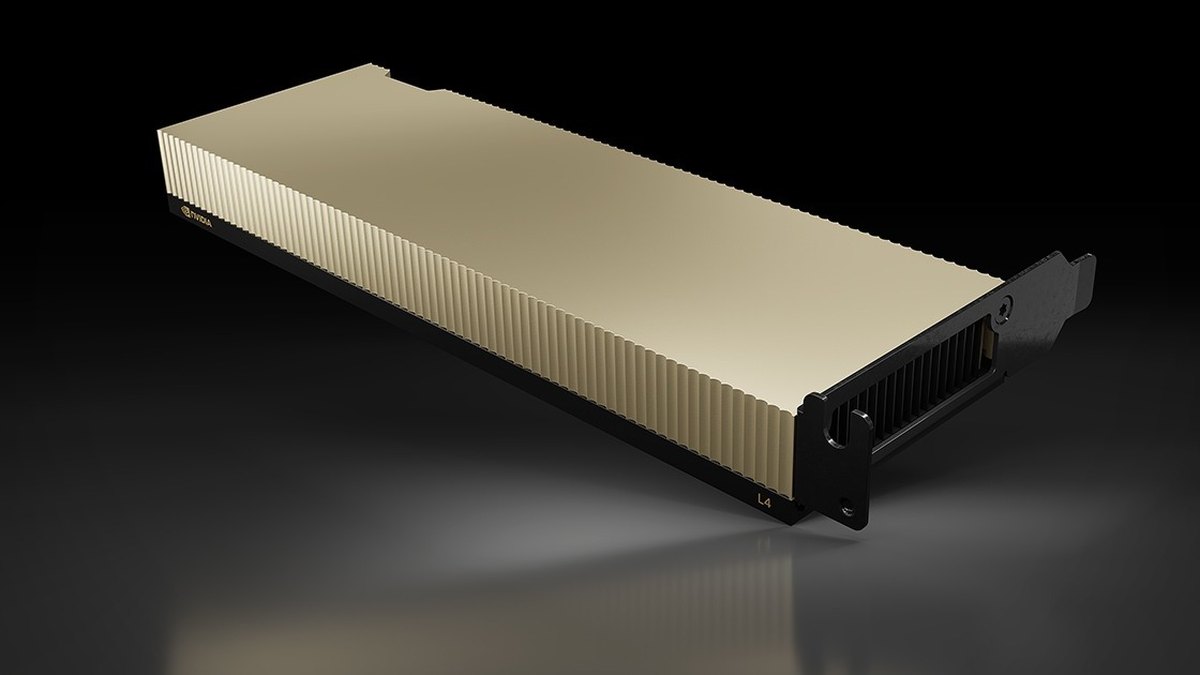
At the other end, the L4 has 24GB of memory in a 72W power envelope, and NVIDIA claims up to 2.5X the generative AI performance of the previous generation on Stable Diffusion image generation (L4 against T4, FP16). Whether a small card is cheaper for your model depends on whether the weights and KV cache fit, so quantization and card choice go together. Price each candidate in dollars per million tokens on your own workload; no vendor page used here publishes that figure for your model.
Buy GPU time cheaper: spot and commitments
Cloud list prices are the ceiling. AWS says Spot Instances are available at a discount of up to 90% off On-Demand pricing, and Google Cloud says Spot VMs offer discounts of up to 91% off the on-demand price, including for GPUs. The trade is that capacity can be reclaimed: on Google Cloud the preemption notice defaults to 0 seconds and can be set to 120 seconds, so spot suits stateless replicas, batch and offline inference with retries, and a mixed fleet with an on-demand baseline, not your only copy of a latency-critical service.
For steady baseline load, commitments help. AWS Savings Plans say Compute Savings Plans can reduce costs by up to 66% and EC2 Instance Savings Plans by up to 72%, on a 1 or 3 year term. Those are maximums, and discounts differ by instance family, region and GPU availability, so check the current rate for the exact instance you run.
Autoscale to traffic
A GPU that is allocated but idle at night is pure waste. On Kubernetes, the Horizontal Pod Autoscaler adjusts replicas to match demand using CPU, memory or any custom metric you specify, and scales back down when load falls, with a control loop that by default runs every 15 seconds. For LLM serving, CPU is a poor signal; scale on queue depth, requests in flight or GPU-level metrics exposed as custom metrics.
Remember that loading a large model takes time, so keep a minimum replica count for latency-sensitive endpoints and let only the burst capacity (ideally spot) scale down. No source used here publishes a standard model start-up time, since it depends on model size and storage.
Questions people ask
What is the single biggest lever for cutting GPU costs?
There is no published single answer. The largest reported gains come from serving software: Anyscale reports up to 23x from continuous batching with vLLM and the vLLM team reports up to 24x over Hugging Face Transformers, but both are best cases against simple baselines on specific models. Gains over a tuned server will be smaller.
Does quantization hurt quality?
It can. The GPTQ paper reports negligible accuracy degradation at 3 or 4 bits for the models it tested, while vLLM's docs describe quantization as trading off precision for a smaller memory footprint. Evaluate on your own tasks before rolling it out.
Is spot capacity safe for production LLM serving?
Only with a plan for interruptions. Google Cloud's preemption notice defaults to 0 seconds and can be set to 120 seconds, so keep an on-demand or committed baseline and run spot as extra replicas or for batch work.
When does speculative decoding not help?
vLLM's docs say it targets medium-to-low query rates in memory-bound workloads, and that real gains depend on model, traffic and hardware. It mainly cuts latency, so it may not lower cost on a saturated fleet.
Should I use a smaller model instead of a bigger GPU?
Often the two together work best: route easy requests to a smaller, possibly distilled or quantized model, and keep the large model for hard ones. FrugalGPT reports up to 98% API cost reduction from cascading, a ceiling from its own benchmarks.
Does prefix caching reduce costs?
When many requests share a long prefix, yes, because the shared part is not recomputed. vLLM's docs say it only reduces prefill time and does not speed up decoding.
Sources
- vLLM: Easy, fast, and cheap LLM serving with PagedAttention · KV cache waste and throughput figures
- Anyscale: Continuous batching for LLM inference · Batching benchmark and conditions
- TensorRT-LLM docs: attention, in-flight batching, paged KV cache · In-flight batching and paged KV cache
- vLLM docs: Automatic prefix caching · What prefix caching does and does not help
- vLLM docs: Quantization · Supported quantization methods
- GPTQ paper (arXiv 2210.17323) · Post-training quantization results
- Fast Inference from Transformers via Speculative Decoding (arXiv 2211.17192) · Original speculative decoding result
- vLLM docs: Speculative decoding · When it helps and caveats
- DistilBERT paper (arXiv 1910.01108) · Distillation size and speed
- FrugalGPT paper (arXiv 2305.05176) · LLM cascades and cost reduction
- NVIDIA H200 · Memory specs and benchmark footnotes
- NVIDIA L4 · Memory, power and benchmark footnote
- AWS: EC2 Spot pricing · Spot discount
- AWS: Savings Plans compute pricing · Commitment discounts
- Google Cloud: Spot VMs · Spot discount and preemption notice
- Kubernetes: Horizontal Pod Autoscaling · Autoscaling on custom metrics
Figures were read from the linked pages on October 19, 2026. Benchmarks are the publishers' own, on the models, GPUs and workloads named; prices and discounts change. Test on your own traffic before committing.
Top photo: Carl Lender / CC BY 2.0 via Wikimedia Commons