answrsnow
Electronics · Top 10

Top 10 NAS Devices in 2027
By Kory White · Updated Oct 2026 · 4 min read
Synology DS925+
Direct answer

The Synology DS925+ is the best NAS overall: 4 bays, two M.2 NVMe slots and two 2.5GbE ports. The Synology DS1525+ is #2 with 5 bays, and the UGREEN NASync DXP4800 Plus is #3 with 10GbE at $656.99.

At a glance

#PickDrive baysBest for
1Synology DS925+4 bays + 2 M.2 NVMe slotsThe best all-round 4-bay NAS for a home or small office
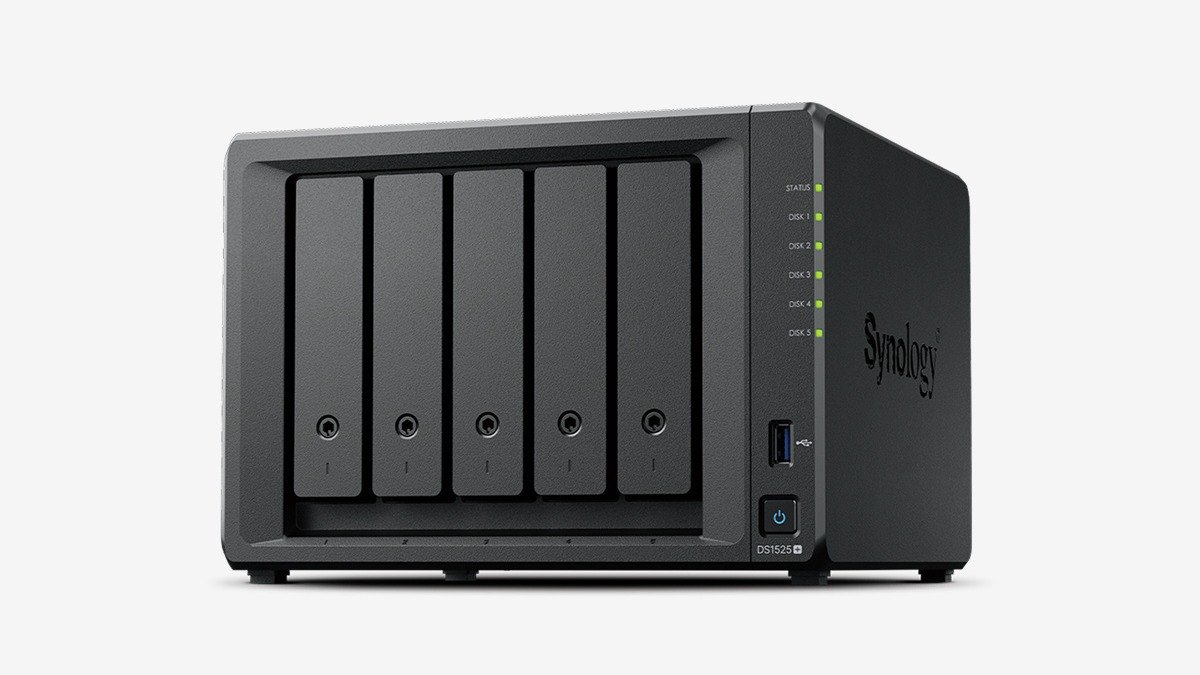
2Synology DS1525+5 bays + 2 M.2 NVMe slotsRoom to grow and a 10GbE upgrade path
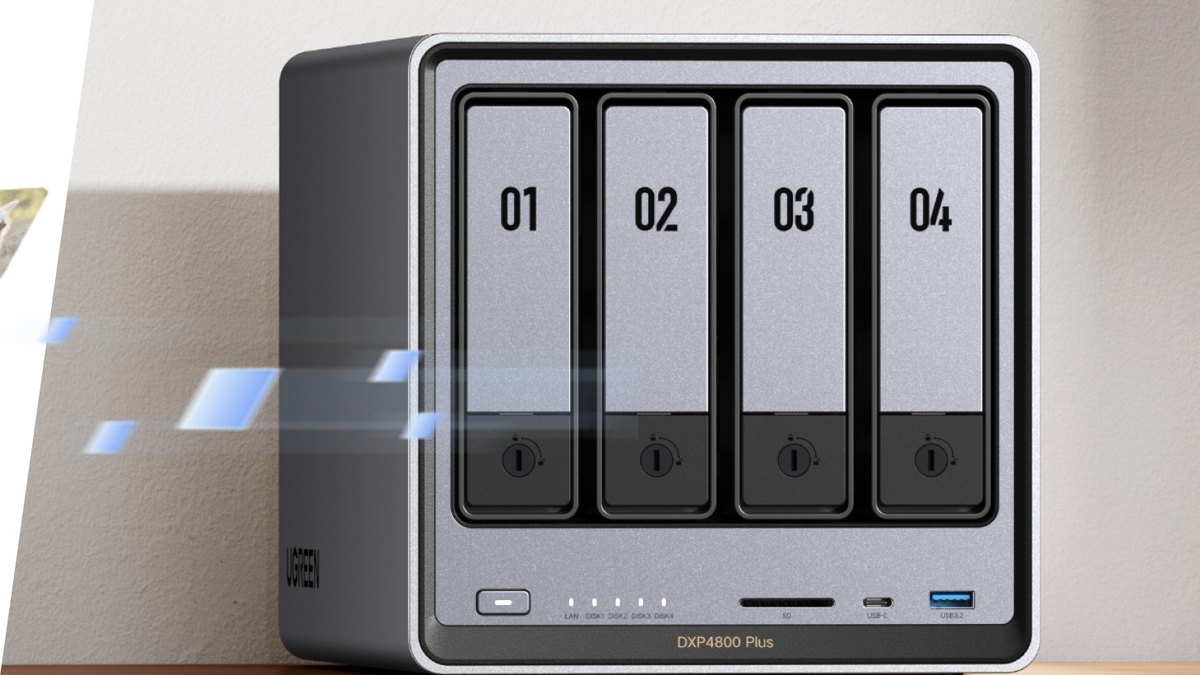
3UGREEN NASync DXP4800 Plus4 baysBuilt-in 10GbE at a published price
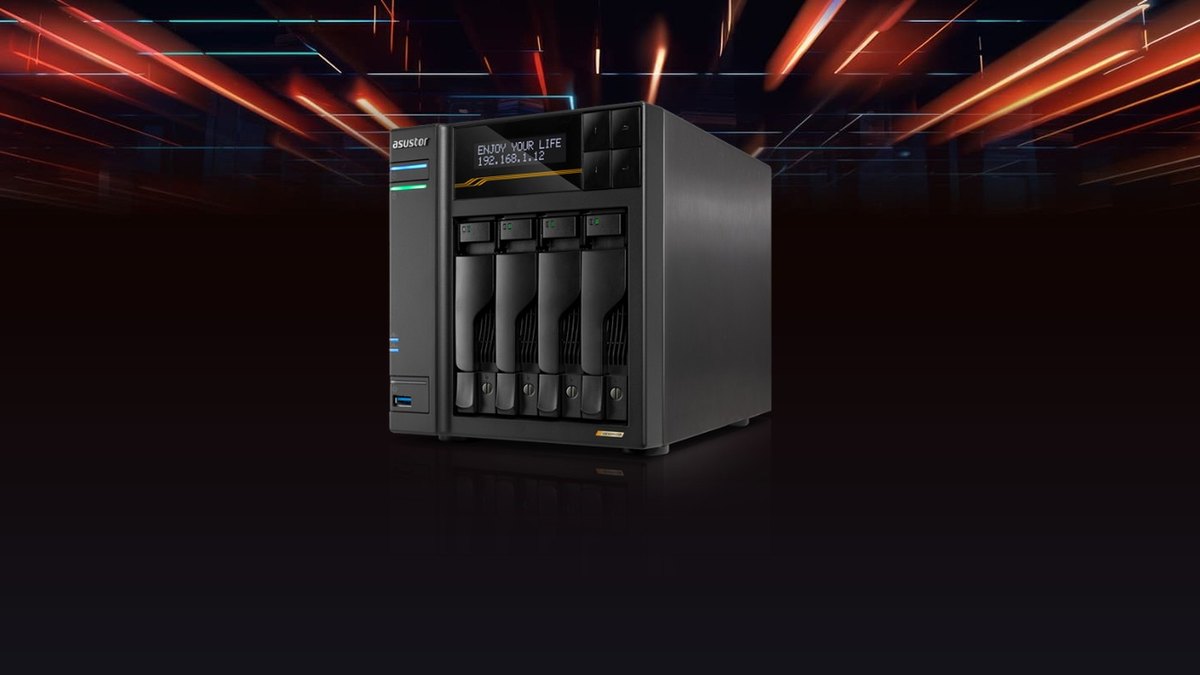
4ASUSTOR Lockerstor 4 Gen3 (AS6804T)4 bays + 4 M.2 NVMe slotsThe fastest networking and the most M.2 slots here
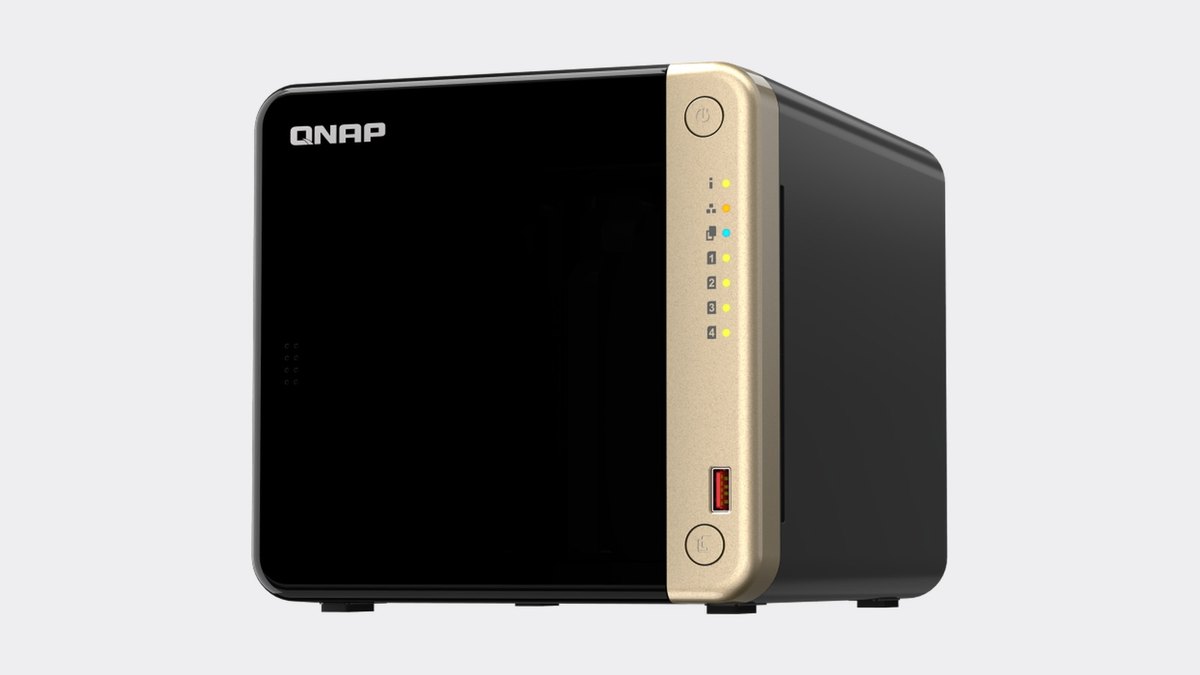
5QNAP TS-4644 bays + 2 M.2 NVMe slotsA PCIe slot for 10GbE or other cards
6TerraMaster F4-424 Pro4 bays + 2 M.2 NVMe slotsThe most memory out of the box
7Synology DS1825+8 bays + 2 M.2 NVMe slotsEight bays for a big library or business
8Synology DS425+4 bays + 2 M.2 NVMe slotsThe entry point into 4-bay Synology
9UGREEN NASync DXP28002 bays + 2 M.2 NVMe slotsA low-cost 2-bay with 8 GB of memory
10QNAP TS-2642 bays + 2 M.2 NVMe slotsA 2-bay with dual 2.5GbE and HDMI output

Pick by what you want

Best overall
Synology DS925+
Most bays
Synology DS1825+
Fastest network
ASUSTOR Lockerstor 4 Gen3 (AS6804T)
Most memory
TerraMaster F4-424 Pro
Cheapest
UGREEN NASync DXP2800

The ranking

1

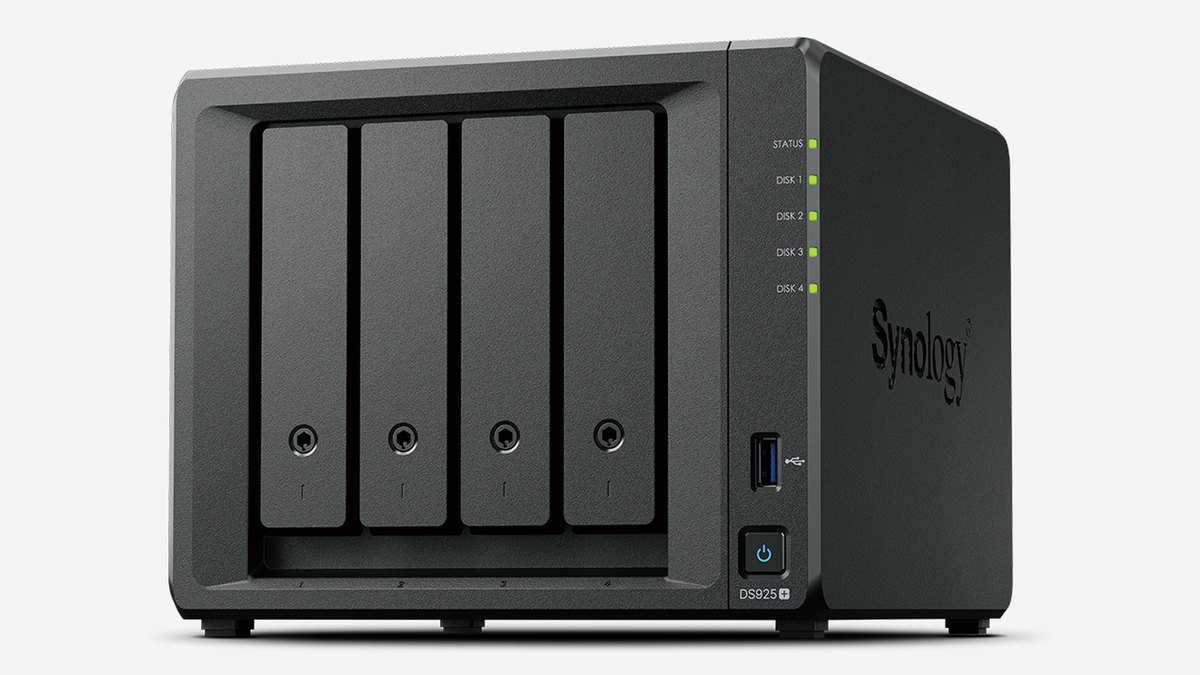
Synology DS925+

Synology DS925+
Answrs VerdictThe best balanced Synology.
Drive bays: 4 bays + 2 M.2 NVMe slotsCPU: AMD Ryzen V1500B, 4 coresMemory: 4 GB DDR4 ECC, up to 32 GBNetwork: Two 2.5GbE portsPrice: Not published on the maker page

The DS925+ has 4 bays, 2 M.2 NVMe slots, an AMD Ryzen V1500B and two 2.5GbE ports. It ships with 4 GB of ECC memory and takes up to 32 GB.

Go ifThe best all-round 4-bay NAS for a home or small office
Skip ifYou want 10GbE built in
Why #1 over #2: It has two 2.5GbE ports against the single 2.5GbE port on the DS425+.
2

Synology DS1525+

Synology DS1525+
Answrs VerdictThe Synology to grow into.
Drive bays: 5 bays + 2 M.2 NVMe slotsCPU: AMD Ryzen V1500B, 4 coresMemory: 8 GB DDR4 ECC, up to 32 GBNetwork: Two 2.5GbE ports, 10GbE upgrade slotPrice: Not published on the maker page

The DS1525+ adds a fifth bay and 8 GB of ECC memory to the DS925+ design, with two 2.5GbE ports and a slot for a 10GbE upgrade.

Go ifRoom to grow and a 10GbE upgrade path
Skip ifFour bays are enough
Why #2 over #3: It has 5 bays and a 10GbE upgrade slot, where the TS-464 has 4 bays.
3

UGREEN NASync DXP4800 Plus

UGREEN NASync DXP4800 Plus
Answrs VerdictThe best 10GbE value here.
Drive bays: 4 baysCPU: Intel Pentium Gold 8505, 5 coresMemory: 8 GB DDR5, up to 64 GBNetwork: 10GbE + 2.5GbEPrice: $656.99

UGREEN’s DXP4800 Plus has 4 bays, an Intel Pentium Gold 8505 and 8 GB of DDR5 that goes up to 64 GB. It has both 10GbE and 2.5GbE, for $656.99.

Go ifBuilt-in 10GbE at a published price
Skip ifYou want Synology’s software polish
Why #3 over #4: It has built-in 10GbE, which the TerraMaster F4-424 Pro lacks, for $656.99 vs $687.99.
4

ASUSTOR Lockerstor 4 Gen3 (AS6804T)

ASUSTOR Lockerstor 4 Gen3 (AS6804T)
Answrs VerdictThe fastest 4-bay here.
Drive bays: 4 bays + 4 M.2 NVMe slotsCPU: AMD Ryzen Embedded V3C14, 4 coresMemory: 16 GB DDR5 ECC, up to 64 GBNetwork: Two 10GbE + two 5GbE portsPrice: Not published on the maker page

ASUSTOR’s Lockerstor 4 Gen3 has 4 bays, 4 M.2 NVMe slots, 16 GB of DDR5 ECC and two 10GbE plus two 5GbE ports.

Go ifThe fastest networking and the most M.2 slots here
Skip ifYou only need 1-2 Gbps speeds
Why #4 over #5: Its two 10GbE ports beat the single 10GbE port on the DXP4800 Plus.
5

QNAP TS-464

QNAP TS-464
Answrs VerdictThe expandable QNAP.
Drive bays: 4 bays + 2 M.2 NVMe slotsCPU: Intel Celeron N5095, 4 coresMemory: 8 GB DDR4Network: Two 2.5GbE portsPrice: Not published on the maker page

QNAP’s TS-464 has 4 bays, 2 M.2 slots, an Intel Celeron N5095, 8 GB of DDR4 and two 2.5GbE ports, plus a PCIe slot for expansion cards.

Go ifA PCIe slot for 10GbE or other cards
Skip ifYou want a newer CPU
Why #5 over #6: It has 8 GB and a PCIe slot, where the DS425+ has 2 GB.
6

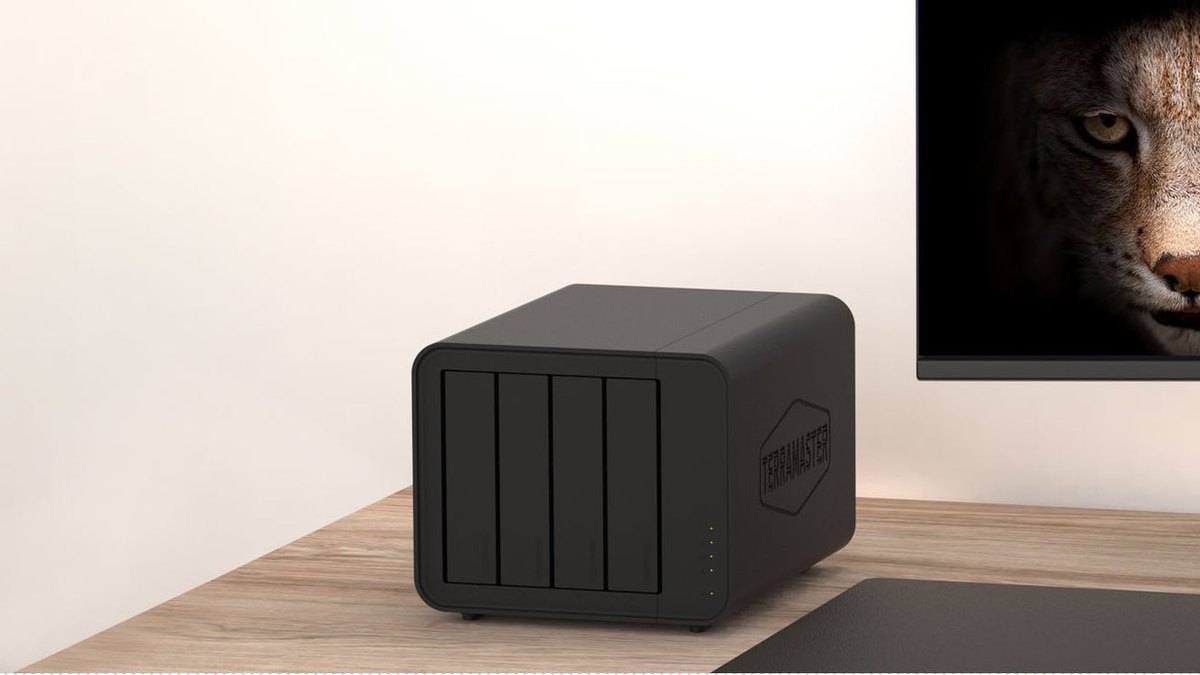
TerraMaster F4-424 Pro

TerraMaster F4-424 Pro
Answrs VerdictLoaded with 32 GB DDR5.
Drive bays: 4 bays + 2 M.2 NVMe slotsCPU: Intel Core i3, 8 coresMemory: 32 GB DDR5Network: Two 2.5GbE portsPrice: $687.99

The F4-424 Pro has an 8-core Intel Core i3, 32 GB of DDR5, 4 bays, 2 M.2 NVMe slots and two 2.5GbE ports, for $687.99.

Go ifThe most memory out of the box
Skip ifYou want 10GbE
Why #6 over #7: Its 32 GB of DDR5 is the most memory of any 4-bay here.
7

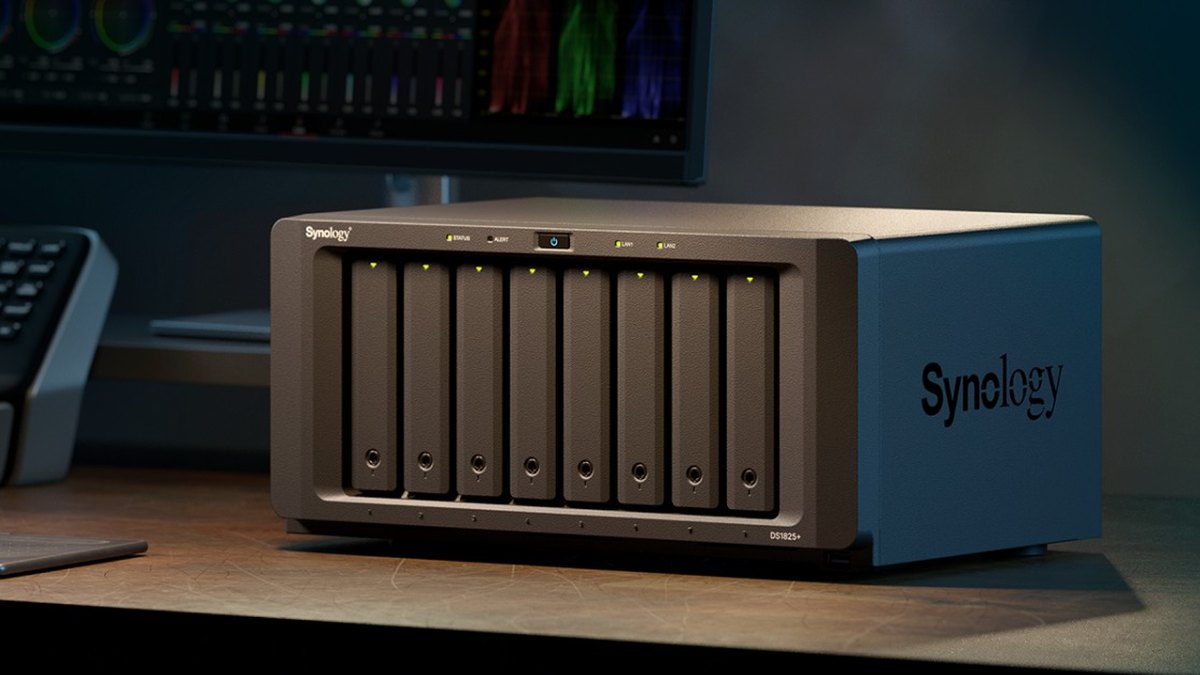
Synology DS1825+

Synology DS1825+
Answrs VerdictThe big-capacity Synology.
Drive bays: 8 bays + 2 M.2 NVMe slotsCPU: AMD Ryzen V1500B, 4 coresMemory: 8 GB DDR4 ECC, up to 32 GBNetwork: Two 2.5GbE ports, PCIe x8 slotPrice: Not published on the maker page

The DS1825+ has 8 bays, 2 M.2 NVMe slots, a Ryzen V1500B, 8 GB of ECC memory and two 2.5GbE ports, plus a PCIe slot.

Go ifEight bays for a big library or business
Skip ifYou need only a few drives
Why #7 over #8: It has 8 bays, where the DS425+ has 4.
8

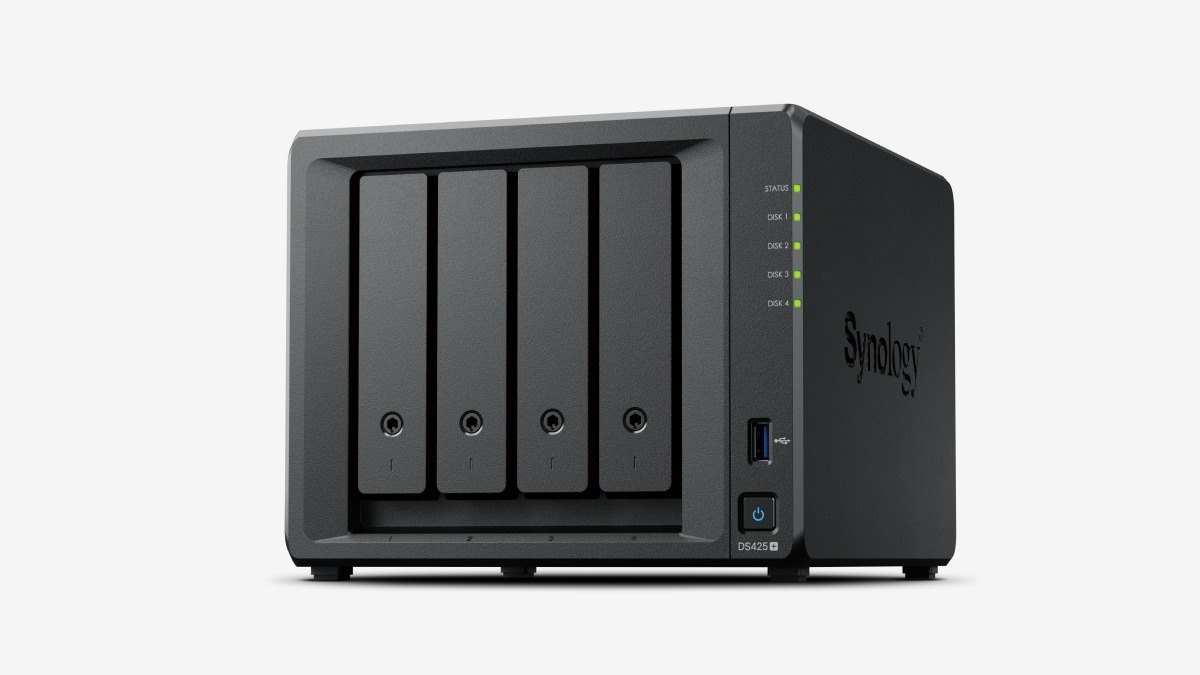
Synology DS425+

Synology DS425+
Answrs VerdictThe starter 4-bay Synology.
Drive bays: 4 bays + 2 M.2 NVMe slotsCPU: Intel Celeron J4125, 4 coresMemory: 2 GB DDR4, up to 6 GBNetwork: One 2.5GbE + one 1GbE portPrice: Not published on the maker page

The DS425+ has 4 bays, 2 M.2 slots, an Intel Celeron J4125, 2 GB of memory (up to 6 GB), and one 2.5GbE plus one 1GbE port.

Go ifThe entry point into 4-bay Synology
Skip ifYou run many apps or containers
Why #8 over #9: It has 4 bays where the DXP2800 has 2.
9

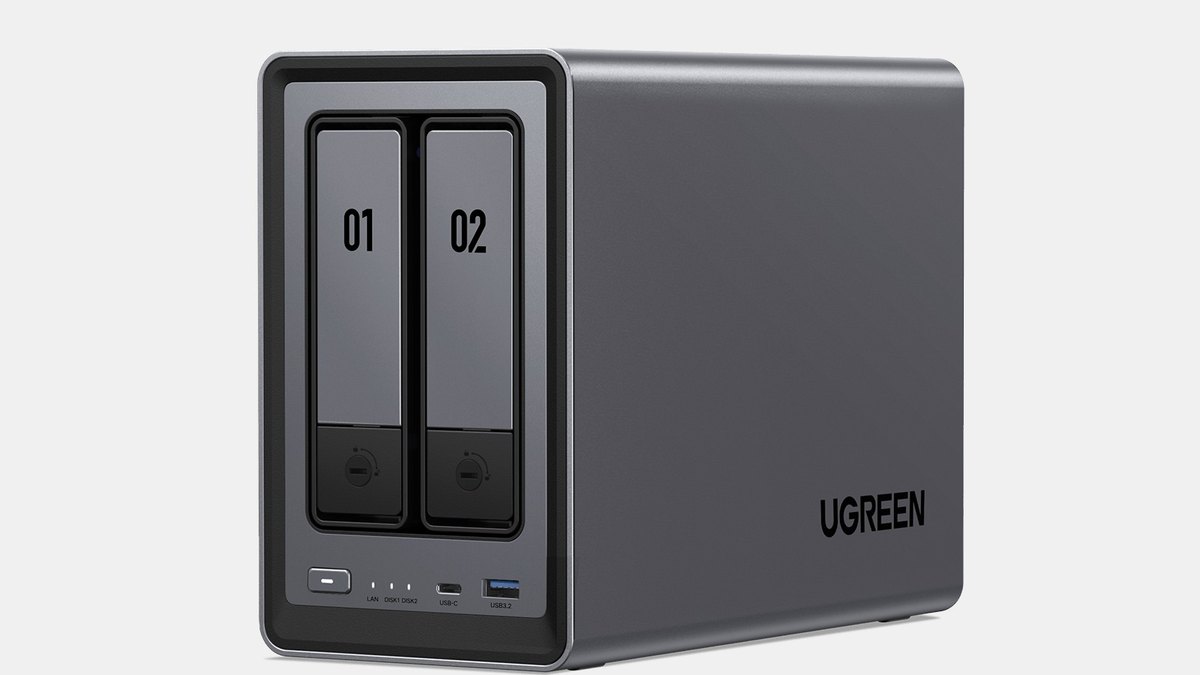
UGREEN NASync DXP2800

UGREEN NASync DXP2800
Answrs VerdictThe best budget 2-bay.
Drive bays: 2 bays + 2 M.2 NVMe slotsCPU: Intel N100, 4 coresMemory: 8 GB DDR5, up to 16 GBNetwork: One 2.5GbE portPrice: $389.99

UGREEN’s DXP2800 has 2 bays, 2 M.2 NVMe slots, an Intel N100 and 8 GB of DDR5 that goes up to 16 GB, with one 2.5GbE port, for $389.99.

Go ifA low-cost 2-bay with 8 GB of memory
Skip ifYou want more than two drives
Why #9 over #10: It has 8 GB of DDR5 and 2 M.2 slots, with a published price of $389.99.
10

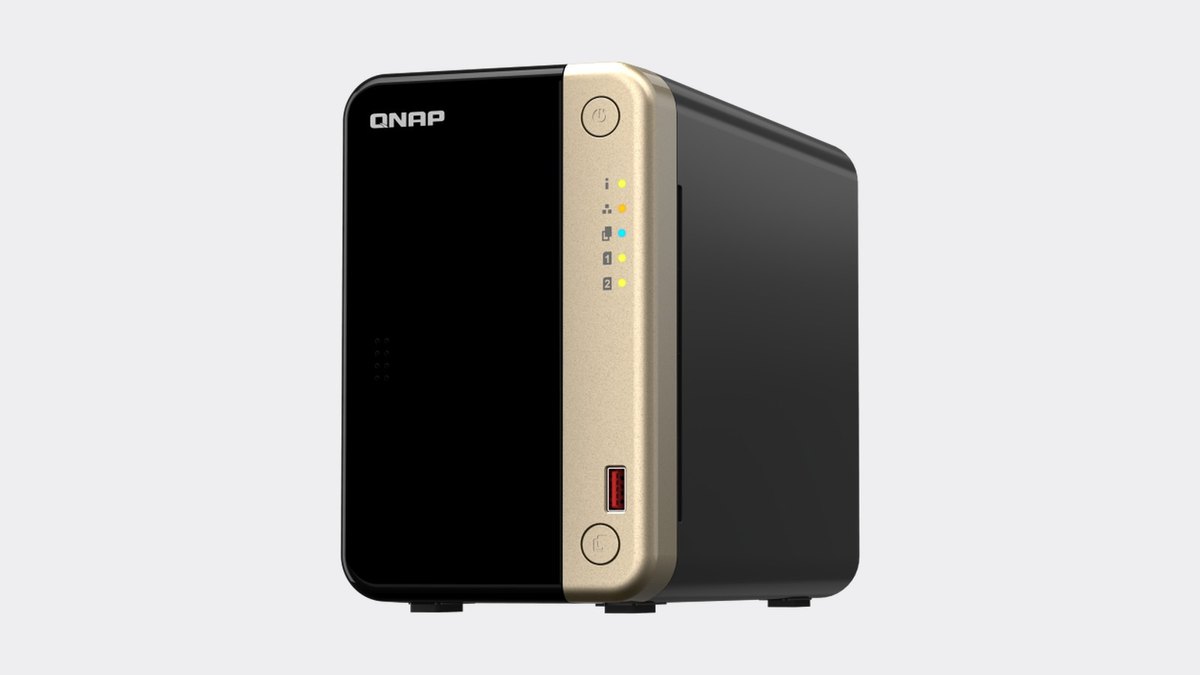
QNAP TS-264

QNAP TS-264
Answrs VerdictThe 2-bay with dual 2.5GbE.
Drive bays: 2 bays + 2 M.2 NVMe slotsCPU: Intel Celeron N5095, 4 coresMemory: 8 GB DDR4Network: Two 2.5GbE portsPrice: Not published on the maker page

The TS-264 has 2 bays, 2 M.2 slots, an Intel Celeron N5095, 8 GB of DDR4 and two 2.5GbE ports.

Go ifA 2-bay with dual 2.5GbE and HDMI output
Skip ifYou want four bays

How we ranked these

We ranked each NAS on drive bays, CPU, memory and network speed from the maker’s own product page, then on price where one is published. Synology, QNAP and ASUSTOR do not publish a price on their product pages, so we list none. Facts are taken from each maker's own published information; check the official site before you buy.

Questions people ask

What is the best NAS in 2027?

The Synology DS925+: 4 bays, an AMD Ryzen V1500B and two 2.5GbE ports.

Which NAS has built-in 10GbE?

The UGREEN NASync DXP4800 Plus at $656.99 has 10GbE + 2.5GbE; the ASUSTOR Lockerstor 4 Gen3 has two 10GbE ports.

What is the cheapest NAS here?

The UGREEN NASync DXP2800 is $389.99 for 2 bays and 8 GB of DDR5.

Which Synology NAS is biggest?

The Synology DS1825+ has 8 bays plus 2 M.2 NVMe slots.

Drive bays at a glance

UGREEN NASync DXP28002 bays
QNAP TS-2642 bays
Synology DS925+4 bays
UGREEN NASync DXP4800 Plus4 bays
ASUSTOR Lockerstor 4 Gen3 (AS6804T)4 bays
QNAP TS-4644 bays
TerraMaster F4-424 Pro4 bays
Synology DS425+4 bays
Synology DS1525+5 bays
Synology DS1825+8 bays
Drive bays, as published by each maker. Picks without a published figure are left off.

Official sites

Sources

Prices, specs and availability change; confirm on the official site before you buy.