answrsnow
Electronics · Top 10

Top 10 Tablet Styluses in 2027
By Kory White · Updated Oct 2026 · 5 min read
Apple Pencil Pro
Direct answer

The Apple Pencil Pro ($129) is the best tablet stylus, with the Samsung S Pen Creator Edition ($99.99) at #2 for Galaxy tablets and the Microsoft Surface Slim Pen 2 ($129.99) at #3 for Windows. For the lowest price, the Penoval eiP USI 2.0 Pro Stylus is $49.90.

At a glance

#PickPriceBest for
1Apple Pencil Pro$129iPad artists and note-takers who want every Apple Pencil feature
2Samsung S Pen Creator Edition$99.99Galaxy Tab owners who want a battery-free pen for drawing
3Microsoft Surface Slim Pen 2$129.99Surface Pro and Windows tablet users
4Apple Pencil (USB-C)$79Note-taking and sketching on iPad for less than the Pro
5Logitech Crayon (USB-C)$69.99Students and kids who want an Apple Pencil-style pen for less
6ZAGG Pro Stylus 2$79.99People who want one pen for drawing and swiping
7Adonit Note+$55.99iPad users who want pressure and shortcut buttons under $60
8Adonit Dash 4$59.99Anyone who switches between an iPad, an Android tablet and a phone
9Wacom Bamboo Ink PlusNot publishedWindows tablet and 2-in-1 owners who want a Wacom pen
10Penoval eiP USI 2.0 Pro Stylus$49.90Chromebook and Pixel Tablet owners on a budget

Pick by what you want

Best overall
Apple Pencil Pro
Best for Galaxy Tab
Samsung S Pen Creator Edition
Best for Surface
Microsoft Surface Slim Pen 2
Best for students
Logitech Crayon (USB-C)
Lowest price
Penoval eiP USI 2.0 Pro Stylus

The ranking

1

Apple Pencil Pro

Apple Pencil Pro
Answrs VerdictThe best tablet stylus overall.
Price: $129Pro features: Squeeze, barrel roll, haptic feedback, hover, double tap and Find MyWorks with: iPad Pro 13-inch and 11-inch (M4 and M5), iPad Air (M2, M3 and M4), iPad mini (A17 Pro)Charging: Attaches, pairs and charges magnetically on the side of the iPad

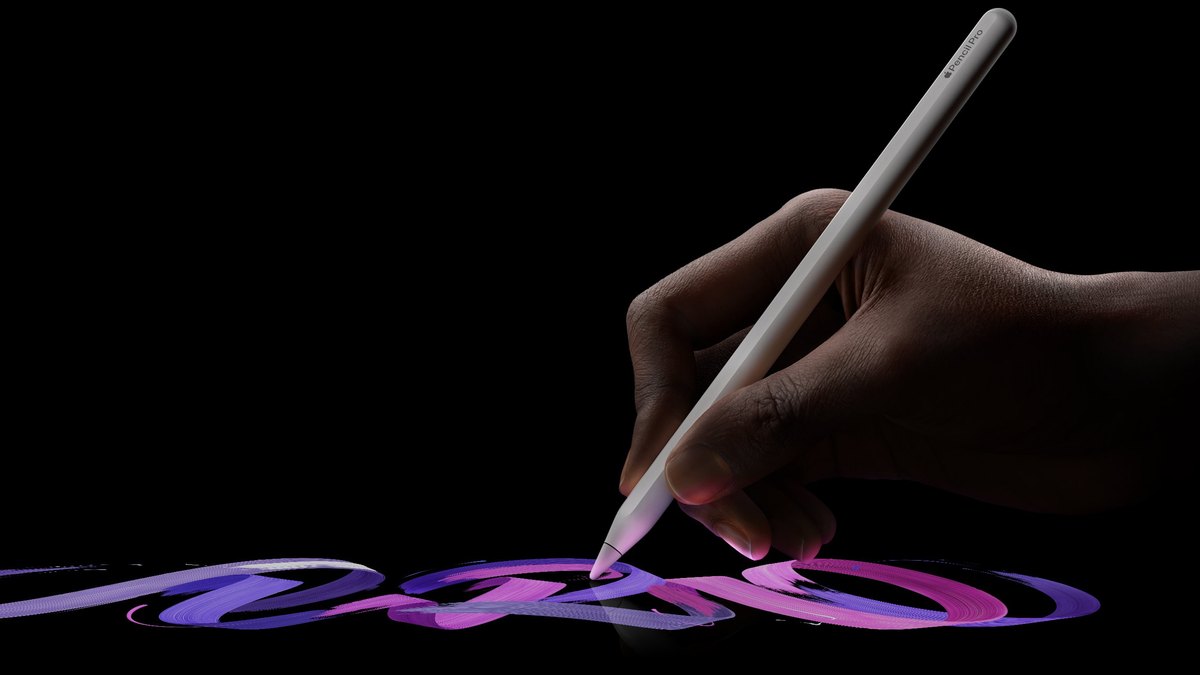
The Apple Pencil Pro adds squeeze, barrel roll, haptic feedback, hover, double tap and Find My. It attaches, pairs and charges magnetically on iPad Pro (M4 and M5), iPad Air (M2, M3 and M4) and iPad mini (A17 Pro), and costs $129.

Go ifiPad artists and note-takers who want every Apple Pencil feature
Skip ifYou have an older iPad that is not on Apple’s compatibility list
Why #1 over #2: It has squeeze and haptics, and Apple lists no pressure sensitivity for the $79 Apple Pencil (USB-C).
2

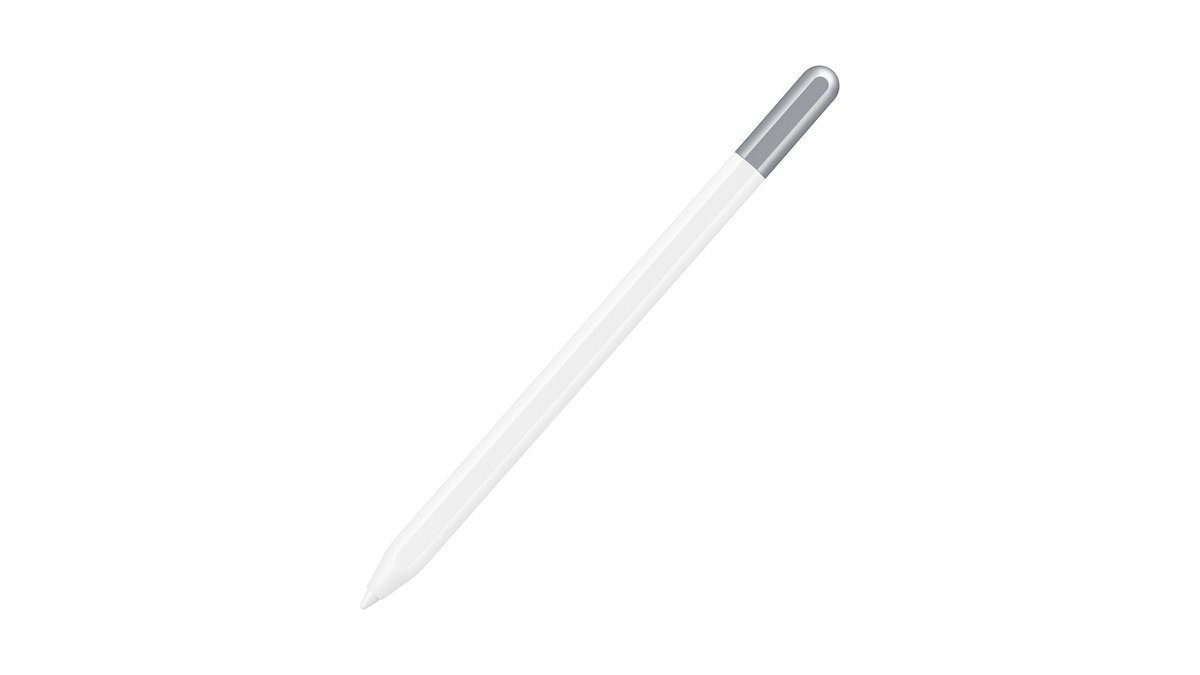
Samsung S Pen Creator Edition

Samsung S Pen Creator Edition
Answrs VerdictThe best stylus for Galaxy tablets.
Price: $99.99Drawing: 4,096 levels of pressure sensitivity; Samsung says the Creator Edition has enhanced size and tilt performancePower: No charging needed; hard or soft tipWorks with: Galaxy Tab S6 through Tab S11 Ultra, plus Tab S12+ and S12 Ultra

Samsung’s S Pen Creator Edition costs $99.99, needs no charging and has a hard or soft tip. Samsung lists 4,096 levels of pressure sensitivity for S Pen drawing and says this model has enhanced size and tilt performance, for Galaxy Tab S6 through Tab S11 Ultra and the Tab S12+ and S12 Ultra.

Go ifGalaxy Tab owners who want a battery-free pen for drawing
Skip ifYou want Air Actions on a Tab S11 (Samsung says they are not supported)
Why #2 over #3: It costs $99.99 and needs no charging, while the Surface Slim Pen 2 is $129.99.
3

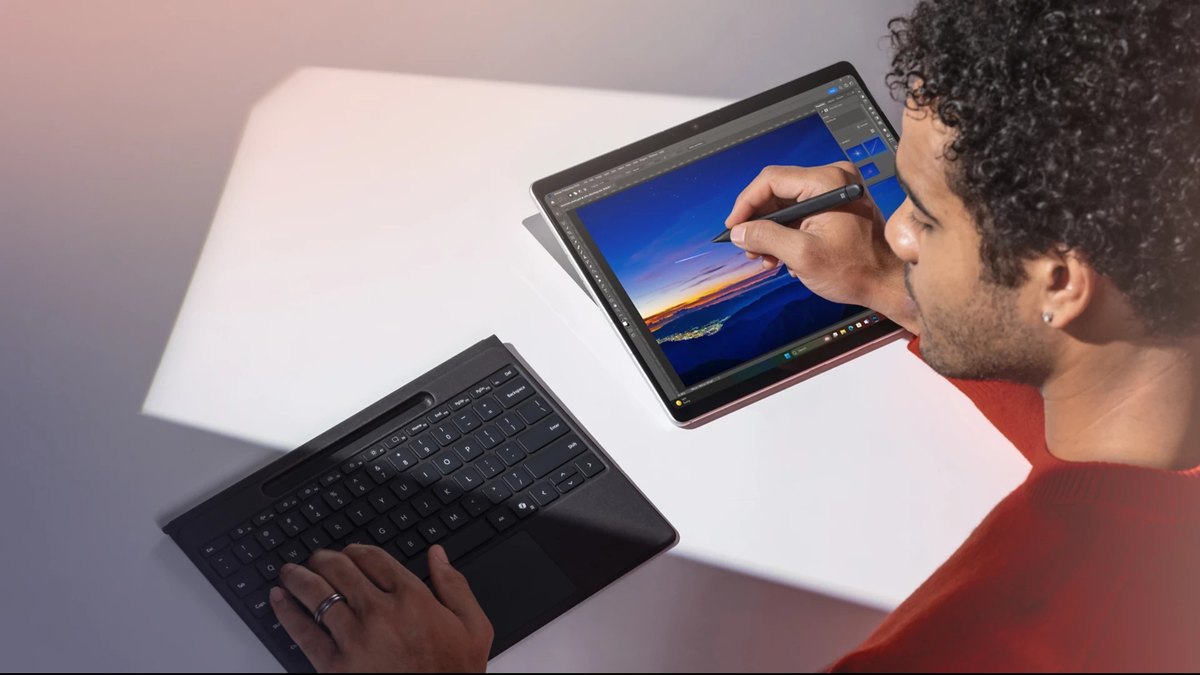
Microsoft Surface Slim Pen 2

Microsoft Surface Slim Pen 2
Answrs VerdictThe best stylus for Windows tablets.
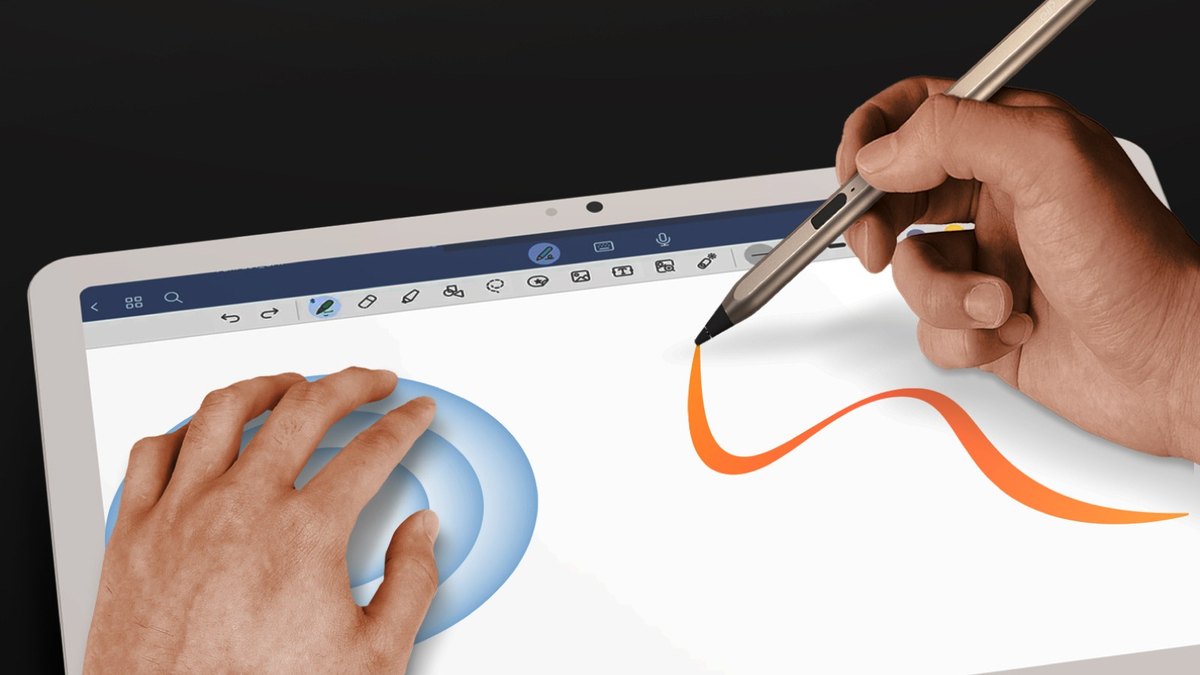
Price: $129.99Drawing: 4,096 pressure levels, zero force inking, tiltFeedback: Haptic feedback (compatible only with Windows 11)Charging: Charges wirelessly and magnetically on Surface Laptop Studio, select Surface Pro keyboards and the 12-inch Surface Pro

The Surface Slim Pen 2 has 4,096 pressure levels, zero force inking, tilt and haptic feedback (Windows 11 only). It charges wirelessly on Surface Laptop Studio, select Surface Pro keyboards and the 12-inch Surface Pro, and costs $129.99.

Go ifSurface Pro and Windows tablet users
Skip ifYou use an iPad or Android tablet
Why #3 over #4: It has haptic feedback and wireless charging, and Apple lists neither for the $79 Apple Pencil (USB-C).
4

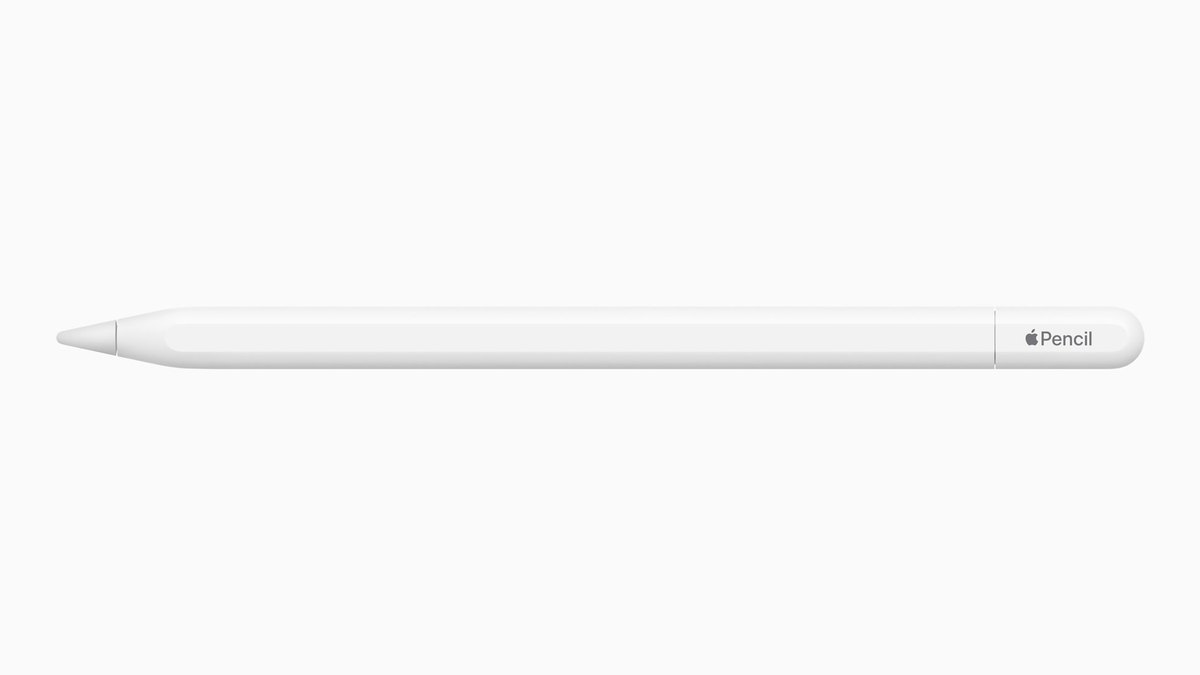
Apple Pencil (USB-C)

Apple Pencil (USB-C)
Answrs VerdictThe best-value Apple Pencil.
Price: $79Features: Pixel-perfect precision, low latency and tilt sensitivity; no pressure sensitivityCharging: Sliding cap reveals a USB-C port for pairing and chargingWorks with: All iPad models that have a USB-C port

The Apple Pencil (USB-C) has pixel-perfect precision, low latency and tilt sensitivity for $79. A sliding cap reveals a USB-C port for pairing and charging, and it works with all iPad models that have a USB-C port. It has no pressure sensitivity.

Go ifNote-taking and sketching on iPad for less than the Pro
Skip ifYou need pressure sensitivity, squeeze or haptics
Why #4 over #5: It works with all iPads that have a USB-C port, vs all iPads (2018 and later) for the $69.99 Logitech Crayon.
5

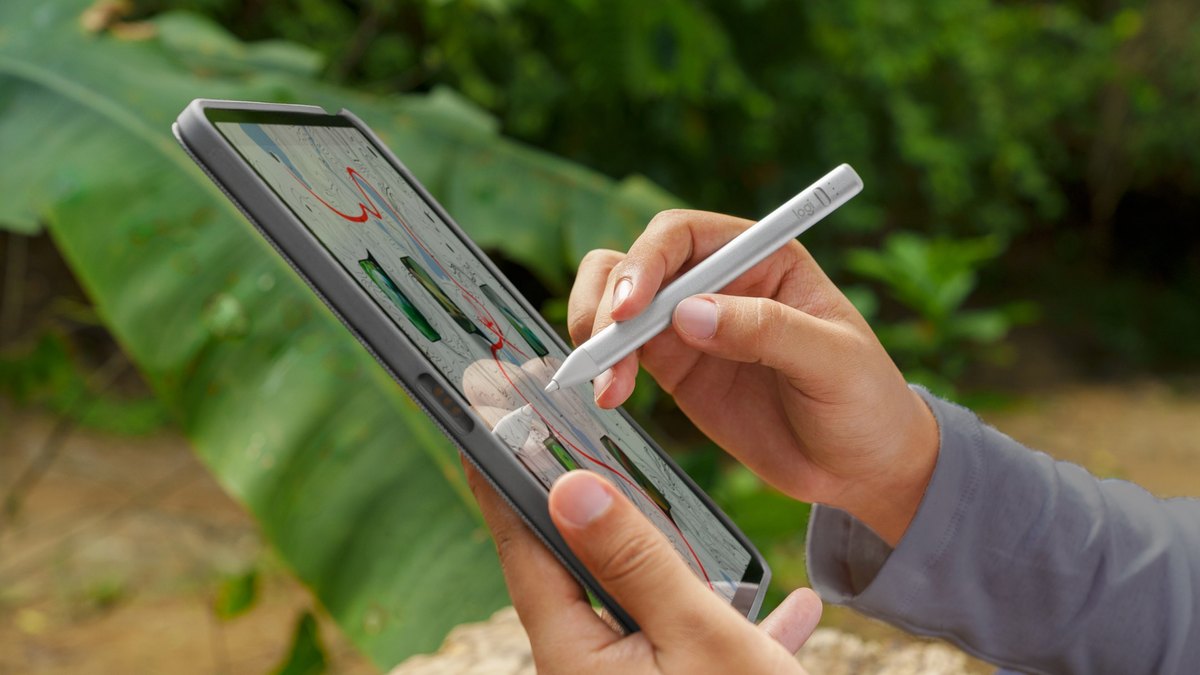
Logitech Crayon (USB-C)

Logitech Crayon (USB-C)
Answrs VerdictThe best school-friendly iPad pen.
Price: $69.99Tip: Smart tip adjusts line weight with tilt; made with Apple Pencil technologyPairing: Connects instantly with no Bluetooth pairingWorks with: All iPads (2018 and later); charges with the same USB-C cable as iPad Pro, iPad Air and iPad (10th generation)

The Logitech Crayon (USB-C) is made with Apple Pencil technology, costs $69.99 and works with all iPads (2018 and later). Its smart tip adjusts line weight with tilt, and it connects with no Bluetooth pairing.

Go ifStudents and kids who want an Apple Pencil-style pen for less
Skip ifYou want pressure sensitivity (Logitech lists tilt, not pressure)
Why #5 over #6: It costs $69.99 vs $79.99 for the ZAGG Pro Stylus 2.
6

ZAGG Pro Stylus 2

ZAGG Pro Stylus 2
Answrs VerdictThe best dual-tip stylus.
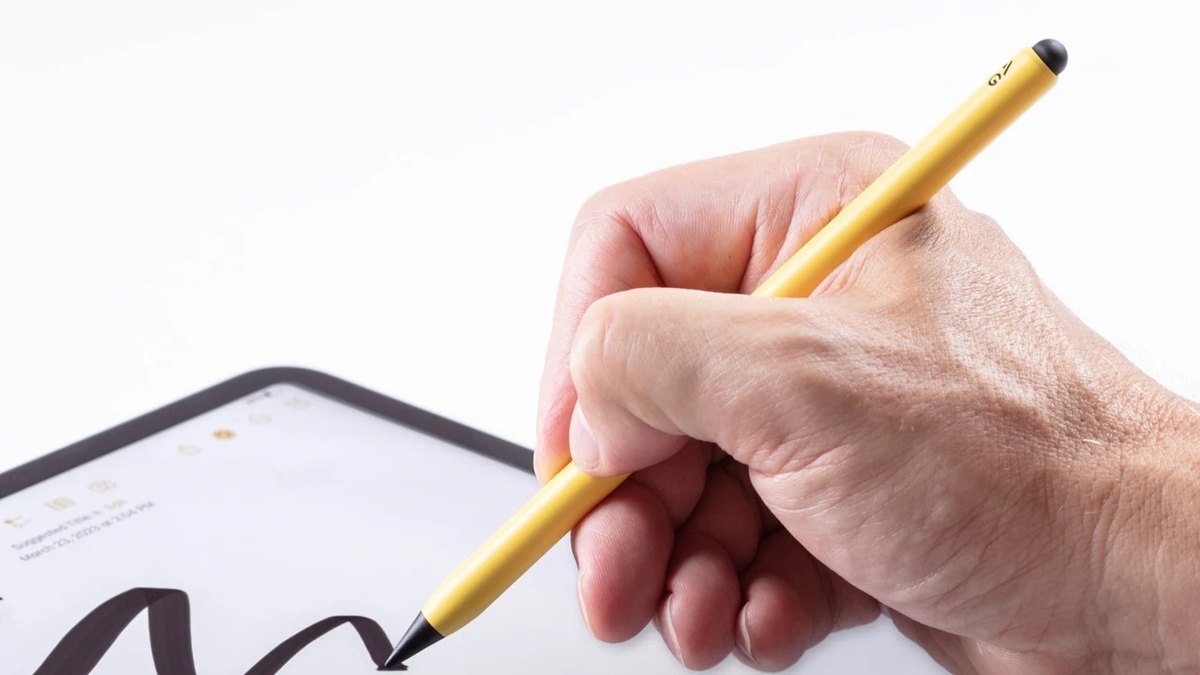
Price: $79.99Tips: Dual-tip: fine active tip with tilt recognition and palm rejection, plus a rounded capacitive tip for swipingBattery: Up to six and a half hours per chargeCharging: Magnetic wireless charging cradle included; also works with any Qi charger

The ZAGG Pro Stylus 2 has a fine active tip with tilt recognition and palm rejection plus a rounded capacitive tip for swiping. It lasts up to six and a half hours per charge, comes with a magnetic wireless charging cradle and costs $79.99.

Go ifPeople who want one pen for drawing and swiping
Skip ifYou need a pen that lasts a full day
Why #6 over #7: It has a capacitive swiping tip, and it also charges on any Qi charger.
7

Adonit Note+

Adonit Note+
Answrs VerdictThe best budget stylus with pressure sensitivity.
Price: $55.99Pressure: 2,048 levels of pressure sensitivity, plus tilt supportControls: Programmable shortcut buttons for eraser, undo and redoCharging: USB-C; you can charge while you write

The Adonit Note+ costs $55.99 and offers 2,048 levels of pressure sensitivity, tilt support and programmable shortcut buttons for eraser, undo and redo. It charges over USB-C, and you can charge while you write.

Go ifiPad users who want pressure and shortcut buttons under $60
Skip ifYou want the most pressure levels (see the Samsung S Pen)
Why #7 over #8: Adonit lists 2,048 pressure levels for it, and none for the $59.99 Dash 4.
8

Adonit Dash 4

Adonit Dash 4
Answrs VerdictThe best stylus that works across Apple and Android.
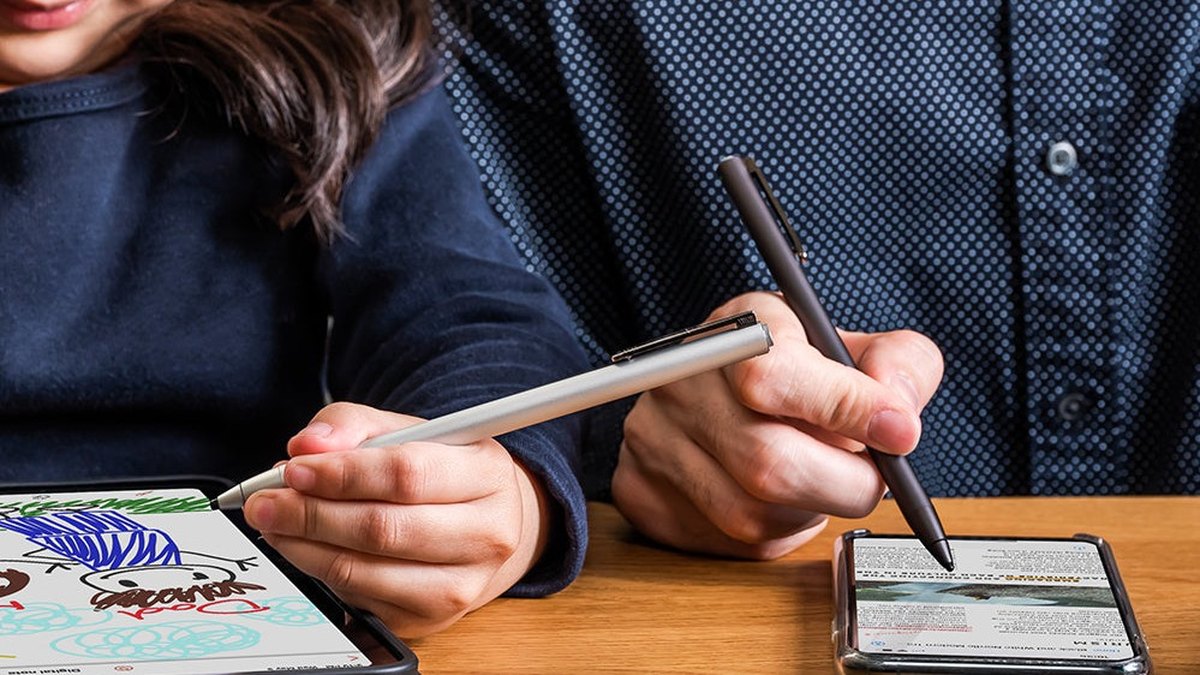
Price: $59.99Battery: Up to 15 hours of use; fully charged within 1 hour on the magnetic USB-C standWeight: 15gPalm rejection: Blue-light mode supports palm rejection on newer iPads; green light works with all Apple and Android devices

The Adonit Dash 4 costs $59.99, weighs 15g and lasts up to 15 hours. It is fully charged within 1 hour on its magnetic USB-C stand, and its blue-light mode supports palm rejection on newer iPads while green light works with all Apple and Android devices.

Go ifAnyone who switches between an iPad, an Android tablet and a phone
Skip ifYou want pressure sensitivity
Why #8 over #9: It lasts up to 15 hours and works across Apple and Android, for $59.99.
9

Wacom Bamboo Ink Plus

Wacom Bamboo Ink Plus
Answrs VerdictThe Wacom pick for Windows tablets.
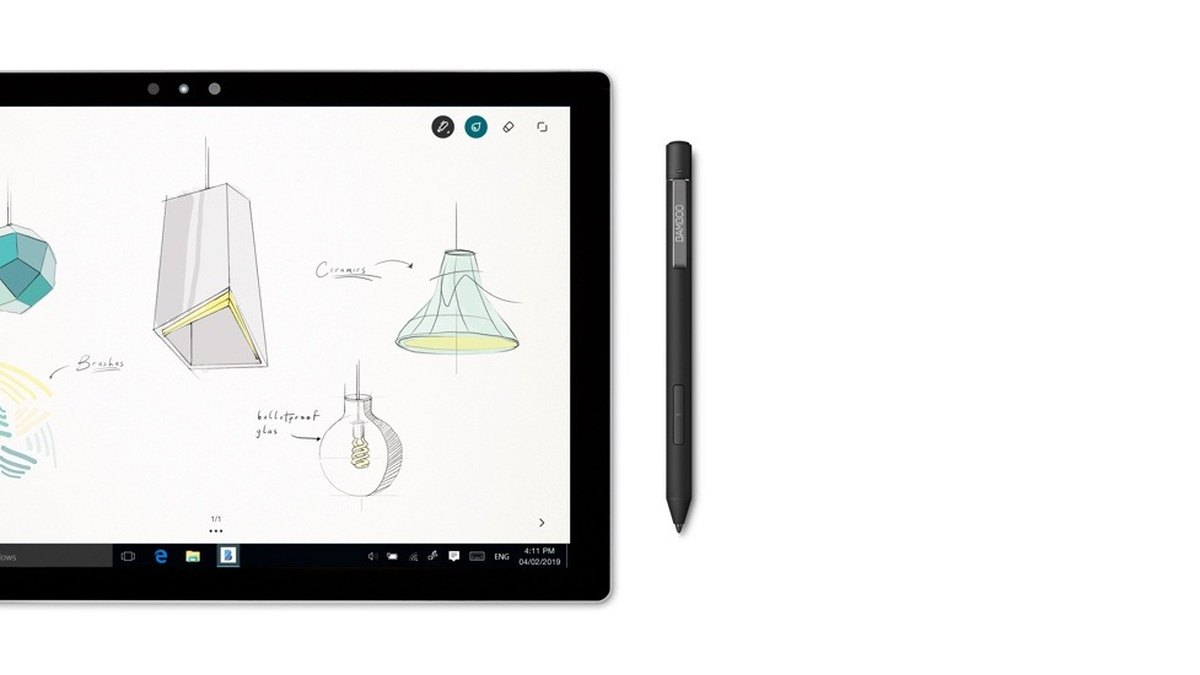
Price: Not publishedPressure: Up to 4,096 pressure levels (depends on the device)Battery: About 10 days (2 hours a day, 5 days a week); charges over USB-C in up to 3 hoursWorks with: Windows 10 devices; supports Wacom Active ES and Microsoft Pen Protocol

Wacom’s Bamboo Ink Plus offers up to 4,096 pressure levels (depending on the device) and supports Wacom Active ES and the Microsoft Pen Protocol. It lasts about 10 days (2 hours a day, 5 days a week) and charges over USB-C in up to 3 hours. Wacom’s page lists it for Windows 10 devices and does not show a price.

Go ifWindows tablet and 2-in-1 owners who want a Wacom pen
Skip ifYou use an iPad or want a price on the maker’s page
Why #9 over #10: It lists up to 4,096 pressure levels, vs 2,048 for the Adonit Note+.
10

Penoval eiP USI 2.0 Pro Stylus

Penoval eiP USI 2.0 Pro Stylus
Answrs VerdictThe lowest-priced stylus here, for USI 2.0 devices.
Price: $49.90Pressure: 4,096 pressure levels and a cone-like tipBattery: 100 hours of battery life with fast charging; no pairing requiredWorks with: USI 2.0 devices such as Chromebooks and the Google Pixel Tablet

The Penoval eiP USI 2.0 Pro Stylus costs $49.90, with 4,096 pressure levels, a cone-like tip, 100 hours of battery life with fast charging and no pairing required. It is made for USI 2.0 devices such as Chromebooks and the Google Pixel Tablet.

Go ifChromebook and Pixel Tablet owners on a budget
Skip ifYou use an iPad, a Surface or a Galaxy Tab

How we ranked these

We ranked each stylus on drawing and writing features first (pressure, tilt, haptics and battery), then on value from each maker’s own US price on Oct 19, 2026. Wacom does not show a price on its Bamboo Ink Plus page, so it is listed as not published. Facts are taken from each maker's own published information; check the official site before you buy.

Questions people ask

What is the best tablet stylus in 2027?

The Apple Pencil Pro at $129, with squeeze, barrel roll, haptic feedback, hover and Find My. For a Galaxy Tab, it is the Samsung S Pen Creator Edition at $99.99.

How much does a tablet stylus cost?

From $49.90 for the Penoval eiP USI 2.0 Pro Stylus to $129.99 for the Microsoft Surface Slim Pen 2. The Apple Pencil Pro is $129, the Apple Pencil (USB-C) is $79 and the Logitech Crayon (USB-C) is $69.99.

What is the cheapest good stylus for an iPad?

The Logitech Crayon (USB-C) at $69.99 or the Adonit Note+ at $55.99 (2,048 pressure levels). The Apple Pencil (USB-C) is $79 but has no pressure sensitivity.

Which stylus works with Android and Windows tablets?

For Samsung Galaxy Tabs, the S Pen Creator Edition ($99.99). For Surface and Windows tablets, the Surface Slim Pen 2 ($129.99) or the Wacom Bamboo Ink Plus, which Wacom lists for Windows 10 devices.

List price (USD) at a glance

Penoval eiP USI 2.0 Pro Stylus$49.9
Adonit Note+$55.99
Adonit Dash 4$59.99
Logitech Crayon (USB-C)$69.99
Apple Pencil (USB-C)$79
ZAGG Pro Stylus 2$79.99
Samsung S Pen Creator Edition$99.99
Apple Pencil Pro$129
Microsoft Surface Slim Pen 2$129.99
List price (USD), as published by each maker. Picks without a published figure are left off.

Official sites

Sources

Prices, specs and availability change; confirm on the official site before you buy.