1Password Business is the best enterprise password manager: $8.99 per user per month, billed yearly, with Okta, Entra ID, OneLogin and Duo integrations. Bitwarden Enterprise is #2 at $6 per user per month, and Dashlane Business is #3 from $8 per user per month for Omnix Password Management.
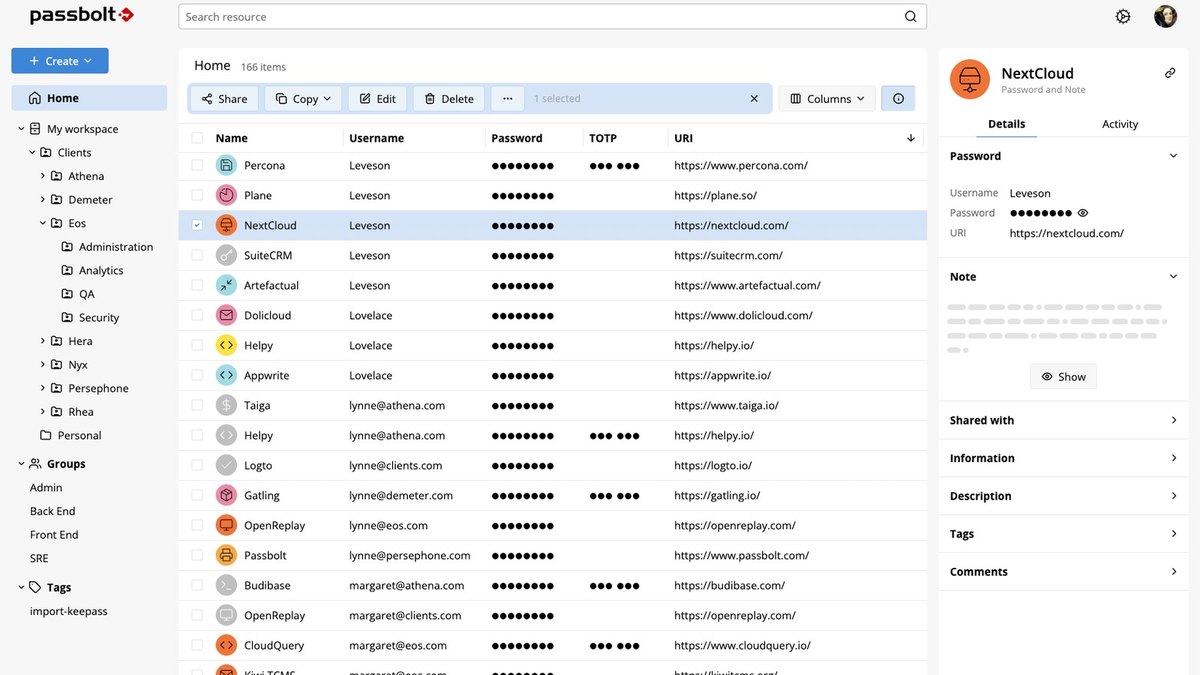
Pro $4.9 per user per month, billed annually, minimum 10 users; Community Edition free with unlimited users
DevOps and IT teams that want open-source credential sharing with a published Pro price
Pick by what you want
Best overall
1Password Business
Best value
Bitwarden Enterprise
Best for credential risk
Dashlane Business
Best for provisioning
Keeper Security Enterprise
Best low price
NordPass Business
Best for self-hosting
Passbolt
The ranking
1
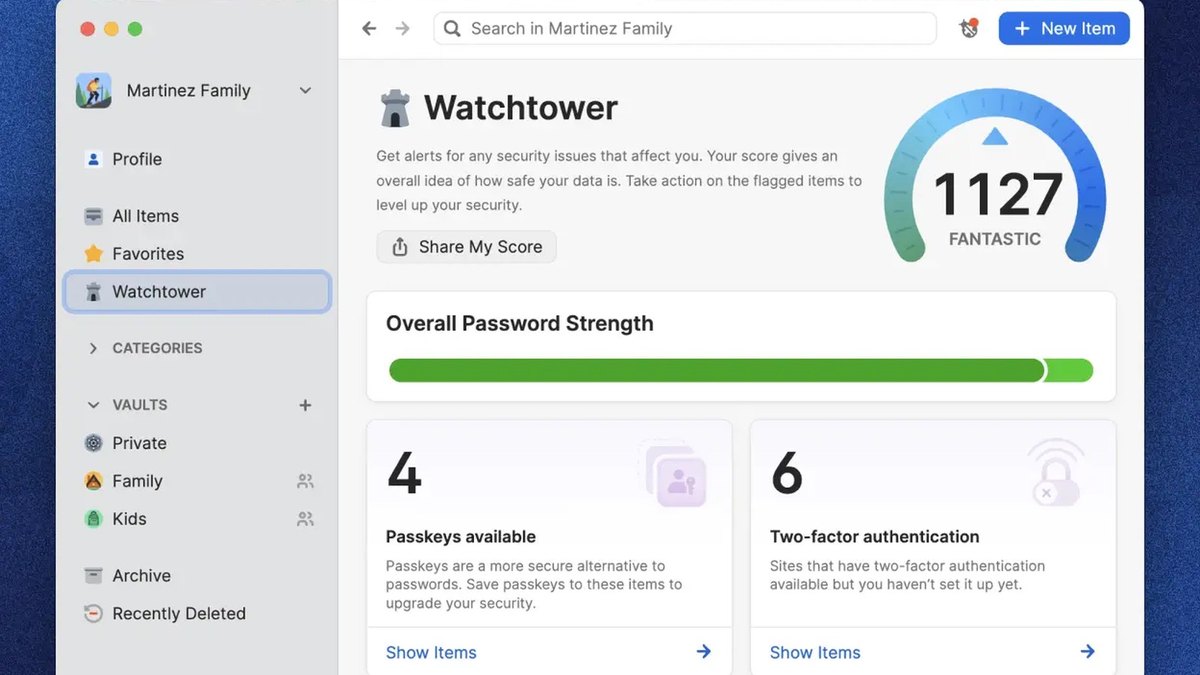
1Password Business
Answrs VerdictThe most polished all-round business password manager here.
Price: Business $8.99 per user per month, billed yearly (1 user minimum); Enterprise Password Manager: request a quoteSmall-team plan: Teams Starter Pack $2.49 per user per month, billed yearly, for 10 to 20 usersIntegrations: Integrates with Okta, Entra ID, OneLogin, Duo and more; provisions users and groups with Azure AD, Google Workspace, Okta, OneLogin, Rippling and JumpCloudSecurity: SOC 2 Type II certification and end-to-end AES 256-bit encryptionFree trial: 14 days, no credit card required
1Password Business is $8.99 per user per month, billed yearly, with a 1 user minimum and a 14-day free trial with no credit card required. It integrates with Okta, Entra ID, OneLogin, Duo and more, holds SOC 2 Type II certification and encrypts vaults end to end with AES 256-bit encryption. A Teams Starter Pack for 10 to 20 users is $2.49 per user per month, and its Enterprise Password Manager is priced by quote.
Go ifEstablished businesses that want SSO and directory integrations with a published per-user price
Skip ifYou want the lowest per-seat price on this list
Why #1 over #2: It integrates with Okta, Entra ID, OneLogin and Duo at $8.99 per user per month, while Bitwarden Enterprise at $6 centers on open-source self-hosting.
2
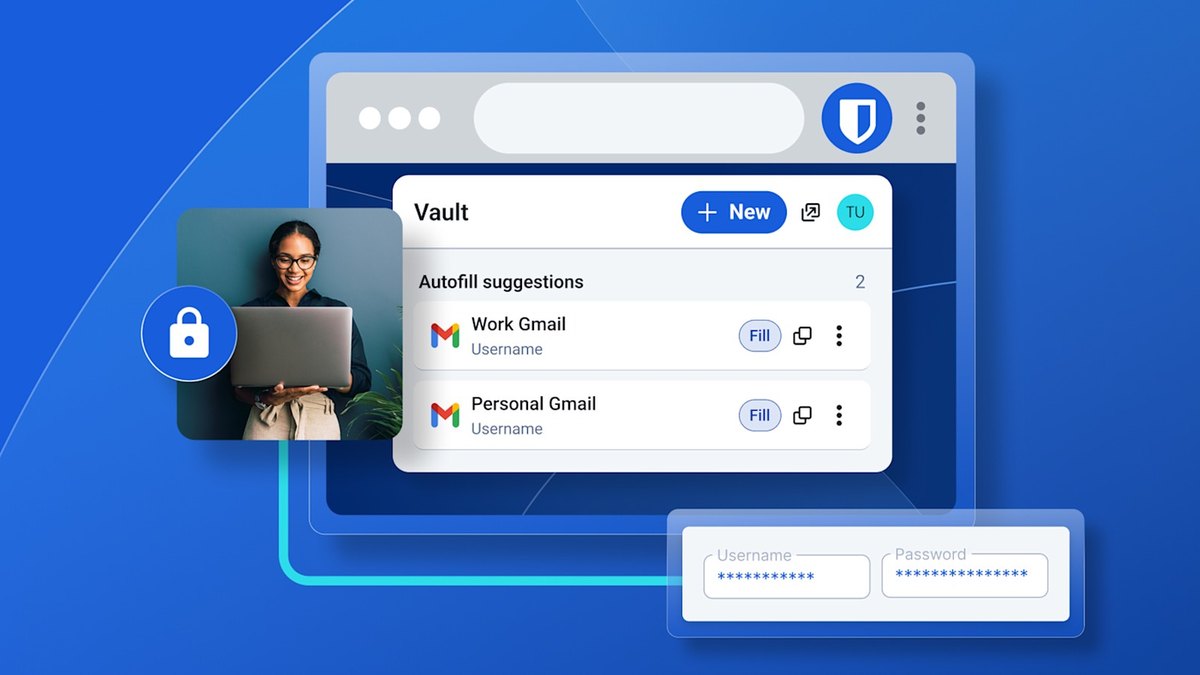
Bitwarden Enterprise
Answrs VerdictThe best value for a full enterprise feature set.
Price: Teams $4 per user per month and Enterprise $6 per user per month, billed annuallyEnterprise adds: Granular access control, passwordless SSO integration, enterprise policies, the flexibility to self-host, and Access Intelligence risk remediationRollout speed: 83% of enterprise customers reported going live in under a monthIncluded extra: Free Families plan for all usersFree trial: 14 days
Bitwarden Teams is $4 per user per month and Enterprise is $6 per user per month, both billed annually. Enterprise adds granular access control, passwordless SSO integration, enterprise policies, the flexibility to self-host and Access Intelligence risk remediation, and every user gets a free Families plan. Bitwarden says 83% of enterprise customers reported going live in under a month.
Go ifIT teams that want open-source security, optional self-hosting and a clear enterprise price
Skip ifYou want a vendor-hosted appliance rather than self-hosting yourself
Why #2 over #3: Its $6 Enterprise tier includes self-hosting, while Dashlane Business is priced at $8 per user per month for Omnix Password Management.
3
Dashlane Business
Answrs VerdictThe best pick when you also want to detect credential risk.
Price: Omnix Password Management $8 per user per month, billed annuallyCredential Protection: Omnix Credential Protection $4 per user per month, billed annually (contact sales)Enterprise tier: Omnix Enterprise: custom, volume-optimized pricing through salesIntegrations: Integrates with SSO, SCIM and more; SIEM integrationFree trial: 14 days
Dashlane sells Omnix Password Management at $8 per user per month, billed annually, with a 14-day free trial, and integrates with SSO, SCIM and SIEM tools. Omnix Credential Protection is $4 per user per month, billed annually, and is sold through sales for credential risk detection and response, while Omnix Enterprise is custom, volume-optimized pricing.
Go ifSecurity teams that want credential risk detection and phishing alerts on top of password management
Skip ifYou only need a vault and sharing, not credential risk tools
Why #3 over #4: It adds Credential Protection at $4 per user per month for risk detection, while Keeper focuses on administration and provisioning.
4
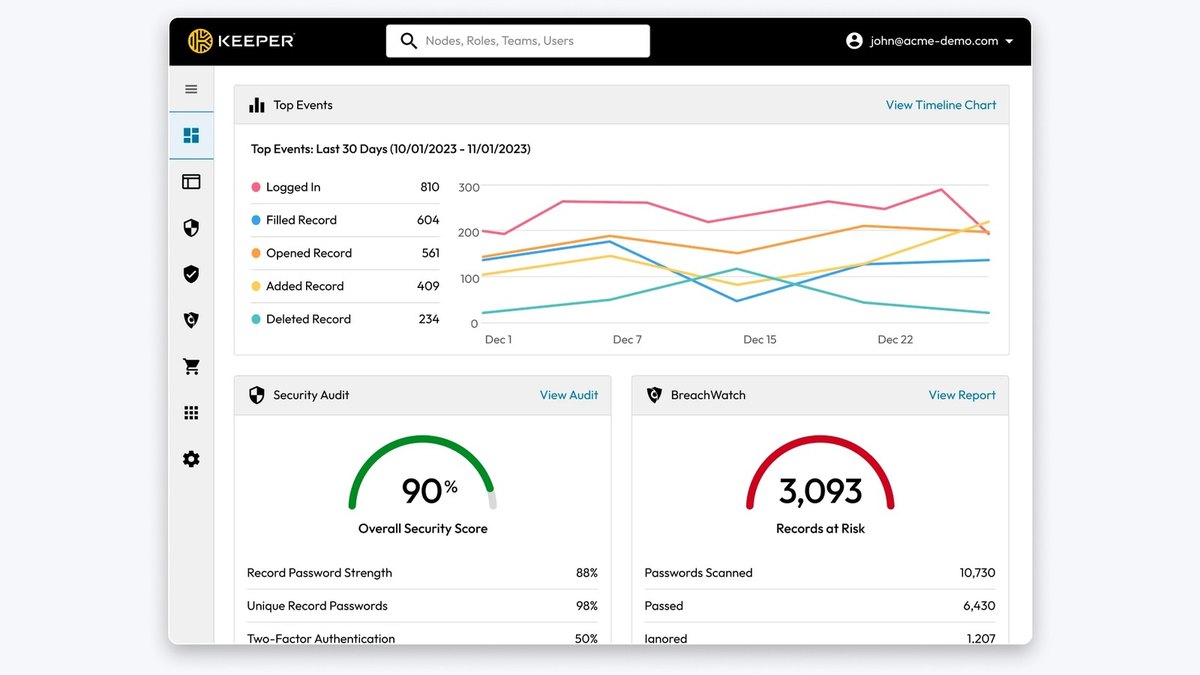
Keeper Security Enterprise
Answrs VerdictThe strongest administration and provisioning toolkit at $6.00.
Price: Business Starter $2.00, Business $4.00 and Enterprise $6.00 per user per month, billed annuallyEnterprise adds: Advanced provisioning (SCIM, AD/LDAP, SSO/SAML), advanced two-factor authentication, role-based access control and developer APIsSmall-team plan: Business Starter protects 5 to 10 usersIncluded extra: Free Family Plan for every user on Business and Enterprise
Keeper Business Starter is $2.00, Business is $4.00 and Enterprise is $6.00 per user per month, billed annually. Enterprise adds advanced provisioning (SCIM, AD/LDAP, SSO/SAML), advanced two-factor authentication, role-based access control and developer APIs, and Business Starter protects 5 to 10 users. Enterprise is sold by request a quote.
Go ifOrganizations that need role-based access control and broad provisioning options at a listed price
Skip ifYou want to buy Enterprise online, since it is request-a-quote
Why #4 over #5: Enterprise at $6.00 includes SCIM, AD/LDAP and SSO/SAML provisioning, while NordPass Enterprise at $5.39 lists SSO with Entra ID, MS ADFS and Okta.
5
NordPass Business
Answrs VerdictThe lowest published Enterprise price from a major vendor here.
Price: Teams $1.79, Business $3.59 and Enterprise $5.39 per user per month, as listed on its plans pageMinimums: Business and Enterprise: 5 users minimum; Teams: 10 users pack onlyBusiness adds: Group-based credential sharing, credential sharing by folder, and compliance integration with VantaEnterprise adds: SSO login with Entra ID, MS ADFS and Okta, and integrations with Microsoft Sentinel and Splunk
NordPass lists Teams at $1.79, Business at $3.59 and Enterprise at $5.39 per user per month on its plans page. Business and Enterprise need a minimum of 5 users, and Teams is a 10 users pack only. Business adds group-based credential sharing and Vanta compliance integration, and Enterprise adds SSO with Entra ID, MS ADFS and Okta plus Microsoft Sentinel and Splunk integrations.
Go ifSmall and midsize teams that want low published per-seat prices with SSO on the top tier
Skip ifYou need on-premise hosting
Why #5 over #6: Its Enterprise tier at $5.39 per user per month undercuts LastPass Business Max at $11.00.
6
LastPass Business
Answrs VerdictThe best monitoring add-ons, on its higher Max tier.
Price: Teams $4.25, Business $7.00 and Business Max $11.00 per user per month, billed annuallyUser limit: Teams up to 50 users; Business and Business Max unlimitedBusiness adds: 100+ advanced security policies, group user management, and LastPass Families for employeesBusiness Max adds: AI Monitoring & Protect, SaaS Monitoring & Protect and Web Monitoring & ProtectFree trial: 14 days
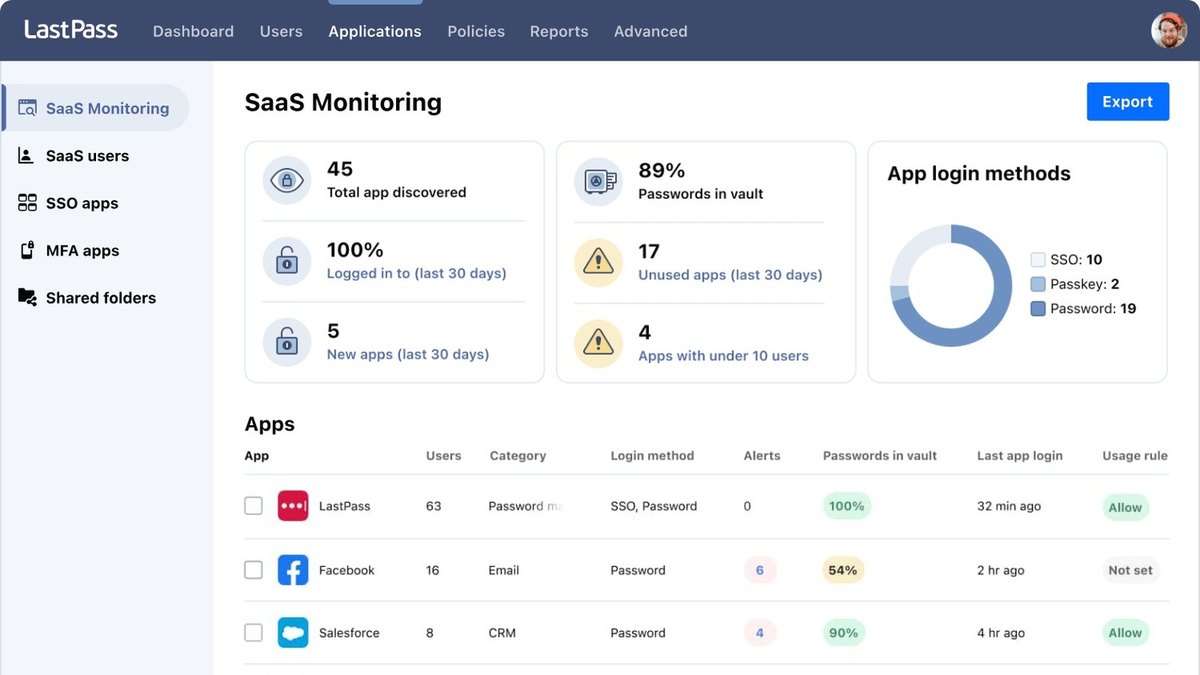
LastPass Teams is $4.25 per user per month for up to 50 users, Business is $7.00 and Business Max is $11.00 per user per month, billed annually, with unlimited users on the last two. Business adds 100+ advanced security policies and group user management, and Business Max adds AI Monitoring & Protect, SaaS Monitoring & Protect and Web Monitoring & Protect.
Go ifBusinesses that want built-in AI and SaaS app monitoring alongside password management
Skip ifYou want the lowest price per user
Why #6 over #7: Business Max includes AI, SaaS and web monitoring, which Zoho Vault Enterprise at $7.20 per user per month does not list.
7
Zoho Vault
Answrs VerdictThe lowest entry price on the list, with an enterprise tier that adds Active Directory.
Price: Standard $0.90, Professional $4.50 and Enterprise $7.20 per user per month, billed annually; Free plan $0Minimums: Professional and Enterprise: minimum 5 usersEnterprise adds: Active Directory integration and user provisioning, single sign-on for cloud apps, a request-release password access workflow and SIEM integrationCustom plan: Flex Plan: contact sales for custom pricing
Zoho Vault is $0.90 per user per month on Standard, $4.50 on Professional and $7.20 on Enterprise, billed annually, with a Free plan at $0 and a minimum of 5 users on Professional and Enterprise. Enterprise adds Active Directory integration and user provisioning, single sign-on for cloud apps, a request-release password access workflow and SIEM integration. A custom Flex Plan is priced through sales.
Go ifOrganizations already on Zoho that want a request-release workflow for shared passwords
Skip ifYou do not want to buy at least 5 seats
Why #7 over #8: Its Enterprise tier at $7.20 lists Active Directory integration and SIEM integration, while Psono lists a gateway for SSH, RDP and VNC.
8
Psono
Answrs VerdictThe best open-source option for self-hosters.
Price: Business $3 per user per month, billed annually, minimum 25 usersFree tiers: Community edition: $0 with unlimited users; free business version: $0 for up to 10 users with the complete feature setBusiness features: LDAP, SAML and OIDC SSO, audit logging, policies, compliance enforcement and a gateway for SSH, RDP and VNCHosting: Open source and self-hosted, or provided as SaaS
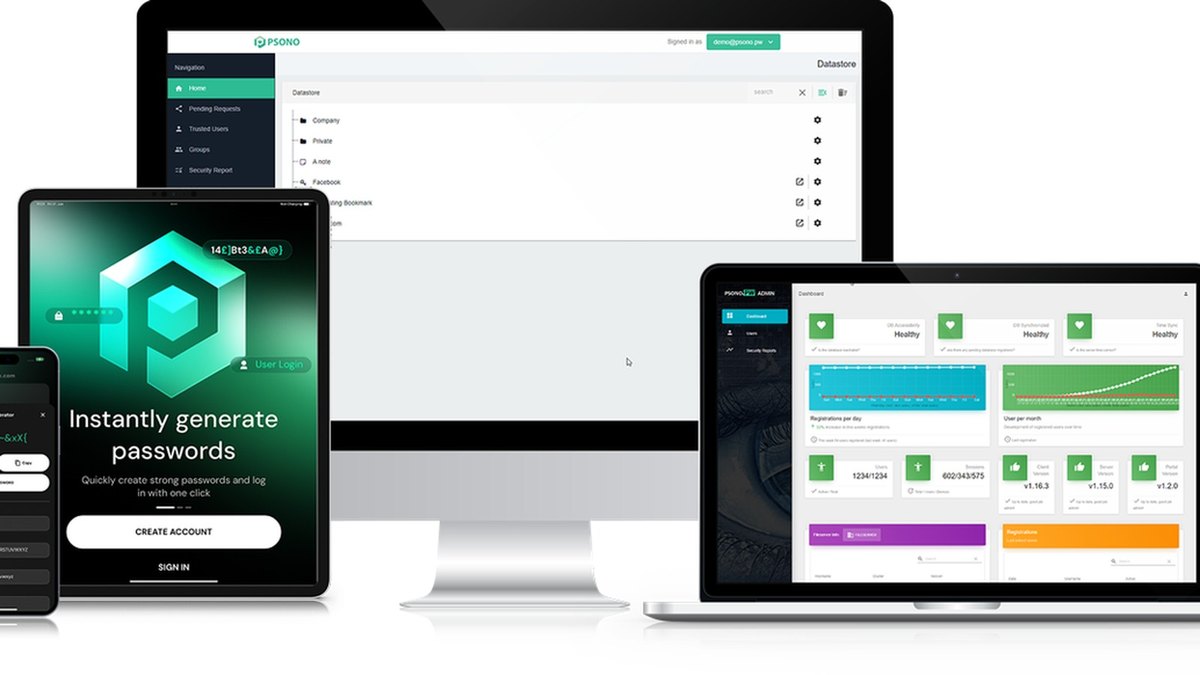
Psono is an open-source, self-hosted password manager that is also offered as SaaS. The community edition is $0 with unlimited users, the business version is free for up to 10 users with the complete feature set, and the paid business version is $3 per user per month, billed annually, with a minimum of 25 users. It adds LDAP, SAML and OIDC SSO, audit logging, policies, compliance enforcement and a gateway for SSH, RDP and VNC.
Go ifTeams that want a self-hosted, open-source manager with SSO and a remote-access gateway
Skip ifYou have more than 10 users but fewer than 25
Why #8 over #9: It is free for up to 10 users with every business feature, while TeamPass charges for its browser extension.
9
TeamPass
Answrs VerdictThe best audit-evidence features for a free self-hosted server.
Price: Server free (Community): unlimited users; Pro browser extension from €49 per yearExtension packs: Team Pack for 10 users €150, Business Pack for 25 users €350, Premium Pack for 50 users €600, Enterprise pack with unlimited users €1200, annualSecurity: AES-256-GCM encryption with PBKDF2 at 600,000 iterationsGovernance: Access recertification campaigns, LDAP/AD with nested groups and OAuth2 SSO
The TeamPass server is free and open source with unlimited users, and the Pro browser extension starts at €49 per year. Extension packs are €150 for 10 users, €350 for 25 users, €600 for 50 users and €1200 for unlimited users, annually. The server uses AES-256-GCM encryption with PBKDF2 at 600,000 iterations and adds access recertification campaigns, LDAP/AD with nested groups and OAuth2 SSO.
Go ifAudit-heavy teams that want recertification and evidence reports on infrastructure they control
Skip ifYou want a hosted service with vendor support included
Why #9 over #10: Its free server includes recertification campaigns and LDAP/AD, while Passbolt Pro costs $4.9 per user per month for LDAP provisioning.
10
Passbolt
Answrs VerdictThe developer-friendly open-source choice with a clear Pro price.
Price: Pro $4.9 per user per month, billed annually, minimum 10 users; Community Edition free with unlimited usersPro adds: LDAP provisioning (AD / OpenLDAP), SSO with Microsoft, Google and OpenID, account recovery, activity log and next business day supportEnterprise: Tailor-made Enterprise Edition: request a quoteVolume: Volume discounts apply after 100 users
Passbolt Pro is $4.9 per user per month, billed annually, with a minimum of 10 users and volume discounts after 100 users. Pro adds LDAP provisioning (AD / OpenLDAP), SSO with Microsoft, Google and OpenID, account recovery, an activity log and next business day support, and the Community Edition is free with unlimited users. A tailor-made Enterprise Edition is priced by quote.
Go ifDevOps and IT teams that want open-source credential sharing with a published Pro price
Skip ifYou have fewer than 10 users and need the Pro features
How we ranked these
We ranked these on enterprise controls first, meaning SSO, directory or SCIM provisioning, policies and audit logs, then on each maker’s own pricing page for every price, minimum and limit. Where a maker only sells by quote, we say so. Facts are taken from each maker's own published information; check the official site before you buy.
Questions people ask
What is the best enterprise password manager?
1Password Business at $8.99 per user per month, billed yearly, with Okta, Entra ID, OneLogin and Duo integrations. Bitwarden Enterprise is the best-value alternative at $6 per user per month, billed annually.
How much does Bitwarden Enterprise cost?
Bitwarden Enterprise is $6 per user per month, billed annually, and Teams is $4 per user per month. Enterprise adds passwordless SSO, enterprise policies and self-hosting.
How much does Keeper Enterprise cost?
Keeper Enterprise is $6.00 per user per month, billed annually, with SCIM, AD/LDAP, SSO/SAML provisioning and role-based access control. It is sold by request a quote.
Are there free or open-source enterprise password managers?
Yes. Psono is free for up to 10 users with its complete business feature set, TeamPass is a free self-hosted server with unlimited users, and Passbolt Community Edition is free with unlimited users.
Published price per user per month for the enterprise or top business tier at a glance
Psono Business3 USD
Passbolt Pro4.9 USD
NordPass Enterprise5.39 USD
Bitwarden Enterprise6 USD
Keeper Enterprise6 USD
LastPass Business7 USD
Zoho Vault Enterprise7.2 USD
Dashlane Omnix Password Management8 USD
1Password Business8.99 USD
Published price per user per month for the enterprise or top business tier, as published by each maker. Picks without a published figure are left off.