What Is the Role of Kubernetes in Modern AI Infrastructure in 2027?
Kubernetes is the scheduling and orchestration layer that most teams use to run AI training and inference on GPU clusters. It decides which node a GPU workload lands on, restarts it when it fails, scales replicas up and down, and lets many teams share the same hardware. It does not train or serve models itself: you add GPU drivers and a device plugin, a batch queue such as Kueue or Volcano for training, and a serving layer such as KServe or vLLM for inference.
The adoption data points the same way. The CNCF's 2025 annual survey, published in January 2026, found that 66% of organizations hosting generative AI models use Kubernetes to manage some or all of their inference workloads. It also found that 44% do not yet run AI/ML workloads on Kubernetes, so it is common but not universal.
Kubernetes is not the only way. Slurm and Ray cover parts of the same job, and a small team with a few GPU servers may not need a cluster at all. The sections below cover what each piece does, with the source for every figure.
What Kubernetes actually does for AI workloads
AI workloads are mostly long-running jobs and services that need scarce, expensive accelerators. Kubernetes gives you one API to describe them, a scheduler that places them on nodes with free GPUs, and controllers that restart failures and roll out new versions. That is the whole role: it is the control plane between your containers and your GPUs, not a machine learning framework.
In practice the work is split in layers. Core Kubernetes exposes GPUs as a schedulable resource. Add-ons install drivers and monitoring. Batch systems queue training jobs. Serving systems expose models as endpoints. Our explainer on reducing GPU costs when serving large language models covers the serving-side tuning that sits on top of this layer.
GPU scheduling: device plugins, the GPU Operator and DRA
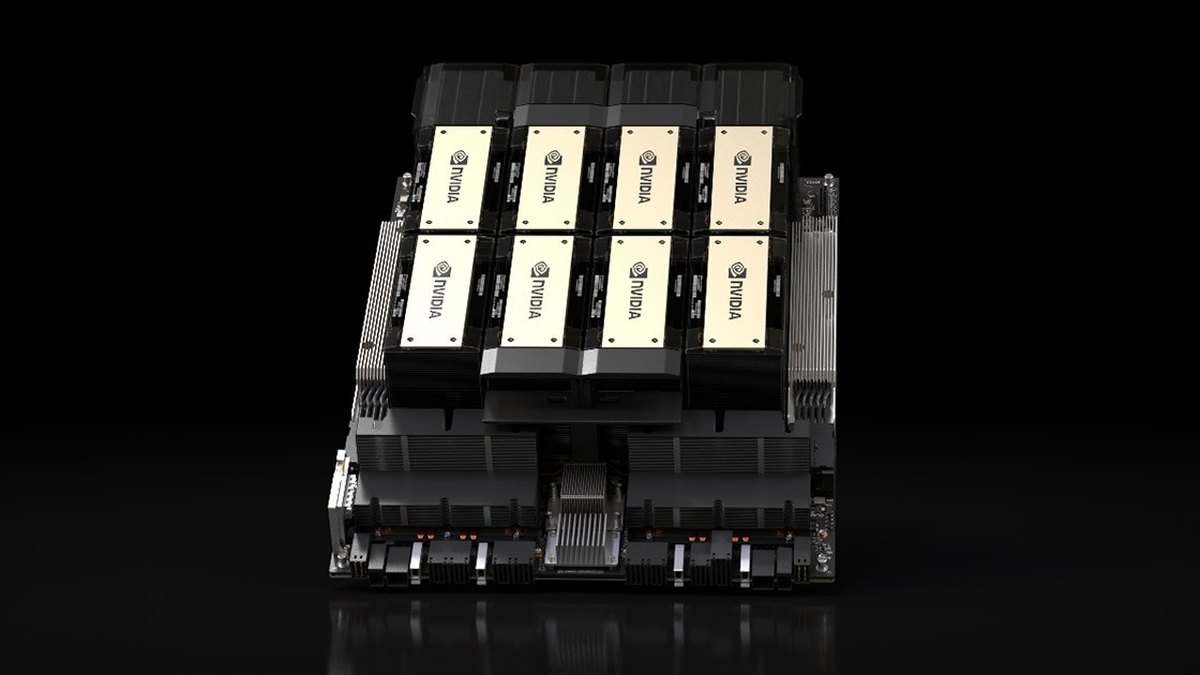
The Kubernetes docs say Kubernetes implements device plugins to let Pods access specialized hardware such as GPUs. Once the vendor's driver and plugin are installed, the cluster exposes a schedulable resource such as `nvidia.com/gpu` or `amd.com/gpu`, and a Pod asks for it in its resource limits. GPU support through device plugins has been stable since Kubernetes v1.26, with instructions linked for AMD, Intel and NVIDIA.
The same page sets the limits of this model. GPUs are only supposed to be specified in the limits section, and if you also set a request it must equal the limit. The page does not mention fractional GPU requests, so sharing one card between Pods needs vendor features rather than a plain resource request.
Installing drivers by hand on every node is tedious. The NVIDIA GPU Operator uses the Kubernetes operator framework to automate management of the NVIDIA software needed to provision GPUs. Its components include the driver, the NVIDIA Container Toolkit, the Kubernetes device plugin, GPU Feature Discovery for node labels, a DCGM exporter for monitoring, and a MIG manager.
The newer approach is Dynamic Resource Allocation (DRA), which lets you request and share resources such as accelerators among Pods. Drivers and admins define device classes, workloads create ResourceClaims, and Kubernetes allocates matching devices and places the Pod where they are reachable. The docs give the example of a cost-optimized class for general work and a high-performance class for critical jobs. DRA is stable since Kubernetes v1.35, after first appearing in v1.30.
Batch and training: Kubeflow, Kueue and Volcano
The default Kubernetes scheduler places one Pod at a time, which is a poor fit for distributed training where every worker must start together. Two CNCF-hosted projects address this.
- Kueue. A Kubernetes-native job queueing system that manages quotas and decides when a job should wait, be admitted or be preempted. It queues by priority, supports fair sharing between tenants, and can fall back to a different resource flavor when one is full. It works with Kubernetes Jobs, JobSets, Ray, Kubeflow MPIJob and TrainJob, and serving workloads such as LeaderWorkerSet.
- Volcano. A batch scheduling system for high-performance workloads that supports Spark, TensorFlow, PyTorch, Flink and Ray. Its gang scheduling ensures all tasks of a job start simultaneously, which suits distributed training. It identifies as a CNCF incubating project.
- Kubeflow. A Kubernetes-native stack for data and AI workloads, with subprojects including Kubeflow Trainer, Katib, Pipelines and the Spark Operator. Its site now says it is a CNCF graduated project.
Kueue's docs note that the Kubeflow Trainer v2 integration is alpha and that the v1 integrations are deprecated, so check which version your platform uses before you commit.
Inference serving: KServe, vLLM and multi-node models
KServe is a platform for deploying and scaling AI models, from classic machine learning to LLMs, built around an InferenceService resource. Its docs describe scale-to-zero on CPU and GPU, deployment of LLMs from Hugging Face and vLLM, and scaling on token throughput, queue depth and GPU utilization. It is a CNCF incubating project and part of the Kubeflow ecosystem.
For LLMs you commonly run a serving engine such as vLLM inside the cluster. The vLLM production stack is a reference implementation deployed with Helm. It adds a request router that sends traffic to a suitable backend using routing keys or session IDs so the KV cache can be reused, plus Prometheus and Grafana dashboards for time to first token, pending and running requests, and GPU KV cache usage. Its autoscaling on vLLM-specific metrics is listed only as roadmap, not as a current feature.
Models too large for one machine need several nodes working as a unit. LeaderWorkerSet is a Kubernetes API for deploying a group of pods as a unit of replication, aimed at multi-host inference where an LLM is sharded across devices on multiple nodes. Our guide to what causes high LLM inference latency explains why placement and batching matter for these deployments.
Autoscaling
The Horizontal Pod Autoscaler adjusts replicas to match demand using CPU, memory or any custom metric, and scales back down when load falls. Its control loop runs every 15 seconds by default. For GPU inference CPU is a weak signal, which is why KServe documents scaling on queue depth and GPU utilization instead.
Scaling pods only helps if nodes are available. On managed services, node pools scale with the cluster autoscaler, and Azure's docs show a GPU node pool created with the cluster autoscaler enabled and minimum and maximum node counts. No source used here publishes how long a new GPU node and a large model take to become ready, since it depends on model size, image size and storage, so measure it before you set scaling targets.
Multi-tenancy: sharing GPUs between teams
Sharing a cluster is the main economic argument for Kubernetes on GPUs. The multi-tenancy docs say sharing clusters saves costs and simplifies administration but brings challenges in security, fairness and noisy neighbors. Kubernetes has no first-class concept of tenants, so you build it from namespaces, RBAC and network policies, and add Kueue quotas and fair sharing for GPU capacity.
For sharing a single card, GKE offers multi-instance GPUs that split one GPU into up to seven hardware-separated instances, time-sharing that presents one GPU as multiple units to containers, and NVIDIA MPS on Standard clusters. The Kubernetes docs also warn that tenants who do not trust each other may need dedicated clusters, weighed against the cost and complexity of running several.
Managed offerings: GKE, EKS and AKS
All three major clouds run the control plane for you and add GPU tooling.
- Google GKE. In Autopilot you request GPUs in the workload spec and GKE handles driver installation and node provisioning; in Standard you attach GPUs to nodes yourself. Autopilot supports a fixed list of GPUs from NVIDIA GB300 and H200 down to L4 and T4, while Standard supports all GPU types Compute Engine supports.
- Amazon EKS. EKS-optimized accelerated AMIs include the kernel modules and drivers for NVIDIA G and P instances and for AWS Inferentia and Trainium. If you also use the GPU Operator on the AL2023 NVIDIA AMIs you must disable its driver and toolkit install, and the device plugin and DRA driver on those AMIs are installed separately.
- Azure AKS. AKS supports GPU-enabled Linux node pools. Microsoft recommends AKS-managed GPU node pools for most scenarios, where AKS installs and maintains the NVIDIA driver, device plugin and DCGM metrics exporter; the self-managed route suits teams that want direct control or standardize on the GPU Operator.
The managed service removes cluster upkeep, not GPU cost. Azure's docs note that GPU VMs carry higher pricing and limited region availability.
How widely is it used? What the CNCF survey says
The best public numbers come from the CNCF annual cloud native survey. This section uses the 2025 survey, whose results the CNCF announced on January 20, 2026.
- Kubernetes in production82% of container users run Kubernetes in production, up from 66% in 2023 (base: container users, not all organizations)
- AI inference66% of organizations hosting generative AI models use Kubernetes for some or all of their inference workloads
- AI/ML not yet on Kubernetes44% report they do not yet run AI/ML workloads on Kubernetes (the announcement does not state the base)
- Model deployment cadenceOnly 7% of organizations deploy models daily; 47% deploy occasionally
- Top challengeCultural changes with the development team, cited by 47% of respondents; lack of training and security 36% each, complexity 34%
Read these carefully. The 82% figure is a share of container users, so it overstates how common Kubernetes is across all companies. The announcement does not give the number of respondents, so no sample size is quoted here. And the survey measures usage, not whether Kubernetes was the right choice.
Limits and alternatives: Slurm and Ray
Kubernetes was not built for tightly coupled training, and it adds operational weight. The survey itself shows the cost: the top challenge was cultural change with development teams, with training and security gaps close behind. Two alternatives cover part of the same ground.
- Slurm. An open source cluster management and job scheduling system that grants access to compute nodes, runs and monitors parallel jobs, and manages the queue when requests compete for limited resources. It is built around batch jobs, so it has no equivalent of Kubernetes' service-style serving, autoscaling replicas and rolling updates.
- Ray. A distributed computing framework that can run on its own cluster or on Kubernetes. KubeRay is a Kubernetes operator that manages Ray clusters, with RayCluster, RayJob and RayService resources, and Kueue can queue Ray workloads. Here Ray and Kubernetes are layers, not rivals.
Questions people ask
Is Kubernetes required for AI infrastructure?
No. The CNCF 2025 survey found that 44% of respondents do not yet run AI/ML workloads on Kubernetes, and Slurm or Ray on their own clusters are used for training. Kubernetes is the common choice when you also need serving, autoscaling and shared multi-team capacity.
How do Pods get GPUs on Kubernetes?
Through a vendor device plugin. After the driver and plugin are installed, the cluster exposes a resource such as nvidia.com/gpu that a Pod requests in its limits. The NVIDIA GPU Operator automates installing those components.
What is Dynamic Resource Allocation?
DRA is a Kubernetes feature for requesting and sharing devices such as accelerators among Pods using device classes and ResourceClaims. It is stable since Kubernetes v1.35.
Which tools run training jobs on Kubernetes?
Kubeflow Trainer, Kueue for queueing and quotas, and Volcano for gang scheduling are the main open source options covered here. Ray workloads run through KubeRay.
How do I serve an LLM on Kubernetes?
A common route is a serving engine such as vLLM, deployed directly or through KServe, which supports vLLM-based LLM deployment and scaling on metrics such as queue depth and GPU utilization. Models that span nodes can use LeaderWorkerSet.
What share of companies run Kubernetes in production?
The CNCF 2025 survey reports 82% of container users, up from 66% in 2023. That is a share of container users, not of all companies.
Sources
- CNCF: 2025 annual cloud native survey announcement (January 20, 2026) · Adoption and AI inference figures
- Kubernetes docs: Schedule GPUs · Device plugins and GPU limits
- Kubernetes docs: Dynamic Resource Allocation · DRA and its stable release
- Kubernetes docs: Horizontal Pod Autoscaling · Autoscaling on custom metrics
- Kubernetes docs: Multi-tenancy · Shared clusters and isolation
- NVIDIA GPU Operator docs · Components it manages
- Kueue docs · Queueing, quotas and supported workloads
- Volcano docs · Gang scheduling for batch workloads
- Kubeflow docs: Introduction · Subprojects and CNCF status
- KServe docs · Model serving and autoscaling
- vLLM production-stack (GitHub) · vLLM reference stack on Kubernetes
- LeaderWorkerSet (GitHub) · Multi-host inference API
- Google Kubernetes Engine: GPUs · GKE GPU modes and sharing
- Amazon EKS: accelerated AMIs · EKS GPU and Neuron support
- Azure AKS: GPUs · AKS GPU node pools
- KubeRay (Ray docs) · Ray on Kubernetes
- Slurm overview · What Slurm does
Figures were read from the linked pages on October 20, 2026. Survey percentages are the CNCF's, with the base stated where the announcement gives one; feature status and cloud offerings change with each release, so check the current docs before you build.
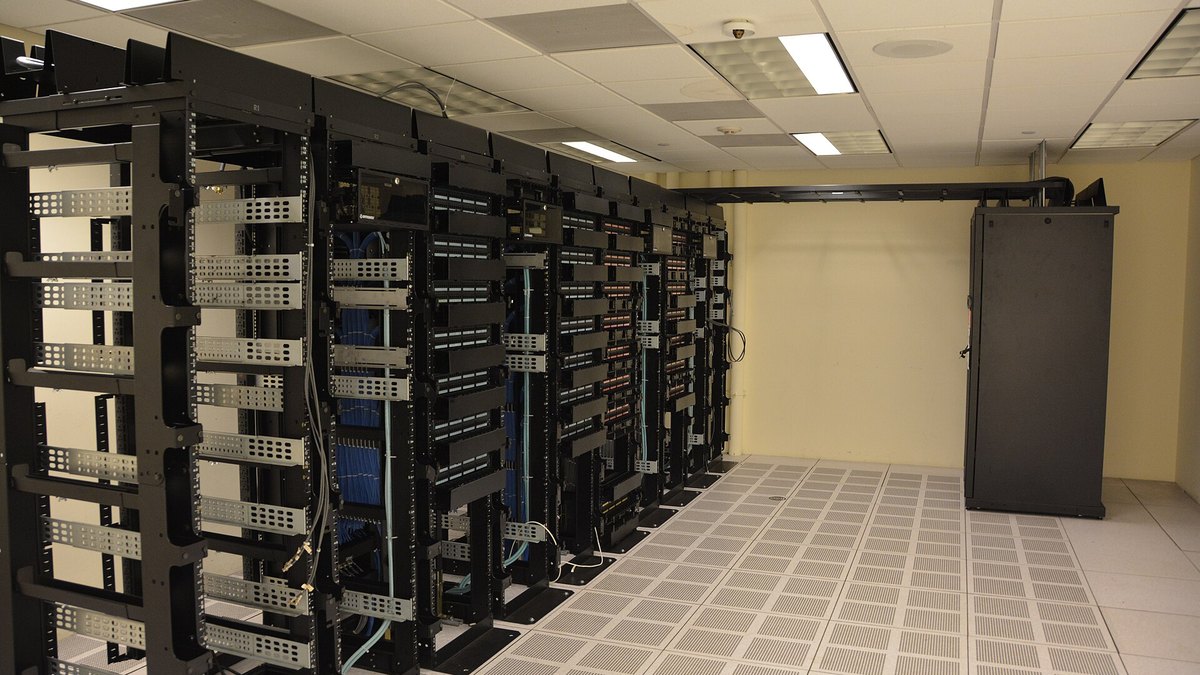
Top photo: Carl Lender / CC BY 2.0 via Wikimedia Commons