How Do You Fine-Tune an Open-Source LLM Cost-Effectively in 2027?
Start by asking whether you need fine-tuning at all. OpenAI's own guidance says prompt engineering is "typically the best place to start," and that fine-tuning fixes behavior problems (inconsistent format, tone or reasoning) while retrieval fixes missing or outdated knowledge. If a better prompt or retrieval solves your problem, you pay nothing for training.
If you do need it, the cheap path has four steps. Pick the smallest open model that passes your own test. Train a small adapter with LoRA or QLoRA instead of updating every weight. Rent a GPU by the hour (spot capacity if your job can be restarted) or use a managed service that bills per training token. Then check the model's license before you build on it.
This page uses prices read from each vendor's own page on 2026-11-05. Worked costs are illustrations built from those prices, and the arithmetic is shown. Where a price is not published, the page says so.
Step zero: do you need to fine-tune?
OpenAI's accuracy guide does not give a strict order, but it does say to build a good prompt with an evaluation set first. It separates two kinds of failure. A model that lacks current or private facts has a context problem, which retrieval addresses. A model that behaves inconsistently after prompt tuning has a behavior problem, which fine-tuning addresses. The guide also says the methods are additive, so you can combine them.
- Try first: a clearer prompt, a few examples in the prompt, and retrieval if the gap is knowledge. Keep a fixed set of test questions so you can measure each change.
- Fine-tune when: the format, tone or reasoning still wobbles after prompt tuning, or you want a smaller, cheaper model to match a bigger one on one narrow task. OpenAI names both reasons: accuracy on a specific task, and efficiency.
- Data: OpenAI suggests starting with 50 or more examples and says quality matters more than quantity.
Why LoRA and QLoRA are the cost-saving methods
Full fine-tuning updates every weight, so it needs memory for the weights, gradients and optimizer state. LoRA freezes the original weights and trains small added matrices instead. The original LoRA paper (Hu et al., 2021) reports that, compared with fine-tuning GPT-3 175B with Adam, it can cut trainable parameters by 10,000 times and GPU memory by 3 times, with model quality on par or better and no added inference latency.
QLoRA goes further. The QLoRA paper (Dettmers et al., 2023) trains adapters through a frozen 4-bit quantized model. Its authors report fine-tuning a 65B parameter model on a single 48GB GPU while preserving 16-bit fine-tuning performance, and their Guanaco model reached 99.3% of ChatGPT's performance on the Vicuna benchmark after 24 hours on a single GPU. Those are the authors' results on their benchmark, not a guarantee for your task.
Hugging Face's PEFT library is the standard implementation. Its LoRA guide names three settings you will tune: r (the rank, where a lower rank means fewer trainable parameters), lora_alpha (a scaling factor) and target_modules (which layers get adapters). After training, merge_and_unload() merges the adapter into the base model so serving adds no extra latency. The guide publishes no default value for r and no benchmark, so treat the right rank as something to test.
- LoRA (paper)10,000 times fewer trainable parameters and 3 times less GPU memory than full fine-tuning of GPT-3 175B with Adam
- QLoRA (paper)65B parameter model on a single 48GB GPU
- QLoRA vs LoRA (Unsloth claim)75% less memory; no model or GPU stated
Pick the smallest model, and check how much GPU memory it needs
Model size sets your hardware bill. Unsloth publishes minimum VRAM figures for QLoRA (4-bit) and LoRA (16-bit). It says these are absolute minimums and that some models need more, so leave headroom.
- 3B modelQLoRA 3.5 GB; LoRA 8 GB
- 7B modelQLoRA 5 GB; LoRA 19 GB
- 8B modelQLoRA 6 GB; LoRA 22 GB
- 14B modelQLoRA 8.5 GB; LoRA 33 GB
- 70B modelQLoRA 41 GB; LoRA 164 GB
Read across the table. An 8B model fits QLoRA on a 24GB card with room to spare, and plain LoRA at 22 GB nearly fills one. A 70B model with LoRA needs far more than any single card in the price lists below, while QLoRA at 41 GB fits one 80 GB card. Unsloth also says you can fine-tune for free on Colab or Kaggle notebooks, or locally with as little as 3GB of VRAM.
Check the license before you call it open source
"Open" on a model card does not always mean open source. The Open Source Initiative's Open Source AI Definition (version 1.0) asks for the freedom to use, study, modify and share for any purpose, and counts sufficiently detailed information about the training data, the training and running code, and the model parameters as the preferred form for modification. Some popular models publish weights under custom licenses instead, and the terms matter when you ship a product.
- Qwen3-8BApache 2.0 on the model card
- Mistral-7B-Instruct-v0.3Apache 2.0 on the model card
- Llama 3.1 8BLlama 3.1 Community License: a license from Meta is required above 700 million monthly active users; a distributed model built with Llama outputs must be named starting with "Llama"; "Built with Llama" must be displayed; an Acceptable Use Policy applies
- Gemma 3 4B ITGoogle's Gemma terms; you must accept conditions to access the files
The first two list Apache 2.0 on their cards. The Llama and Gemma cards point to custom terms with conditions, so call them open-weight rather than open source, and have the terms read before you commit. Whether any given model meets the full definition, including the training-data information, is a separate check that this page did not make. For where to browse models, see our guide to the best open-source model hubs.
Tools: PEFT, Unsloth and Axolotl
You do not need to write the training loop yourself.
- Hugging Face PEFT. The reference library for adapter methods, used with the Transformers stack. Wrap a model with get_peft_model(), train as usual, then merge.
- Unsloth. Recommends starting with QLoRA and says the accuracy gap against LoRA is now largely recovered with its dynamic 4-bit quants. Its speed and memory figures are its own claims, with no model or GPU named, so benchmark on your setup. It runs on NVIDIA GPUs since 2018, and also on AMD, Intel and Mac.
- Axolotl. A free, Apache 2.0 framework driven by YAML config files. Setting adapter: lora with load_in_8bit: true gives LoRA, and adapter: qlora with load_in_4bit: true gives QLoRA. Its getting-started page runs a 1B example with axolotl train and merges the result with axolotl merge-lora. It needs an NVIDIA GPU, with Ampere or newer recommended for bf16 and Flash Attention.
For multi-GPU or multi-node jobs, see the best distributed training frameworks. Most LoRA and QLoRA jobs on small models do not need them.
Rent the GPU: on-demand prices and spot capacity
You only pay while the job runs. These are the on-demand prices the vendors publish.
- RunPod RTX 4090, 24GB (page updated November 4, 2026)$0.89 per hour on Secure Cloud; $0.34 per hour on Community Cloud
- RunPod A100 80GB PCIe$1.79 per hour on Secure Cloud; $1.19 per hour on Community Cloud
- RunPod H100 SXM$3.99 per hour on Secure Cloud; $2.69 per hour on Community Cloud
- Lambda HGX H100, 80 GB$3.99 per GPU per hour
- Lambda A10, 24 GB$1.29 per GPU per hour
- RunPod spot or interruptible priceNot published on the pricing page
Two cautions. RunPod lists its Community Cloud prices only in the page's structured data, not in the visible table. Lambda's page says its listed prices take effect November 16, 2026, and tells you to log in for current pricing until then, and it does not state how billing is rounded.
Spot capacity is the big lever on the hyperscalers. AWS says Spot saves up to 90% against On-Demand prices and suits stateless, fault-tolerant work. Google Compute Engine says Spot VMs offer up to 91% discounts on many machine types and GPUs, can be preempted at any time, and that batch jobs can run on them. The notice before preemption is 0 seconds by default, or 120 seconds if you set it. Neither page publishes a GPU price for your exact card, so check the live price in your region.
For a broader provider comparison, see the best GPU cloud providers for AI training.
Or let a managed service train it
Managed fine-tuning bills per million training tokens instead of per GPU hour, and you skip the setup.
- Together AI, Llama 3.1 8B, SFT$0.34 per million tokens, minimum $4.00 per job
- Together AI, gpt-oss-20B, SFT$0.40 per million tokens, minimum $4.00 per job
- Together AI, Llama 3.3 70B, SFT$2.03 per million tokens, minimum $4.00 per job
- Fireworks AI, up to 16B, LoRA SFT$0.50 per million training tokens
- Fireworks AI, 16.1B to 80B, LoRA SFT$3.00 per million training tokens
- Fireworks AI, reinforcement fine-tuning (RFT)No price published
Together says its price is based on the training dataset size times the number of epochs, plus the validation dataset size times the number of evaluations. Its page lists LoRA and full fine-tuning as features but does not say which method each rate applies to. Fireworks separates LoRA from full-parameter prices, and says full-parameter training is available on select models only.
Training is not the whole bill. Fireworks says that to serve a fine-tuned model you pay for the deployment by the GPU-second plus the training job, and lists an H100 80 GB at $8.00 per hour, with idle deployments scaling to zero after one hour by default. If you serve the model yourself instead, see how to reduce GPU costs when serving large language models and what model quantization is.
A worked cost example (an illustration, not a quote)
Assume a dataset of 5 million tokens trained for 3 epochs, which is 15 million training tokens, and assume the run takes 10 GPU hours.
- 8B model, QLoRA on a RunPod RTX 4090 (6 GB needed, 24GB card)10 hours x $0.89 = $8.90 on Secure Cloud; 10 hours x $0.34 = $3.40 on Community Cloud
- 70B model, QLoRA on one RunPod A100 80GB PCIe (41 GB needed)10 hours x $1.79 = $17.90 on Secure Cloud
- 8B model, managed, Together Llama 3.1 8B15 x $0.34 = $5.10, above the $4.00 minimum
- 8B-class model, managed, Fireworks up to 16B LoRA SFT15 x $0.50 = $7.50
- 70B model, managed, Together Llama 3.3 70B15 x $2.03 = $30.45
- 70B-class model, managed, Fireworks 16.1B to 80B LoRA SFT15 x $3.00 = $45.00
Not included: validation tokens, failed or repeated runs, data preparation, storage, and serving the finished model. The point is the shape, not the totals: on these published prices a small model costs a few dollars to adapt, and moving from 8B to 70B multiplies the bill several times over on every route shown.
A cost-saving checklist
- Prove you need it. Beat your baseline prompt on a fixed test set before and after training, or do not ship the adapter.
- Smallest model first. Move up in size only when the smaller model fails your test.
- QLoRA before LoRA before full fine-tuning. Both papers and both tool docs point the same way: adapters first.
- Check the license early. Apache 2.0 models carry the fewest strings. Read custom licenses before you build a product on them.
- Rent only the hours you use. Compare per-hour prices against per-token prices for your dataset size, using the arithmetic above.
- Use spot only with checkpoints. A preempted job without a saved checkpoint pays twice.
- Budget serving separately. A cheap training run does not make a cheap deployment.
Questions people ask
Do I need to fine-tune an LLM at all?
Often not. OpenAI says prompt engineering is typically the best place to start, retrieval fixes missing knowledge, and fine-tuning fixes inconsistent behavior that persists after prompt tuning.
What is the cheapest way to fine-tune an open-source LLM?
Use the smallest model that passes your test, train a LoRA or QLoRA adapter, and either rent a GPU by the hour or pay a managed service per training token. In the illustration on this page, the 8B model cost from $3.40 to $8.90 on a rented RTX 4090, depending on the cloud tier.
What is the difference between LoRA and QLoRA?
LoRA freezes the base model and trains small added matrices. QLoRA does the same through a frozen 4-bit quantized base model, which needs less memory. Unsloth lists 6 GB minimum for an 8B model with QLoRA and 22 GB with LoRA.
How much GPU memory do I need?
Per Unsloth's minimums, QLoRA needs 5 GB for a 7B model and 41 GB for a 70B model. Some models need more, so leave headroom.
Are Llama and Gemma open source?
Their model cards point to custom licenses with conditions, so they are better called open-weight. Qwen3-8B and Mistral-7B-Instruct-v0.3 list Apache 2.0. Read the license text before you ship.
What is not published?
RunPod's pricing page lists no spot or interruptible price, Fireworks lists no price for reinforcement fine-tuning, Together does not say which method its rates apply to, and Lambda's page does not state billing granularity.
Sources
- OpenAI: Optimizing LLM accuracy · Prompting, retrieval and fine-tuning; read 2026-11-05
- arXiv: LoRA (Hu et al., 2021) · Original LoRA paper; read 2026-11-05
- arXiv: QLoRA (Dettmers et al., 2023) · Original QLoRA paper; read 2026-11-05
- Hugging Face PEFT documentation · Adapter library and LoRA guide; read 2026-11-05
- Unsloth: Fine-tuning guide · QLoRA guidance and claims; read 2026-11-05
- Unsloth: Requirements · VRAM minimums; read 2026-11-05
- Axolotl documentation · Framework, license and methods; read 2026-11-05
- Axolotl: Getting started · LoRA and QLoRA config; read 2026-11-05
- Hugging Face: Qwen3-8B model card · Apache 2.0 license; read 2026-11-05
- Hugging Face: Mistral-7B-Instruct-v0.3 model card · Apache 2.0 license; read 2026-11-05
- Hugging Face: Llama 3.1 8B model card · Llama 3.1 Community License terms; read 2026-11-05
- Hugging Face: Gemma 3 4B IT model card · Gemma terms and access conditions; read 2026-11-05
- Open Source Initiative: Open Source AI Definition · Definition 1.0; read 2026-11-05
- RunPod pricing · GPU hourly prices; read 2026-11-05
- Lambda pricing · On-demand GPU prices; read 2026-11-05
- Together AI pricing · Fine-tuning prices per million tokens; read 2026-11-05
- Fireworks AI pricing · Managed training and serving prices; read 2026-11-05
- AWS: Amazon EC2 Spot Instances · Spot discount; read 2026-11-05
- Google Cloud: Spot VMs · Spot discount and preemption; read 2026-11-05
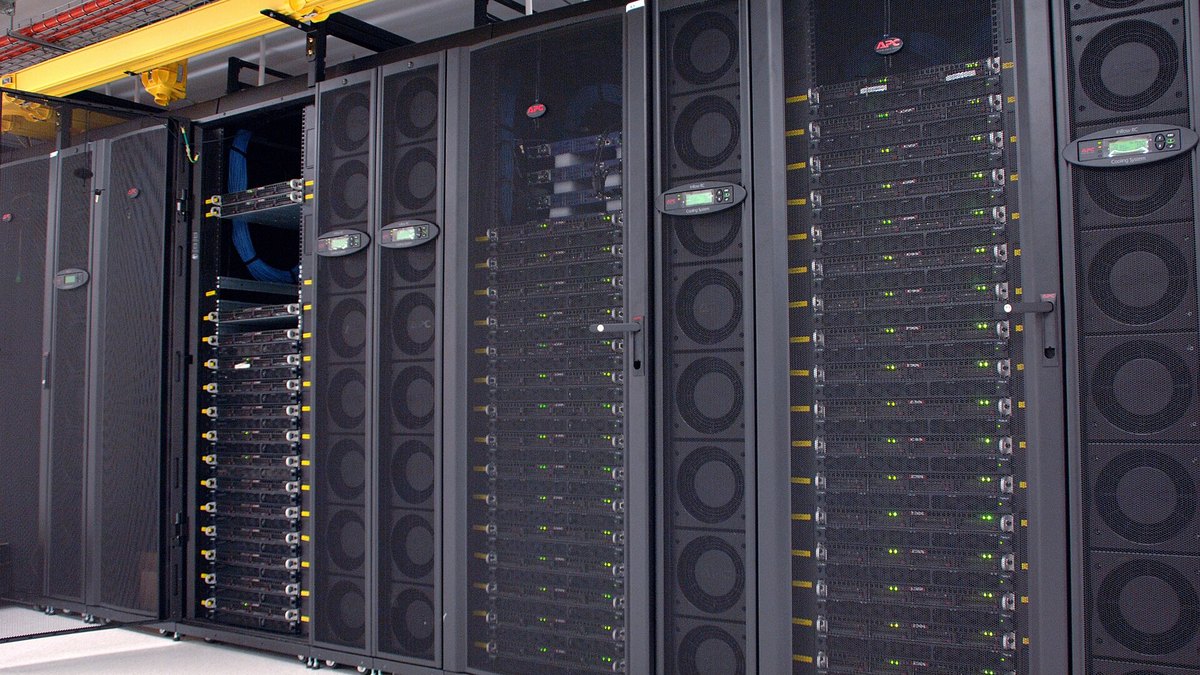
- Wikimedia Commons: CSIRO GPU cluster at the data centre · Hero photo, CSIRO, CC BY 3.0
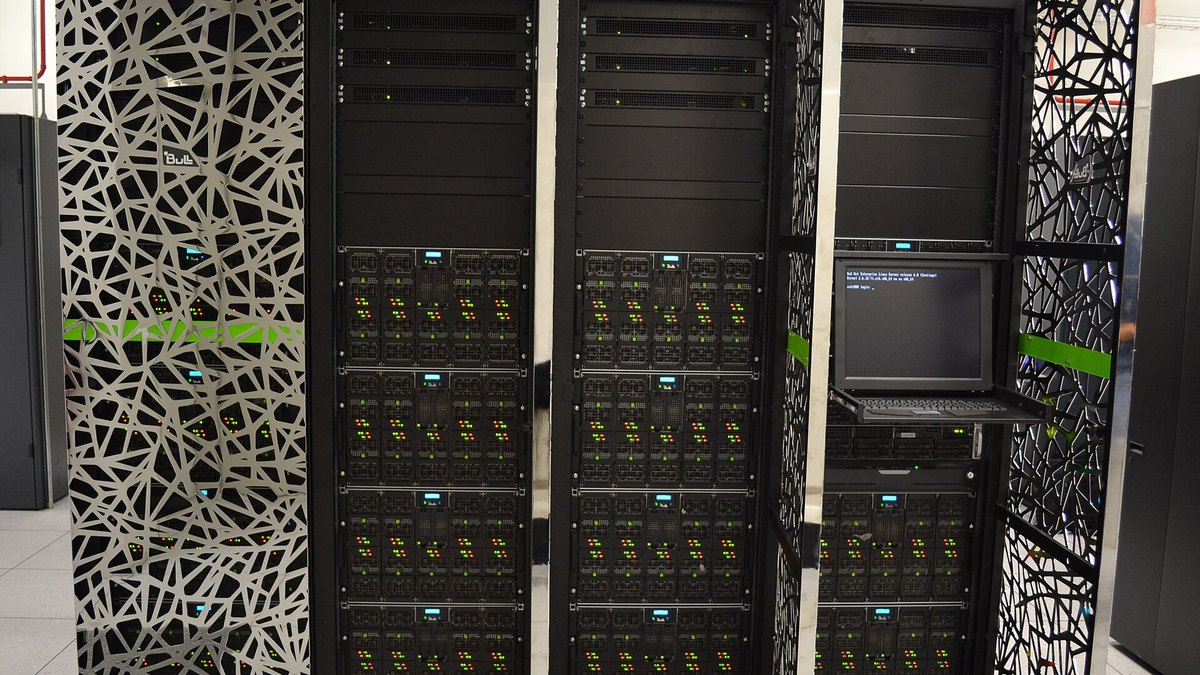
- Wikimedia Commons: Bsc-nvidia-gpu · Body photo, Barcelona Supercomputing Center
Fine-tuning an open model cheaply comes down to a short chain: prove you need it, pick the smallest model, train an adapter, rent only the hours you use, and read the license. Prices and terms change, so use each vendor's own page for the current figure. This page is general information, not advice for your specific project.
Top photo: CSIRO / CC BY 3.0 via Wikimedia Commons